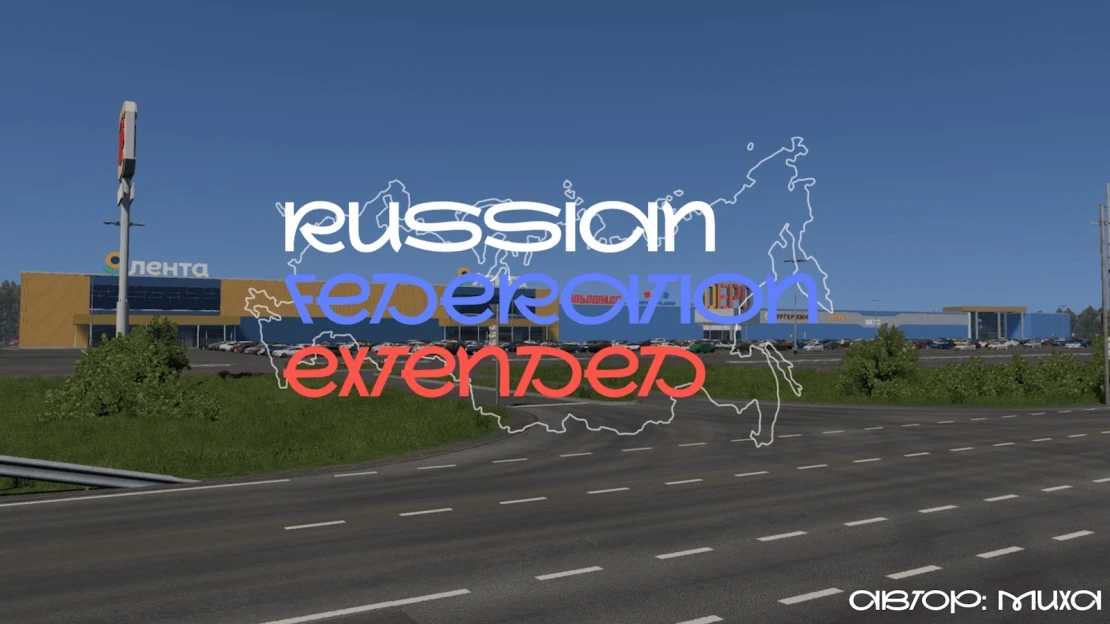
Russian Federation Extended v5.0 1.55 for ETS2
New features in this release:
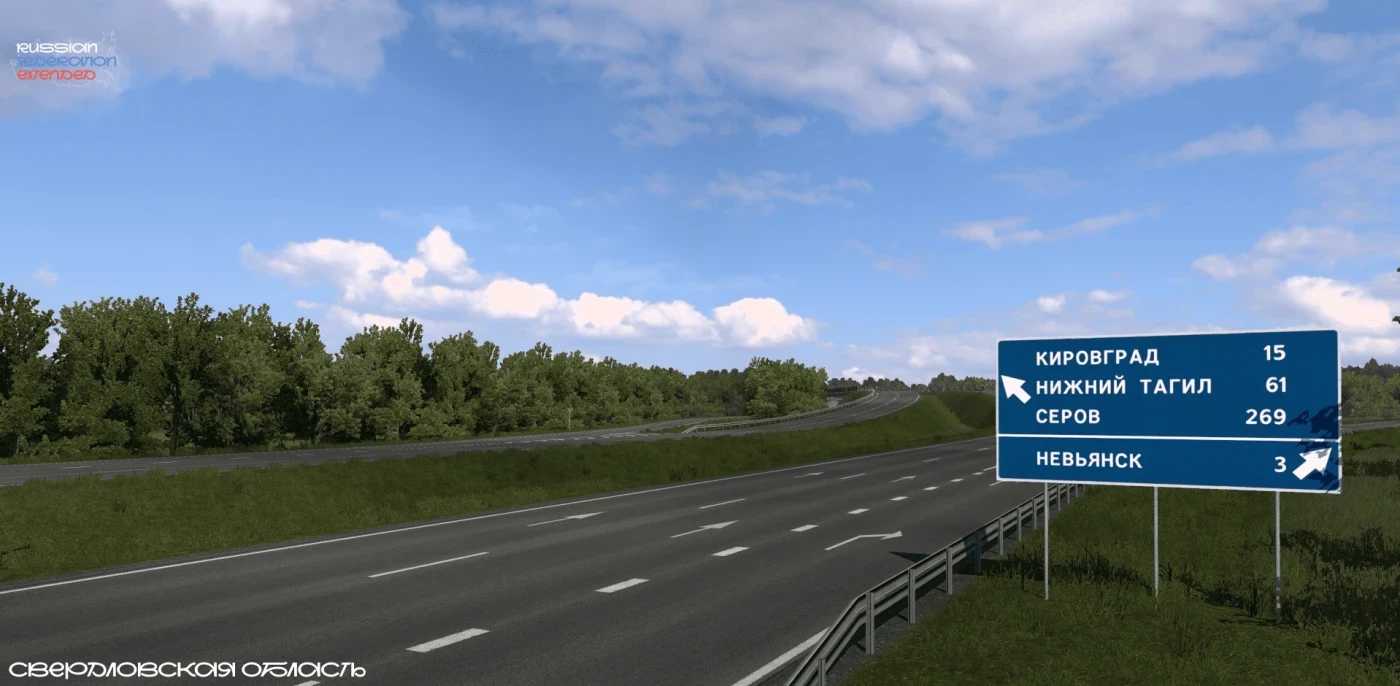
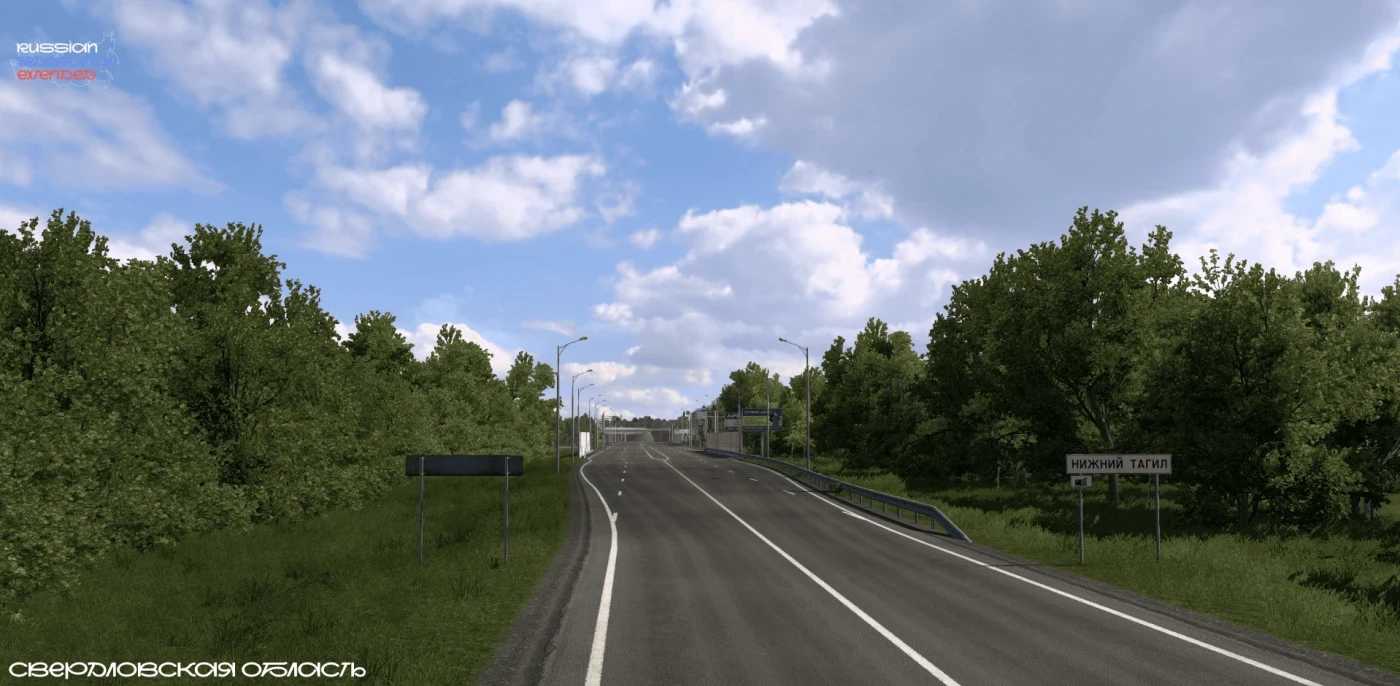
– Introduced new locations: Kovylkino, Nevyansk, and Nizhny Tagil
– Included the highway P-352 connecting EKAD to Nizhny Tagil
Overview:
This mod integrates various regions of the Russian Federation into the game:
– Republic of Mordovia (Umyot, Zubova Polyana, Krasnoslobodsk, Torbeevo, Selishchi, Nikolskoye, Kovylkino)
– Penza Region (Spassk, Nizhny Lomov, Virga)
– Nizhny Novgorod Region (Pervomaysk)
– Sverdlovsk Region (Nevyansk, Nizhny Tagil)
Included federal highways:
– M-5 “Ural” (border with Ryazan region – Penza)
– M-5 “Ural” access road to Saransk (towards Krasnoslobodsk)
– P-352 (Yekaterinburg – Nizhny Tagil)
Credits: Miha
Instructions for installing ETS2 or ATS mods
Installing mods in Euro Truck Simulator 2 is straightforward. Simply download the mod from this site, then copy or unzip the files into: “My Documents\Euro Truck Simulator 2\mod” directory; for American Truck Simulator (ATS), place the mods in: “My Documents\American Truck Simulator\mod”. To extract files, you can use software like WinRAR or 7zip. After that, you will need to activate the mods you wish to use.