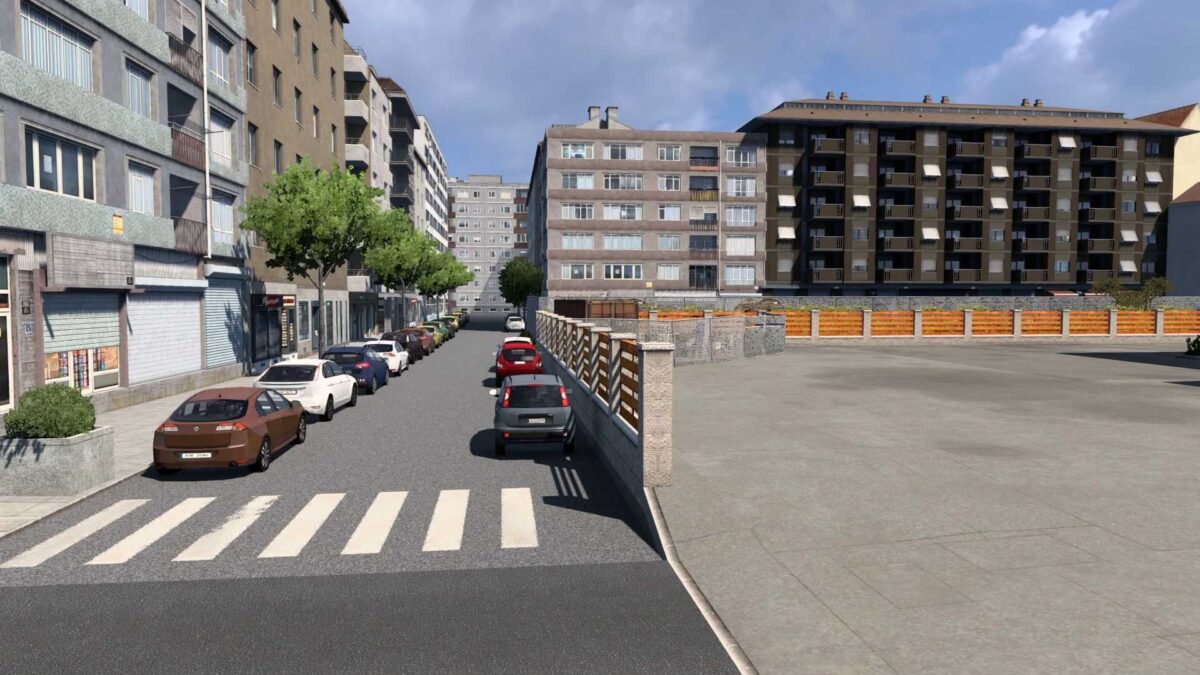
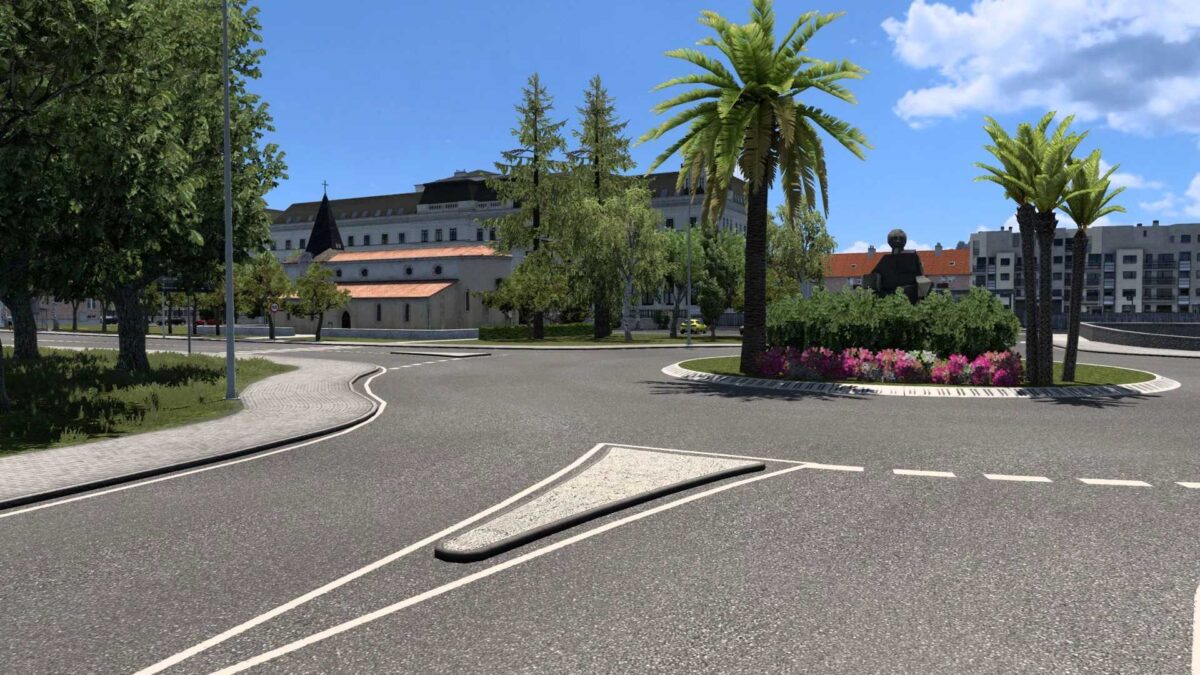
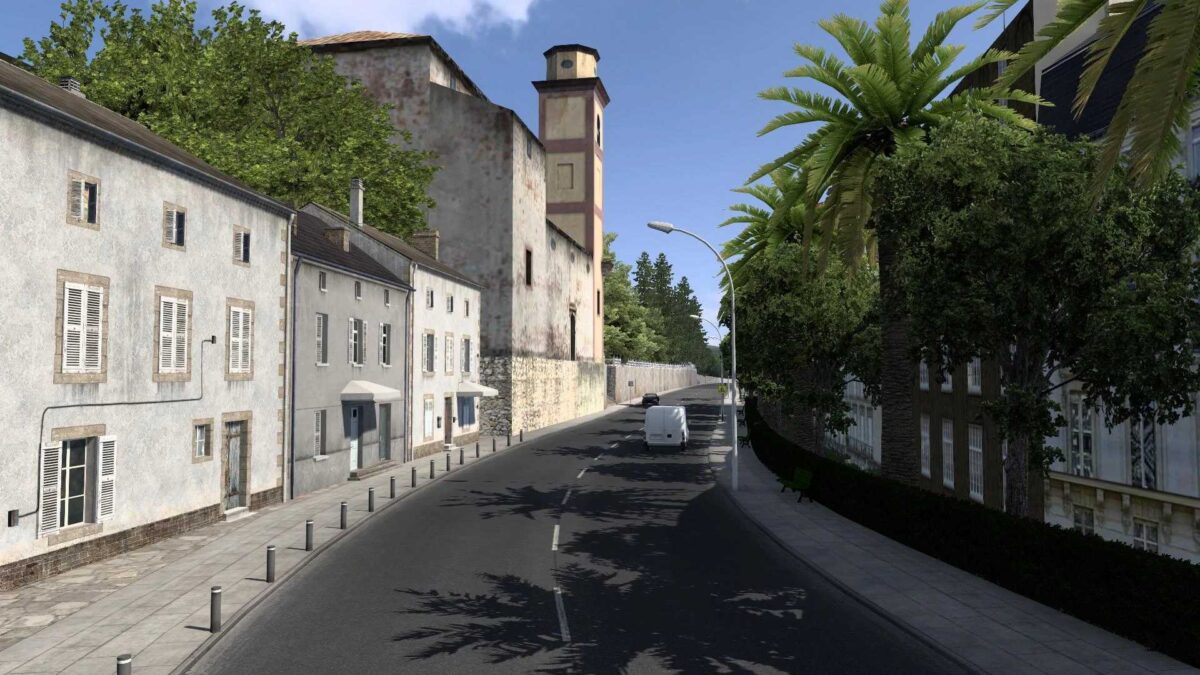
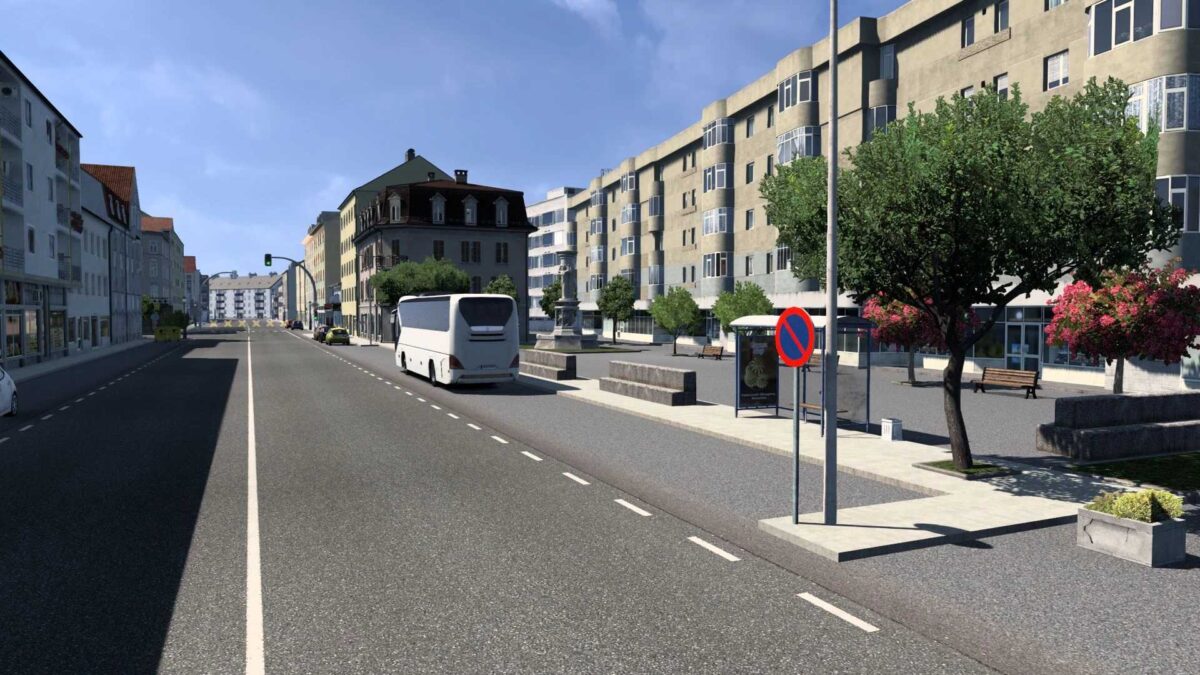
Santiago de Compostela version 12 for ETS2
This update features a complete reconstruction of various elements to enhance realism.
Numerous locations have been recreated and refined,
allowing for heightened quality standards as new models emerge in the map editor, resembling the real world more closely.
The map can also receive updates that enhance its alignment with the latest ETS2 features or introduce new areas.
Efforts were made to optimize the map using cut planes, distance object gradation, and removal of unnecessary elements.
Traffic levels have been balanced with a reasonable number of parked vehicles and pedestrians in urban zones.
Two viewpoints have been added: one in Santiago showcasing the old town and another in Bertamiráns highlighting notable spots in the village.
There are no errors or warnings in the game.log.
Everything is completely clean.
The optimization is excellent.
It runs smoothly even on less powerful computers.
Adapted and corrected for version 1.56.
It is also compatible with earlier versions.
Credits: edsor
How to install ETS2 or ATS Mods
Installing mods in Euro Truck Simulator 2 is straightforward. Simply download the mod from here and copy/unzip the files into “My Documents\Euro Truck Simulator 2\mod” folder. For American Truck Simulator, place mods in “My Documents\American Truck Simulator\mod” folder. You can use programs like WinRAR or 7zip to unzip files. Afterward, activate the mods you wish to use.