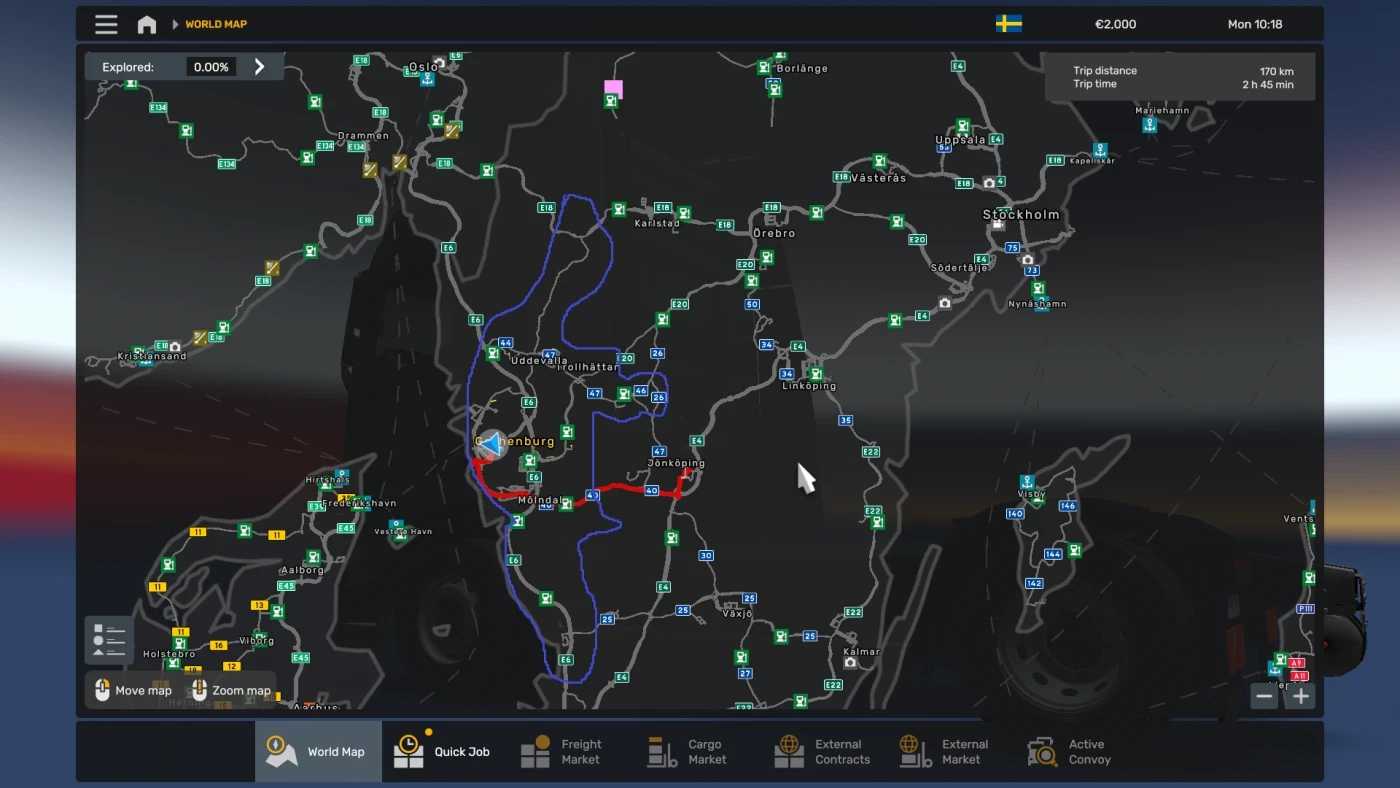
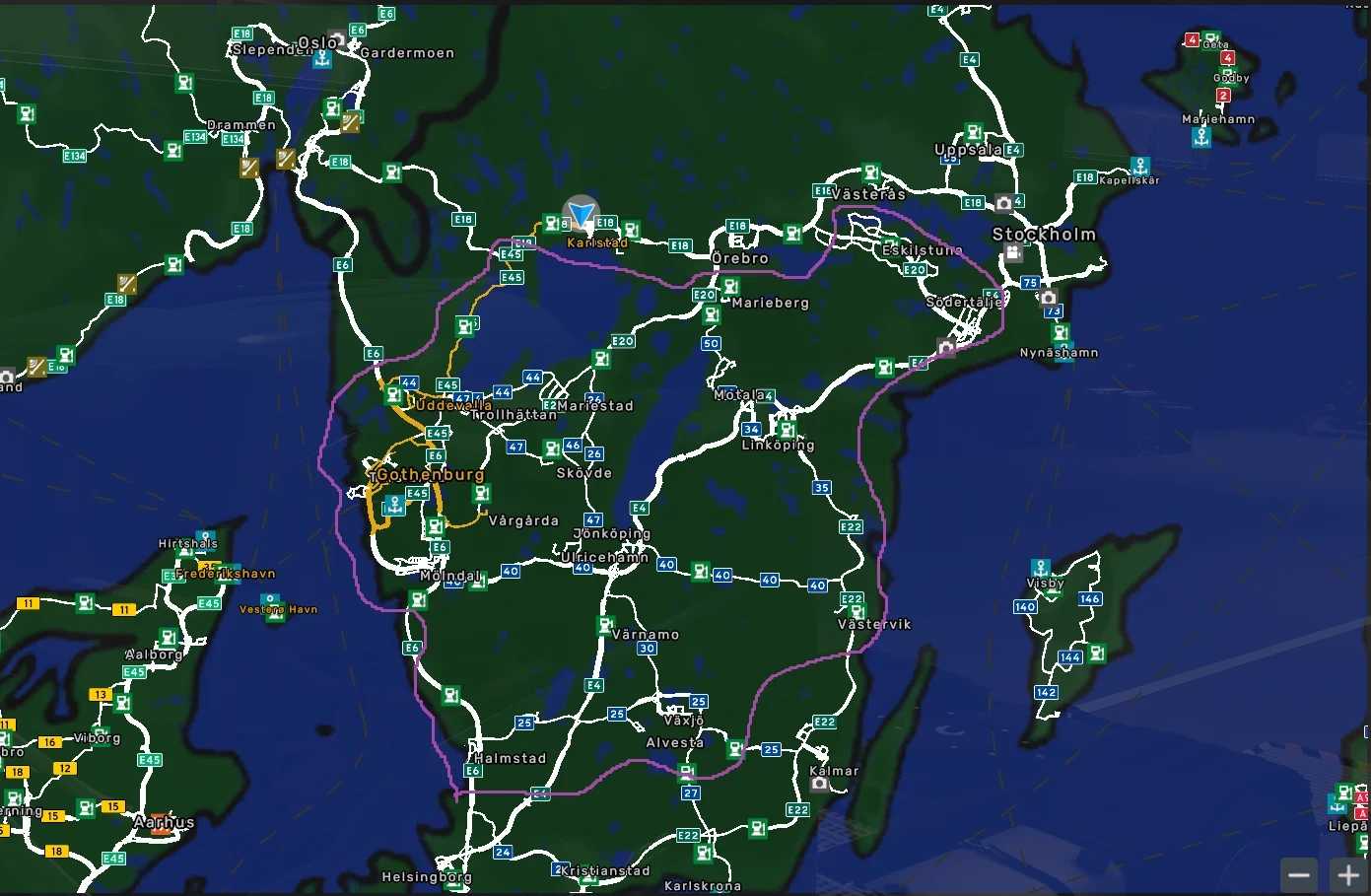
Scandinavia Rebuild – A Promods Add-on v1.5.1 ETS2
Update 1.5.1
– Removed unused definitions (sign, city, ferry, company) (by hi sora)
Scandinavia Rebuild – A Promods Add-on
Requires 7 DLCs: (Going East!, Scandinavia, Vive La France!, Italia, Beyond the Baltic Sea, Road to the Black Sea, Iberia).
Compatibility: version 1.55
Credits: DelbyBW
How to install ETS2 mods or ATS Mods
Installing mods in Euro Truck Simulator 2 is straightforward. Simply download the mod, then copy/unzip it into the “My Documents\Euro Truck Simulator 2\mod” folder. For American Truck Simulator, place the mods in the “My Documents\American Truck Simulator\mod” folder. You can use WinRAR or 7zip to unzip files. After that, make sure to activate the desired mods.