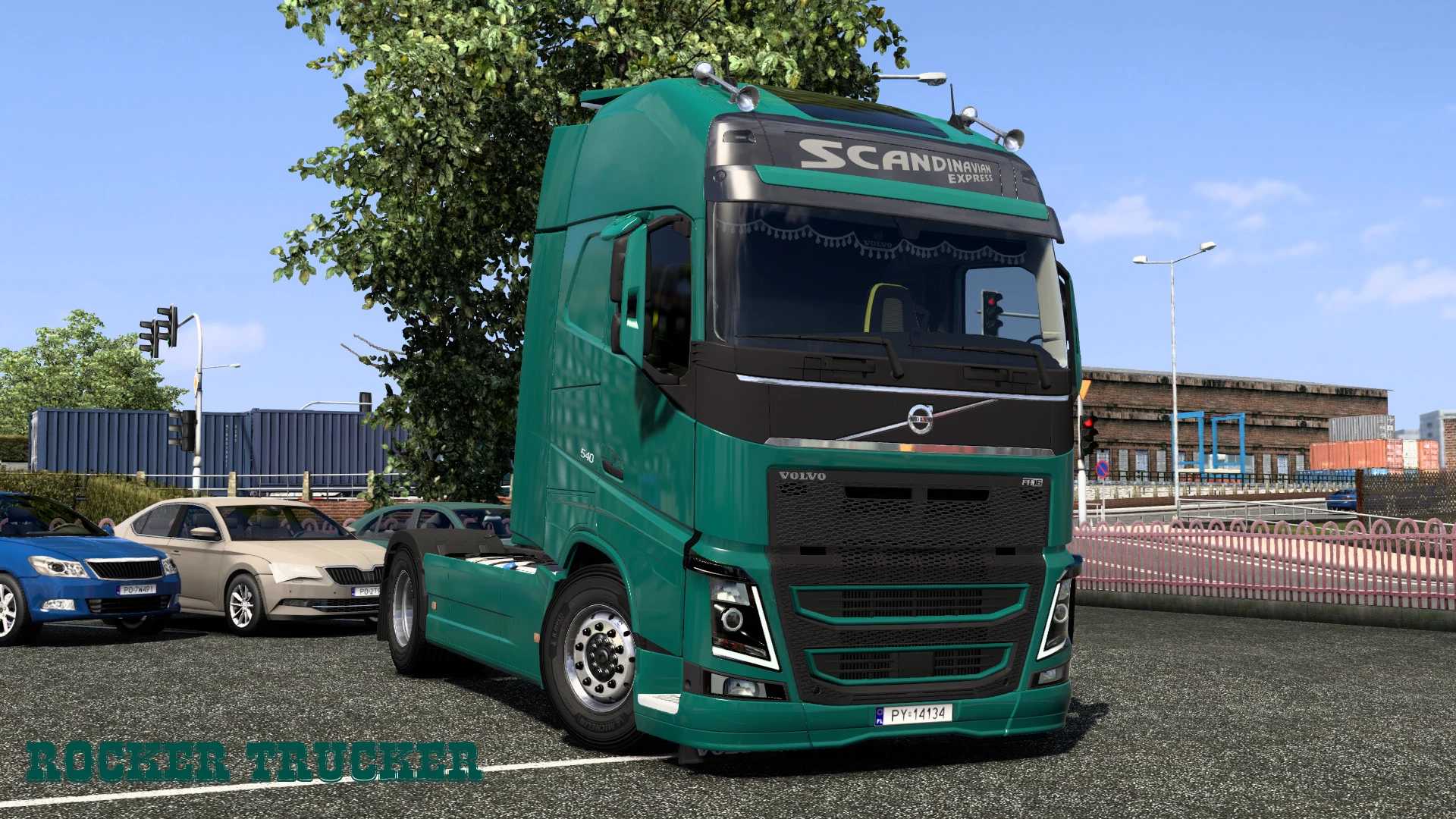
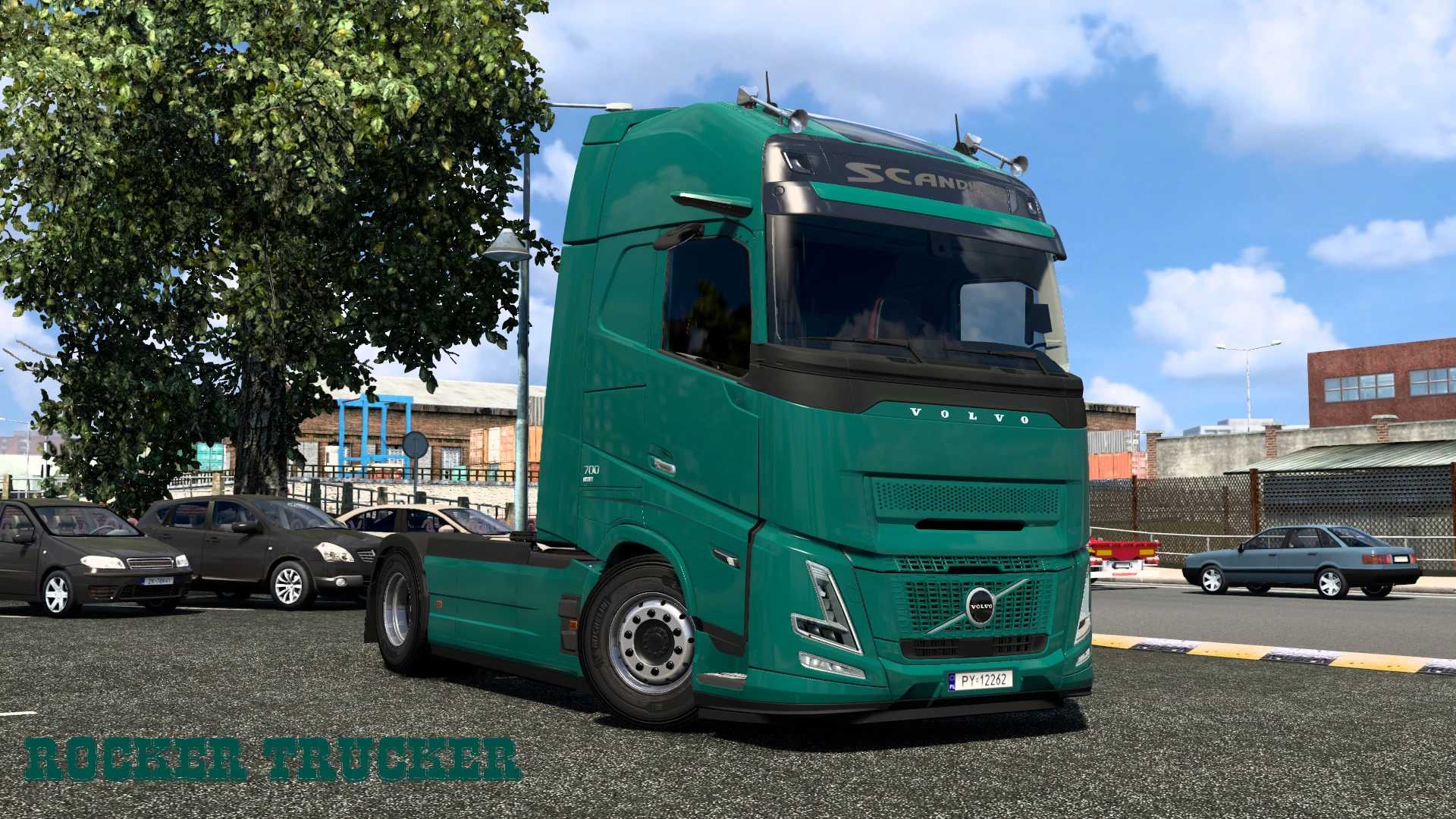
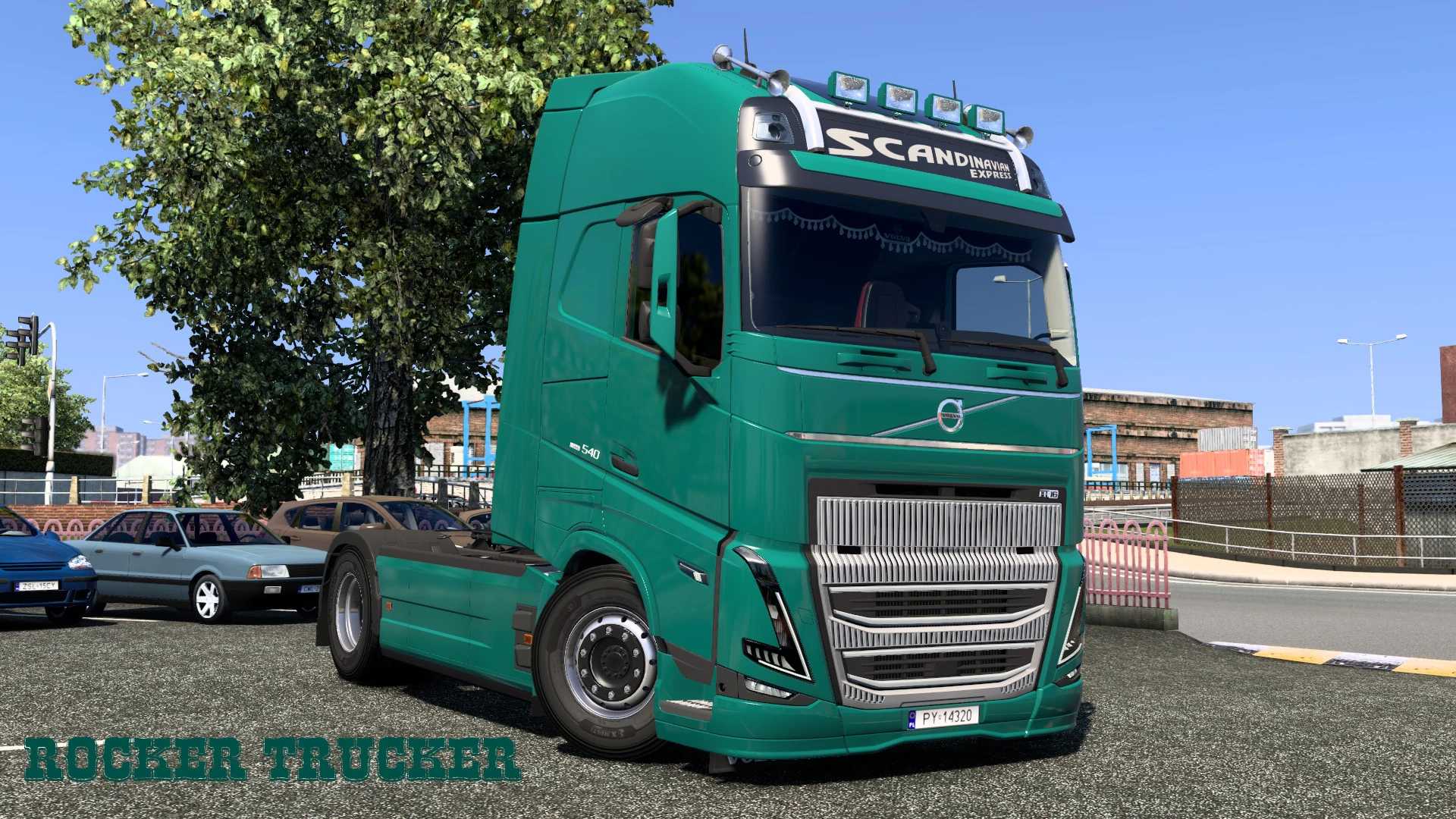
Scandinavian Express Skins for Volvo FH Series 4/5/6 v1.0 ETS2
Featuring Scandinavian Express (Poland)
Compatible with:
– Volvo FH 4 REWORK (SCS) including lightbox option, Globetrotter XL, 8×4
– Volvo FH 5 (SCS) with lightbox option, Globetrotter XL, 8×4
– Volvo FH 6 Aero (SCS) featuring lightbox option, Globetrotter XL, XXL, 8×4
Credits: Rocker Trucker
Installation Guide for ETS2 or ATS Mods
Installing mods in Euro Truck Simulator 2 is straightforward. Simply download the mod from the provided link and copy/unzip the files to the “My Documents\Euro Truck Simulator 2\mod” directory. For American Truck Simulator, place the mods in “My Documents\American Truck Simulator\mod” folder. You can use software like WinRAR or 7zip to unzip files. After that, make sure to activate the mods you wish to use in the game.