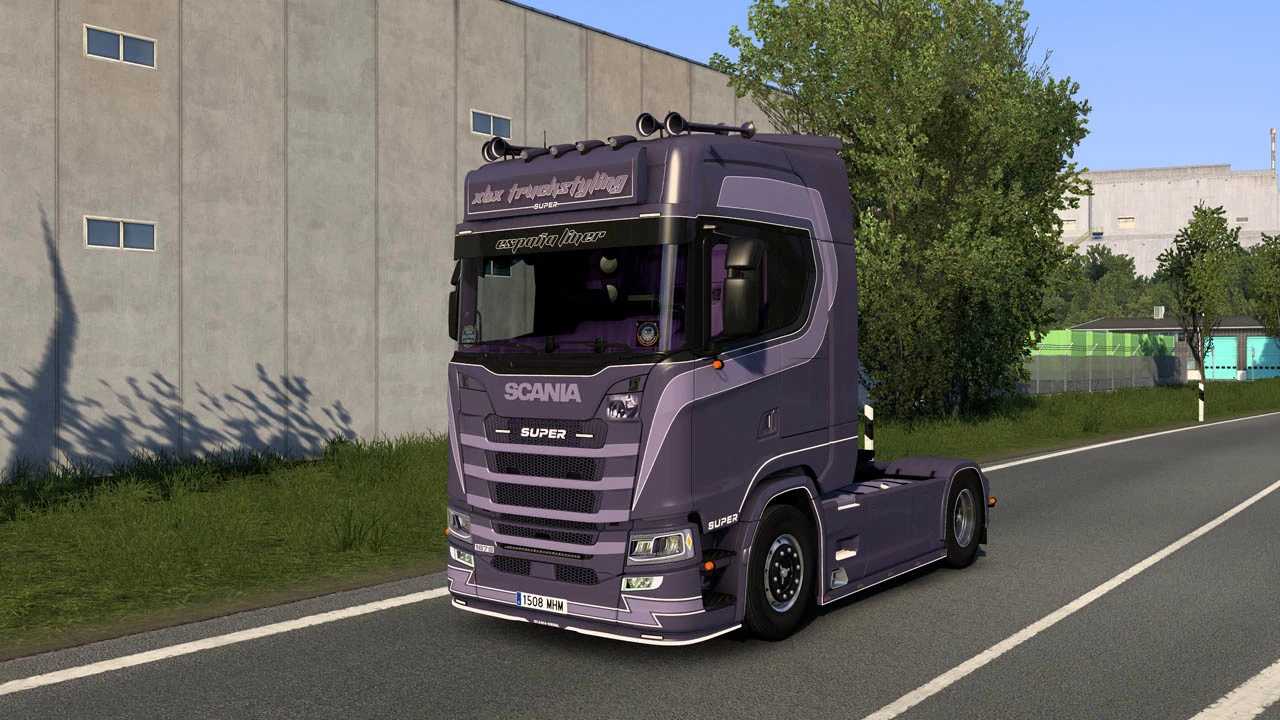
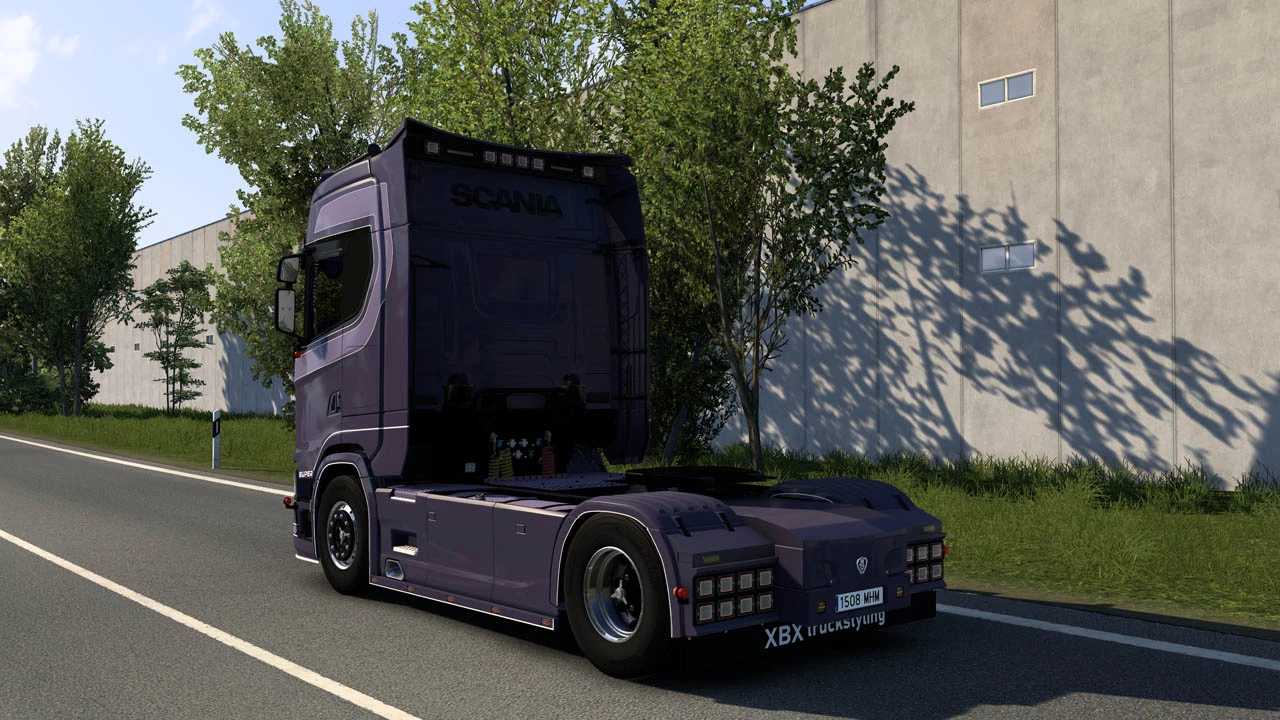
Scania 167S by XBX v1.0 ETS2
Features:
– Highroof cab
– 6×2 midlift
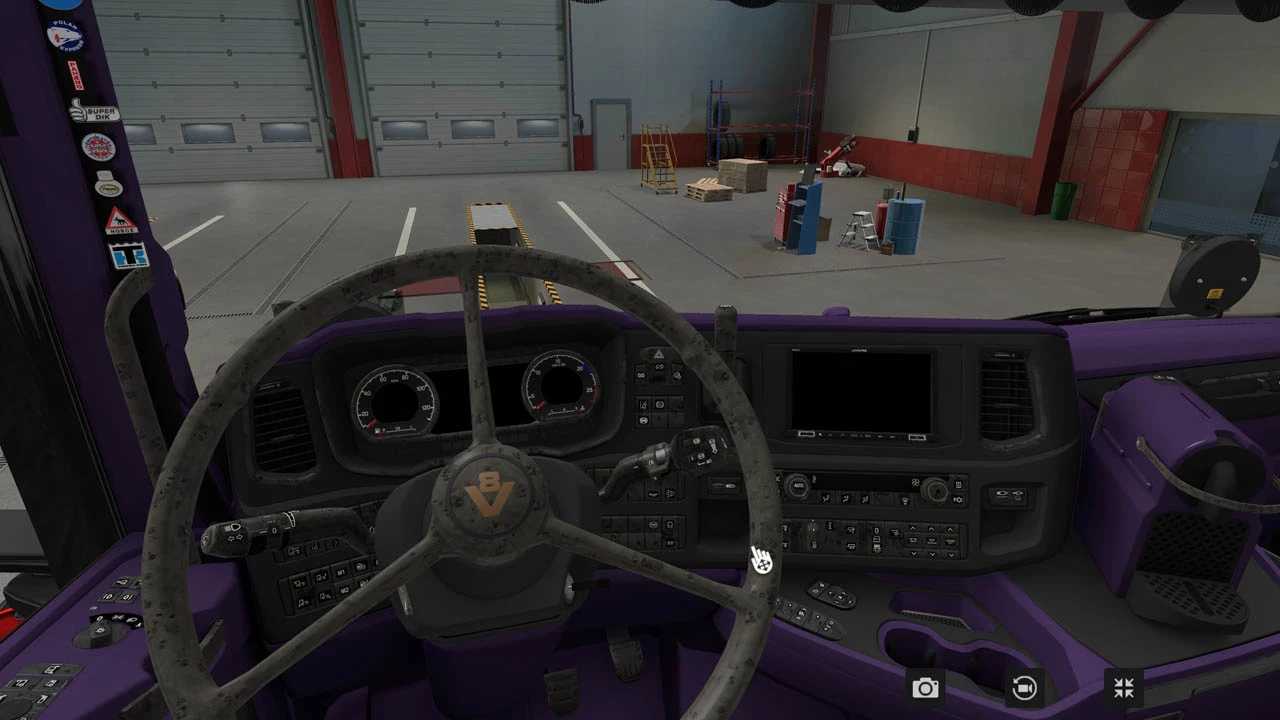
– Multimedia (set button for infotainment in settings)
– 3 engines OLD SCHOOL OPEN PIPE SOUND
– Changeable license plates and lightbox texture
– Includes WHEEL and TYRES pack
– Functional trailer cables / advanced coupling
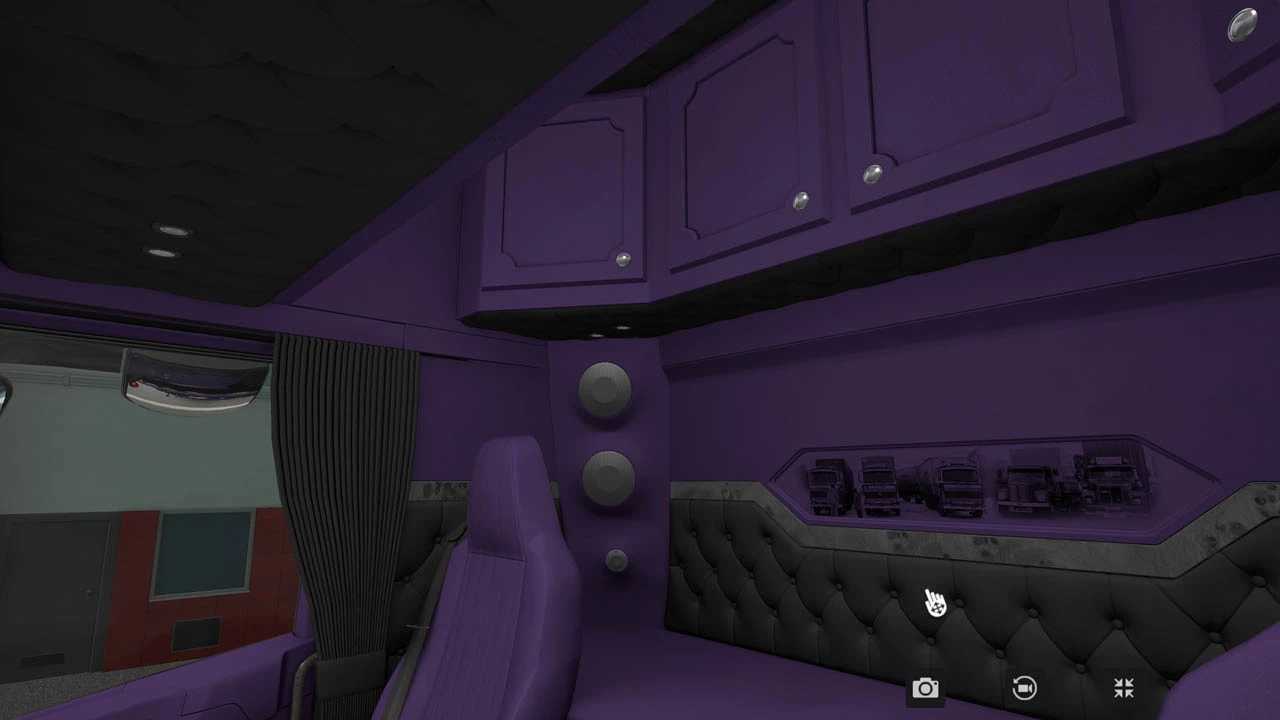
– Purple interior with purple lighting (customizable through textures)
– Custom flarepack
– FULLY AO BAKED!
– Error-free console (no flare/material errors)
Compatible with versions 1.51-1.52-1.53
Credits: XBX
How to install ETS2 or ATS Mods
Installing mods in Euro Truck Simulator 2 is straightforward. Simply download the mod from the site, then copy/unzip the files into the “My Documents\Euro Truck Simulator 2\mod” folder. For American Truck Simulator, place the mods into the “My Documents\American Truck Simulator\mod” folder. Use WinRAR or 7zip to unzip files. After that, you need to activate the mods you want to use.