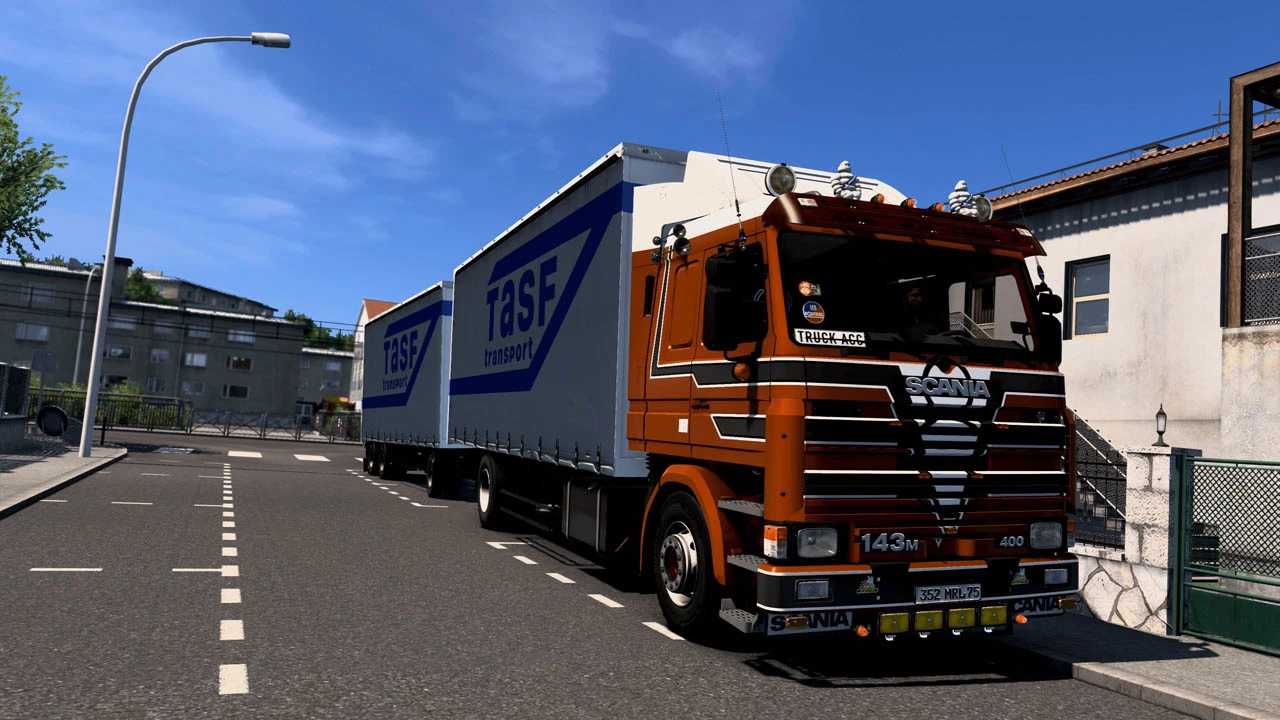
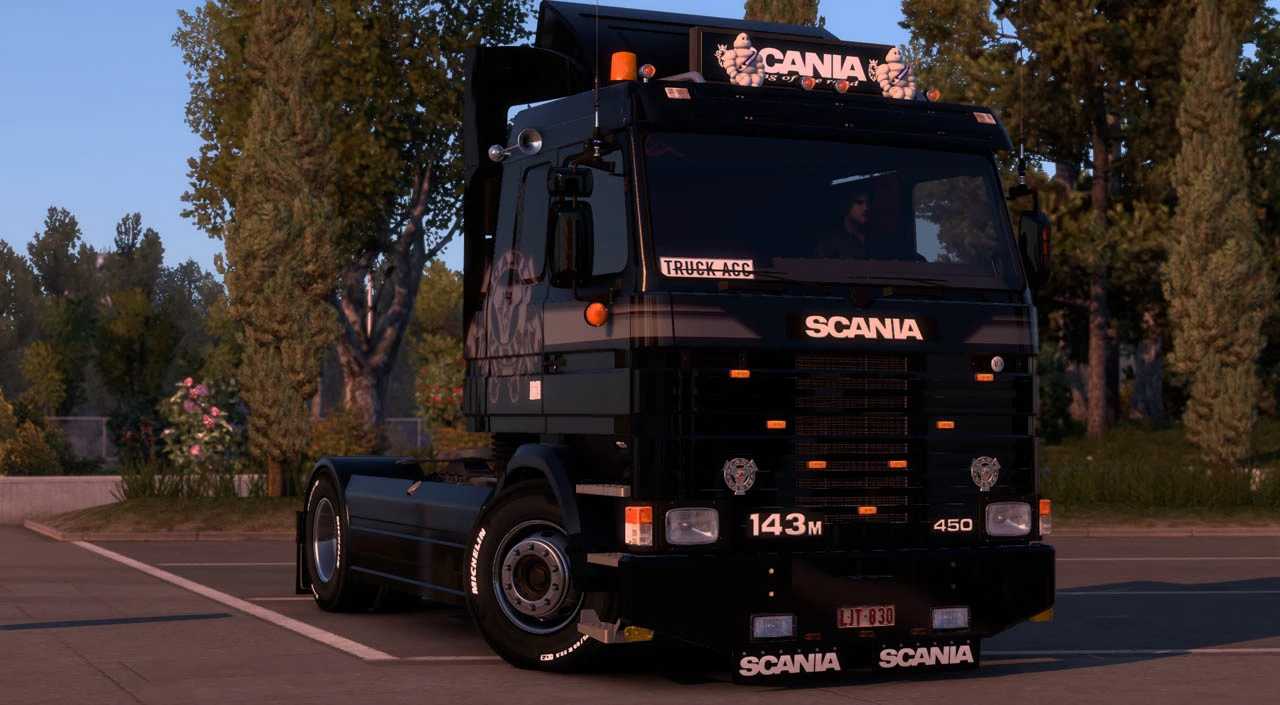
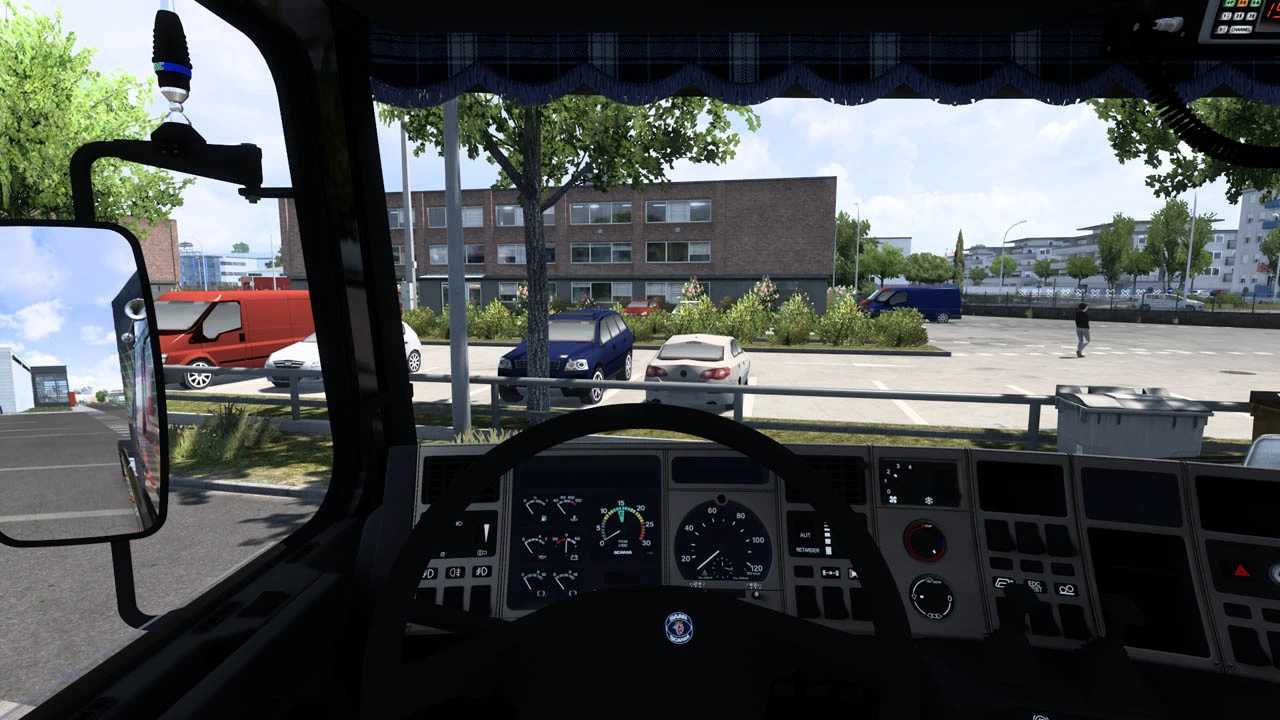
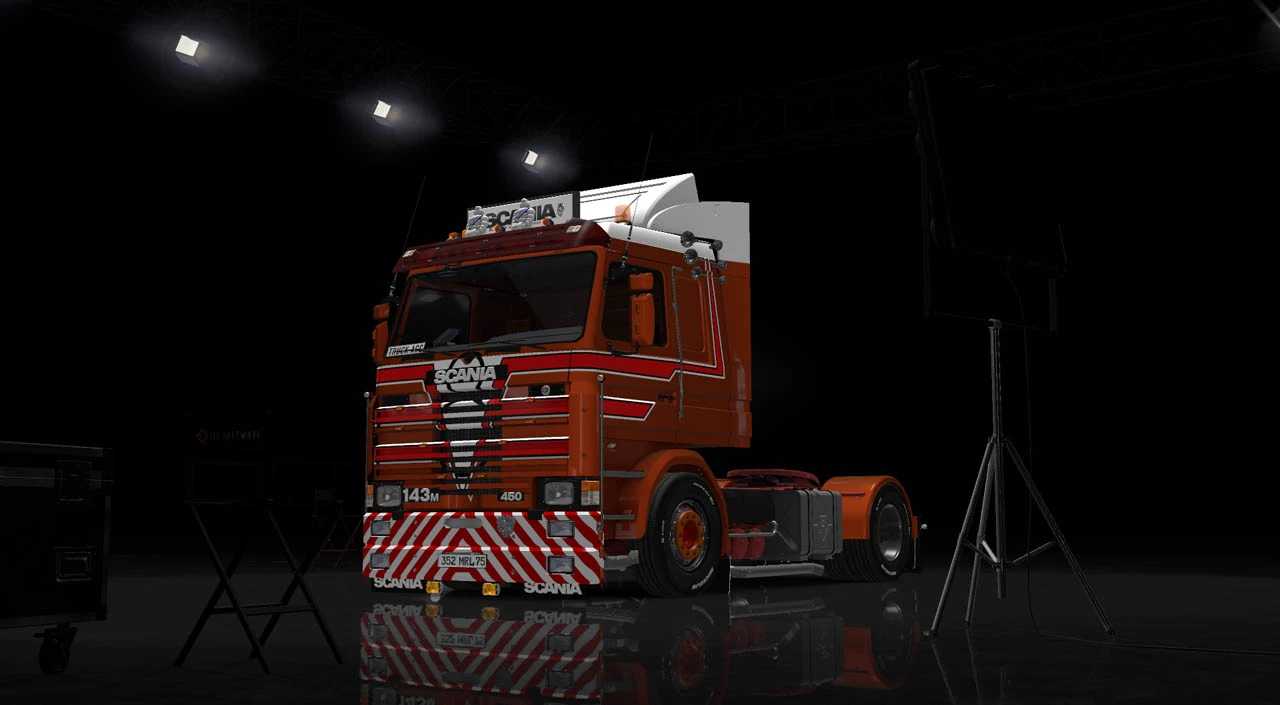
Scania 3 Series v1.56 ETS2
Features:
– Cabs
– Short cab with window
– Short cab without window
– Long cab with window
– Long cab topline
Interior options:
– 4 standard interiors
– 4 economy interiors
Chassis configurations:
– 4×2 wheelbase 3.80m
– 6×4 wheelbase 3.40m
– 6×4 wheelbase 3.40m dumper
– 6×4 wheelbase 4.60m rigid
– 6×4 wheelbase 5.20m rigid
– 6×2 wheelbase 5.20m rigid
– 4×2 wheelbase 5.60m rigid
– 4×2 wheelbase 6.20m rigid
Engine options:
– 6-cylinder 11L 360hp
– 6-cylinder 11L 380hp
– 6-cylinder 11L 400hp
– V8 14L 400hp
– V8 14L 450hp
– V8 14L 470hp
– V8 14L 500hp
Gearbox options:
– GS771 10-speed differential 3.80
– GS771 10-speed differential 3.27
– GS771 10-speed differential 2.92
– GR871 10-speed differential 3.80
– GR871 10-speed differential 3.27
– GR871 10-speed differential 2.92
– GRS900 12+2-speed differential 3.80
– GRS900 12+2-speed differential 3.27
– GRS900 12+2-speed differential 2.92
Maximum customization available:
– Front bumper
– Front splitter
– Grille
– Bull bar
– Wheel arches
– Visor
– Rearview mirror
– Spoiler
– Exhaust
– Air filter
– Tanks
– Rear bumper
– Extensive interior slots
– Steering wheels
– Functional odometer and clocks
– Stickers
– 3x Boxes
– Rotating Light
– Cab Curtain
– And more…
Credits: TAS
How to install ETS2 or ATS Mods:
Installing mods in Euro Truck Simulator 2 is straightforward. Simply download the mod from here and copy/unzip the files into: “My Documents\Euro Truck Simulator 2\mod” folder. For American Truck Simulator, place mods in: “My Documents\American Truck Simulator\mod” folder. Use WinRAR or 7zip to unzip the files. After this, you will need to activate the mods you wish to use.