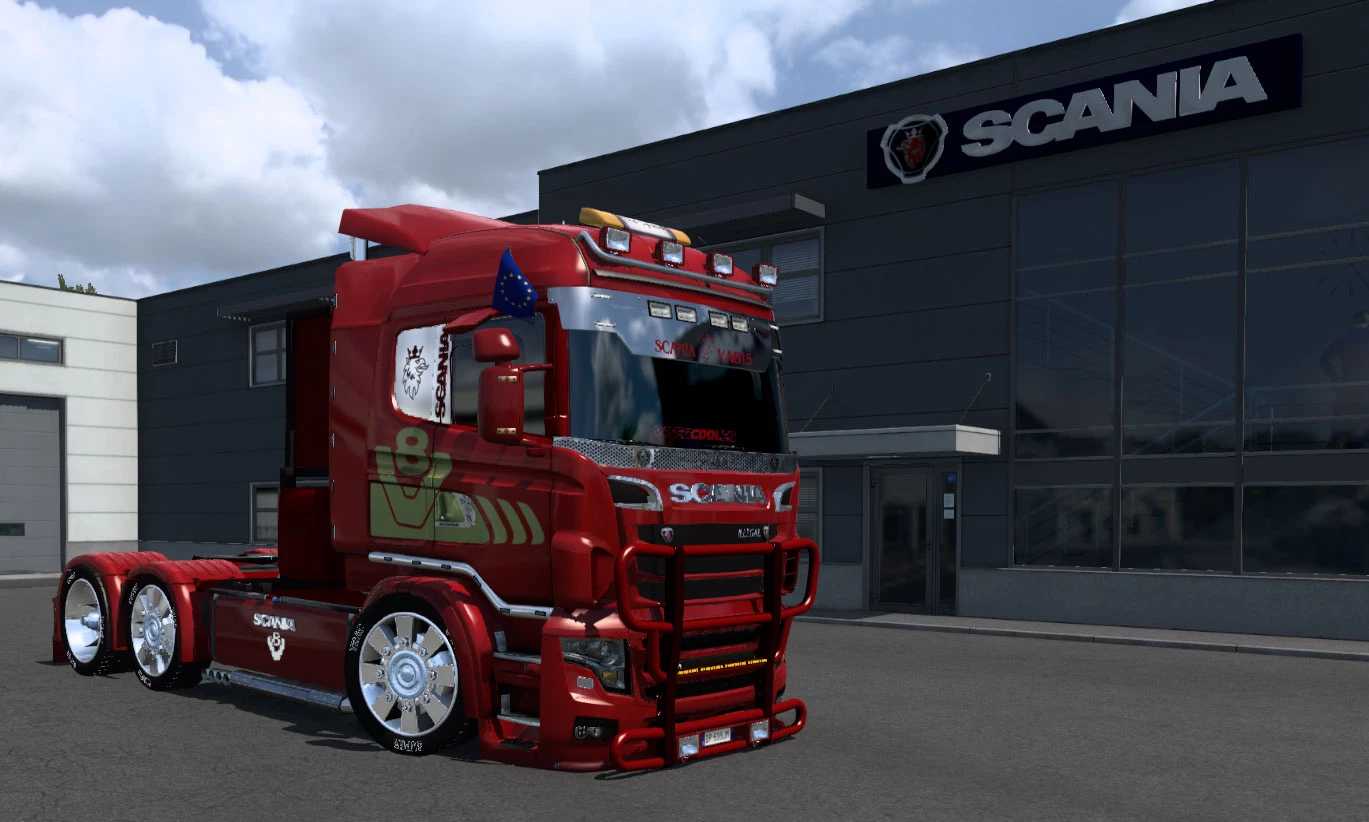
Scania ilego V8 – 2025 Edition v10.4 ETS2
This newly redesigned version of the popular modified Scania truck is primarily based on the Scania R 2009 and Streamline models, featuring the front design of the Scania R700. While it does not correspond to a real truck, it was developed to enhance your enjoyment of driving on the virtual roads of ETS2 without constraints, as its appealing name suggests. One significant update is the reduction in the mod’s file size, dropping from 269 MB to 182 MB in this latest version. This was achieved by eliminating numerous unnecessary files and refining some accessories. Besides removals, I have introduced many new features, including additional accessories that are fully compatible and exciting new paint jobs. A fresh setup has also been added to the Scania Truck Dealership, especially for those looking to use one of the stunning skins. Although I have chosen to remove the ‘Luxury’ interior due to some external view imperfections, compatibility remains intact. If you’d like, you can download the updated Scania RJL Interior Bundle separately, but be sure to place it below the Scania ilego in the mod manager for optimal performance.
Credits: SCS, Carls1309, RJL, 50Keda, V8K Blaine, GTMike, GermanTrucker, Papa Smurf, Void, Abasstreppas, Ciak, BKC, newS, TumbEd, Nico2k4, AJIEHA, Tristano.
How to install ETS2 mods or ATS Mods
Installing mods in Euro Truck Simulator 2 is straightforward. Simply download the mod from here and copy/unzip the files into the “My Documents\Euro Truck Simulator 2\mod” folder. If you’re playing ATS, place the mods in the “My Documents\American Truck Simulator\mod” folder. You can use tools like WinRAR or 7zip to unzip the files. After that, activate the mods you’d like to use.