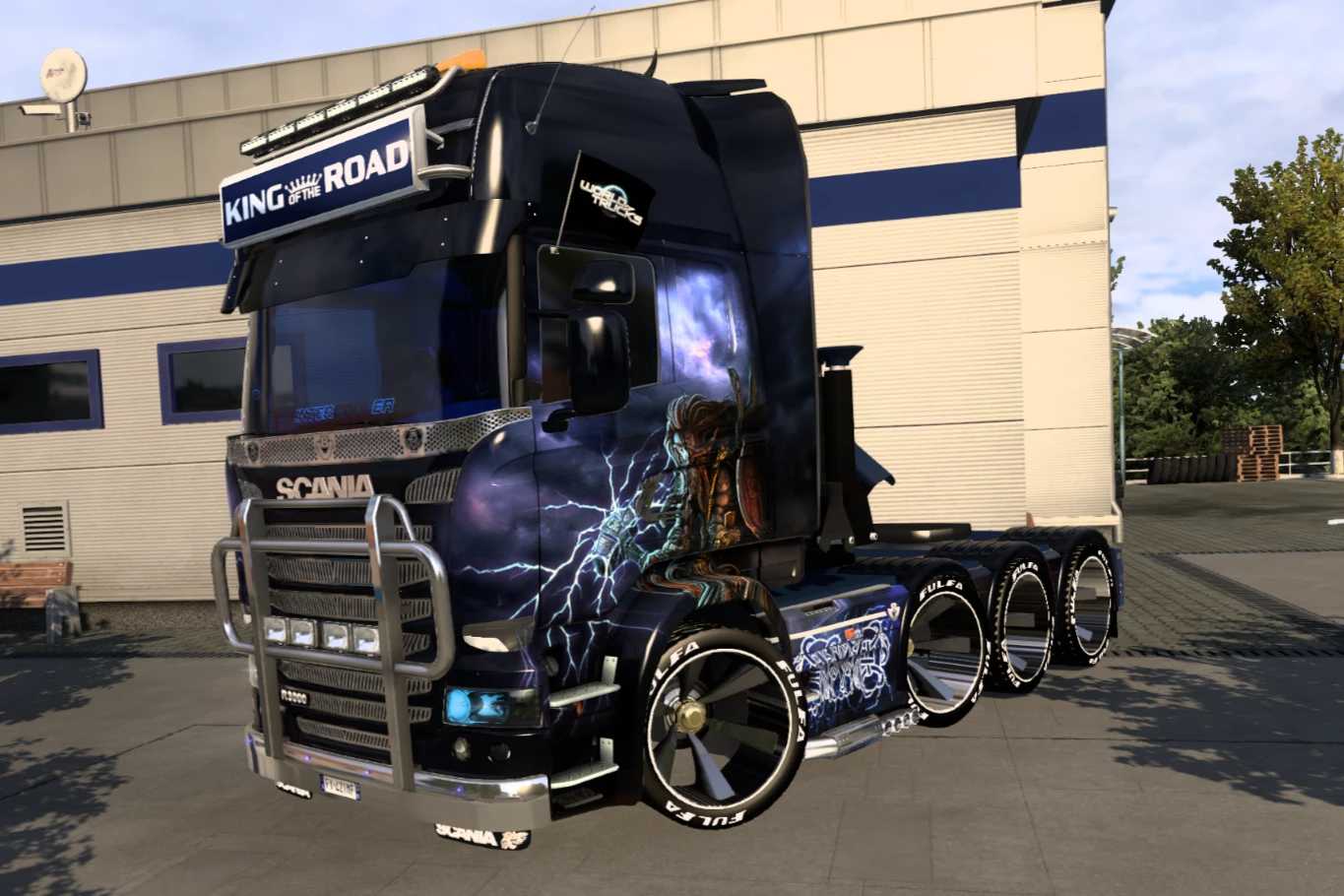
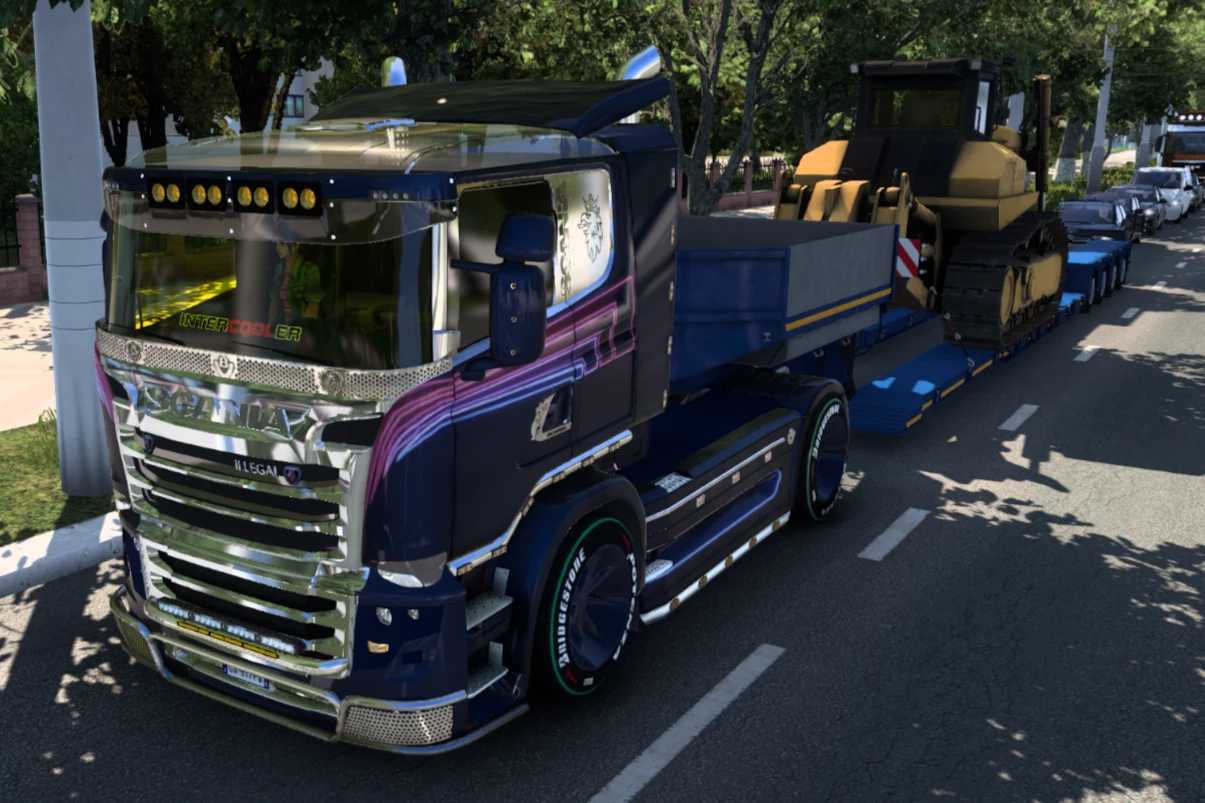
Scania IleGo V8 – 2025 Edition v10.8 ETS2
This is the refreshed 2025 version of the renowned modified Scania truck, primarily inspired by the Scania R 2009 and Streamline models, alongside elements from the Scania R700. While this truck doesn’t exist in real life, it is designed to provide endless fun on the virtual roads of ETS2, as its catchy name suggests. I took the latest update (v9.2), made some refinements, and added a unique touch with features like new wheels, new mirrors, EU and UK interiors, redesigned rear bumpers, a variety of new engine sounds, and numerous new skins (from various authors). Additionally, I removed many unnecessary files and accessories that weren’t fully compatible, resulting in a mod that is significantly enhanced and over 100MB lighter. The truck is available in five configurations at the Scania dealer and within the mod.
Compatible with these mods: Scania RJL Interior Bundle (ensure it’s placed after Scania IleGo in the mod manager for optimal functionality), SiSL’s Mega Pack, and Farsel’s Cab-Cats.
Changelog v10.8:
new wheels
new lower grill
added cabin lights in various colors
minor fixes…
Credits: SCS, John Lee, Carls1309, RJL, 50Keda, V8K Blaine, GTMike, GermanTrucker, Papa Smurf, Void, Abasstreppas, Ciak, BKC, newS, TumbEd, Nico2k4, AJIEHA, Carlitos, Tristano.
How to install ETS2 or ATS mods
Installing mods in Euro Truck Simulator 2 is straightforward. Simply download the mod from here, then copy or unzip the files to: “My Documents\Euro Truck Simulator 2\mod” folder, or for ATS, use: “My Documents\American Truck Simulator\mod” folder. You can utilize software like WinRAR or 7zip to extract files. After that, make sure to activate the mods you wish to use.