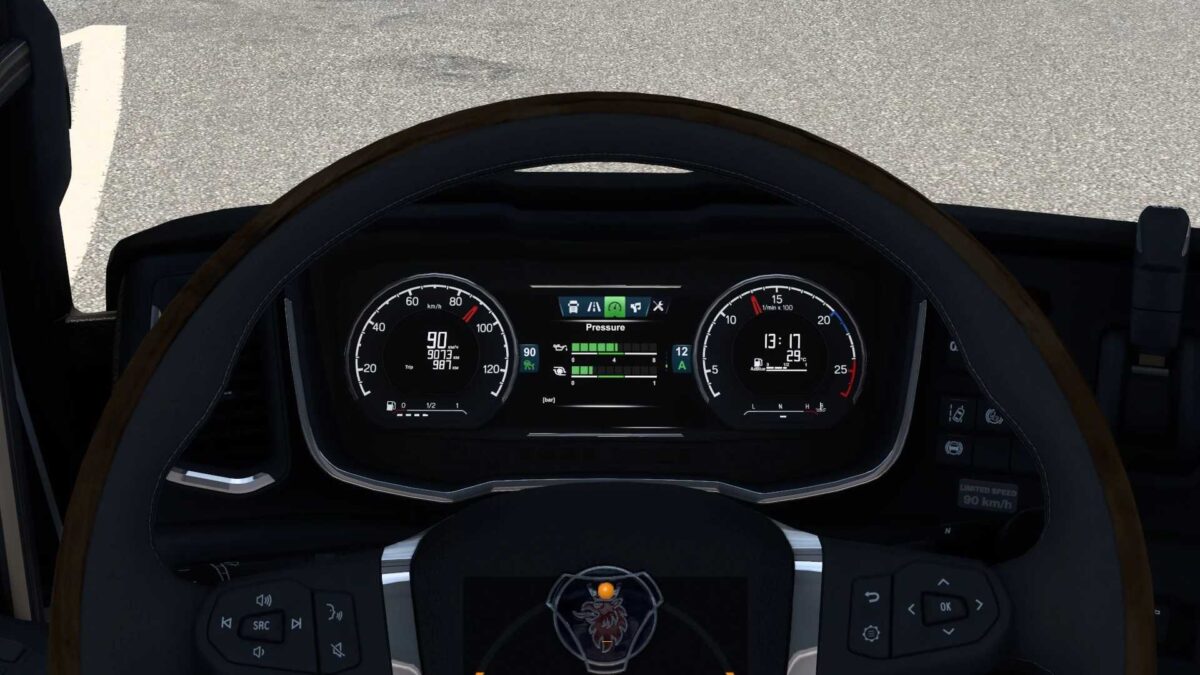
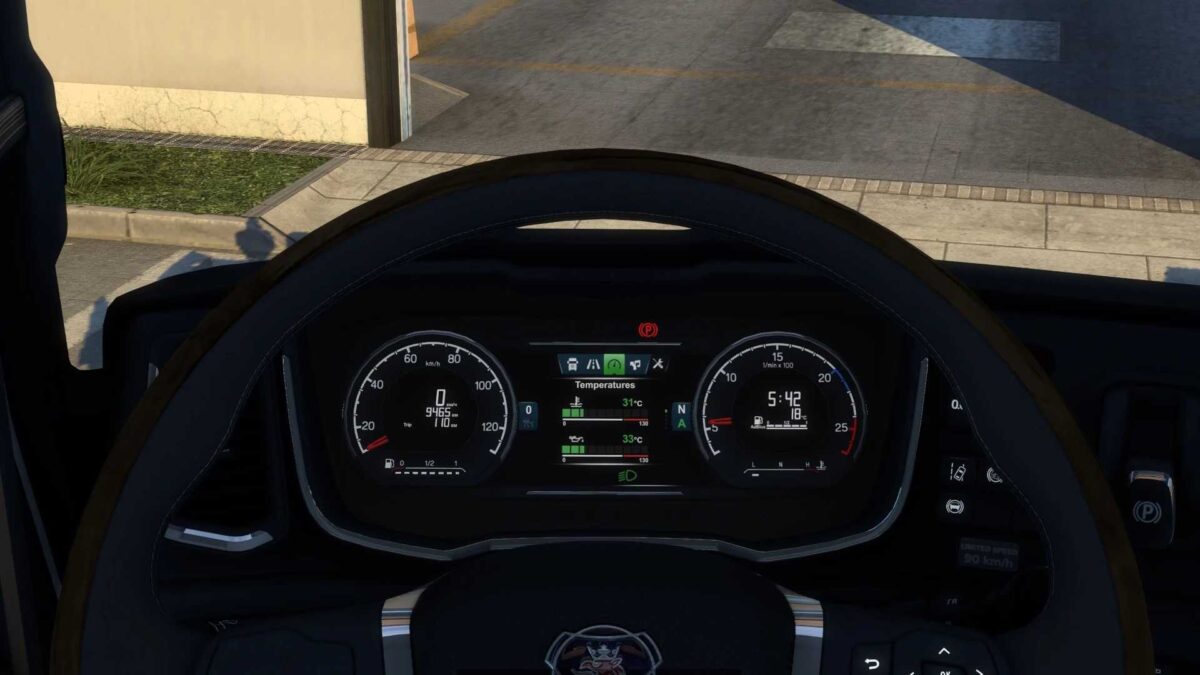
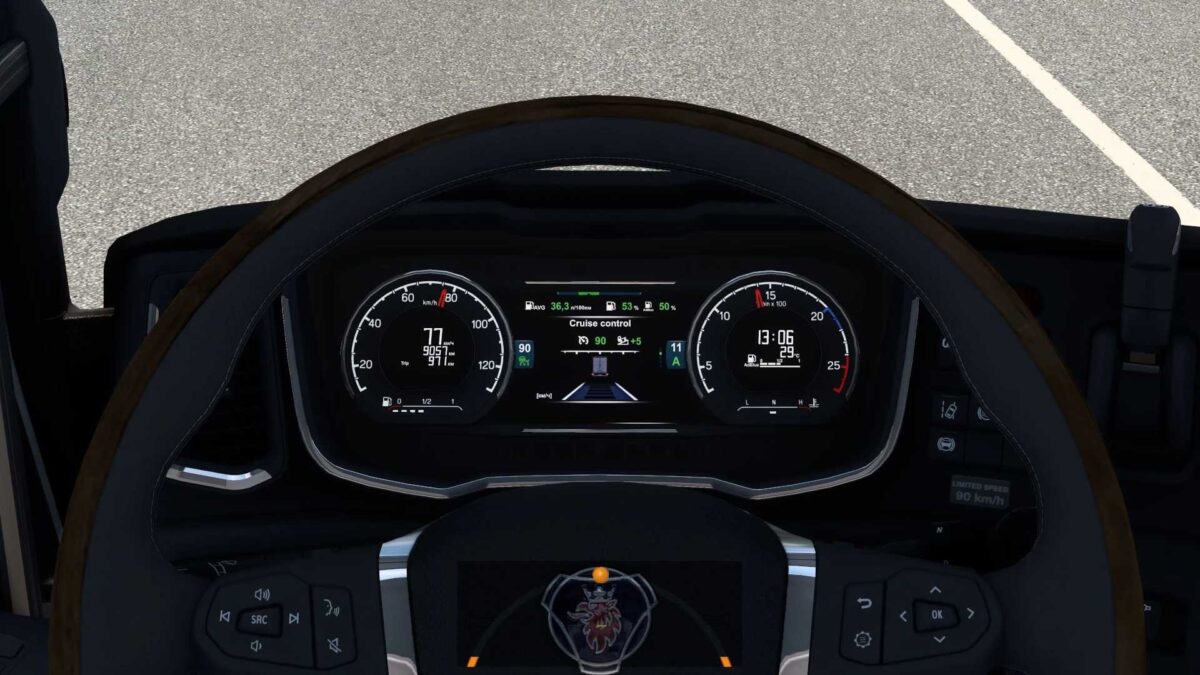
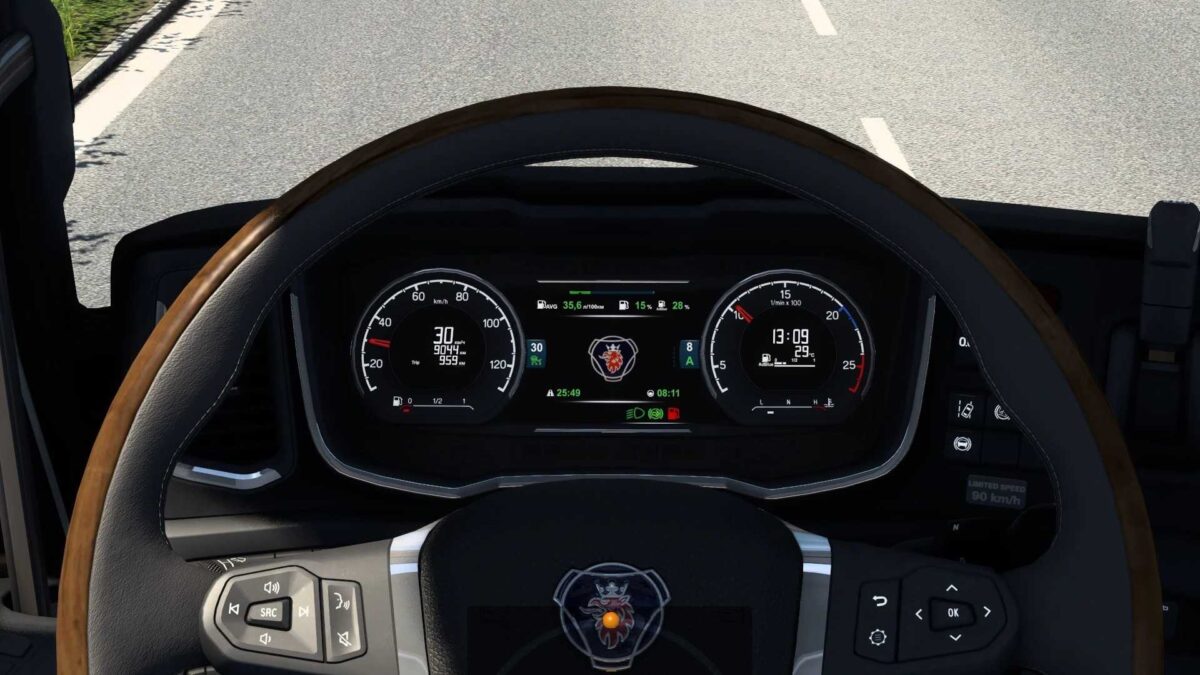
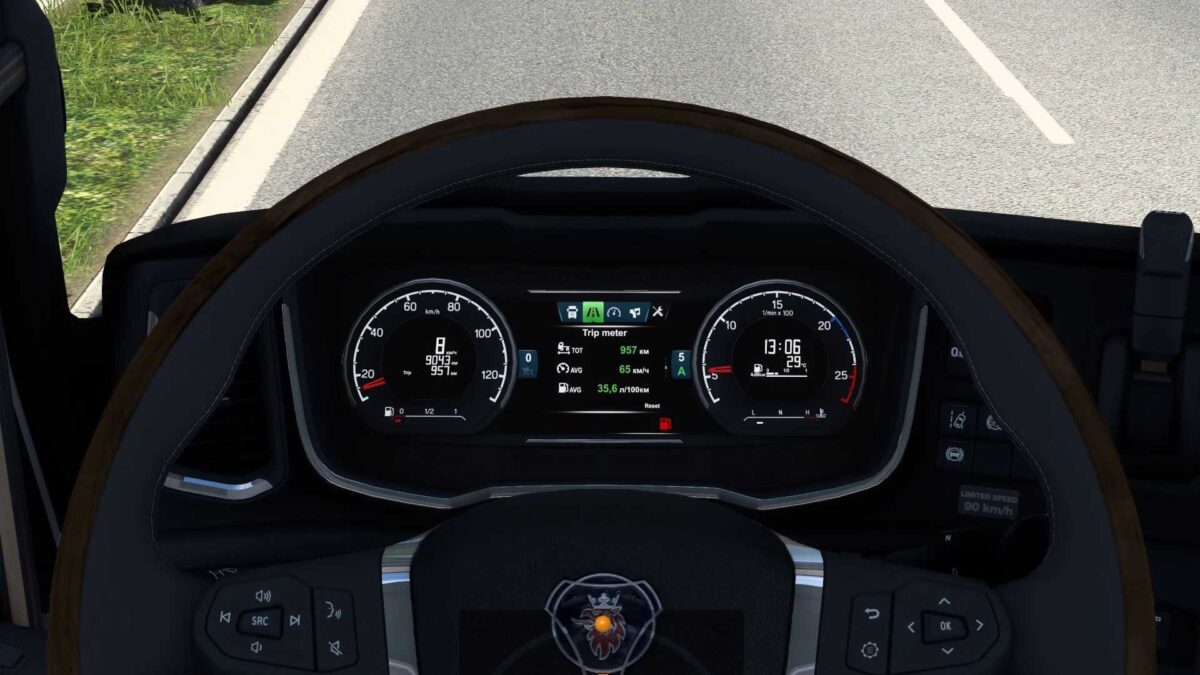
Scania NG Enhanced Dashboard v5.1 ETS2
Exclusive Features:
– Full mod redesign;
– Removed elements from “George’s Radio”;
– Introduced oil temperature gauge;
– Added turbo gauge;
– Included low beam indicator;
– Added engine brake light;
– New low fuel warning icon;
– Integrated cruise control speed display on all dashboard pages;
– Launched cruise control memory icon;
– Provided estimated operating range for the vehicle;
– Displayed remaining fuel/adblue percentage in the tank;
– Integrated trip distance monitor;
– Added trip average speed tracker;
– Estimated Time of Arrival (ETA) feature, hidden when time is unavailable (e.g., no delivery, no navigation);
– Time until mandatory rest indicator, not shown when fatigue option is disabled;
– Included logo update;
– Added low air pressure alert;
– Left blind spot indicator activated;
– Right blind spot indicator added;
– V8 logo displayed in V8 interior;
– Various fixes and enhancements.
Standard Features:
– Total mod overhaul;
– Incorporated low beam icon;
– Engine brake icon introduced;
– Integrated low fuel indicator;
– Current speed value available on all dashboard pages;
– Estimated operating range for the vehicle;
– Displayed remaining fuel/adblue percentage in the tank;
– Estimated Time of Arrival (ETA) feature, hidden when time is unavailable (e.g., no delivery, no navigation);
– Indicator for time until required rest, hidden when fatigue option is turned off;
– New logo included;
– Stable performance improvements.
Version 5.1 – now supports update 1.57.
Credits: KnightRider
Installation Instructions for ETS2 or ATS Mods
Installing mods in Euro Truck Simulator 2 is straightforward. Simply download the mod here, then copy/unzip the files into the “My Documents\Euro Truck Simulator 2\mod” folder. For American Truck Simulator, place the mods in the “My Documents\American Truck Simulator\mod” folder. You can unzip files using WinRAR or 7zip. After installation, activate the mods you wish to use.