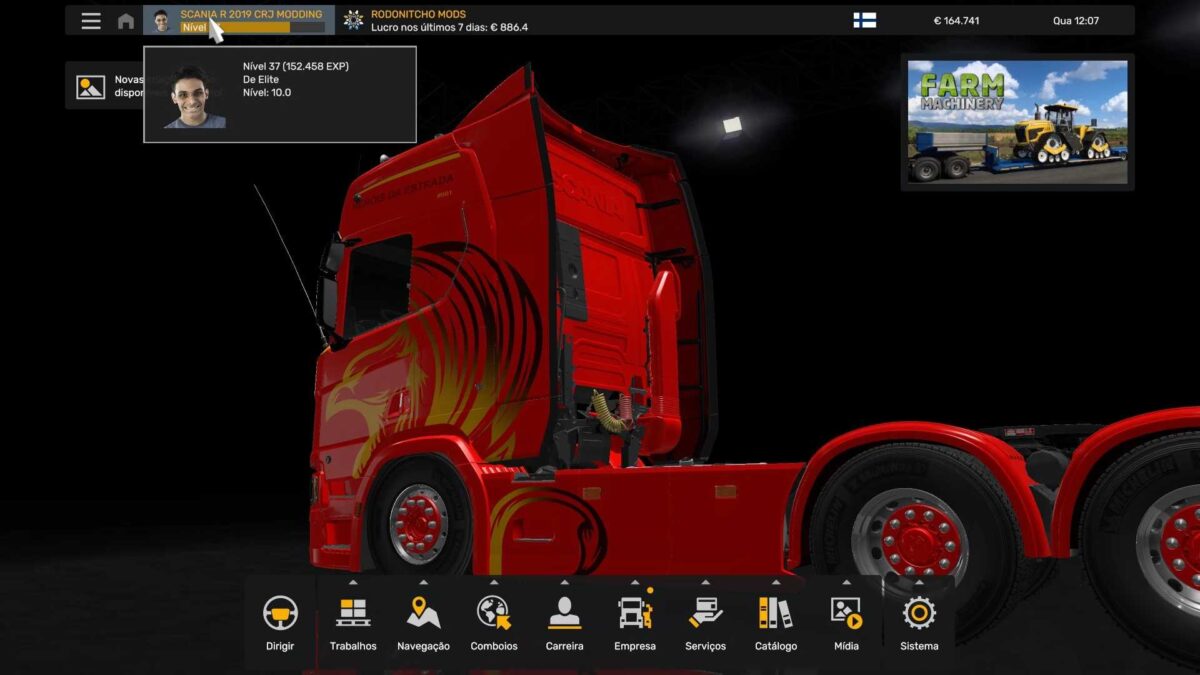
SCANIA R 2019 CRJ MODDING PROFILE 28 09 2025 v1.0 1.56 ETS2
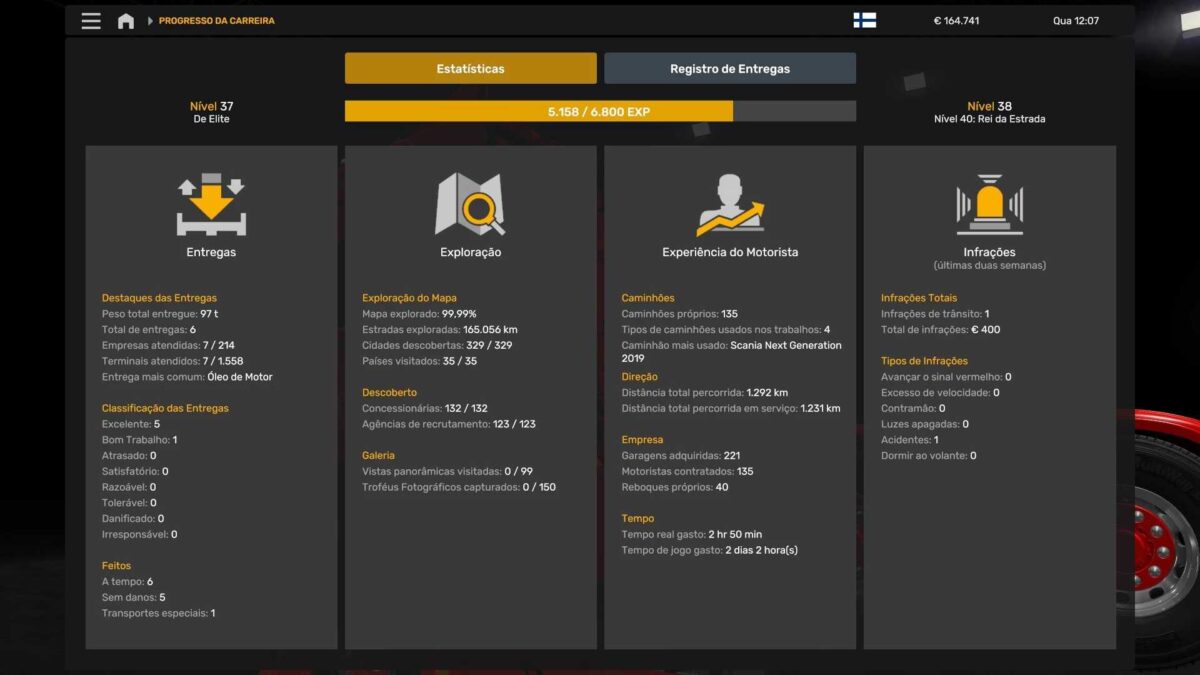
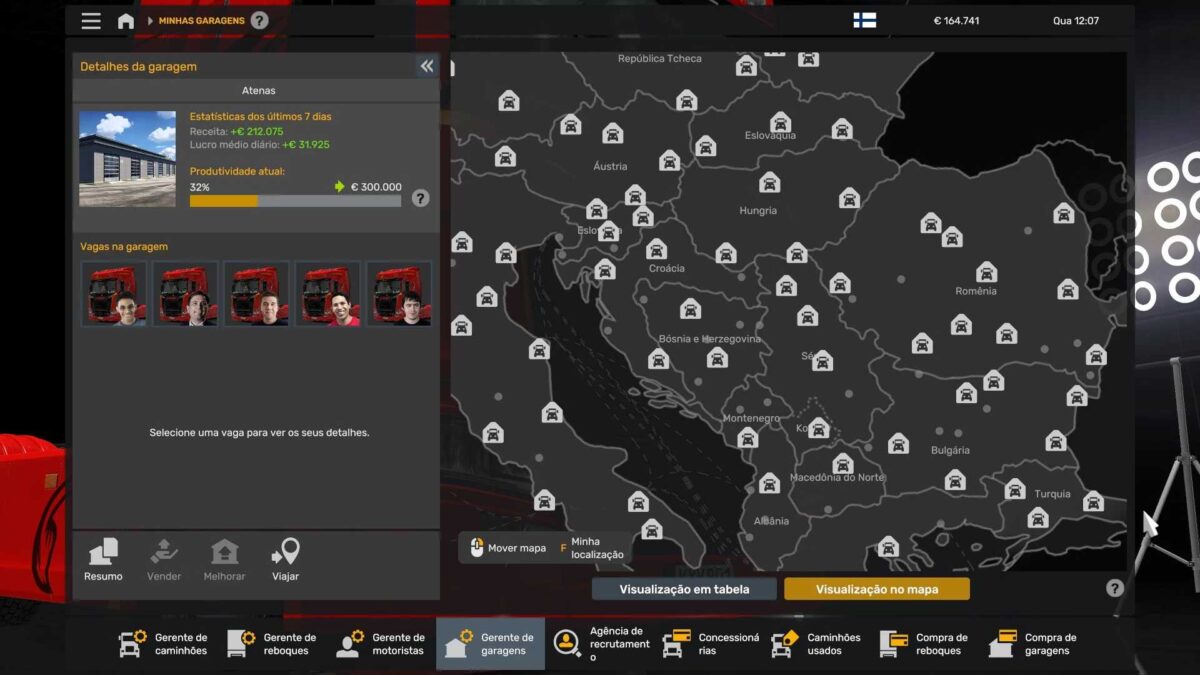
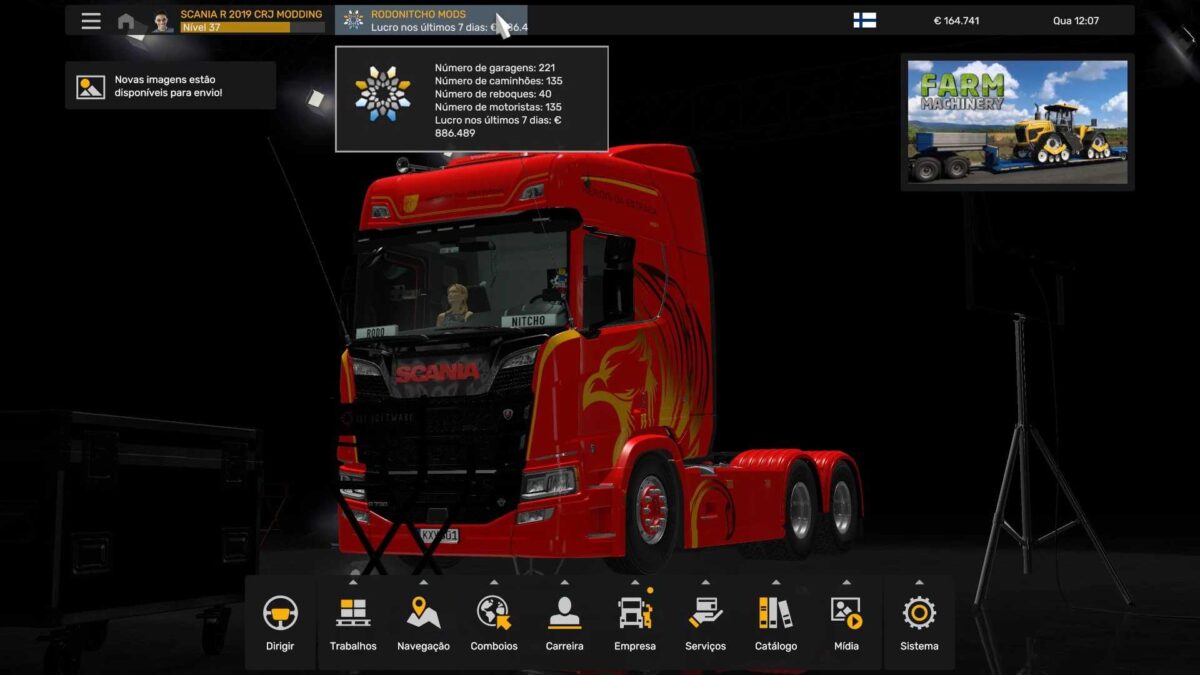
GARAGES: 221
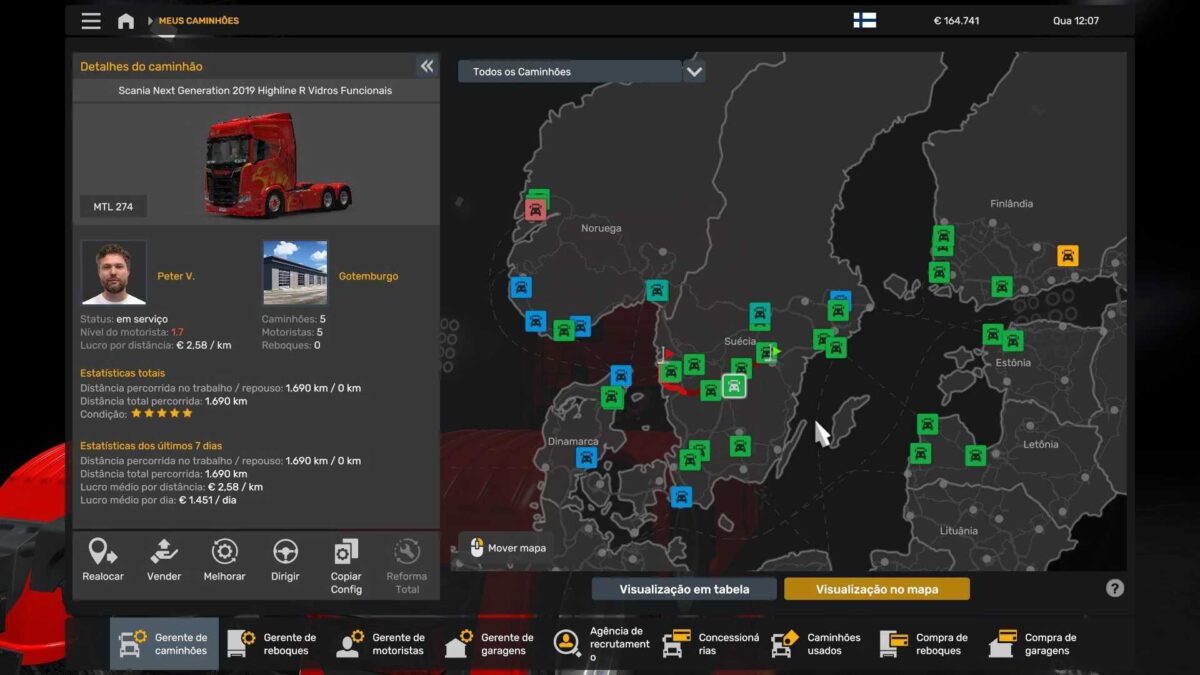
TRUCKS: 135
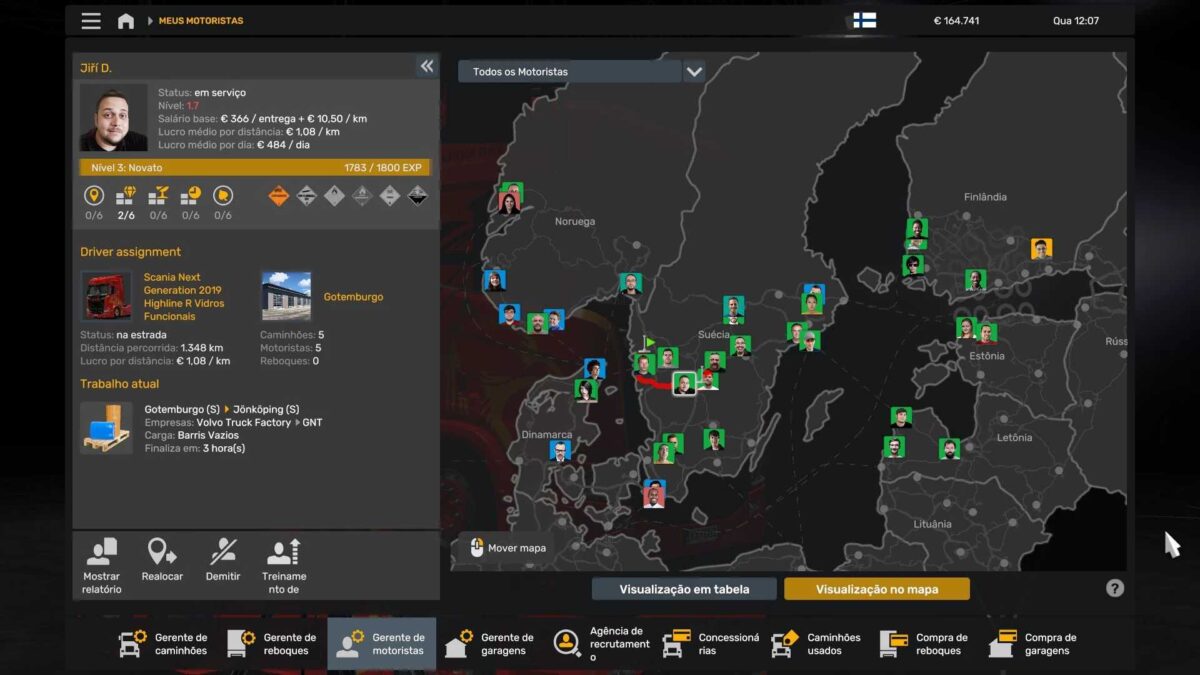
DRIVERS: 135
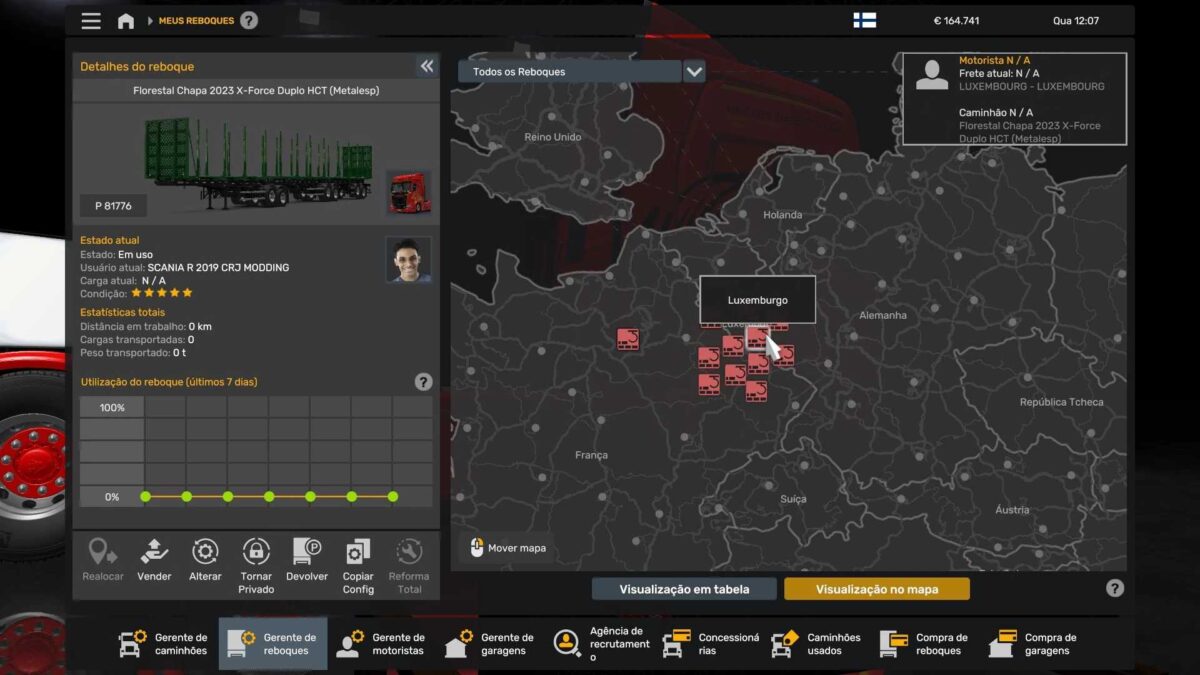
TRAILERS: 40
BALANCE: 164,741 EUROS
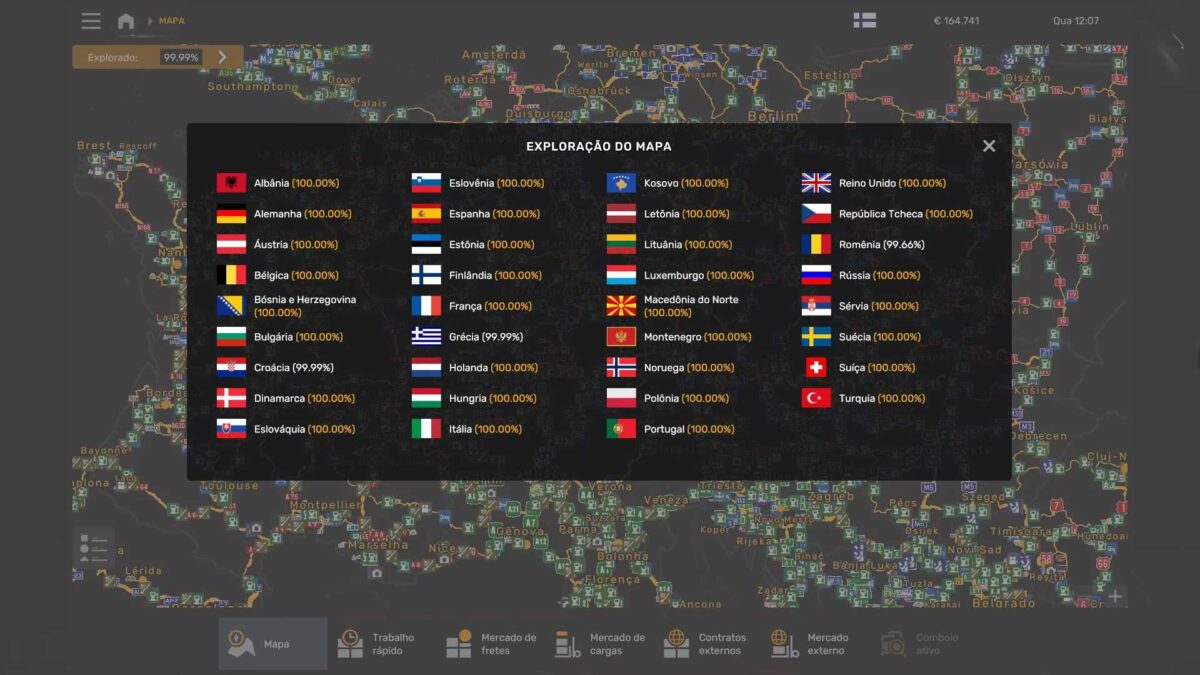
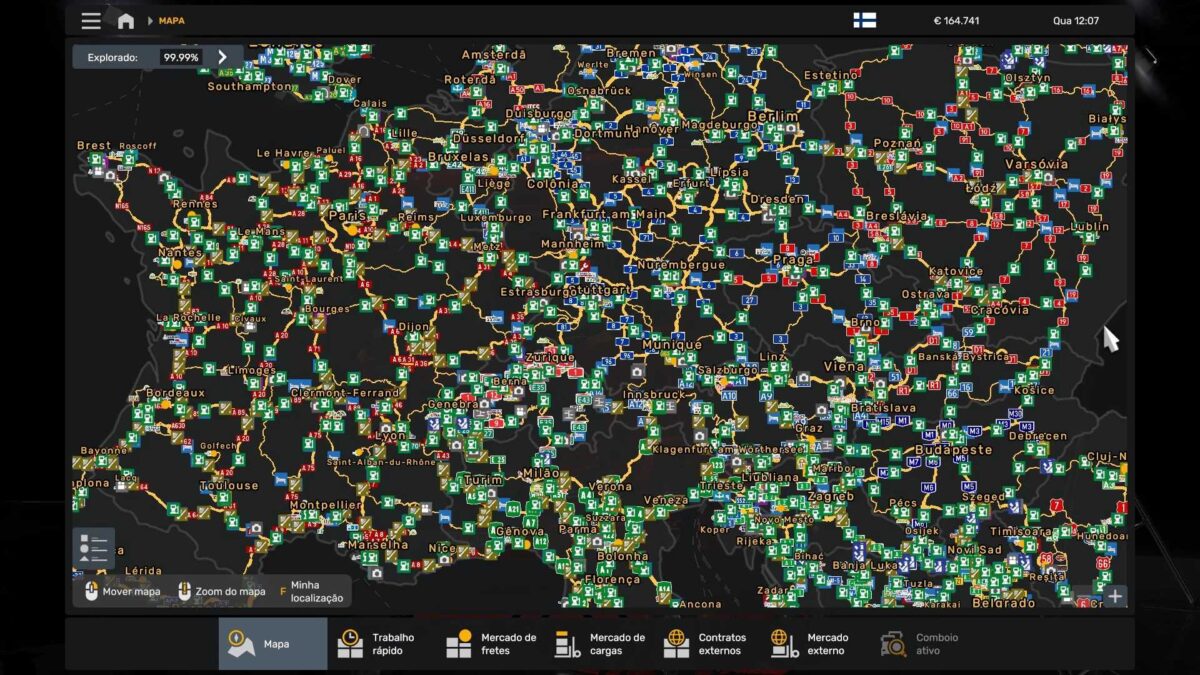
MAP COMPLETION: 99.99%
CITIES VISITED: 329/329
COUNTRIES VISITED: 35/35
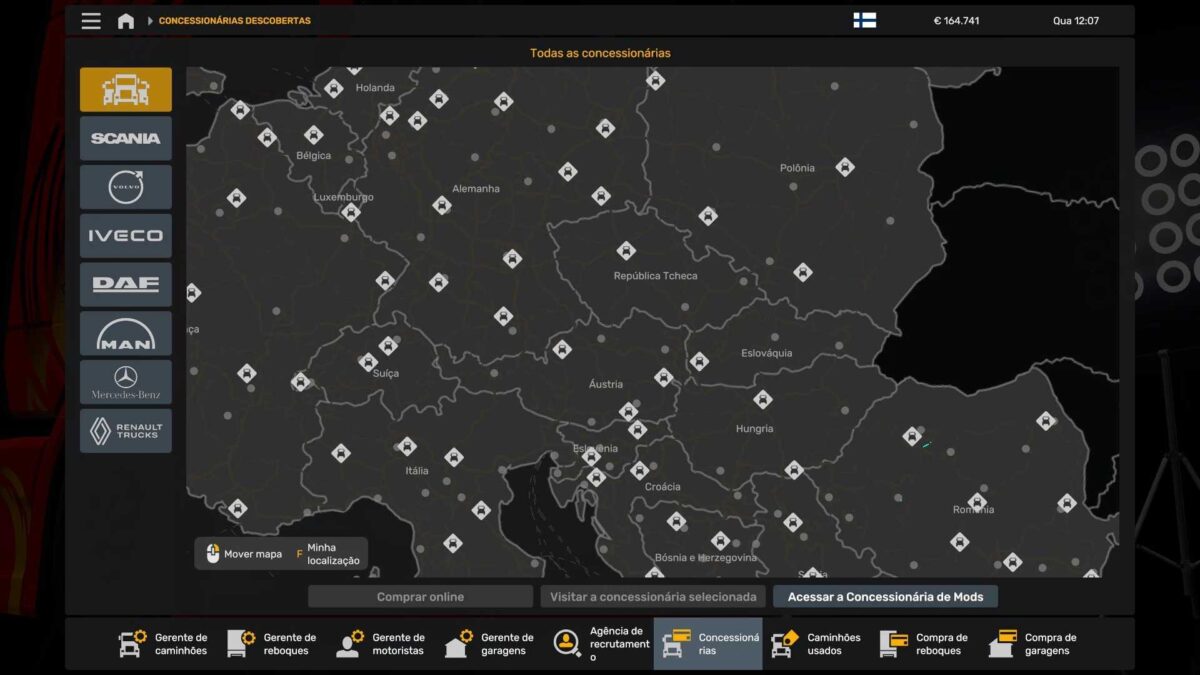
DEALERS: 132/132
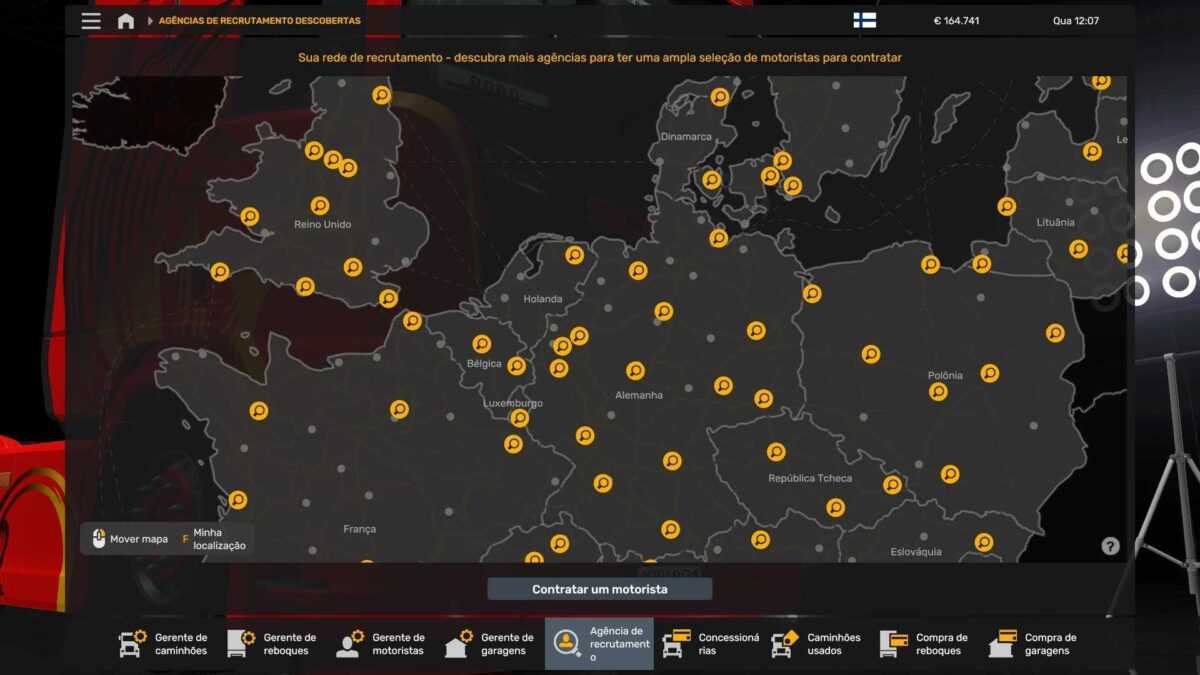
RECRUITMENT AGENCIES: 123/123
PARKING SPOTS IN GARAGES: 1105
MAIN GARAGE LOCATION: ATHENS
LEVEL: 37 (152,458 EXP)
Credits: RODONITCHO MODS
Installing ETS2 or ATS Mods
Installing mods in Euro Truck Simulator 2 is straightforward. Simply download the mod, and copy/unzip the files into the following directory: “My Documents\Euro Truck Simulator 2\mod” folder. If you’re playing ATS, do the same in: “My Documents\American Truck Simulator\mod” folder. You can use WinRAR or 7zip to unzip the files. After that, make sure to activate the mods you wish to use.