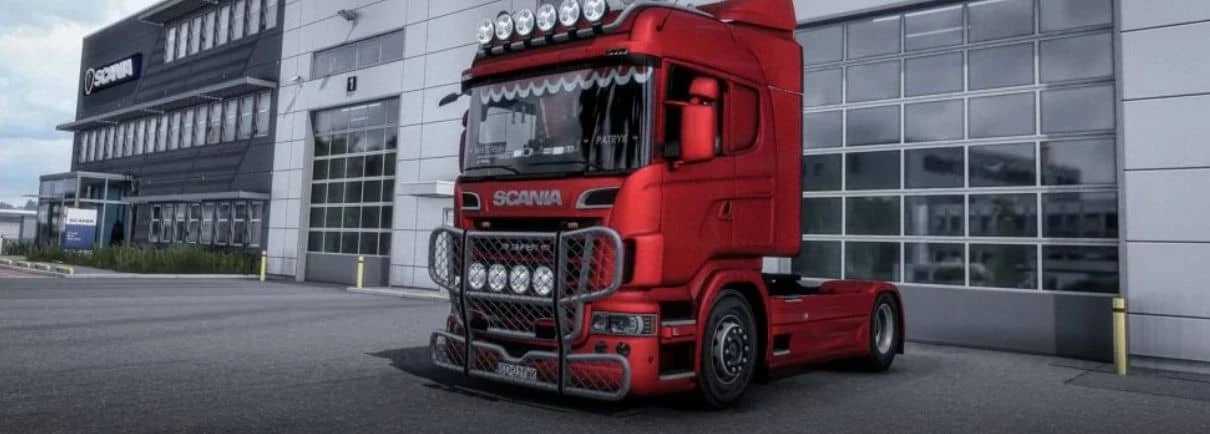
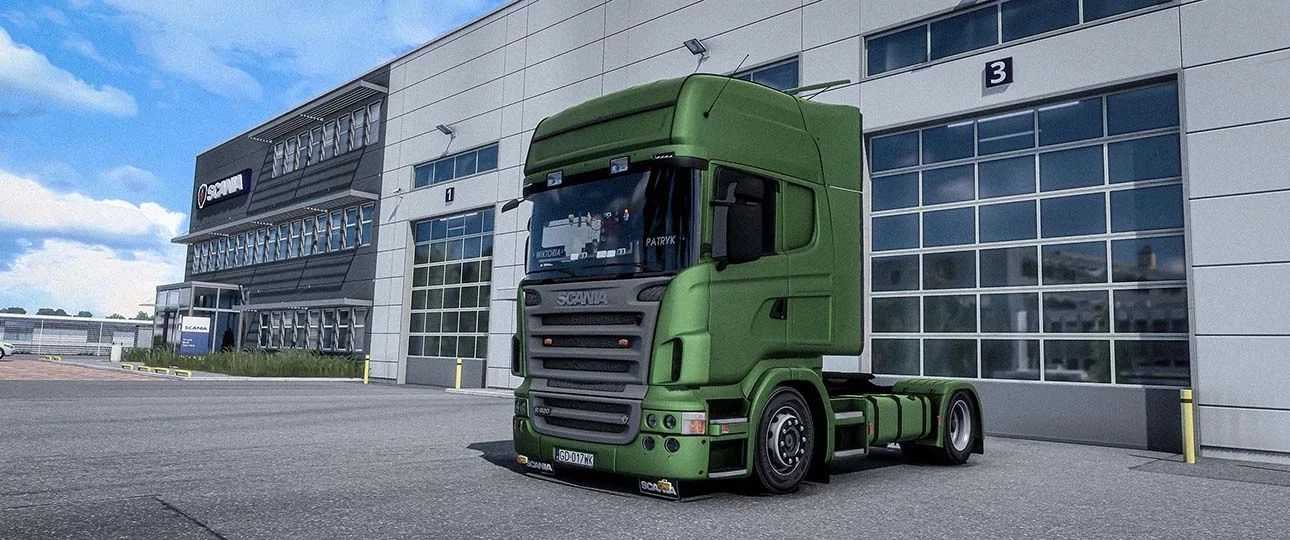
Scania R1 R500 Customs Pack v3.0 ETS2
High-quality 3D model
Complete ambient occlusion
4×4 chassis
Custom interior
Entirely new original steering wheel
Integrated megapackage interior from Wolli
Custom physics
Unique sounds
Animated window accessories
Functional windows
Numerous tuning components
Red interior lighting markers
New gearbox functionality with retarder
Incorporated the Sisl megapack
Galaxy Tab activates with ignition
Upgraded Hella lamps
Additional dashboard computer options
Corrected V8 engine sounds
Resolved outdated turn signal issues
Eberspacher climate control system
Updated tables
New front mudguards
Added interior shadows
Fixed various bugs
Updated for version 1.53
Credits: Dzordz
How to Install ETS2 or ATS Mods
Installing mods in Euro Truck Simulator 2 is straightforward. Simply download the mod from this site, then copy or unzip the files into: “My Documents\Euro Truck Simulator 2\mod” folder. For American Truck Simulator, place the mods in: “My Documents\American Truck Simulator\mod” folder. Use tools like WinRAR or 7-Zip to extract the files. Afterward, activate the mods you want to use in the game.