Scania S 8k Auvinen Skin v2.2 ETS2
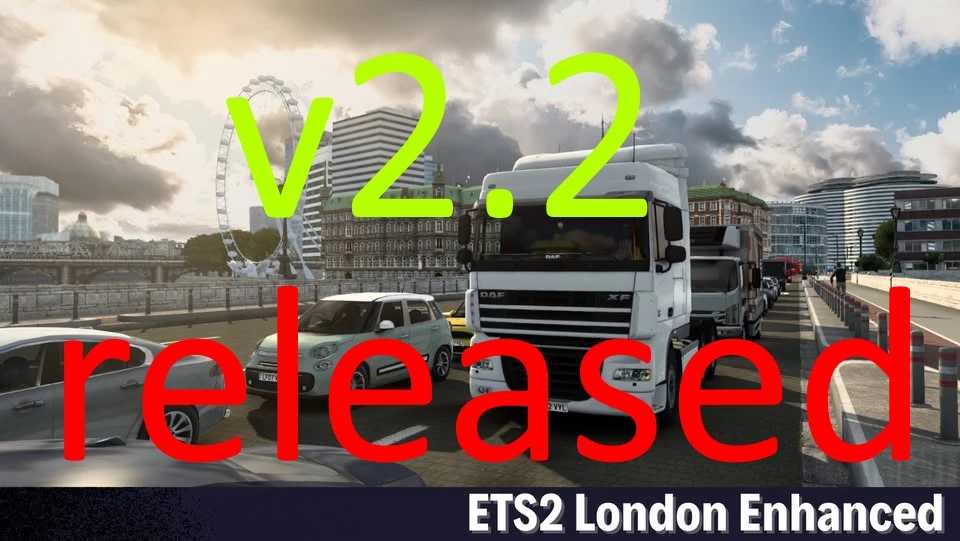
Version 2.2
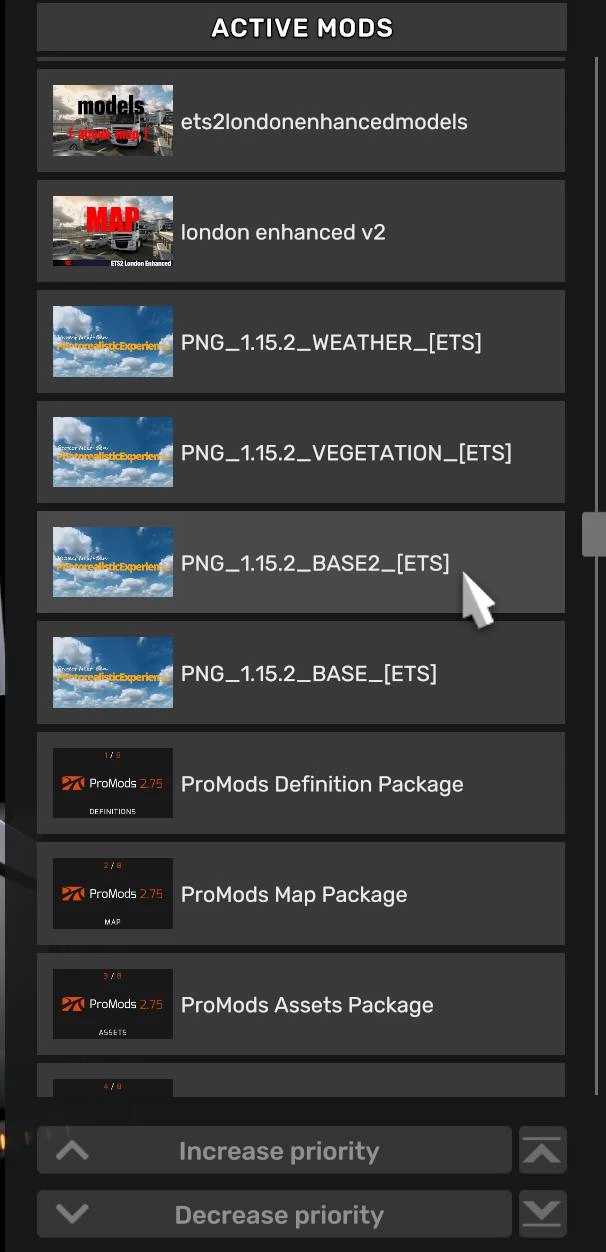
Requires the Latest ProMods Version
Refer to the load order
shown in the second picture.
Version 2.2
Fixed crashes when leaving London and Chelmsford.
Removed non-drivable roads from the UI map view.
Several visual improvements made.
Credits: mrmonkey1990
How to Install ETS2 or ATS Mods
Installing mods in Euro Truck Simulator 2 is straightforward. Simply download the mod from here and copy/unzip the files into the “My Documents\Euro Truck Simulator 2\mod” folder. For American Truck Simulator, place mods in the “My Documents\American Truck Simulator\mod” folder. Use WinRAR or 7zip to unzip files. After that, activate the mods you wish to use.