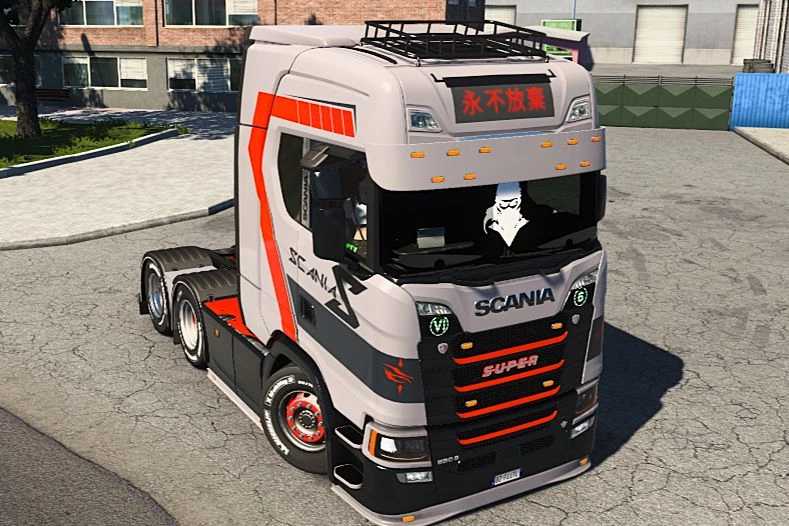
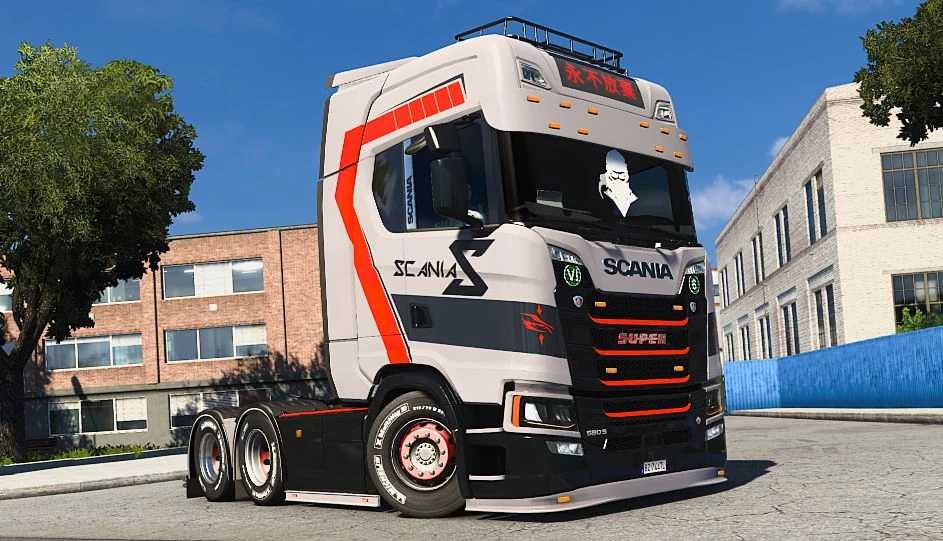
Scania S NGU 4K Skin v1.0 for ETS2
Scania S NGU 4K skin
To install, extract the file and place it in
Path: Documents/Euro Truck Simulator 2/mod/
This skin is compatible with any version that includes Scania S.
Credits: K-nash
How to Install ETS2/ATS Mods
Installing mods in Euro Truck Simulator 2 is straightforward. Download the mod from here, then copy/unzip the files into: “My Documents\Euro Truck Simulator 2\mod” folder. For American Truck Simulator, place the mods in: “My Documents\American Truck Simulator\mod” folder. You can use WinRAR or 7zip to extract the files. After that, activate your desired mods to use them.