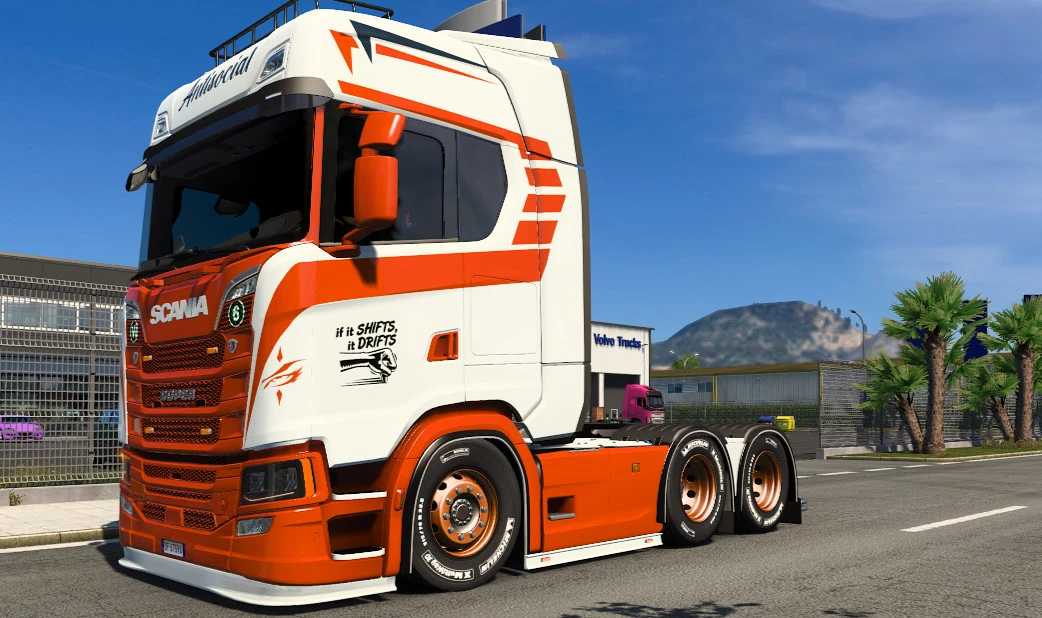
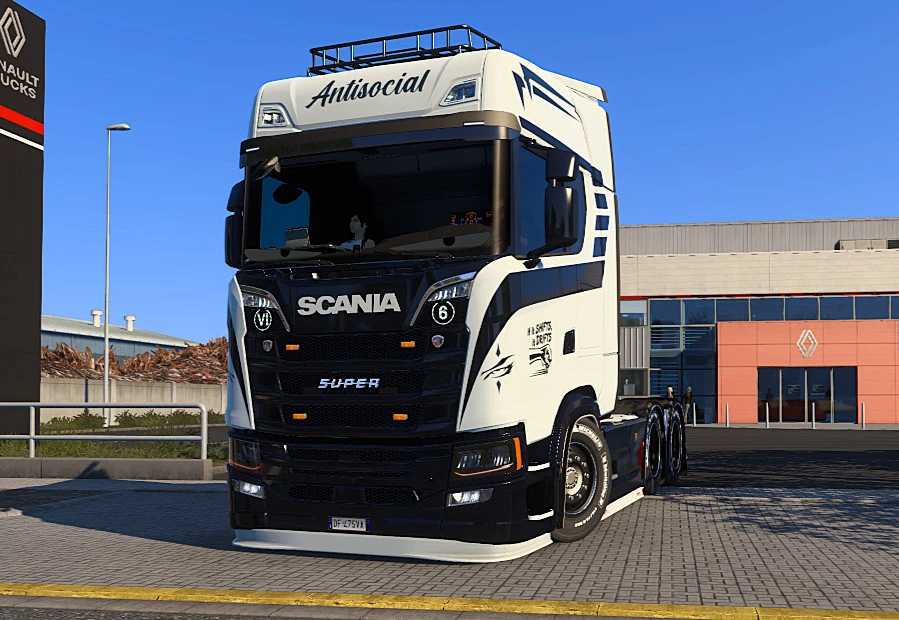
Scania S Skins Version 1.1 for ETS2
Skins designed for the Scania S
Game: Euro Truck Simulator 2
Credits: Kunashe Nash
Instructions for Installing ETS2 or ATS Mods
Installing mods in Euro Truck Simulator 2 is straightforward. Simply download the mod from here and copy/unzip the files into the “My Documents\Euro Truck Simulator 2\mod” folder. For American Truck Simulator, place the mods in the “My Documents\American Truck Simulator\mod” folder. Use tools like WinRAR or 7zip to extract the files. Afterward, activate the mods you wish to use.
Report any issues in the comments to assist modders in enhancing this mod. Always check the comments section, as you may find helpful solutions.