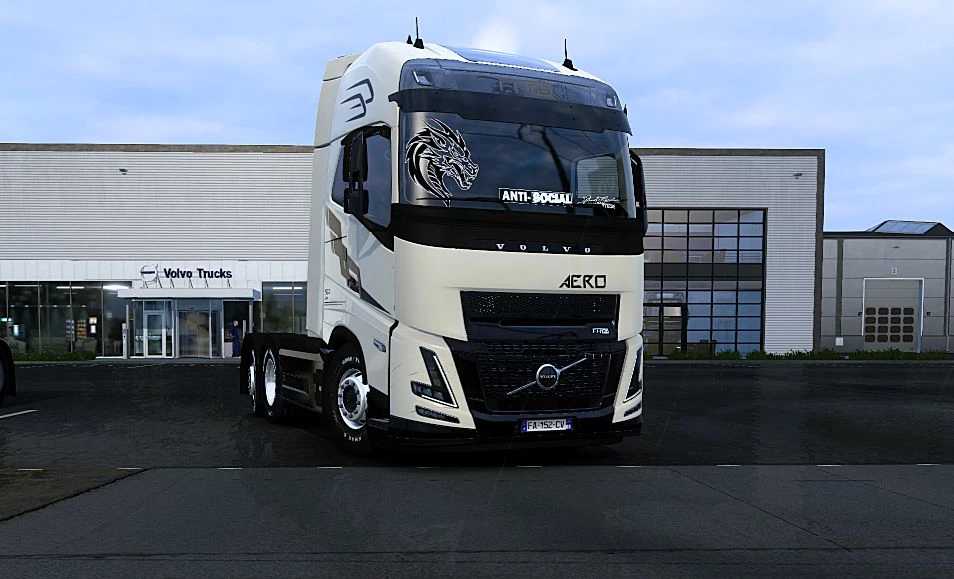
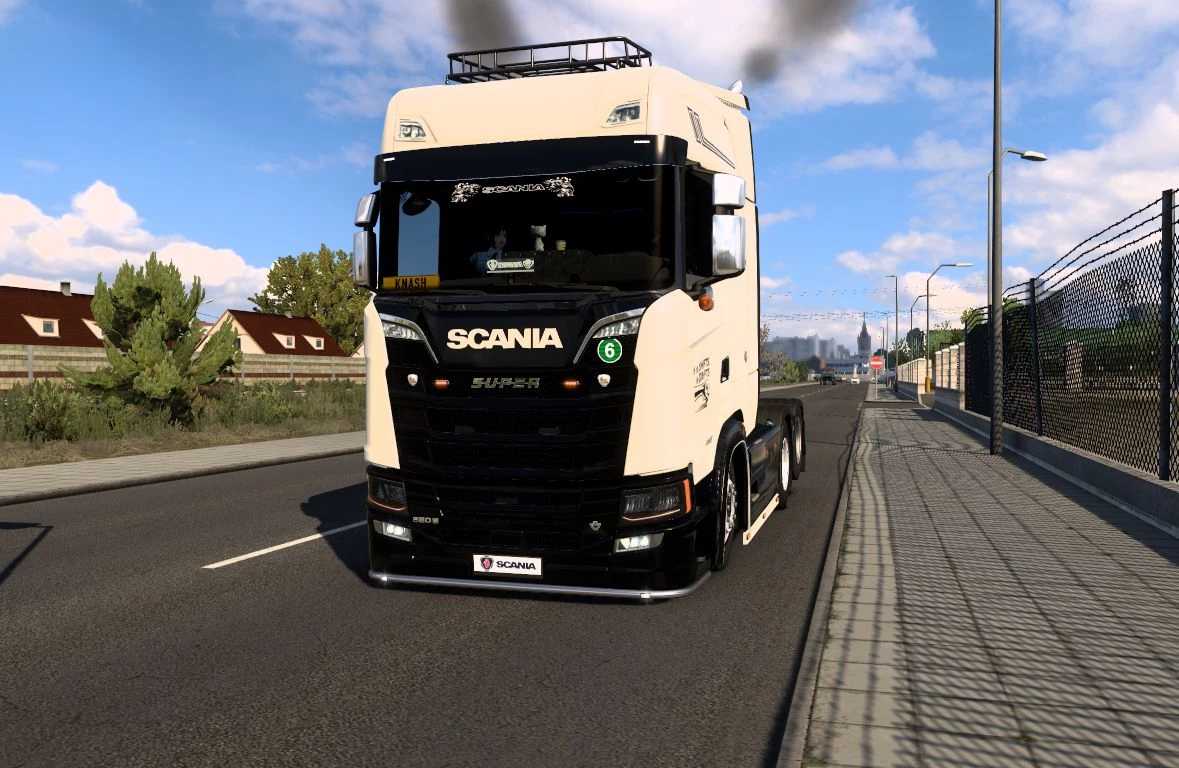
Scania S x Volvo Aero v1.0 ETS2
Scania S x Volvo Aero
Extract the files and place them in
Path: Documents/Euro Truck Simulator 2/mod/
Compatible with all versions
Credits: K-nash
How to Install ETS2 or ATS Mods
Installing mods in Euro Truck Simulator 2 is straightforward. Download the mod from here, then copy/unzip the files into: “My Documents\Euro Truck Simulator 2\mod” folder. If you are playing ATS, install mods to: “My Documents\American Truck Simulator\mod” folder. You can use either WinRAR or 7zip to unzip files. After installation, make sure to activate the mods you wish to use.