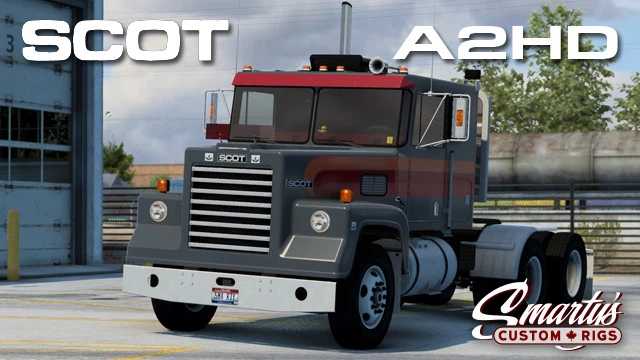
Scot A2HD v2.2.5 for ETS2 1.55
Changelog v2.2.5
– Introduced support for Iowa event rewards
– Enhanced the interior camera movement range
– Updated toolset for version 1.55 (Workshop version only)
– Updated headlight accessory icons
– Standalone
– Available through specific modification dealers;
– 1 cabin option;
– 2 chassis configurations;
– 1 custom interior;
– Tuning options;
– New wheel designs
– Advanced coupling support
– Compatibility with DLC Cabin Accessories (required)
– Support for SiSL’s Mega Pack (not bundled)
Credits: Smarty
How to Install ETS2 or ATS Mods
Installing mods for Euro Truck Simulator 2 is simple. Download the mod file, then copy or unzip the files into the “My Documents\Euro Truck Simulator 2\mod” directory. For American Truck Simulator, place the mods in “My Documents\American Truck Simulator\mod”. Use WinRAR or 7zip to unzip files, and then activate the desired mods in-game.