SCS Extracted 2 1.55 ETS2
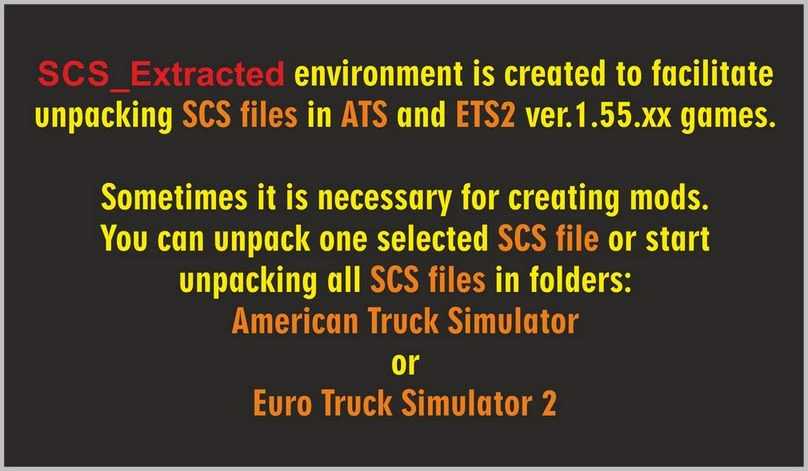
SCS Extracted is used to unpack SCS files in ATS and ETS2 version 1.55.xx
NOTE! I created SCS_Extracted_2_ for personal use, and you might not require it.
The RAR archive SCS_Extracted_2_.rar is approximately 1.2 MB and includes:
– #_SCS_Extracted_2_.exe,
– ReadMe_.txt and image.jpg,
– image___.jpg,
– Manual__Read_Me_.txt,
– sshot-220.jpg,
– sshot-221.jpg,
– sshot-222.jpg
Please note! There are no viruses in SCS_Extracted.
However, some less advanced antivirus programs may flag it as a potential threat.
I assure you, there are no viruses in SCS_Extracted! ABSOLUTELY no threat!
– SCS_Extracted allows unpacking SCS files in the games: ATS and ETS2 for modifications and modding.
– SCS_Extracted is based on the [scs_packer.exe]
– This version of SCS_Extracted has been enhanced for better usability and does not depend on the number of SCS files in ATS and ETS2.
Installation Instructions:
– Open the SCS_Extracted_2_.exe file and select a convenient location on any drive, where the #_SCS_Extracted_2_ folder will be created, along with a desktop shortcut.
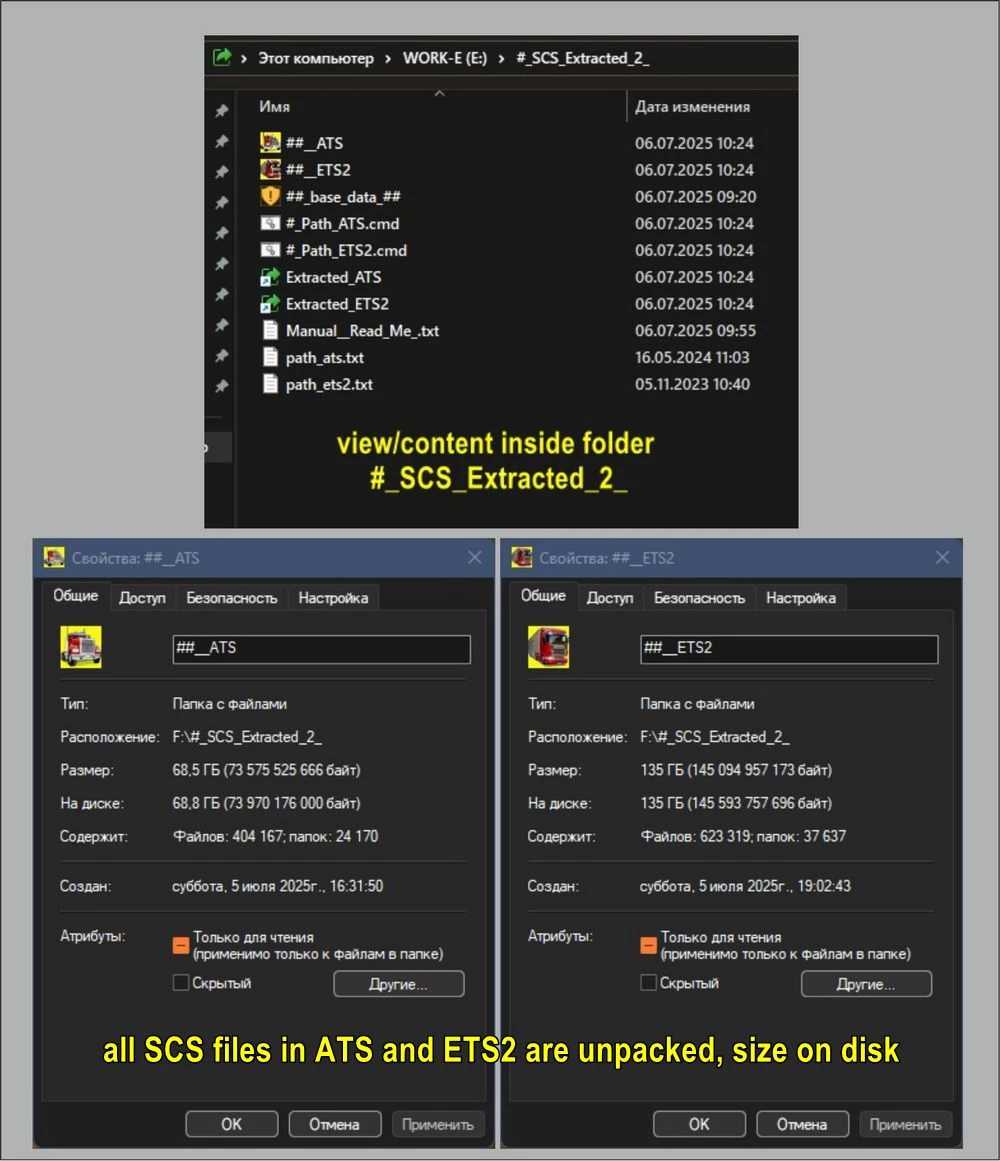
– Ensure you have approximately 69 GB of free space for unpacking all SCS files in ATS and an additional 136 GB for ETS2.
– After that, check the Manual__Read_Me_.txt file in the newly created #_SCS_Extracted_2_ folder for further instructions.
IT IS ALLOWED TO DISTRIBUTE THIS ARCHIVE WITHOUT THE ORIGINAL LINK.
Credits: bobo58
Installing ETS2 or ATS Mods
Installing mods in Euro Truck Simulator 2 is straightforward. Simply download the mod, and copy/unzip the files into the “My Documents\Euro Truck Simulator 2\mod” folder. For ATS, you will need to place the mods in the “My Documents\American Truck Simulator\mod” folder. You can use WinRAR or 7zip for unzipping the files. Subsequently, activate the mods you wish to use.