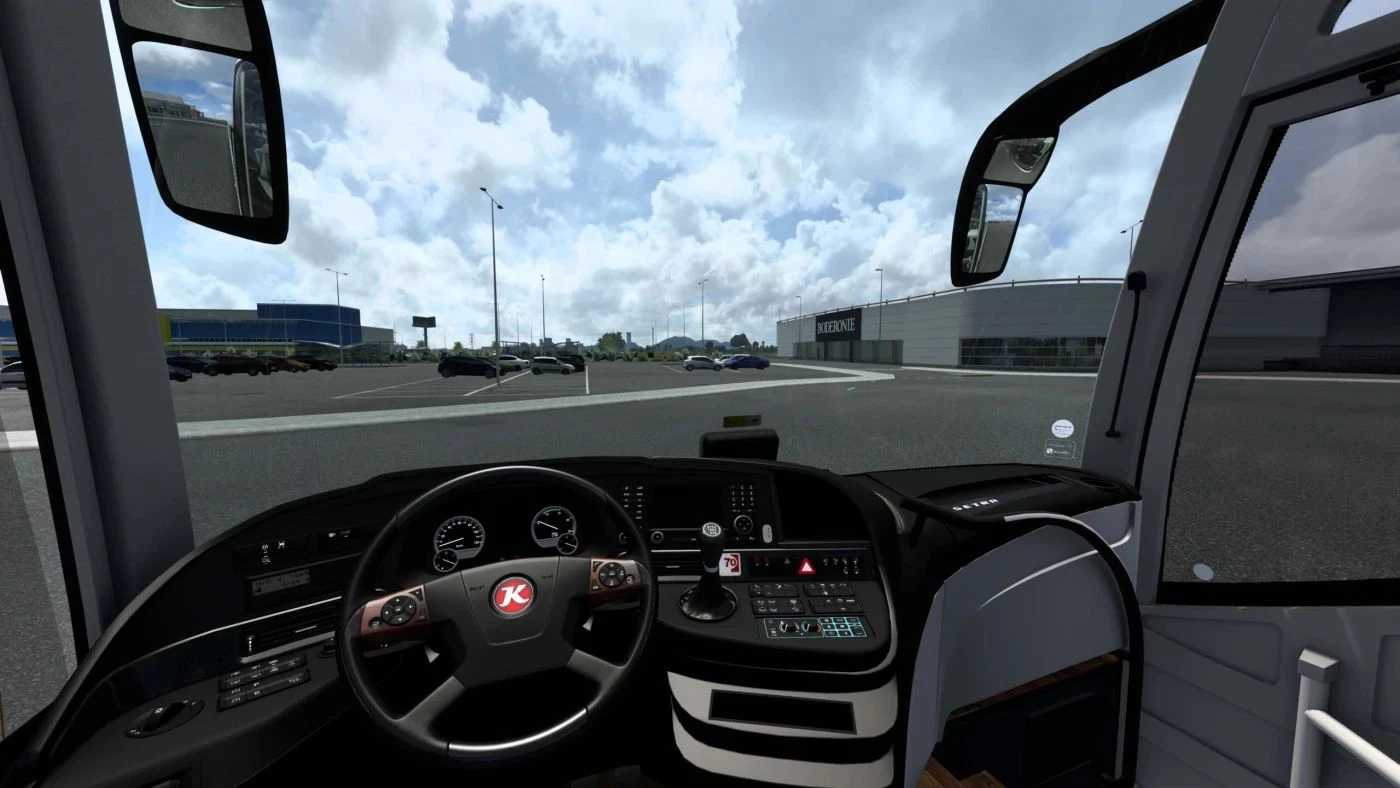
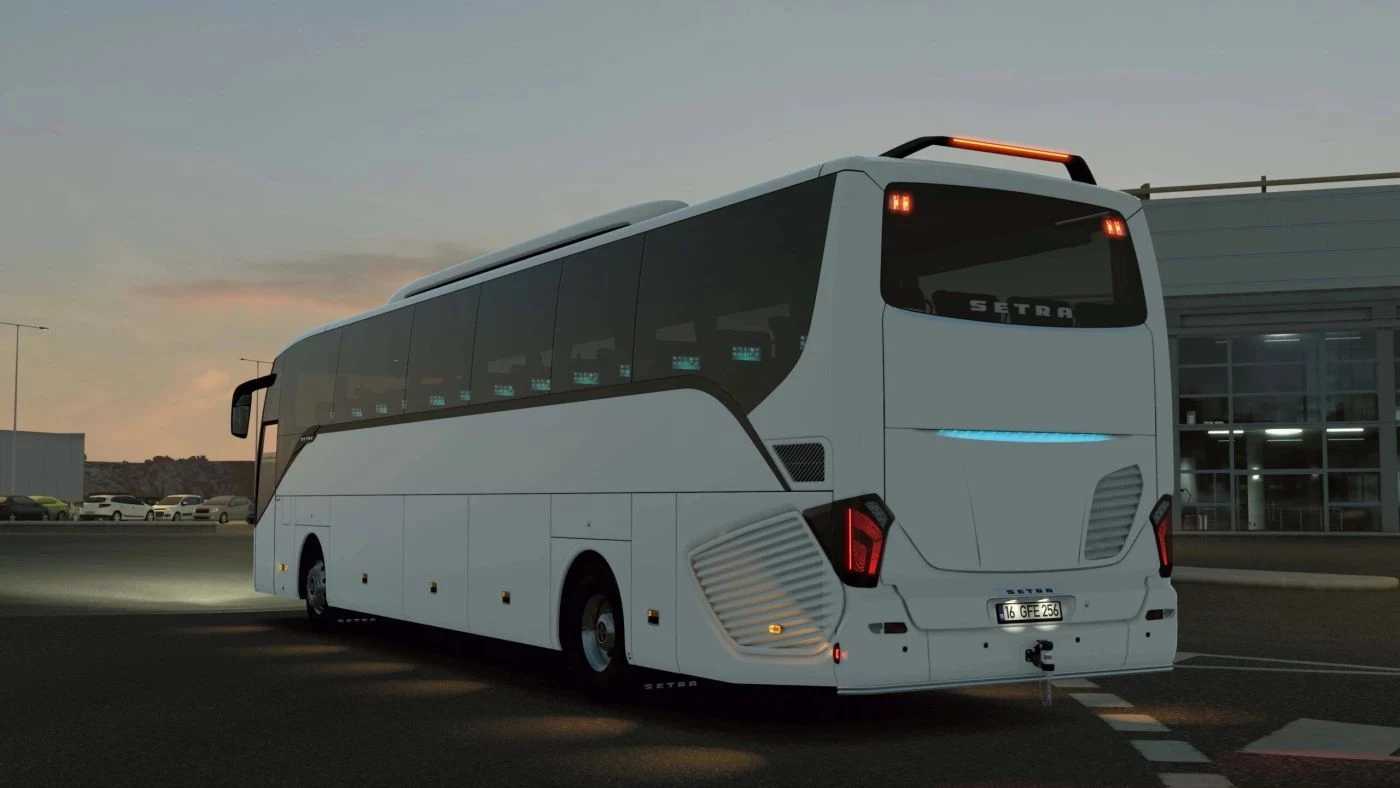
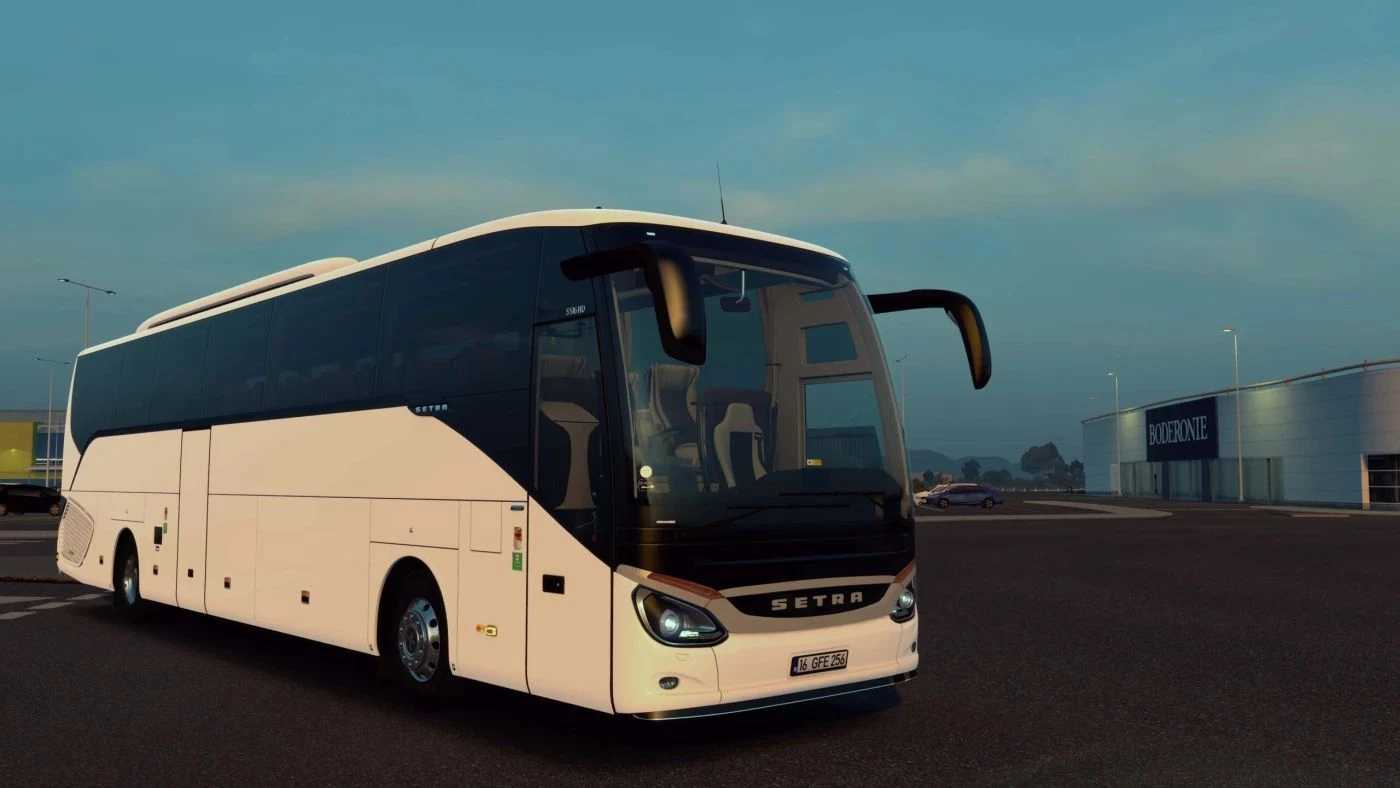
Setra S516 HD/2 v1.56 for ETS2
Genuine engine and retarder sounds
Highly realistic physics with a functional trip computer
Numerous vehicle skins for different companies
Physics-based enhancements like suction cup signs, tea glasses, flags, and floor mats
A variety of customizable accessories:
Including antennas, bumper bars, license plate holders, chrome accents, and stickers
Lighting options like headlights, fog lights, and engine cover lighting, along with roof AC guards
Includes mirrors, windshields, curtains, navigation systems, and air horns
Comprehensive interior customization:
Seats, cabin lights, and both passenger/driver lighting options
Dashboard leather, console fabric, interior upholstery, carpets, and floor coverings
Ornamental console decorations and hanging accessories
Version 1.56 updated and fixed
Credits: OyuncuyusBisMods
Instructions for installing ETS2 or ATS Mods
Installing mods in Euro Truck Simulator 2 is straightforward. Download the mod from the link, copy/unzip the files into: “My Documents\Euro Truck Simulator 2\mod” folder. For American Truck Simulator, place them in: “My Documents\American Truck Simulator\mod” folder. You can use WinRAR or 7zip for extracting the files. Finally, activate the mods you wish to use.