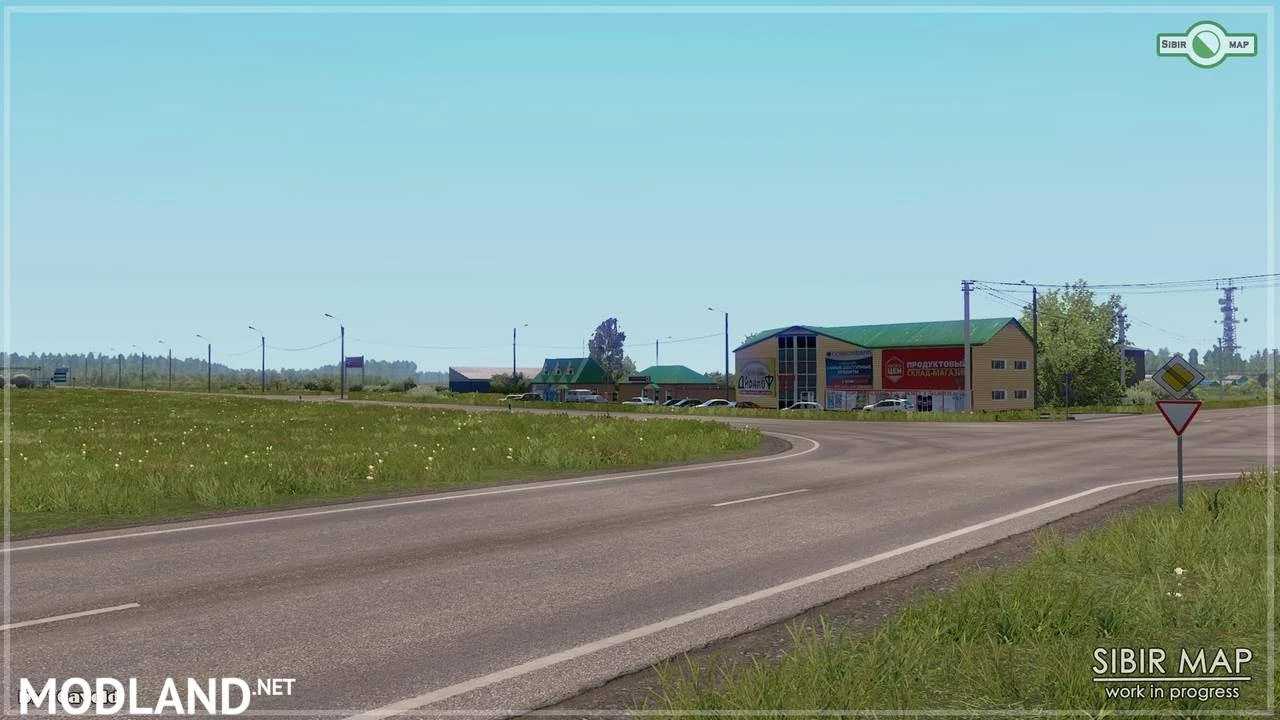
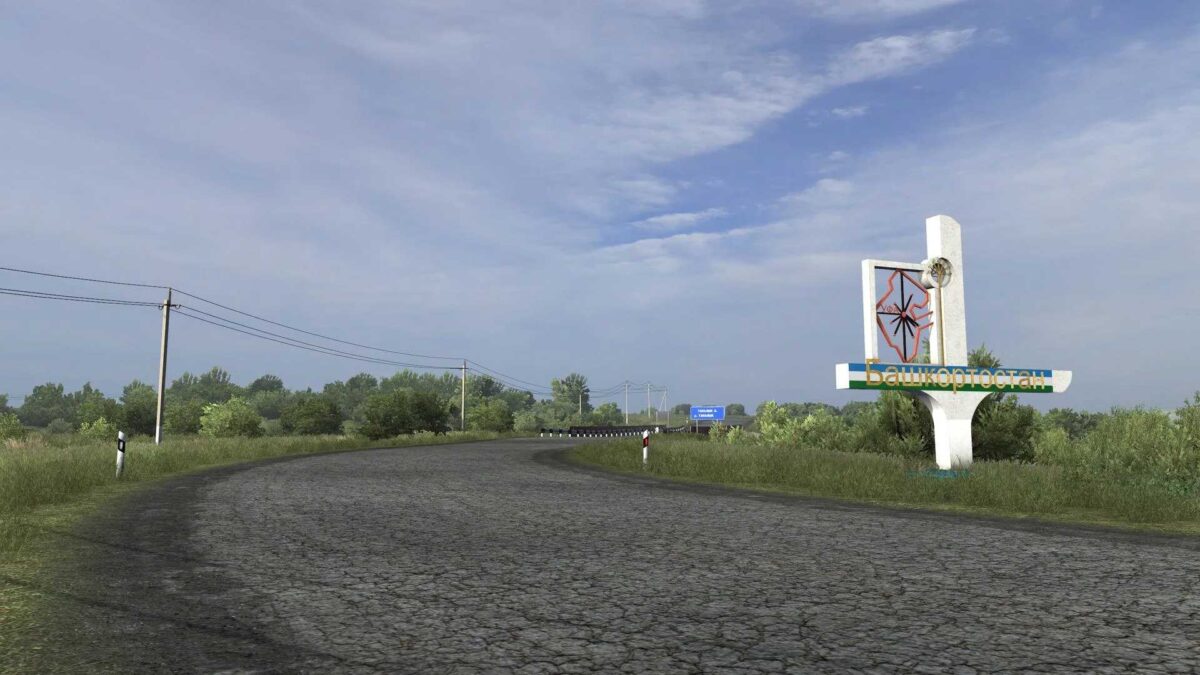
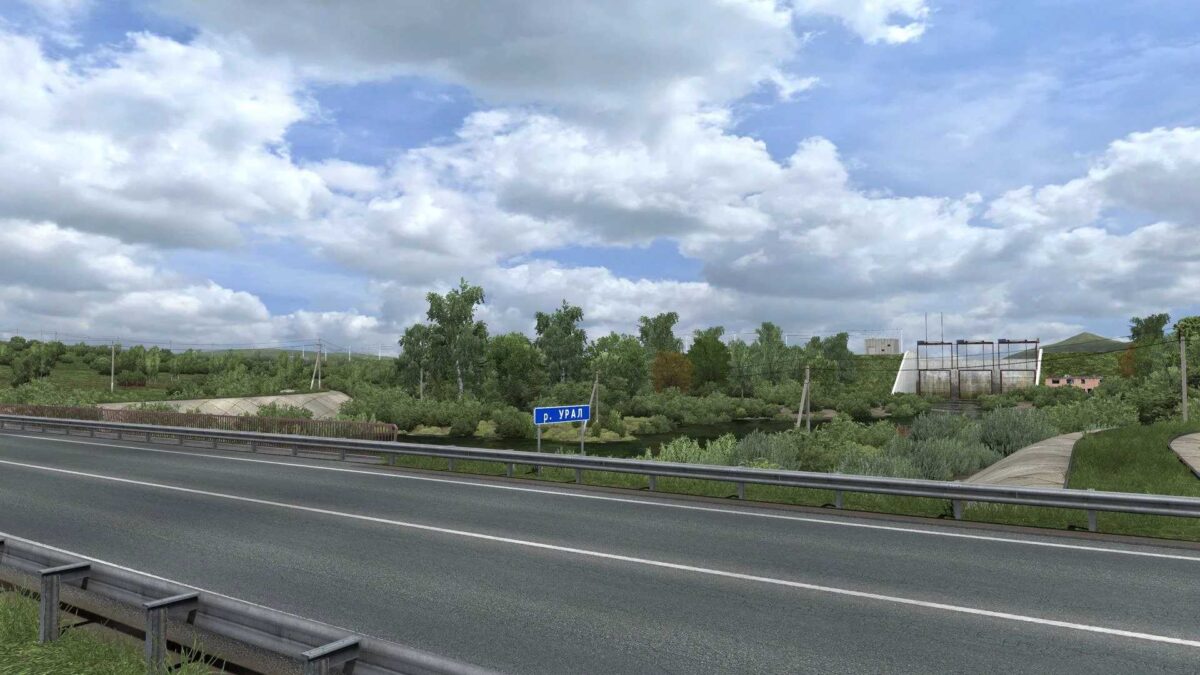
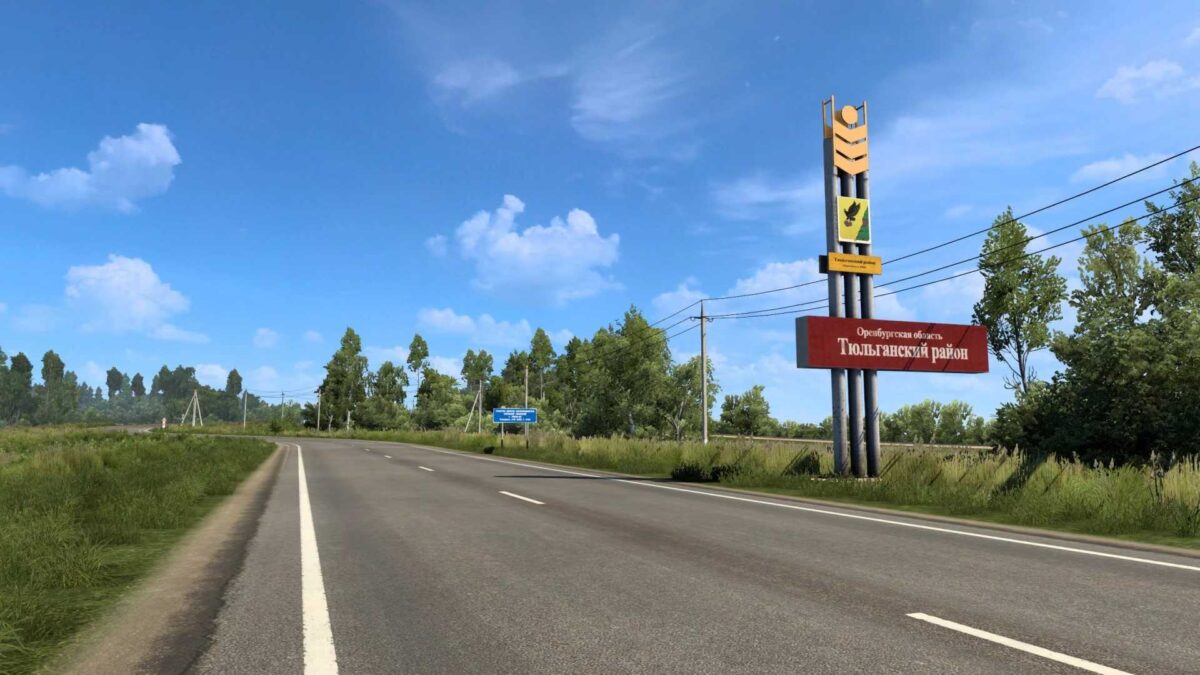
Sibir Map 2.11.0 FV ETS2
A thorough exploration of the region,
Personalized facilities,
Development based on satellite imagery and panoramas,
Accurate map docking and backing,
Compatible (mostly through connector files) with maps like RusMap, Project Russia, Southern Region, Volga Map, Kirov Map, Trans-Siberian Truckway, Russian Expanses, and the Kazakhstan map.
Future plans include a direct connection to the Altai Map.
The R-254 highway and the towns of Moskalenki and Isilkul have been incorporated.
Credits: 10AVOID
How to install ETS2 mods or ATS Mods
Installing mods in Euro Truck Simulator 2 is straightforward. Just download the mod from here, and place the files into the “My Documents\Euro Truck Simulator 2\mod” folder, or if you’re using ATS, install the mods into “My Documents\American Truck Simulator\mod” folder. Use WinRAR or 7zip to unzip files. After that, activate the mods you wish to use.