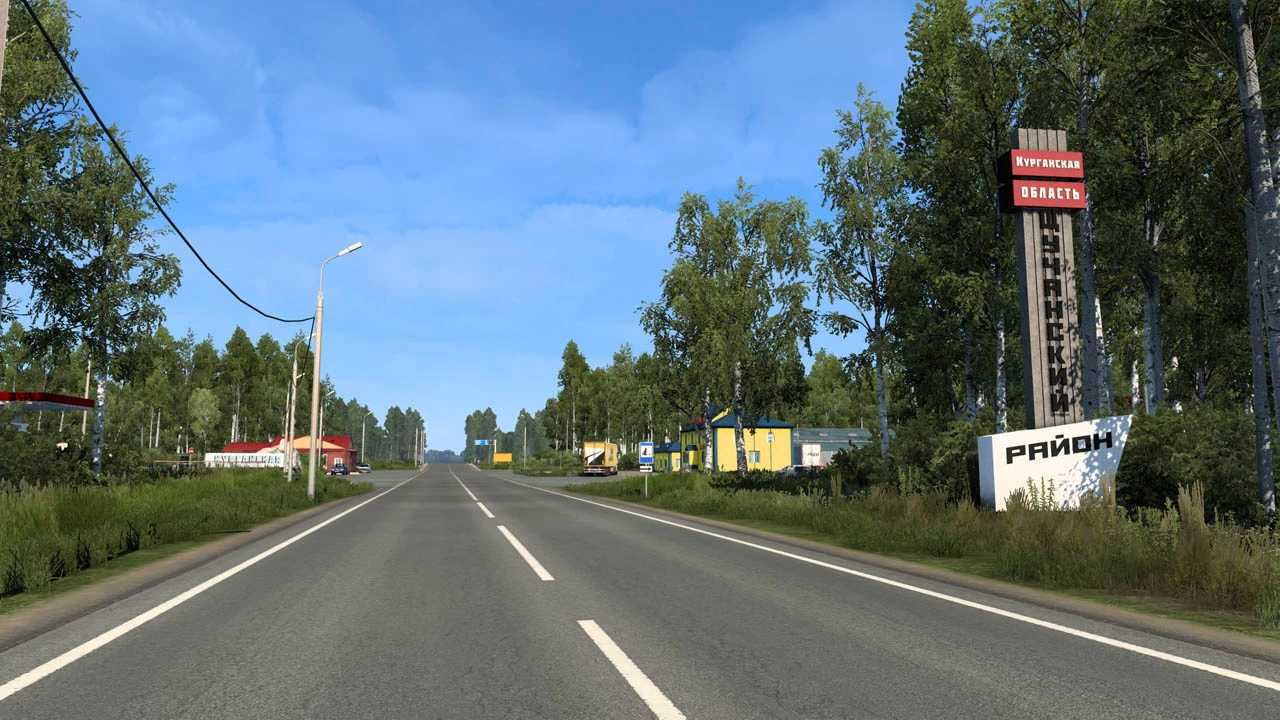
SibirMap v2.12.0fv ETS2
Version – 2.12.0 FV
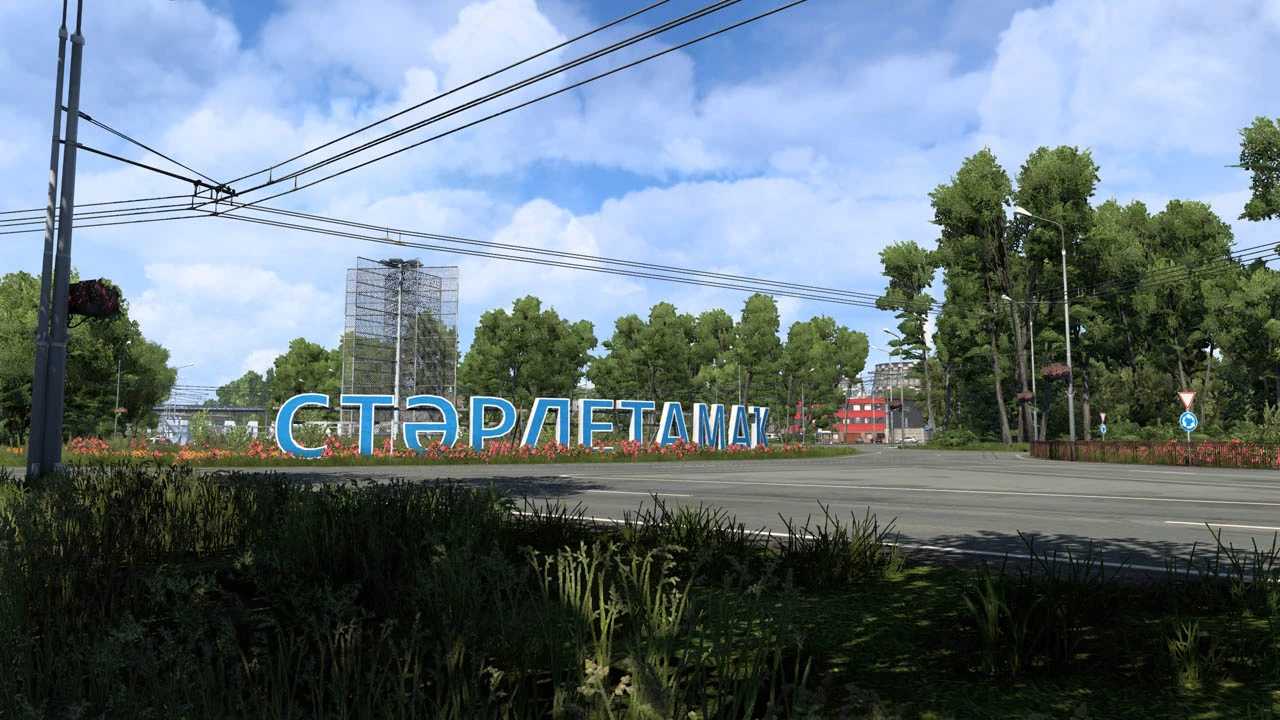
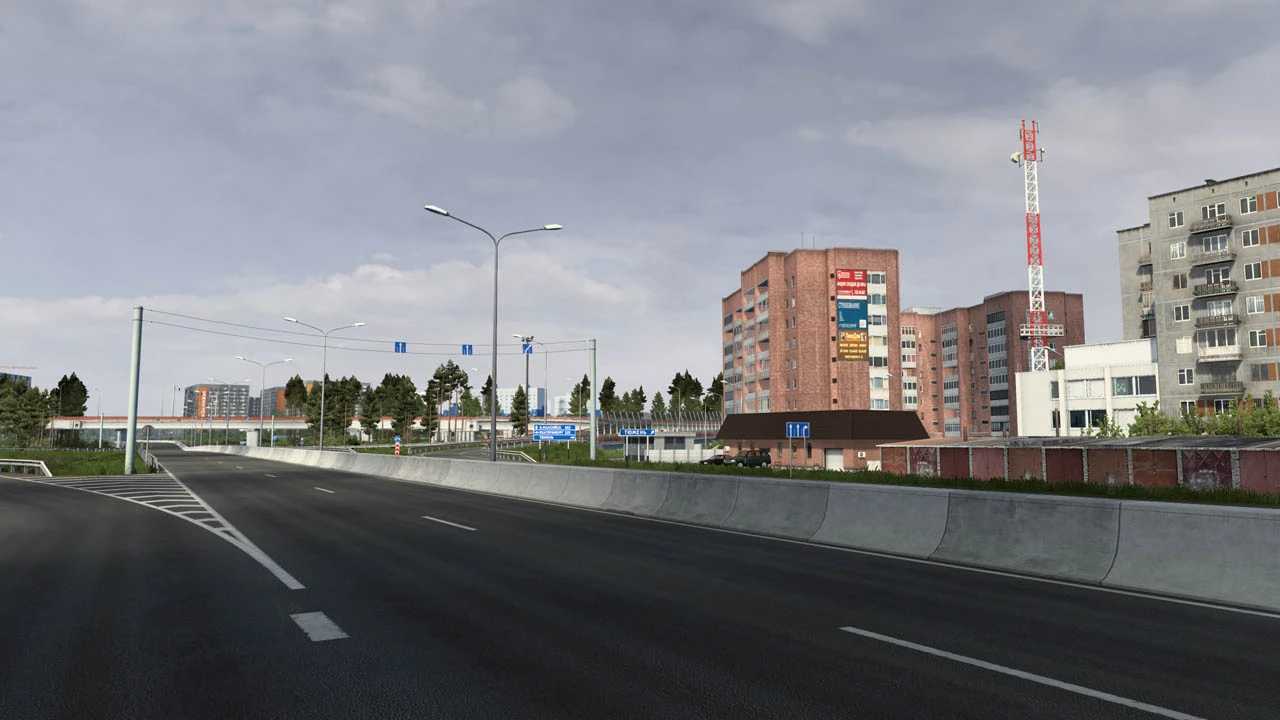
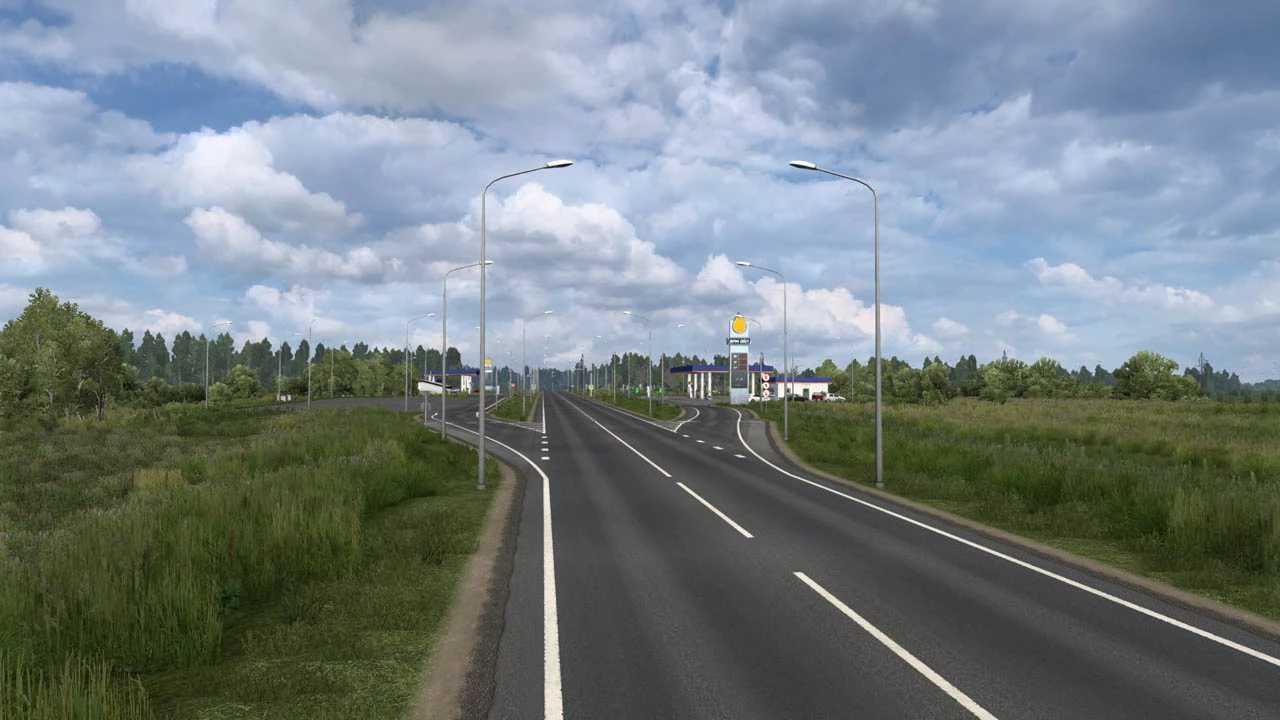
– Added the M-51 highway across Kazakhstan from Mamlyut to Isilkul (including the regional city of Petropavlovsk, as well as border crossings between the Omsk region of Russia and Kazakhstan).
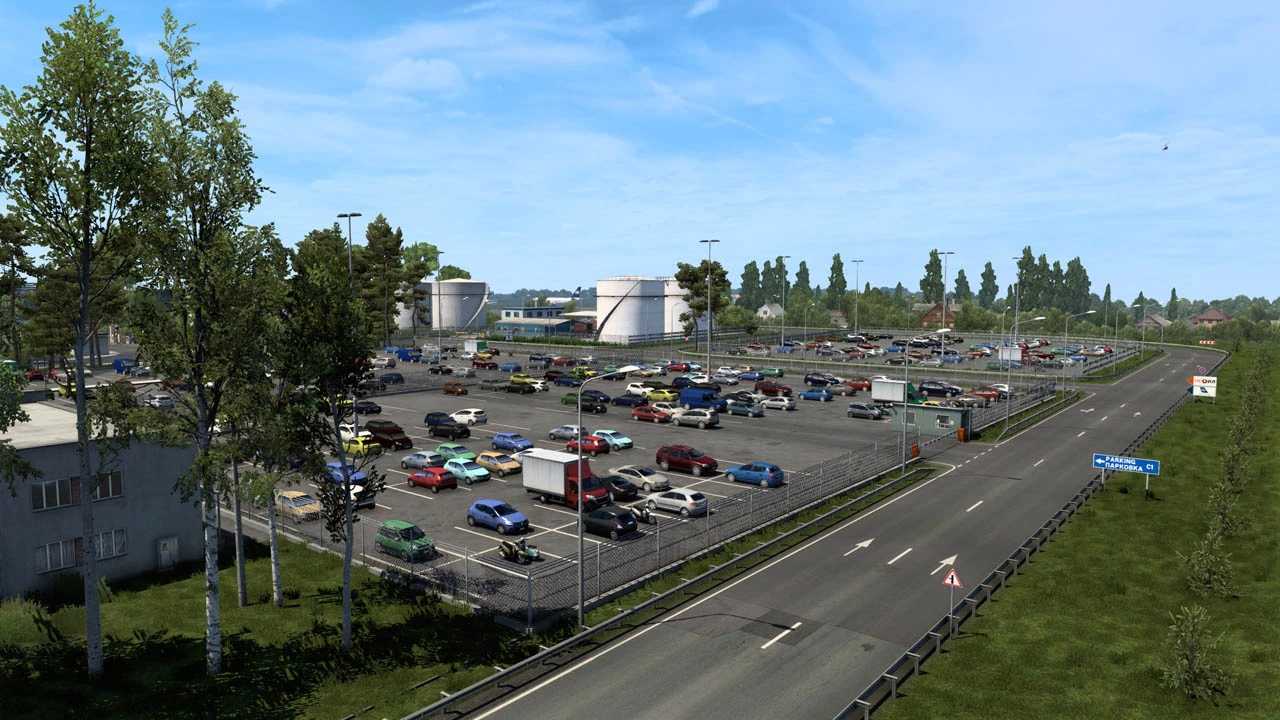
– Numerous unique databases and unique objects.
– Bug fixes for previous versions.
– Adaptation for game version 1.58.
Description:
The Map of Siberia project is being revived, now it is a project for the default module (europe), at a default scale of 1:19.
Docking with projects RusMap + SouthernRegion + VOLGAMAP + PGS + KirovMAP and another.
Otherwise, the principles are unchanged:
– Detailed study of the area
– Custom objects
– Construction on panoramas and satellite images
– Correct backing and docking of the maps.
INSTALLATION:
Installation Procedure:
– Rusmap (Map, Def, Model)
– Volgamap
– SouthernRegion
– KirovMAp
– SibirMap 2.12.x
Credits: 10avoid
How to install ETS2 mods or ATS Mods
In Euro Truck Simulator 2 it’s easy to install mods. You just need to download mod from here, copy/unzip files into: “My Documents\Euro Truck Simulator 2\mod” folder or if you play ATS please install mods to: “My Documents\American Truck Simulator\mod” folder. To unzip files you can use: WinRAR or 7zip. After that you need to activate the mods you want to use.