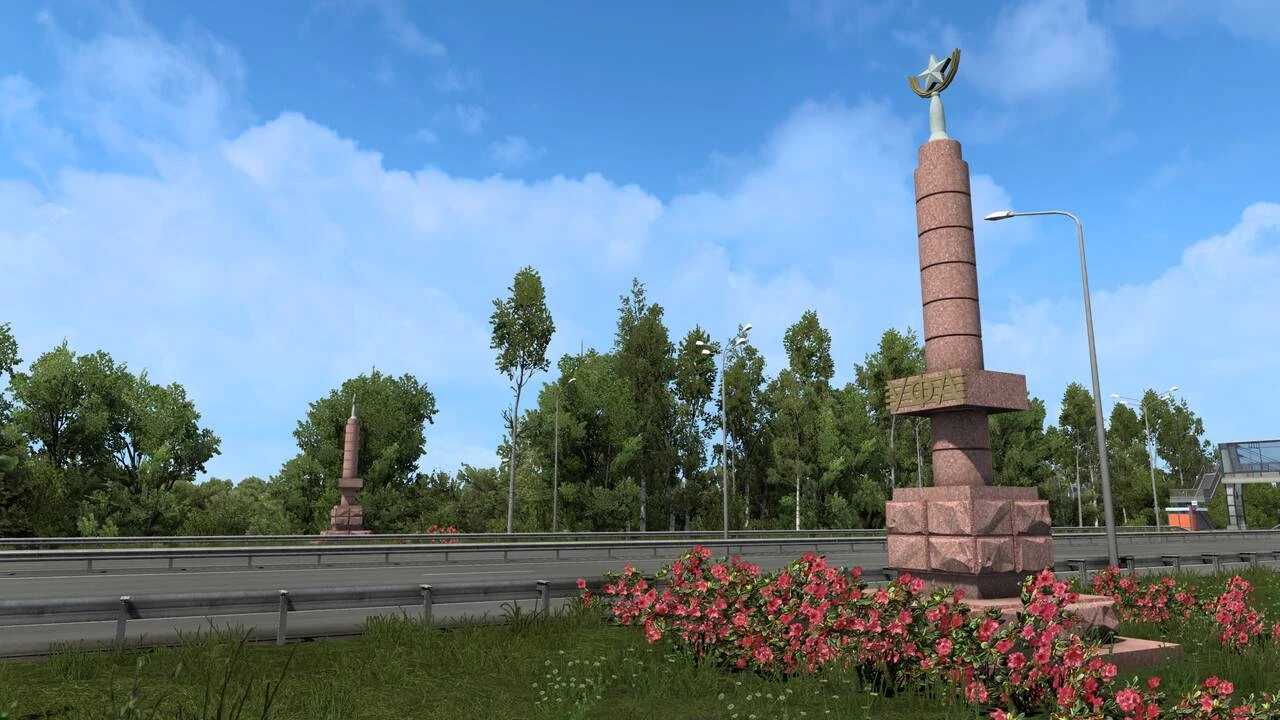
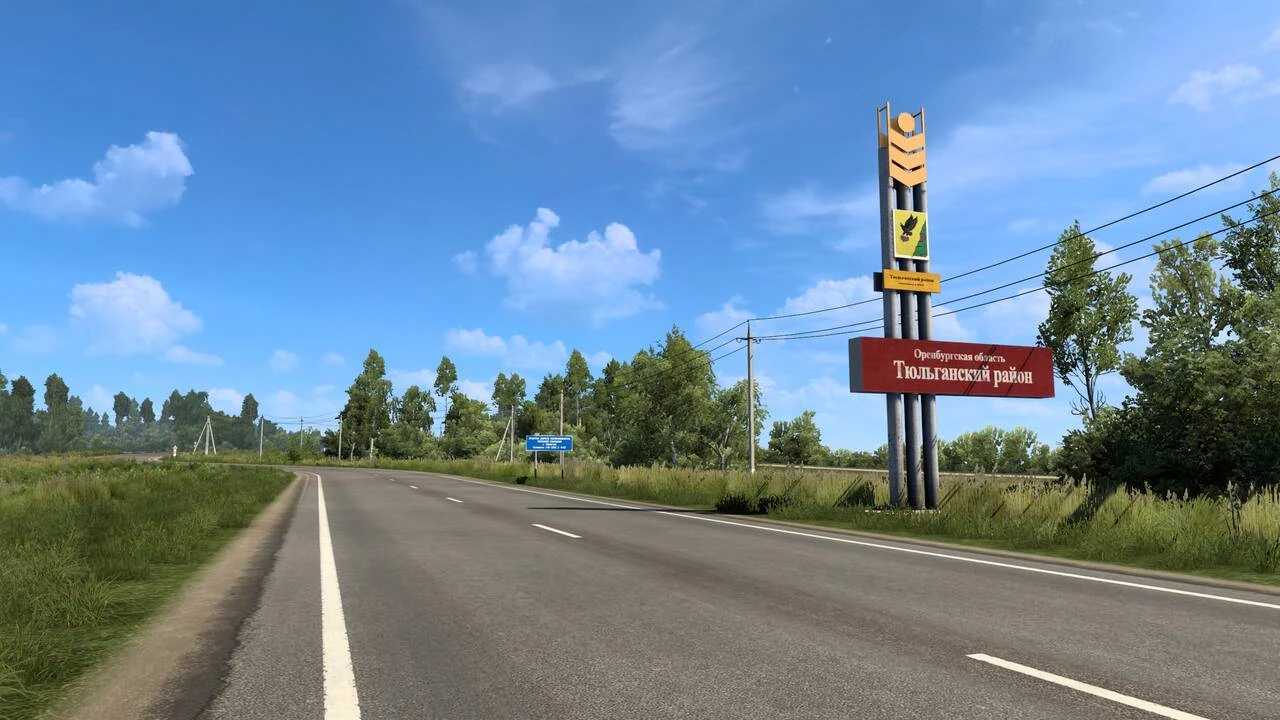
SibirMap v2.10.2 for ETS2
Version – 2.10.2.
+ Compatible with game version 1.55.
– Resolved various errors and bugs.
Version 2.10.1.
– Adapted for game version 1.54.
Version 2.10.0.
– Introduced Omsk.
– Completed the R-402 Tyumen-Omsk highway, added areas from Ishim to Omsk, and included settlements such as Abatskoye, Krutinka, and Tyukalinsk.
– Minor adjustments made throughout the map.
– Included over 100 unique objects for this release.
– Enhanced pack of high-quality graphic elements for company design from Dragon’s Design studio.
Credits: 10avoid
How to Install ETS2 or ATS Mods
Installing mods in Euro Truck Simulator 2 is straightforward. Simply download the mod from here and copy/unzip the files into the: “My Documents\Euro Truck Simulator 2\mod” folder. If you are playing ATS, you should install mods to: “My Documents\American Truck Simulator\mod” folder. You can use WinRAR or 7zip to unzip files. After that, activate the mods you wish to use.