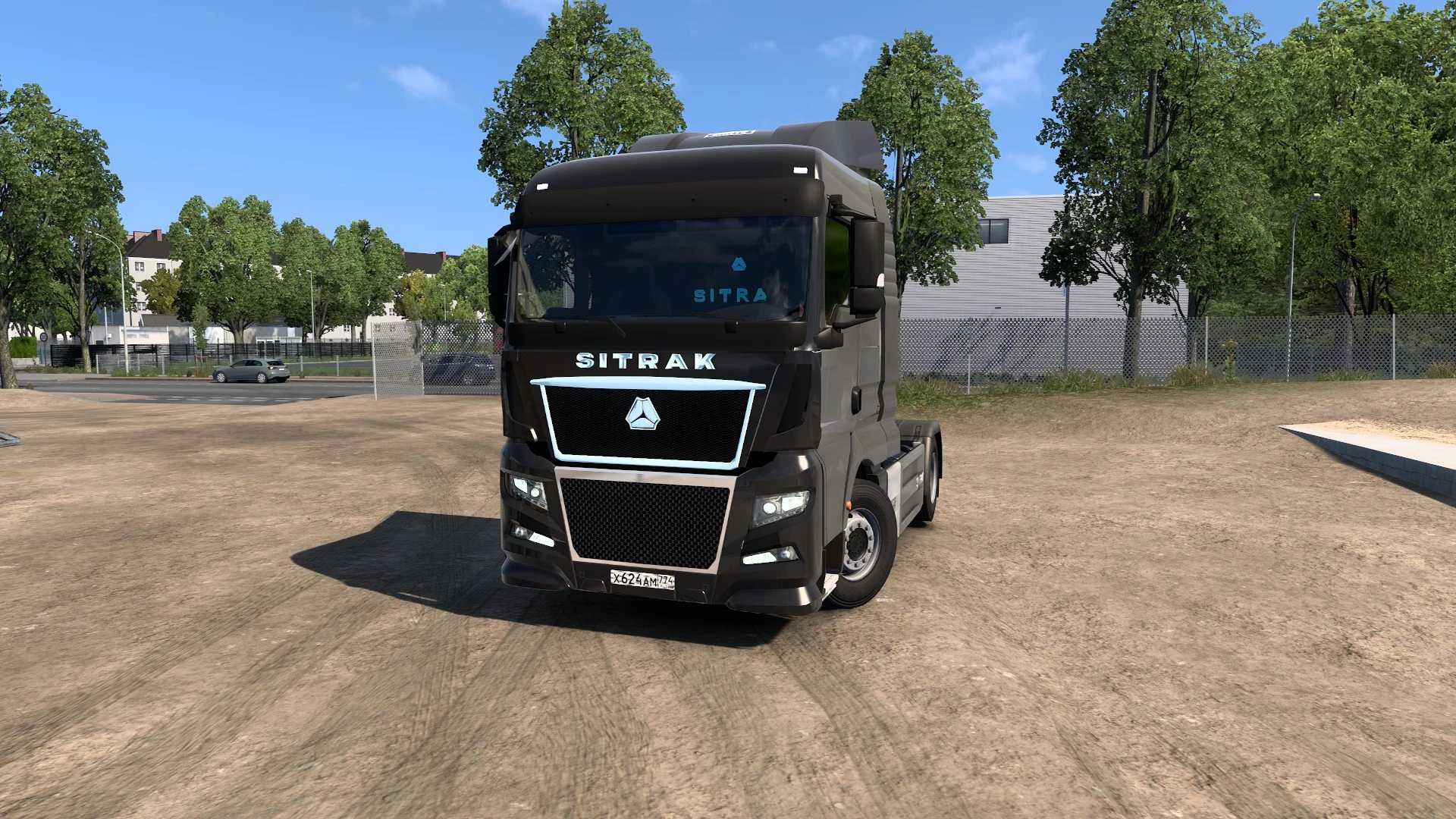
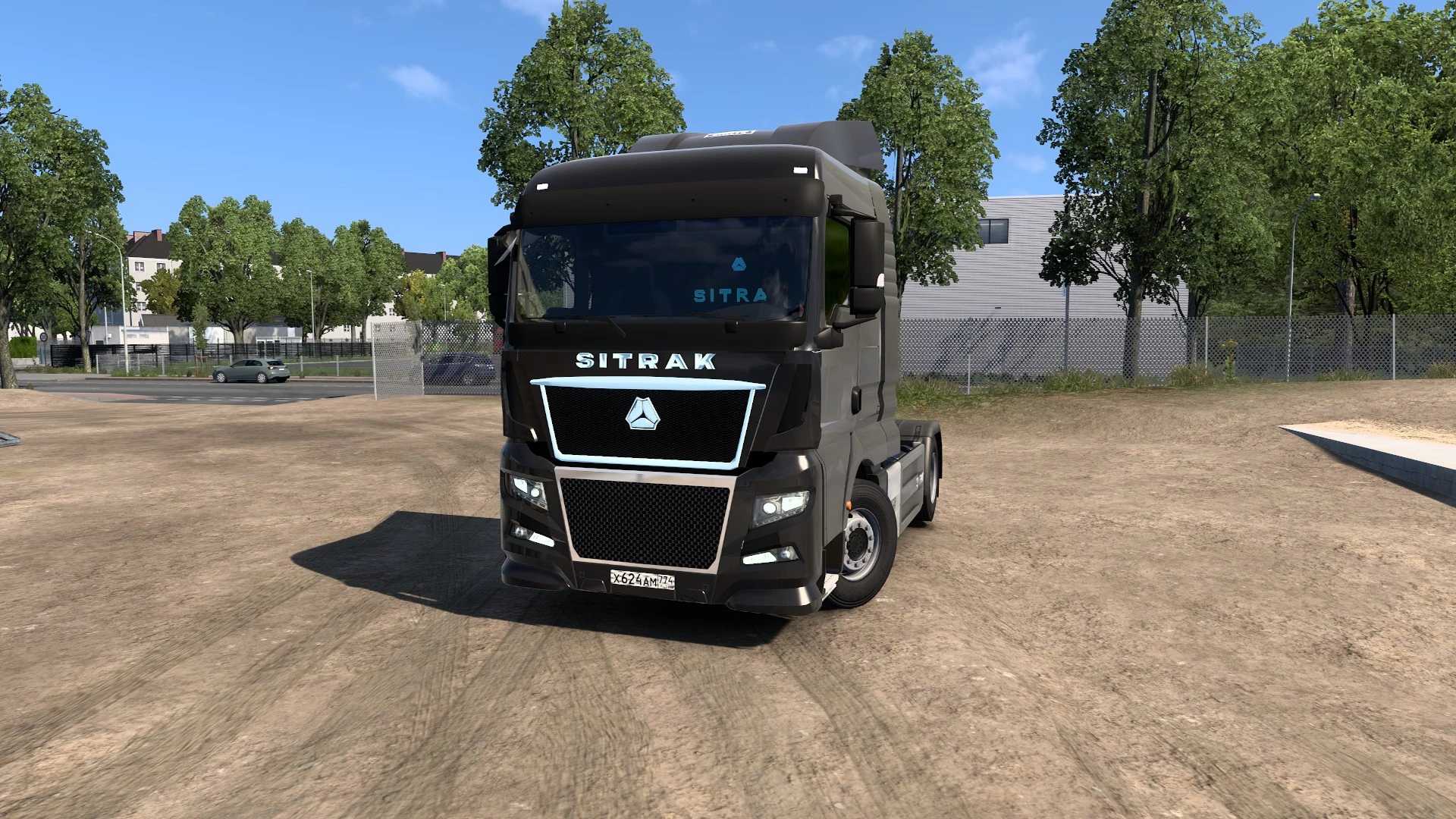
Sitrak C9H 1.53 for ETS2
Key Features:
1 – Cabin design
2 – Chassis type (4×2)
3 – Engine specification (480 HP)
4 – Transmission system (12 HP)
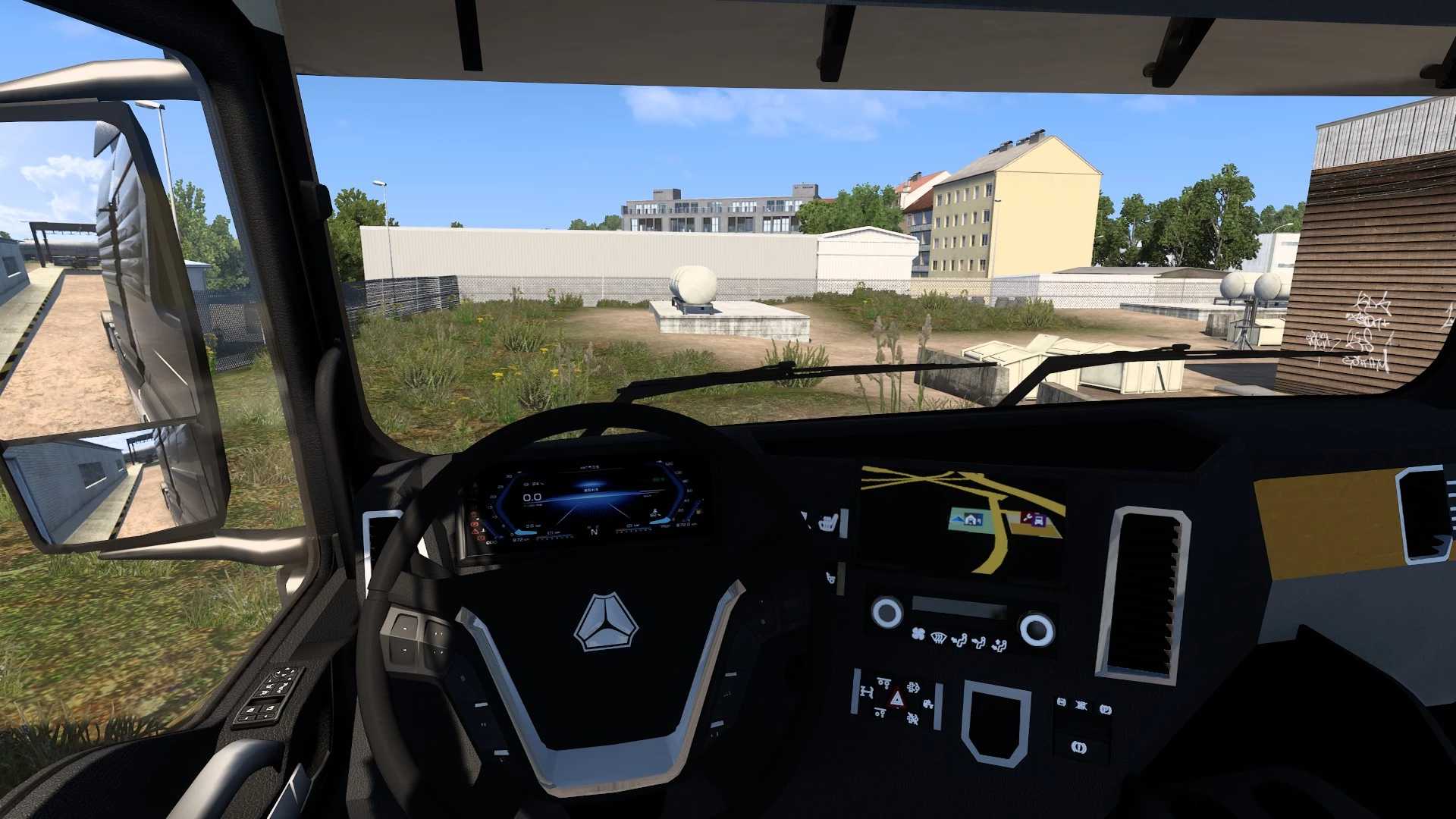
5 – Interior design
Available in a variety of colors, including metallic finishes
Customization options available
Updates:
Resolved previous bugs
Enhanced animations
Improved engine sound effects
Available at your vehicle dealership
Interior windows are now functional
Acknowledgements: Cookie, Updated by: Finnya
Instructions for Installing ETS2 Mods or ATS Mods
Installing mods in Euro Truck Simulator 2 is straightforward. Simply download the mod from this link, and then copy or unzip the files into: “My Documents\Euro Truck Simulator 2\mod” directory. If you’re playing ATS, place the mods in: “My Documents\American Truck Simulator\mod” folder. Use tools like WinRAR or 7zip to extract files. After extraction, make sure to activate the desired mods for use.