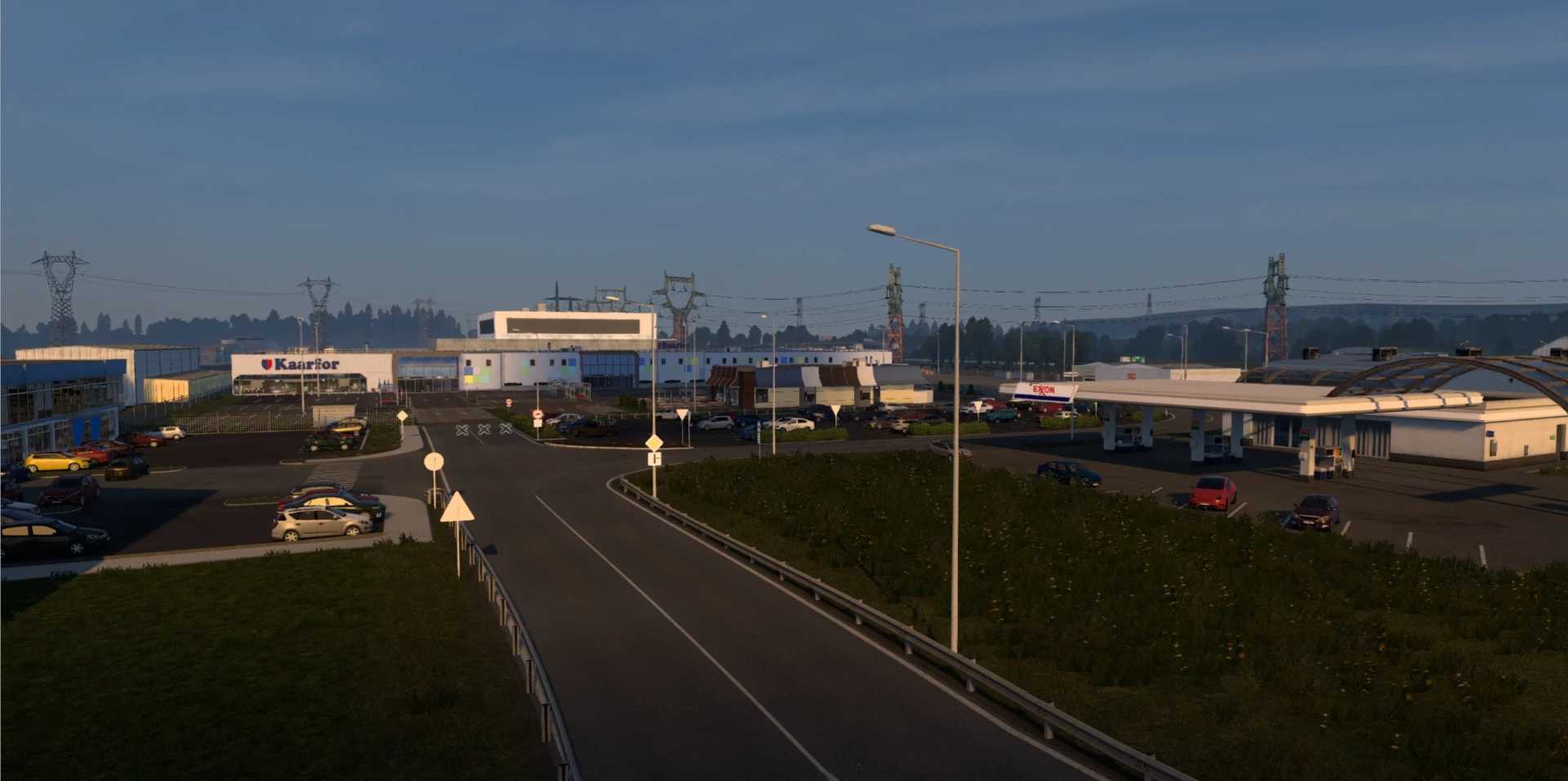
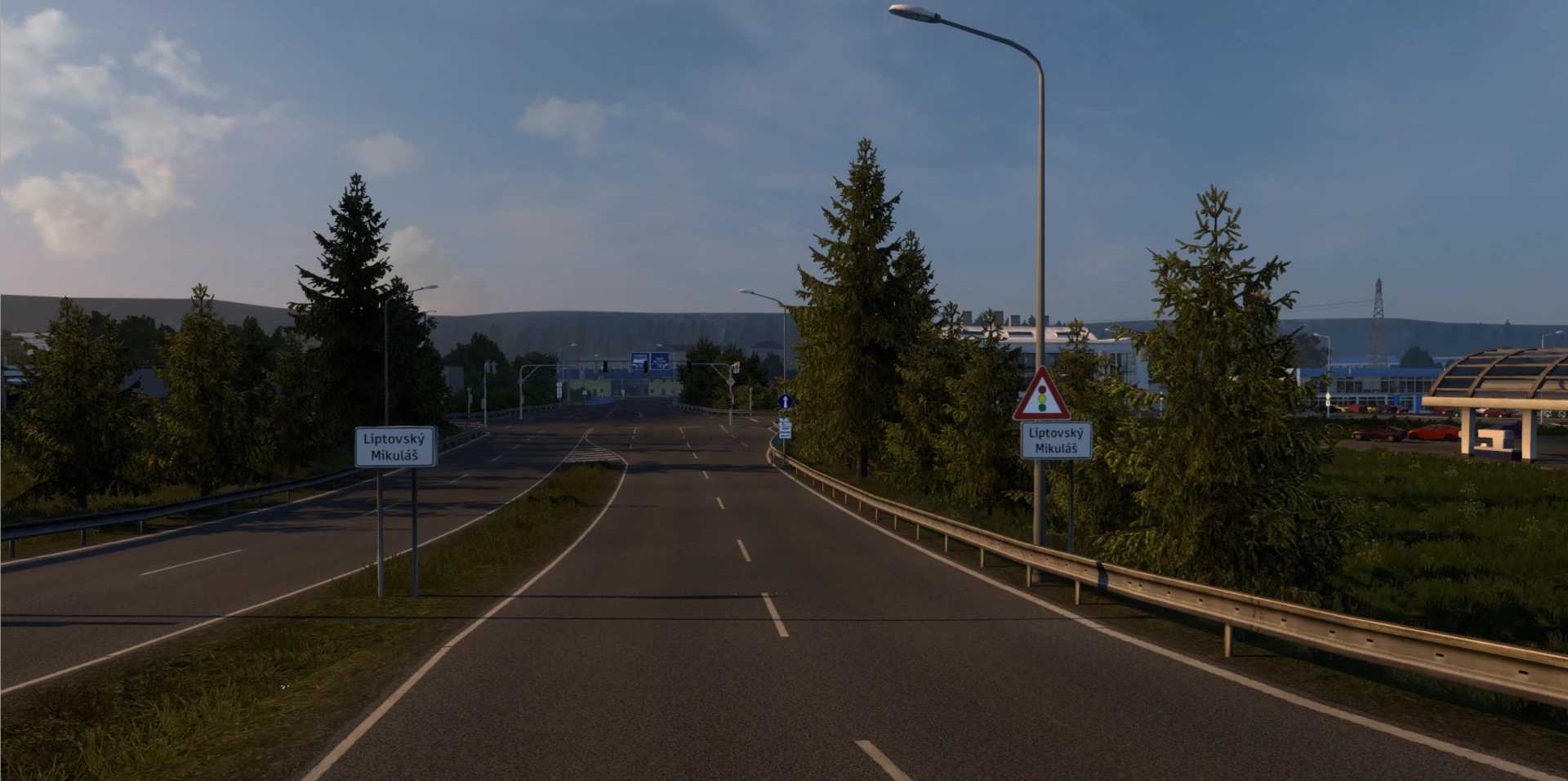
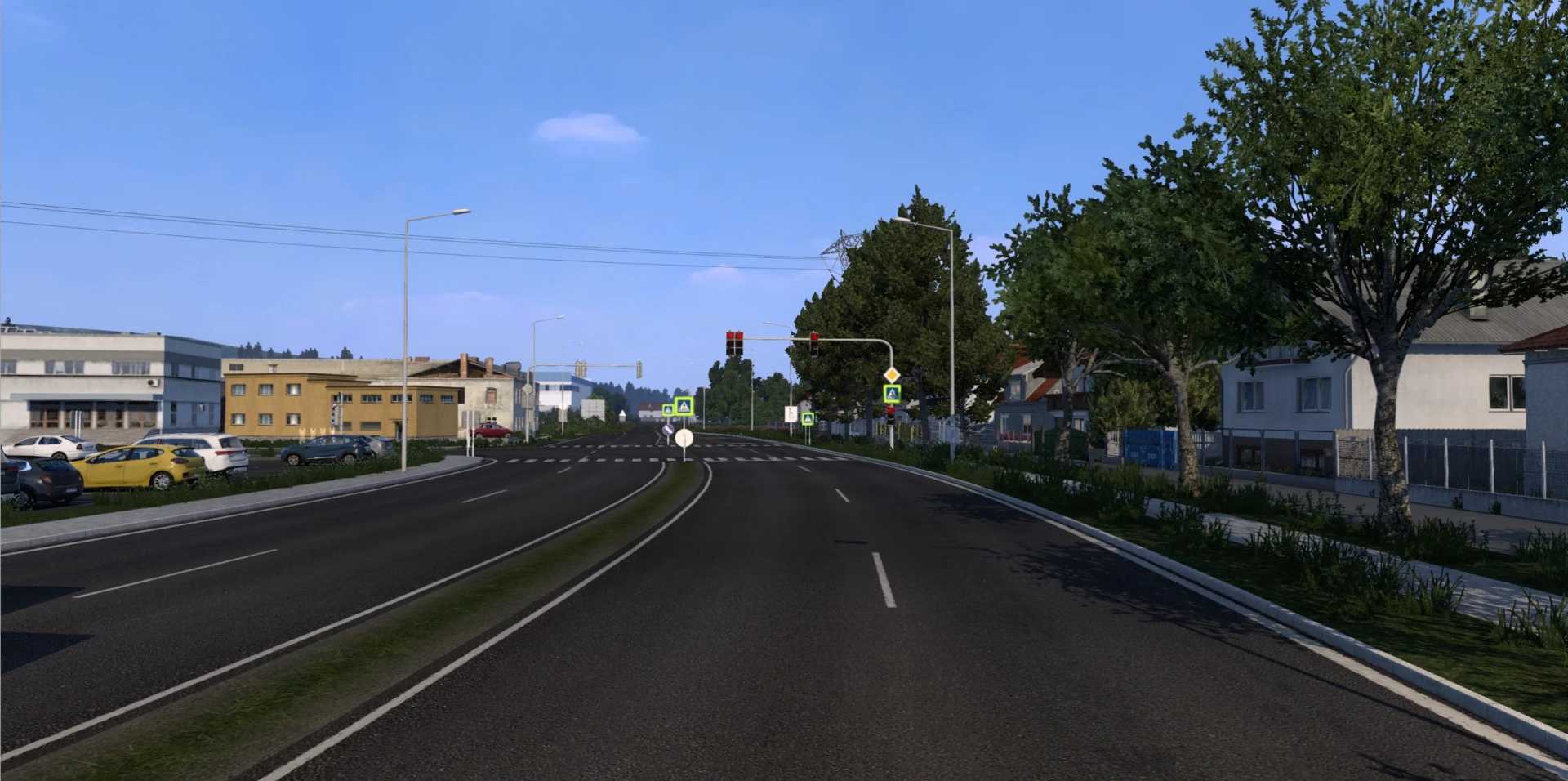
Slovakia Map by kapo944 v6.6.8 for ETS2 1.53
Hello! We’re excited to announce the release of a new map version, now compatible with ETS2 1.53.
Installation Instructions:
1. Download the zip file.
2. Unzip the archive using WinRAR (or 7zip).
3. Run the Slovakia setup installer and complete the steps.
4A. You can use a new profile named “Slovakia_map” to start playing.
4B. Alternatively, you can create your own profile, but remember to change the game module from Europe to slovak.mbd!
Changelog for v6.6.8 / Released on 20.12.2024 (Free)
New Features:
– Added support for game version 1.53.
Fixes/Rebuilds:
– Updated signage.
– Various bug fixes (including 50 speed limits, terrain adjustments).
Credits: /kapo944 /maťo / martin /darius /Saša /tobtv /gunster /MarkusXL /TomL /Filip /Lukas Horvath
Installing ETS2 or ATS Mods
Installing mods in Euro Truck Simulator 2 is straightforward. Simply download the mod from here, then copy or extract the files into the folder: “My Documents\Euro Truck Simulator 2\mod.” For American Truck Simulator, place the extracted files in: “My Documents\American Truck Simulator\mod.” You can use WinRAR or 7zip for extraction. After that, activate the mods you intend to use in the game.
Please report any bugs in the comments section to assist modders in enhancing this mod. Be sure to check the comments for potential solutions.