Slovensko+ (Silesia Version) v0.5 for ETS2
Cities
– Lovinobana – definition only
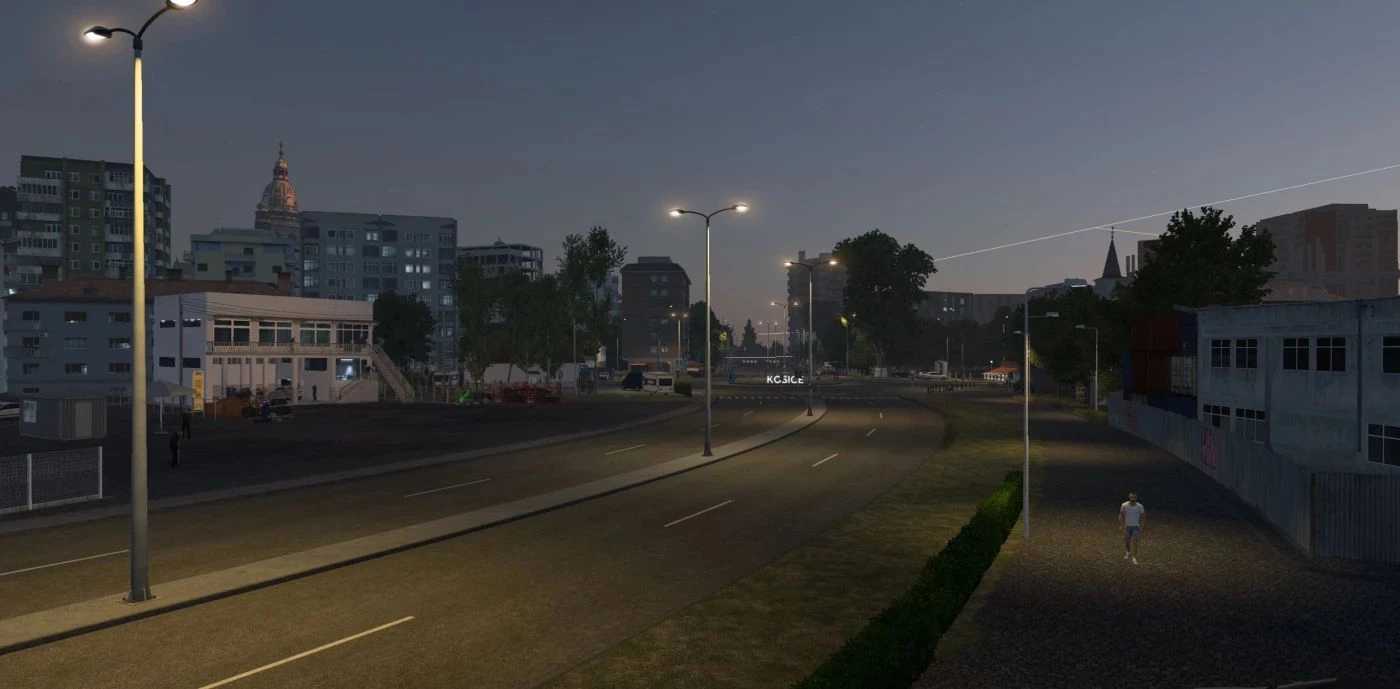
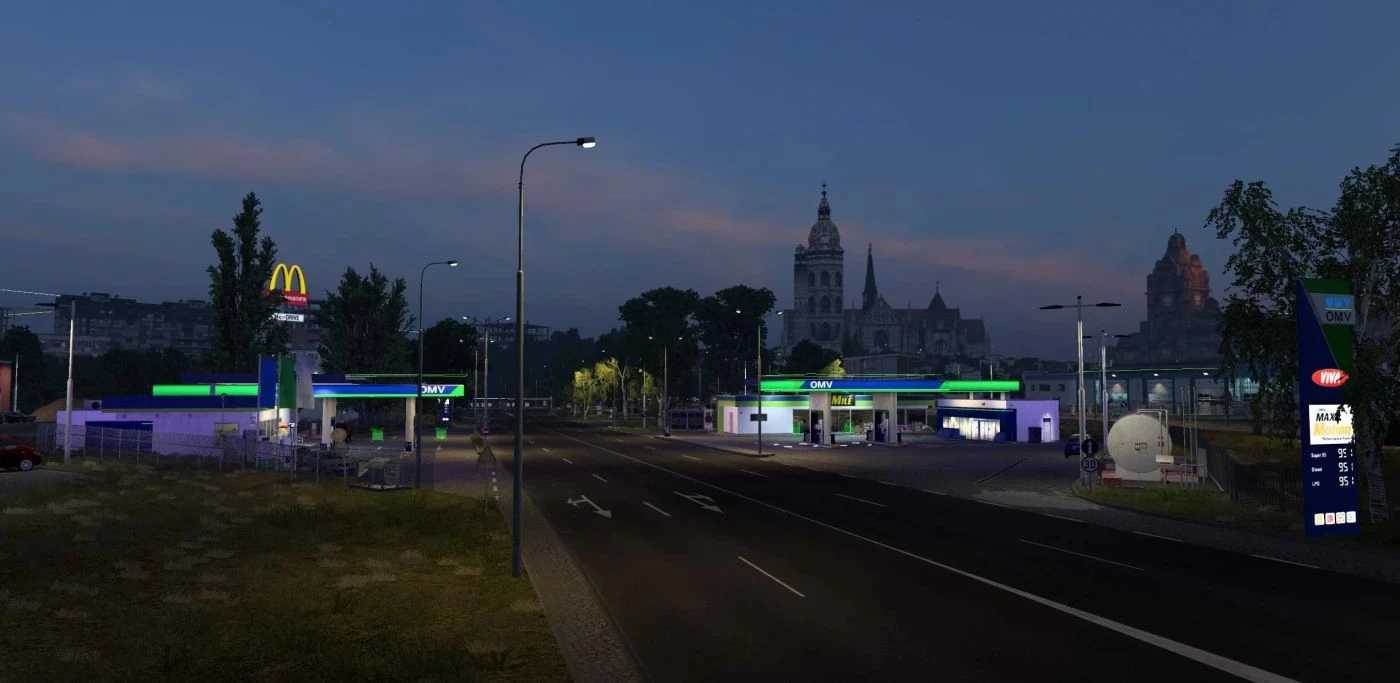
– Kosice – reworked
– Plastovce – definition only
– Velky Krtis
– Potor
– Cary
– Kuty
– Ružomberok
– Trenčín – definition only, to be activated in v4.0
Roads
Updated I-66 (E77) Zvolen – Budapest
Revised I-16 (E58) Zvolen – Kosice
Updated I-17 Kosice – Debrecen
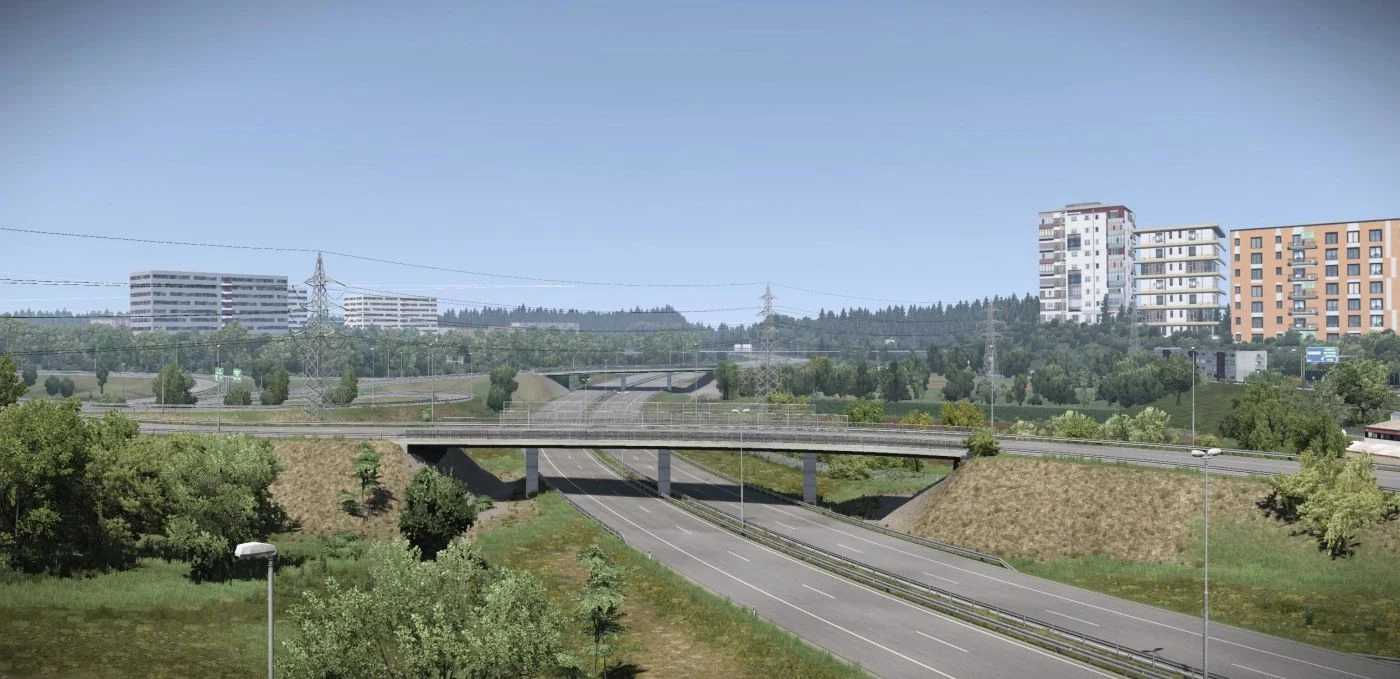
Semi-reconstruction of D1 in and around Kosice.
Added I-75 (Hungary – Bratislava)
Minor enhancements along D4 near Bratislava
Revamped assets on D2 in Bratislava
Updated I-51 (Trnava – Kuty – Cz. Rep.)
Revamped R1 (E58) (Zvolen – Trnava)
Version 0.5 – rectified internal definition issues
Credits: AndrewS_
Installation Guide for ETS2 or ATS Mods
Installing mods in Euro Truck Simulator 2 is straightforward. Simply download the mod from here, extract the files into: “My Documents\Euro Truck Simulator 2\mod” folder, or for ATS, place them in: “My Documents\American Truck Simulator\mod” folder. To unzip files, you can use either WinRAR or 7zip. Afterward, ensure to activate the mods you wish to use.