Slovensko+ (Slovakia Refresh) v1.5fix 1.54 ETS2
Changelog 1.5fix
This update resolves various game bugs and visual issues:
– Fixed invisible walls in Ruzomberok’s service station
– Resolved AI vehicles passing through the company in Ruzomberok
– Corrected floating characters in Cary
– Addressed invisible walls in Cary
– Fixed terrain gaps in Kuty
– Handled floating companies in Kuty
– Adjusted speed limit in Kolarovice to 140 km/h
– Updated E442’s small segment from Kolarovice through the Czech Republic for a smoother transition between the map and older assets.
Description:
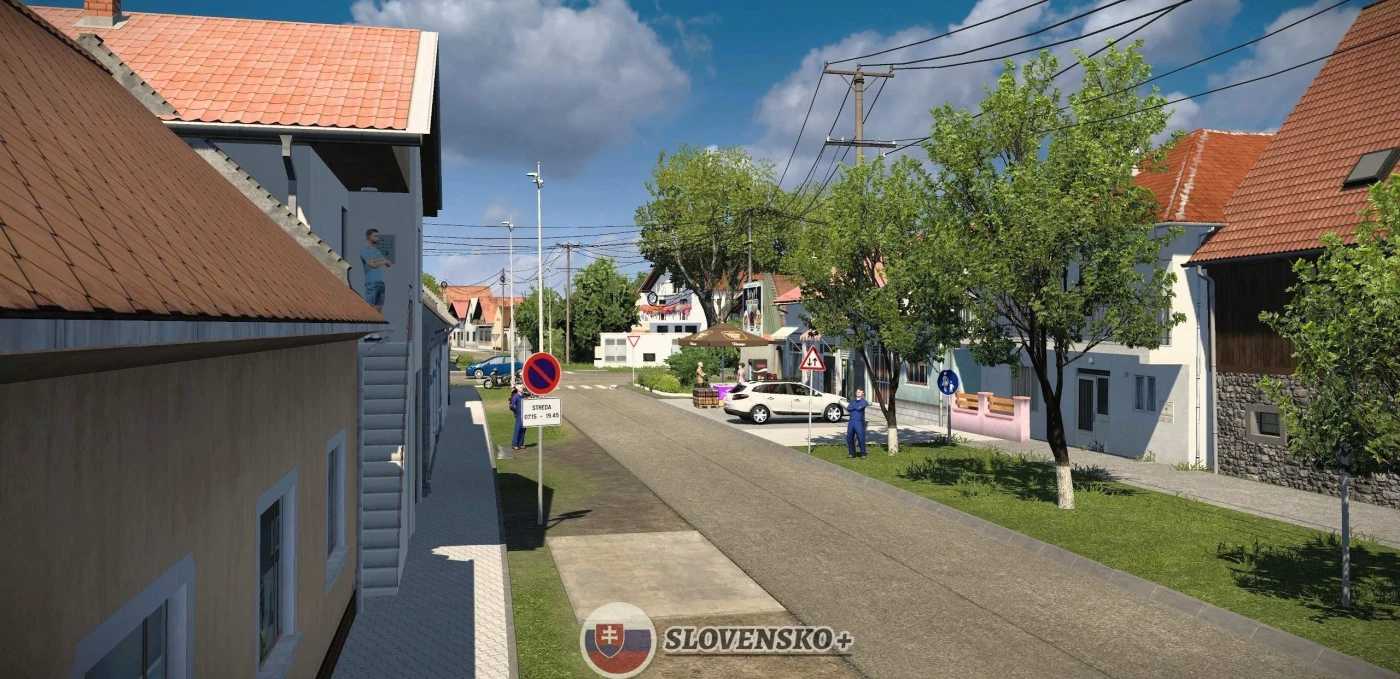
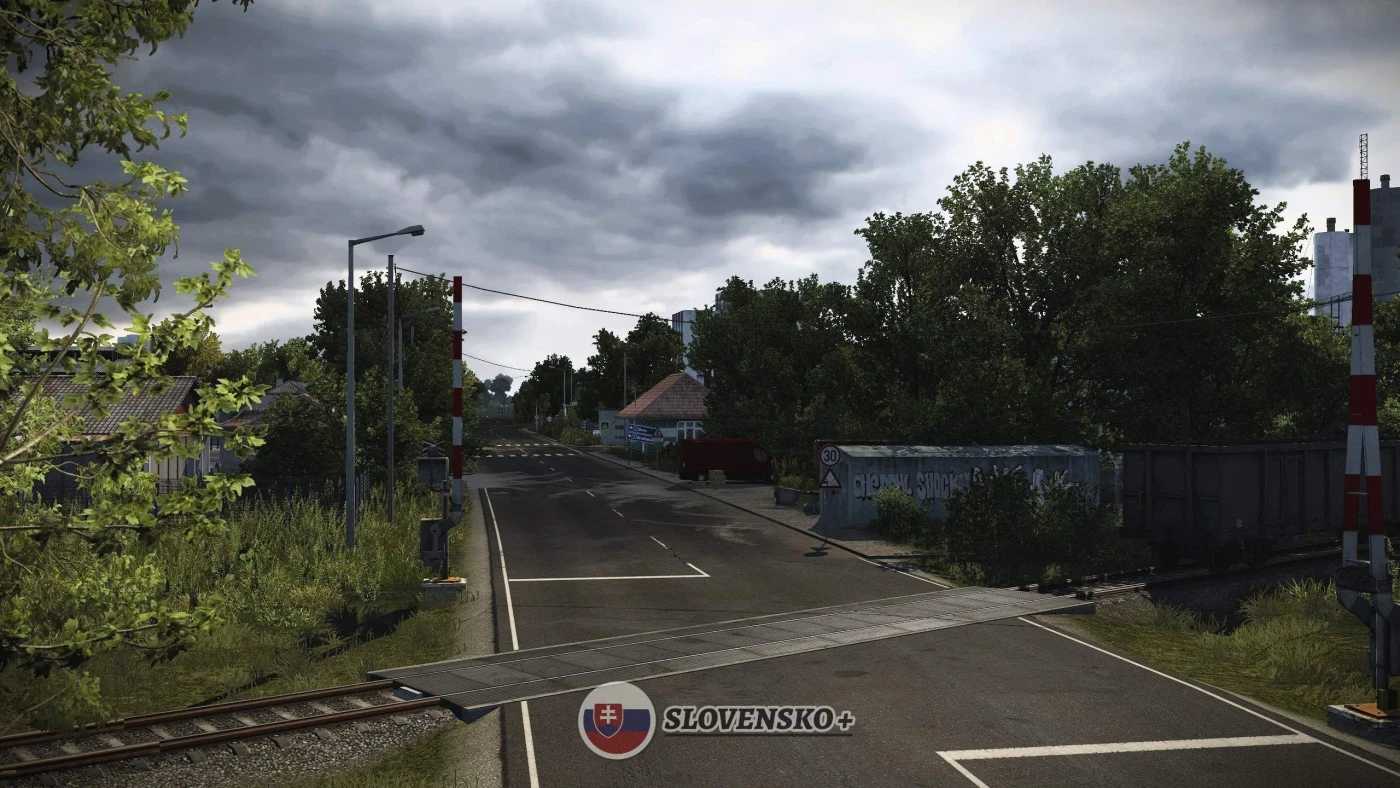
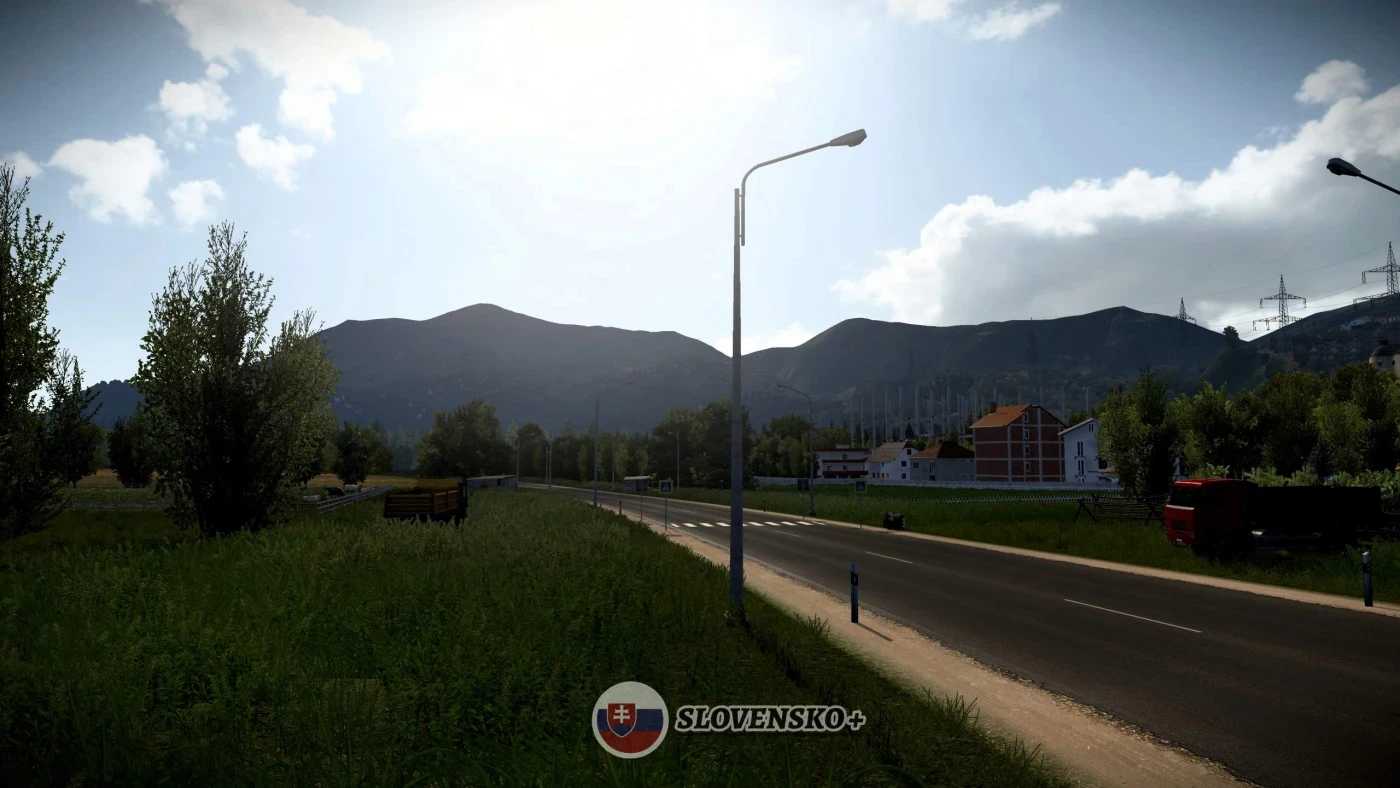
This map revamps and refreshes the oldest sections of Slovakia (nearly all).
Version 1.0 includes:
Cities:
– Lovinobaňa
– Hrhov (definition only)
– Kolárovice (definition only)
– Banská Bystrica (minor refresh)
– Ružomberok
– Čáry
– Kúty
Roads:
– Redesigned I-66 (E77) (Zvolen – Hungarian Border)
– Completely reworked I-16 (E58) (Zvolen – Lovinobana – Hrhov – Kosice)
– Updated D1 highway (E50) (Ružomberok – Kosice)
– Modified I-17 (Hungarian Border – Kosice)
– Refreshed I-18 / I-21 (E371) (D1 motorway – Polish Border)
– Updated R1 (E77) (Banska Bystrica – Ruzomberok)
– Revamped I-18 (E50) (Ruzomberok – Kolarovice)
– Redefined Slovak E442 (Kolarovice – Czech Border)
– Completely reworked I-51 / I-2 (Trnava – Caty – Kuty – Czechia / Bratislava)
Credits: AndrewS
How to install ETS2 mods or ATS Mods
Installing mods in Euro Truck Simulator 2 is simple. Just download the mod from here, then copy or unzip the files into: “My Documents\Euro Truck Simulator 2\mod” folder. If you’re playing ATS, install mods to: “My Documents\American Truck Simulator\mod” folder. You can use WinRAR or 7zip to unzip files. After that, activate the mods you wish to use.