Slovensko+ v3.0 1.54 ETS2
Changelog v3.0
– Introduced segment of road I-75
– Added the city of Pôtor
– Added the city of Veľký Krtíš
– Defined the city of Plášťovce
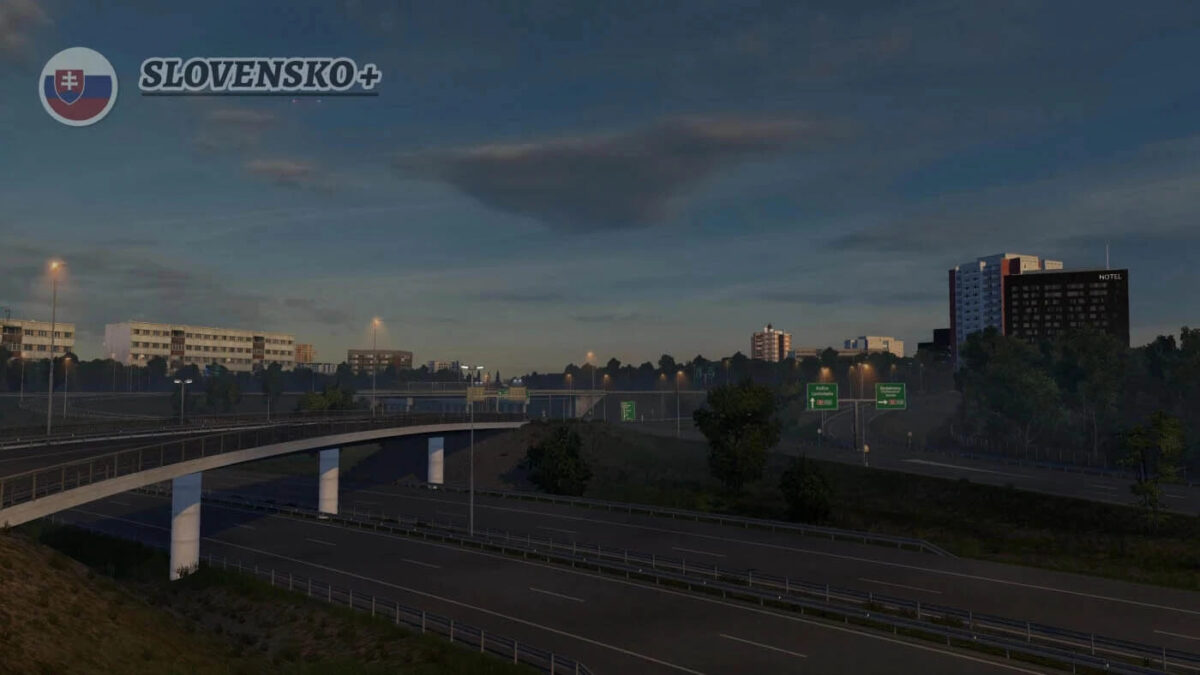
– Enhanced the D4-D2 interchange near Bratislava
– Updated E58 (R1) expressway from Zvolen to Trnava (new road signs, assets, gas station, bridge, and added greenery)
– Replaced outdated assets on D2 in various sections of Bratislava
– Enhanced visuals in Bratislava
– Updated E71 between M30 and Košice for better flow between Slovensko+ and Hungary
– Improved Road 2 in Hungary for seamless transition between the base map and Slovensko+
– Optimized sections in Košice
– Resolved visual bugs in Košice
– Fixed visual issues on D1 between Košice and Ruzomberok
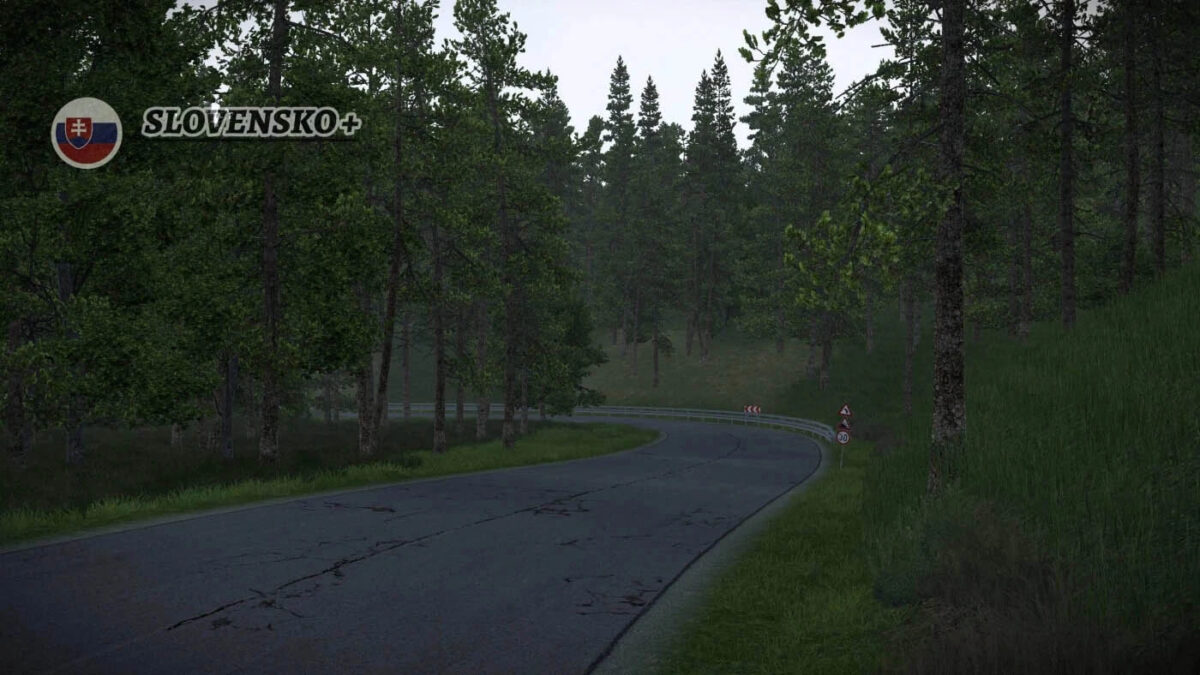
– Improved immersion in the Hrhov mountain region to prevent unrealistic scenery.
– Fixed an invisible wall in Lovinobana
– Corrected gas station pricing display in Košice
– Rectified a cut plane on the road near Kolarovice in the Czech Republic
Description:
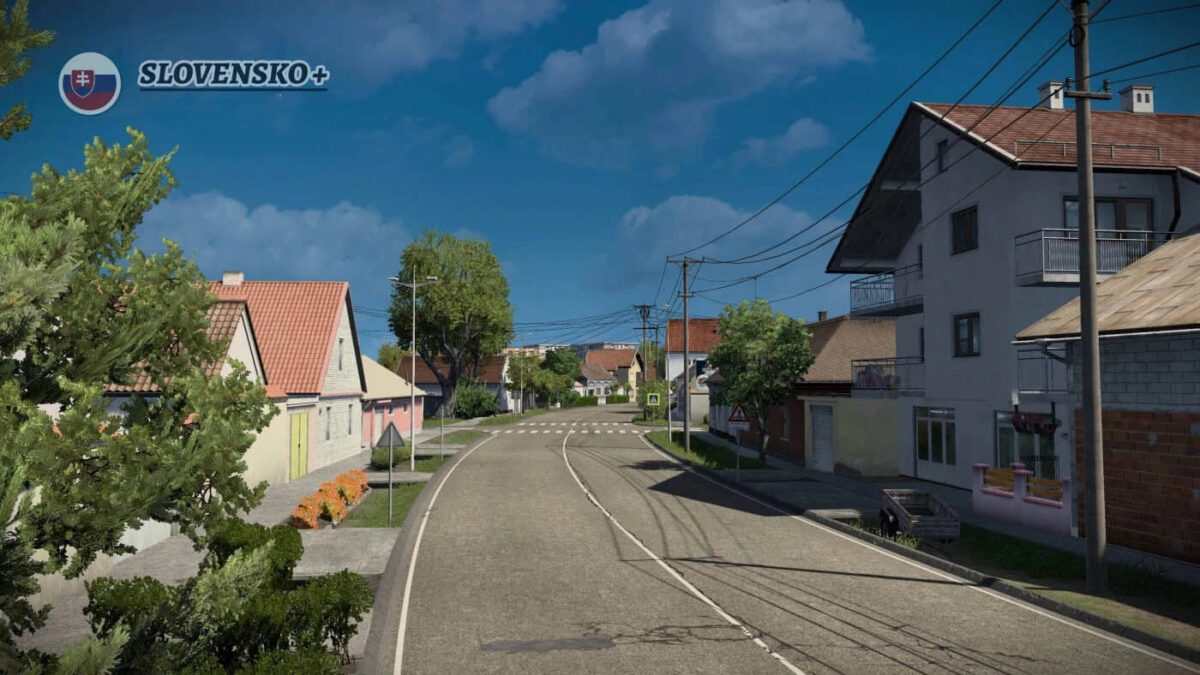
This map revitalizes and enhances the oldest regions of Slovakia (almost all).
Credits: AndrewS_
Installation Guide for ETS2 or ATS Mods
Installing mods in Euro Truck Simulator 2 is straightforward. Simply download the mod from this site, then copy/unzip the files into the “My Documents\Euro Truck Simulator 2\mod” folder. For American Truck Simulator, place the mods in: “My Documents\American Truck Simulator\mod” folder. You can use WinRAR or 7zip for unzipping files. Once done, activate the mods you wish to use.