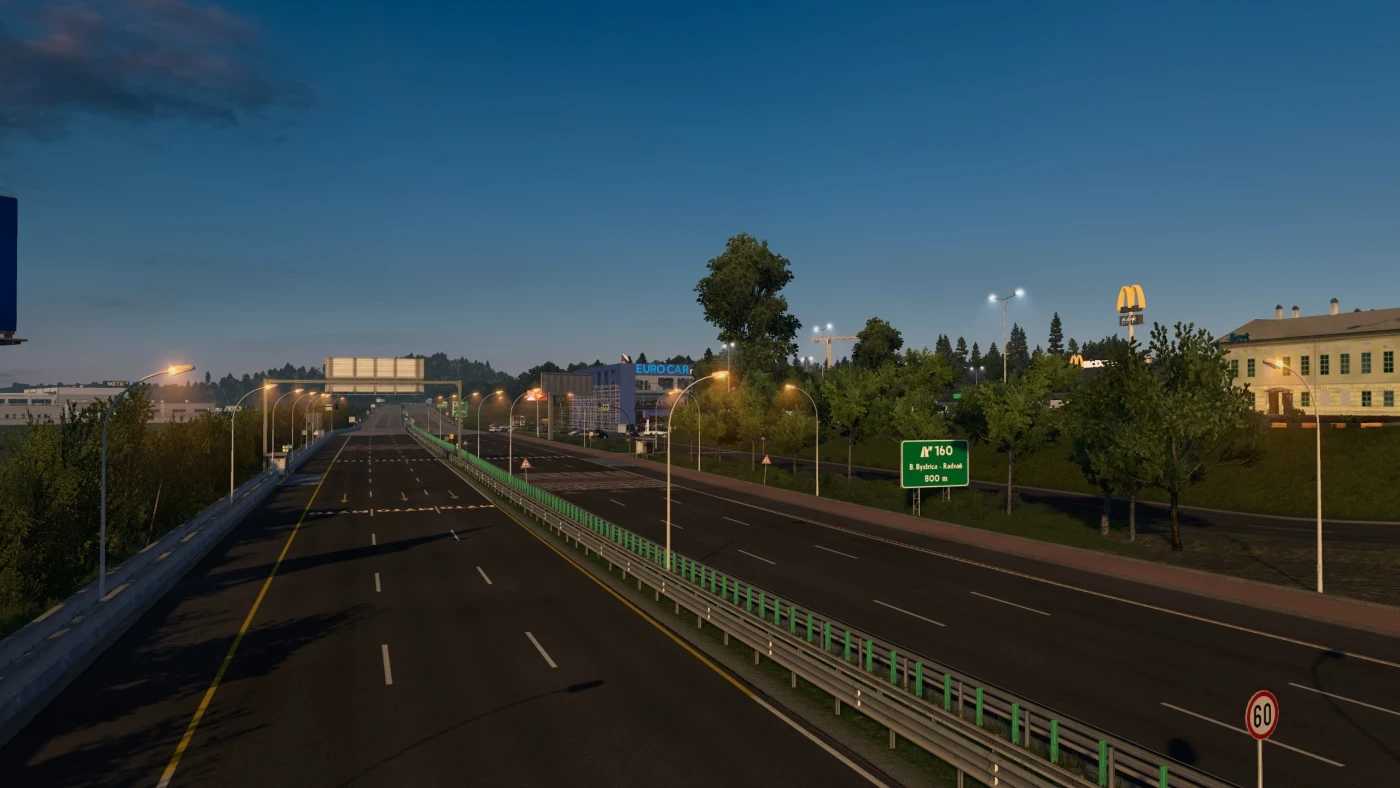
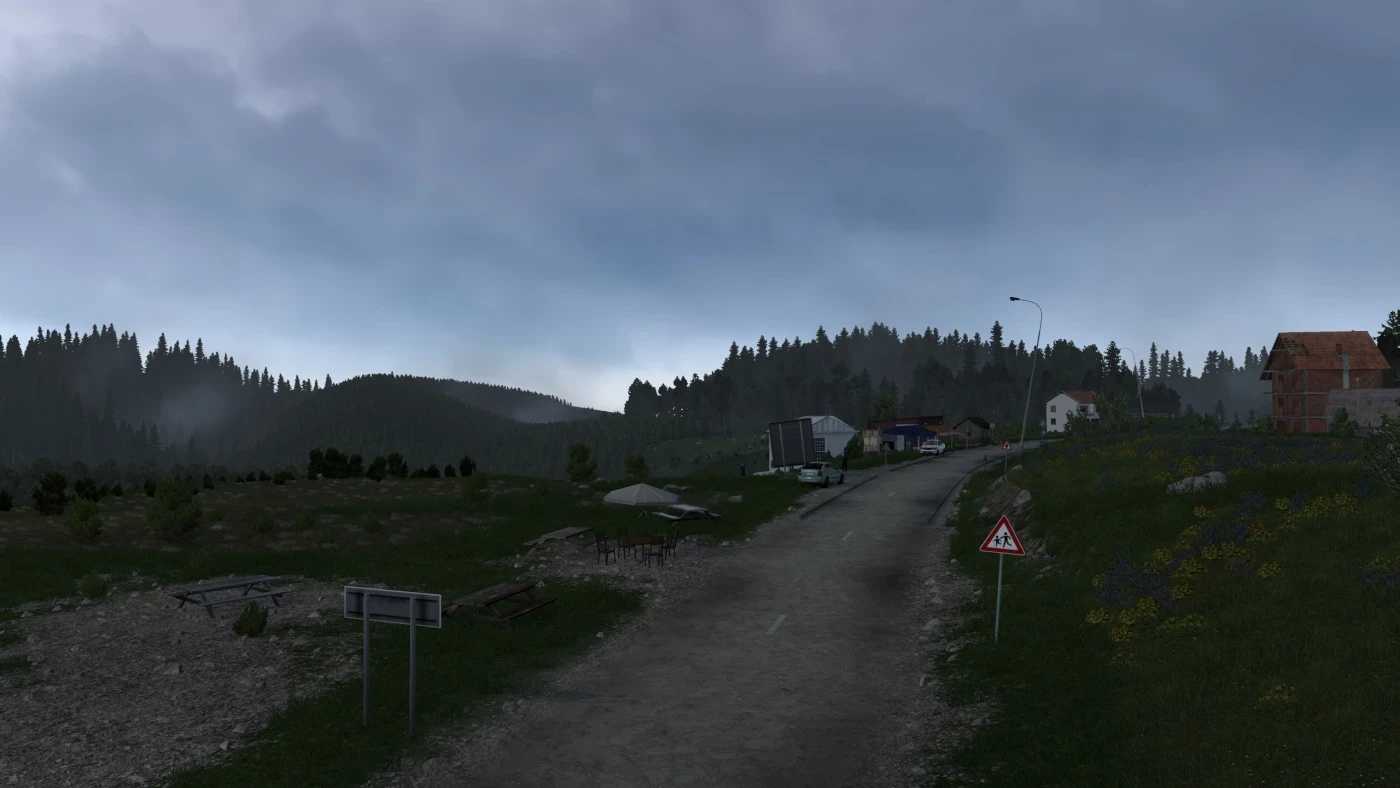
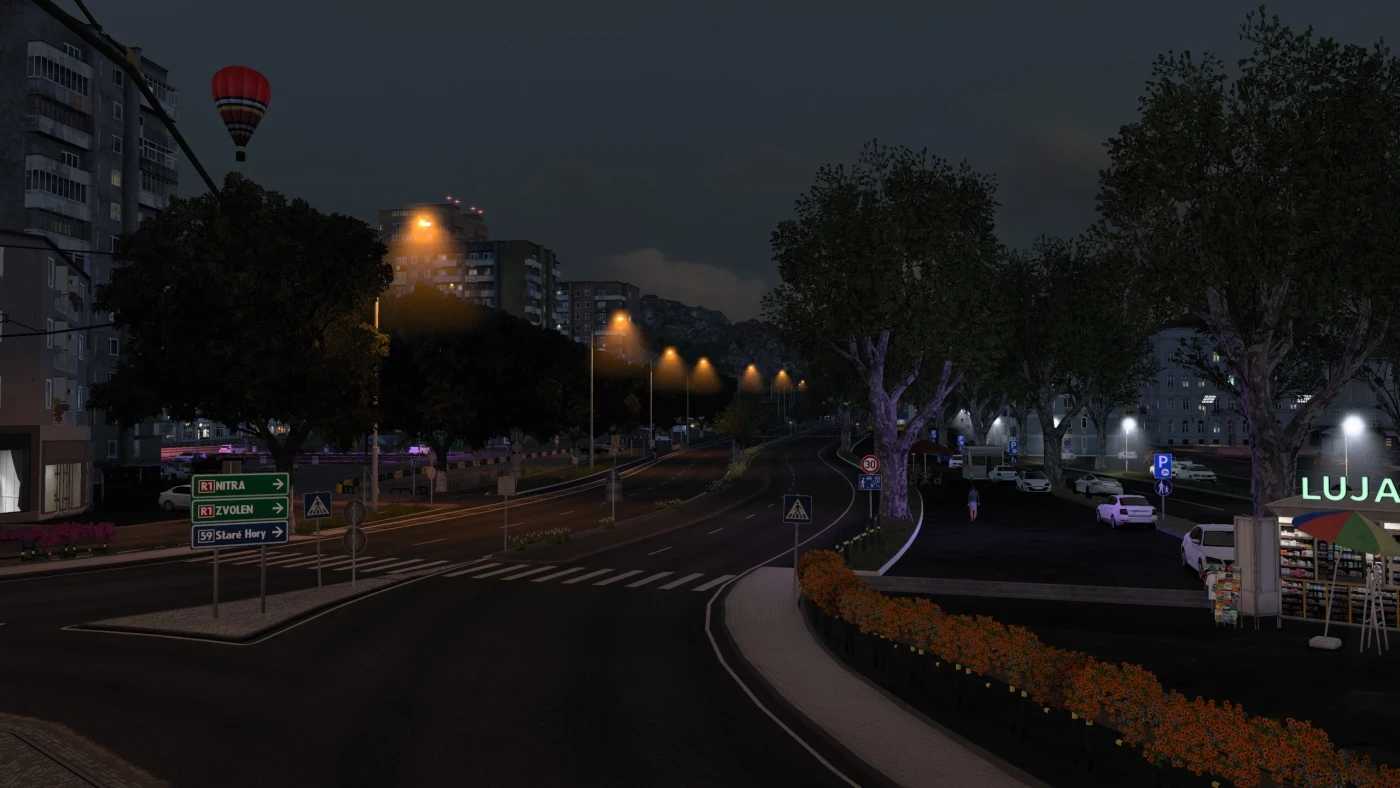
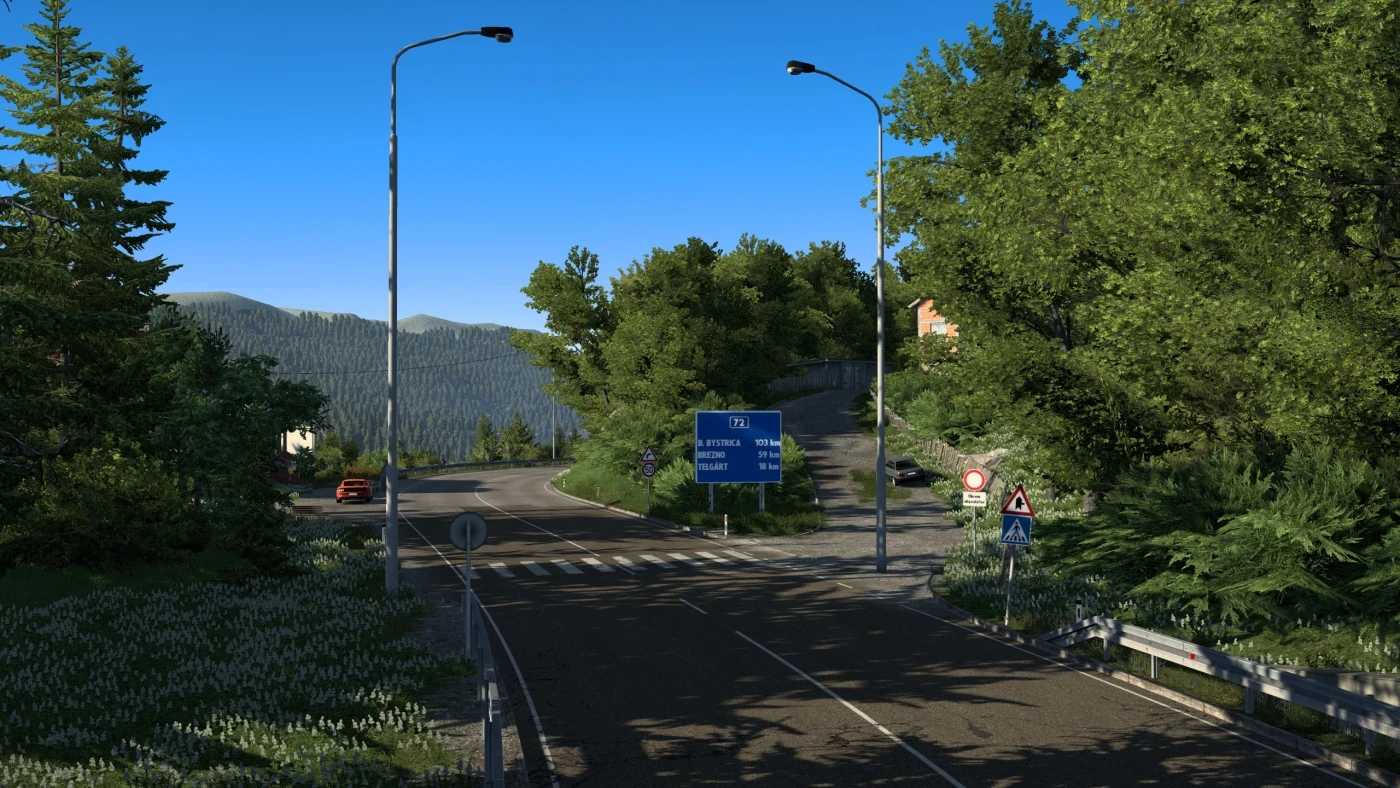
Slovensko+ v4.2 1.57 ETS2
Changelog v4.2
Compatibility with Euro Truck Simulator 2 v1.57,
Compatible with ProMods v2.77,
Bug fixes implemented.
Note: This version is NOT compatible with Poland Rebuilding when it releases for 1.57. A separate version will be available for PL Rebuilding Compatibility.
Description:
This map updates and enhances the older sections of Slovakia (almost all of it).
Cities:
1. Lovinobaňa
2. Banská Bystrica (rework, v5.0)
3. Ružomberok
4. Čáry
5. Kúty
6. Trenčín (definition only, drivable in v6.0)
7. Veľký Krtís
8. Pôtor
9. Plášťovce (definition only)
10. Košice (reworked)
11. Budča (v5.0) – W.I.P
12. Poprad (v5.0) – W.I.P
13. Vernár (v5.0) – W.I.P
Roads:
Reworked I-66 (E77) (Zvolen – Hungarian Border)
Reworked entire I-16 (E58) (Zvolen – Lovinobana – Hrhov – Kosice)
Updated D1 highway (E50) – (Ružomberok – Kosice)
Reworked I-17 (Hungarian Border – Kosice)
Updated I-18 / I-21 (E371) (D1 motorway – Polish Border)
Updated R1 (E77) (Banska Bystrica – Ruzomberok)
Updated I-18 (E50) (Ruzomberok – Kolarovice)
Completely reworked I-51 / I-2 (Trnava – Caty – Kuty – Czechia / Bratislava)
Reworked Kosice
Updated E58 (R1) expressway between Zvolen – Trnava
Added road I-75 (Potor – Velky Krtis – Plastovce – Bratislava)
Game version: 1.57
Credits: AndrewS_
How to install ETS2 mods or ATS Mods
Installing mods in Euro Truck Simulator 2 is straightforward. Download the mod from here and copy/unzip the files into the “My Documents\Euro Truck Simulator 2\mod” folder. For ATS, install the mods in the “My Documents\American Truck Simulator\mod” folder. You can use WinRAR or 7zip to unzip files. After that, activate the mods you wish to use.