South East Asia Road Connection v1.2 for ETS2 1.55
Changelog 1.2
Resolved issues with floating road signs and more.
Eliminated dead-end barriers near Muang Khua.
Incorporated new road route signs.
V1.1 Updates
Corrected prefab companies in Phayao, Luang Namtha, and Luang Prabang.
Fixed terrain gaps and holes.
Addressed various bugs.
Introduced additional companies.
Description:
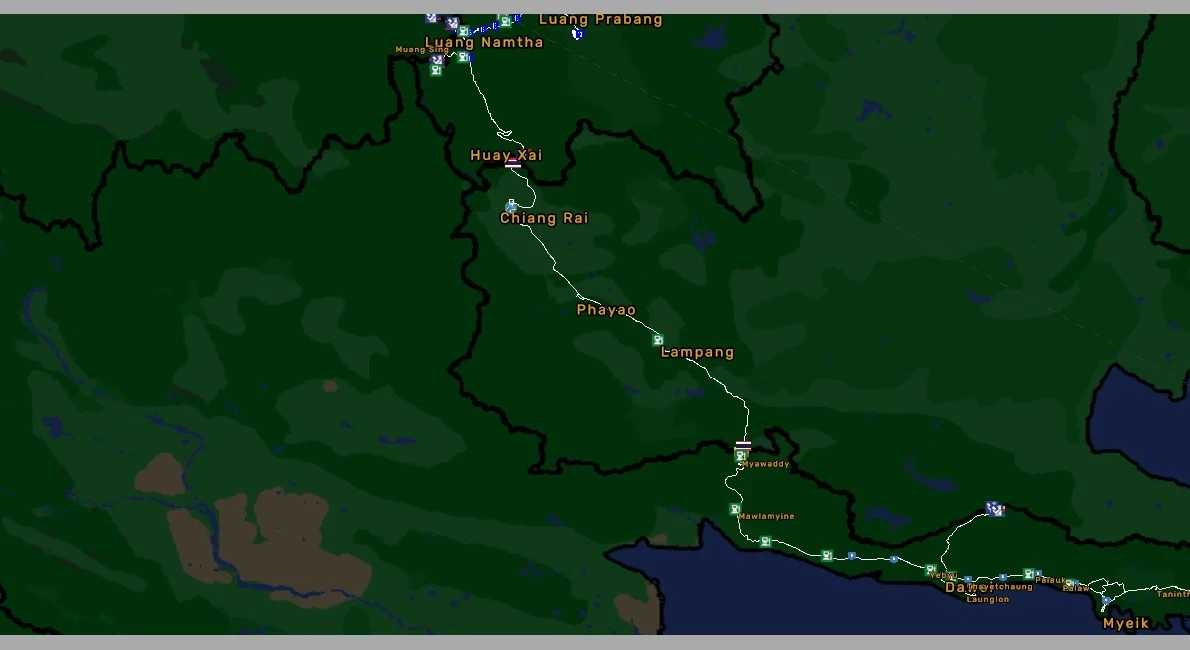
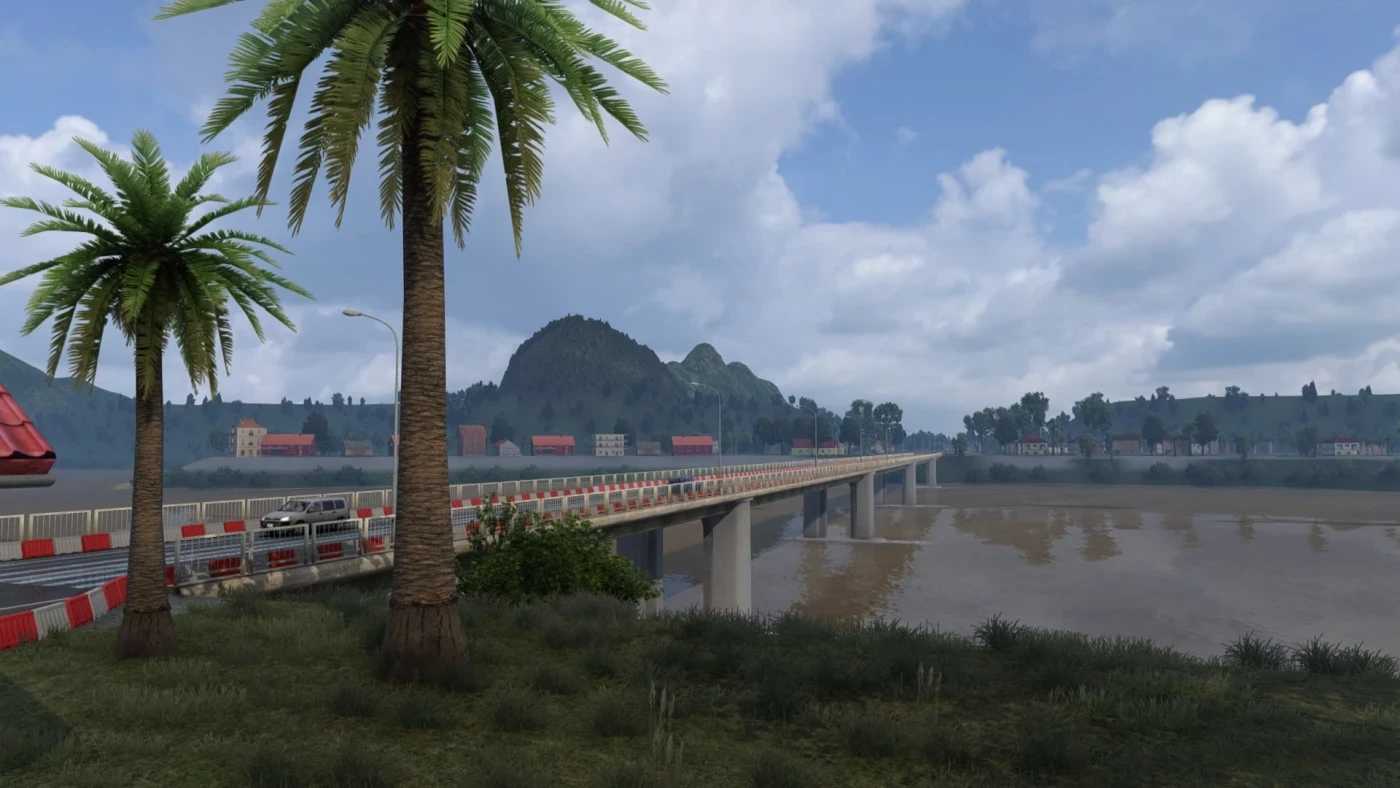
This road connection spans the borders of Myanmar, Thailand, and Laos.
For an enhanced experience:
– Six new cities added.
– New gas stations included.
– Additional companies established.
Recommended Load Order:
1. South East Asia Road Connection
2. Southeast Asia FIX
3. Southeast Asia Map V0.2.6.1
Credits: Bozkie
Installation Instructions for ETS2 or ATS Mods
Installing mods in Euro Truck Simulator 2 is straightforward. Simply download the mod from here and copy/unzip the files into the “My Documents\Euro Truck Simulator 2\mod” folder. For American Truck Simulator (ATS), place the mods in the “My Documents\American Truck Simulator\mod” folder. To unzip files, you can use programs like WinRAR or 7zip. After moving the files, activate the mods you wish to utilize.