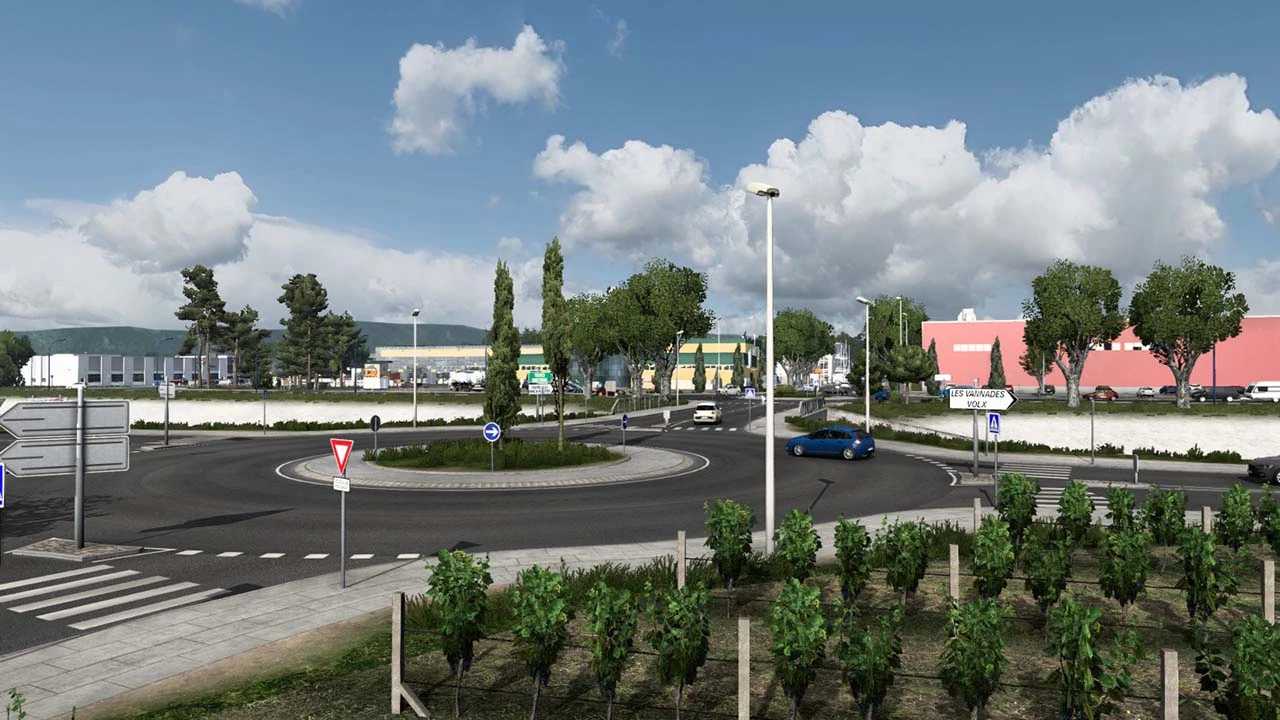
Sud de France Map v2.0.1 for ETS2 1.55
Changelog Version 2.0
Compatibility with game version 1.55 added.
Introduced the village of Roumazières and a highway construction site.
Reintroduced Chambery, complete with numerous authentic custom companies.
Added Corbas and its M.I.N.
NEW –> Version 2.0.1
Bug fixes implemented.
DLCs for France, Greece, West Balkans, and Scandinavia are required. For optimal experience, it is highly recommended to install the Baltic, Ibéria, East Balkan, and Italia DLCs.
Compatible with ProMods; position Sud de France above ProMods in the mod manager.
Game version: 1.55
Credits: Charly
How to Install ETS2 or ATS Mods
Installing mods in Euro Truck Simulator 2 is straightforward. Download the mod from here and copy/unzip the files into the “My Documents\Euro Truck Simulator 2\mod” folder. If you’re playing ATS, place mods in the “My Documents\American Truck Simulator\mod” folder instead. You can use software like WinRAR or 7zip to unzip the files. After that, activate the desired mods in the game.