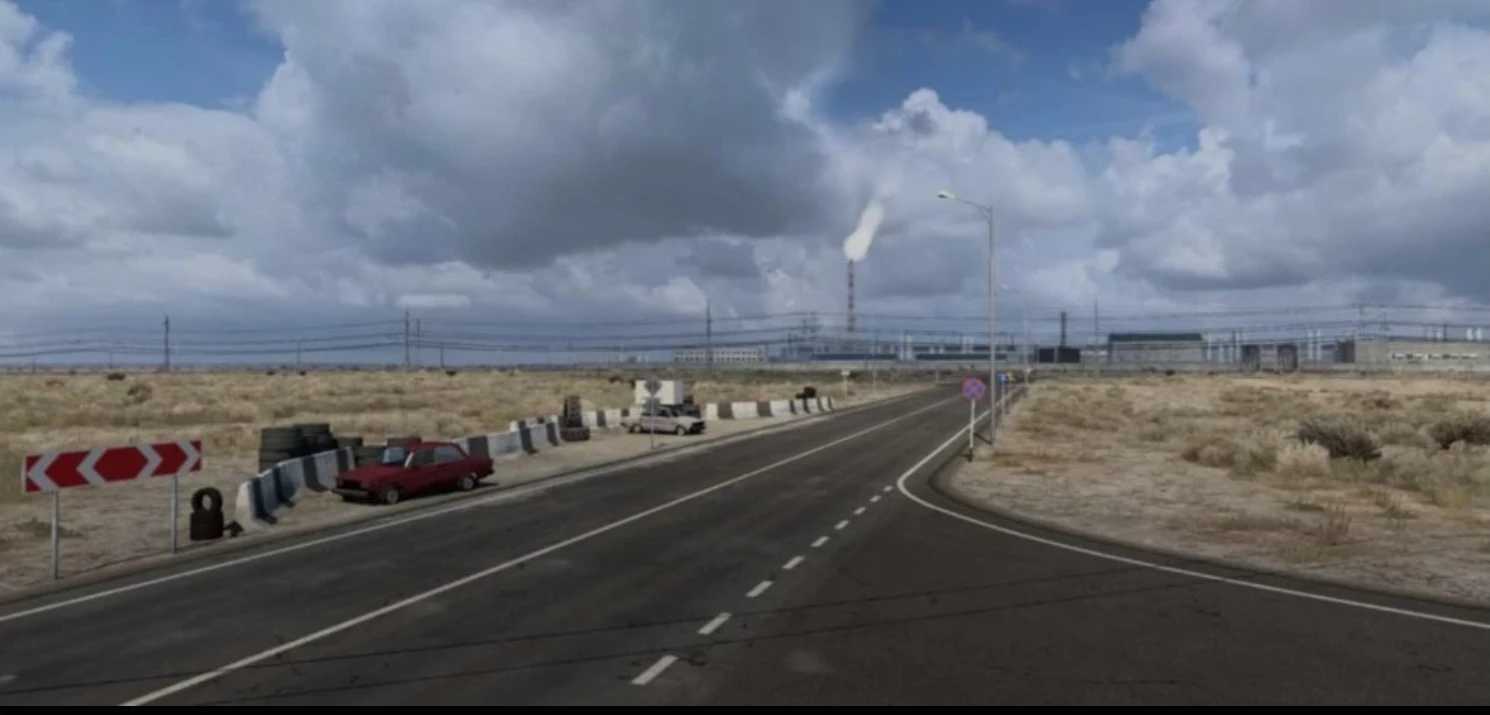
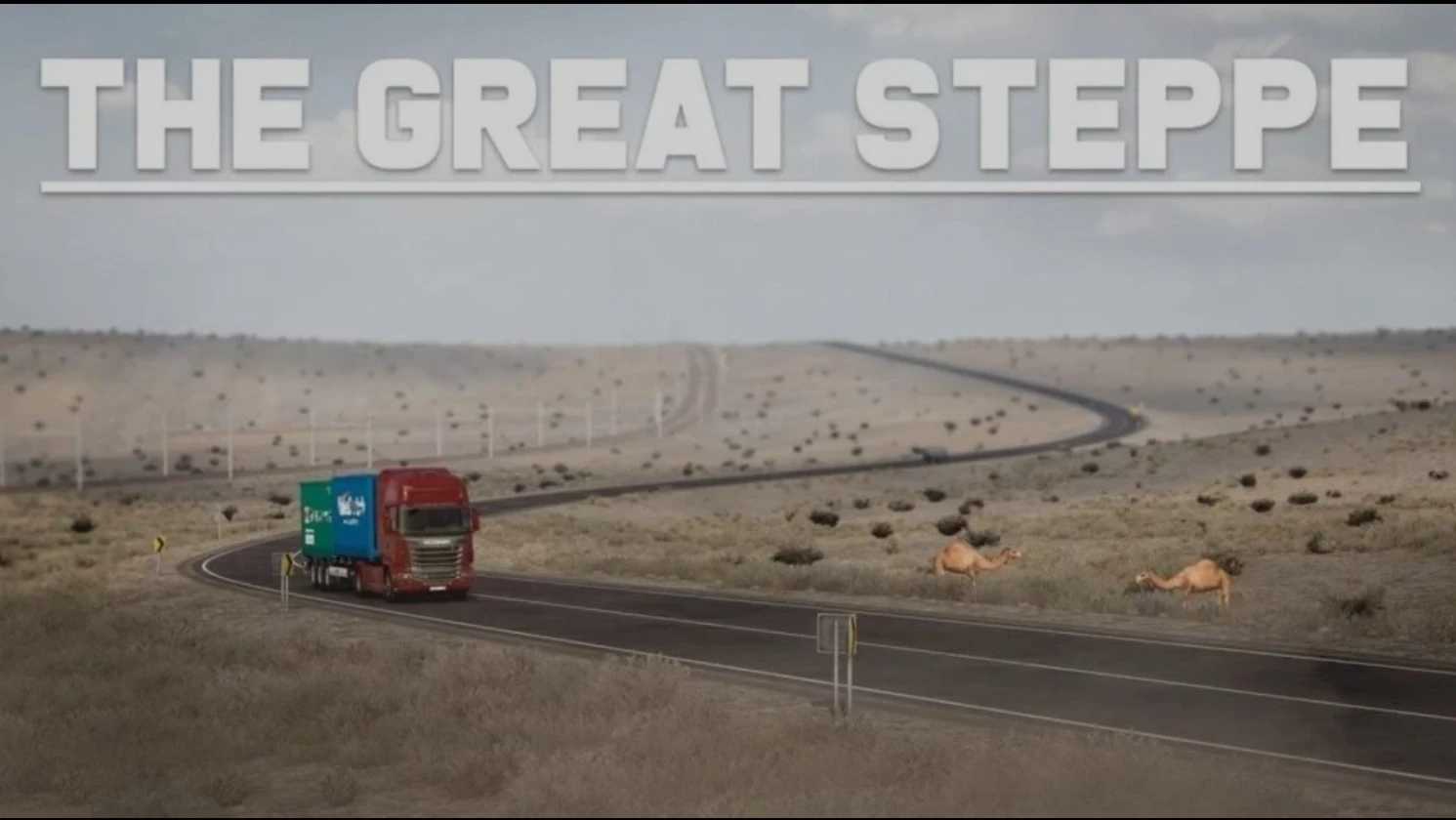
The Great Steppe 1.4.1 1.57x ETS2
The “Great Steppe” map of Kazakhstan offers a route from Europe to Asia, facilitated by the RusMap Project.
This modification can function both autonomously (positioned on the right side of the main map and independent of others) and in conjunction with RusMap, allowing for a link to the European map and other modifications.
The entire map has been meticulously redesigned to provide a more realistic projection, akin to that used by SCS.
Credits: 09_KZ, SCS
How to Install ETS2 Mods or ATS Mods
Installing mods in Euro Truck Simulator 2 is straightforward. Simply download the mod, then copy/unzip the files into the “My Documents\Euro Truck Simulator 2\mod” folder. For American Truck Simulator, place mods in “My Documents\American Truck Simulator\mod” folder. You can use WinRAR or 7zip to unzip files. Don’t forget to activate the mods you wish to use afterward.