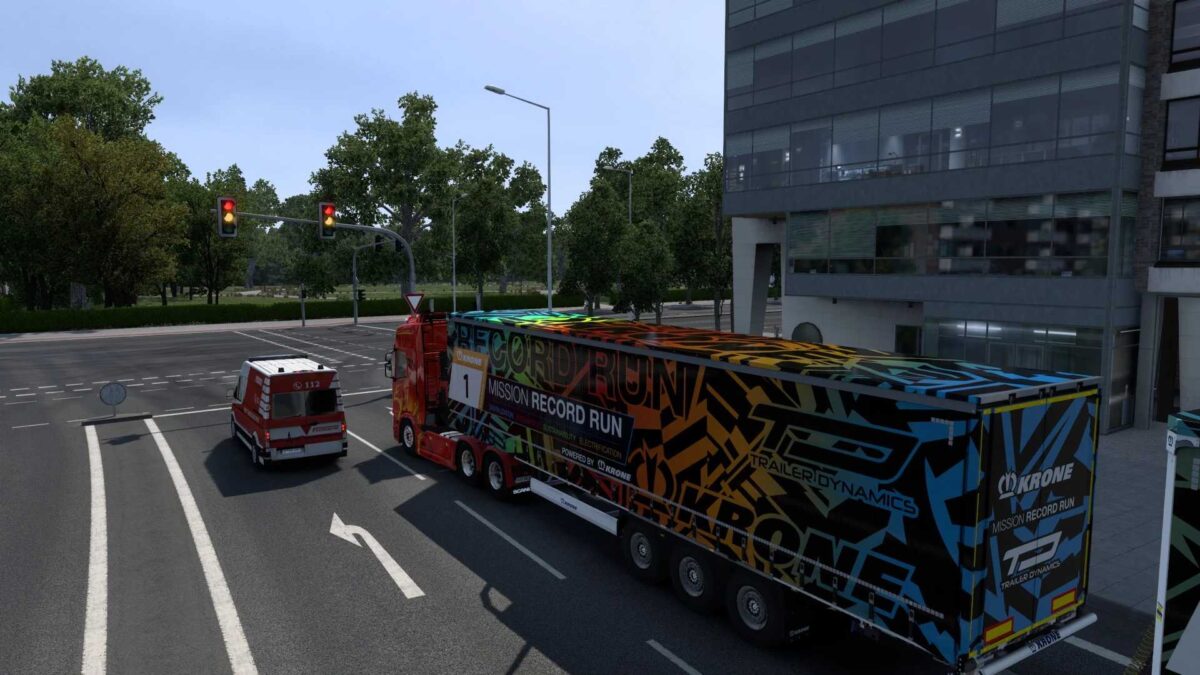
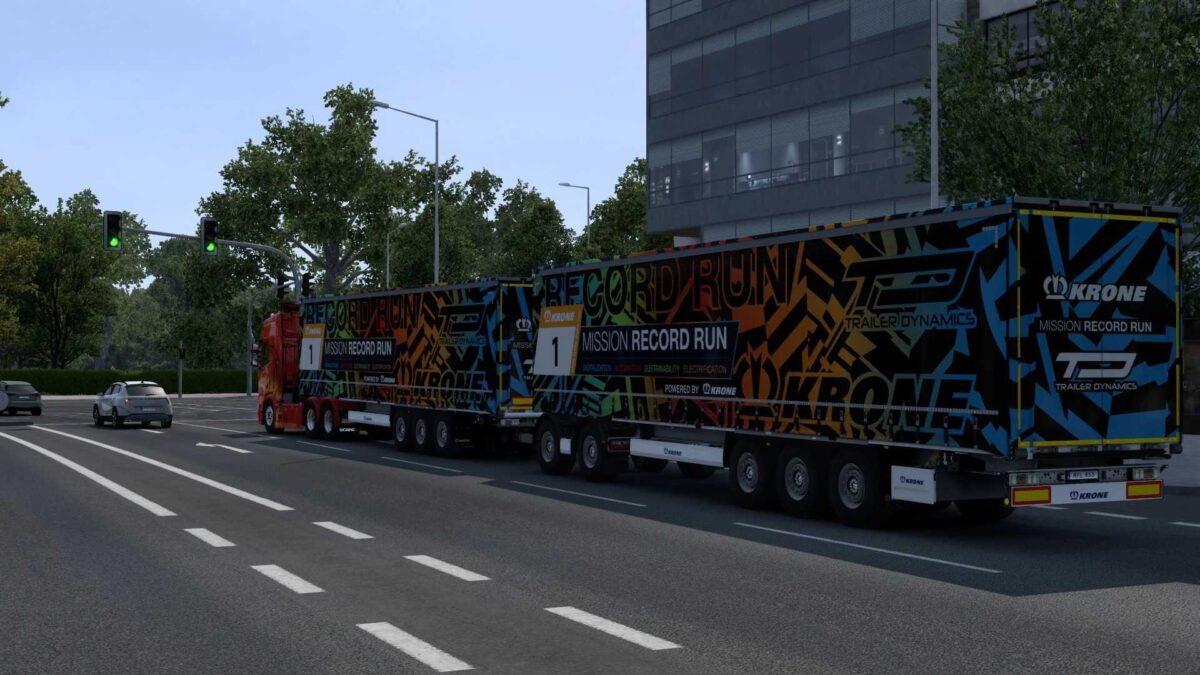
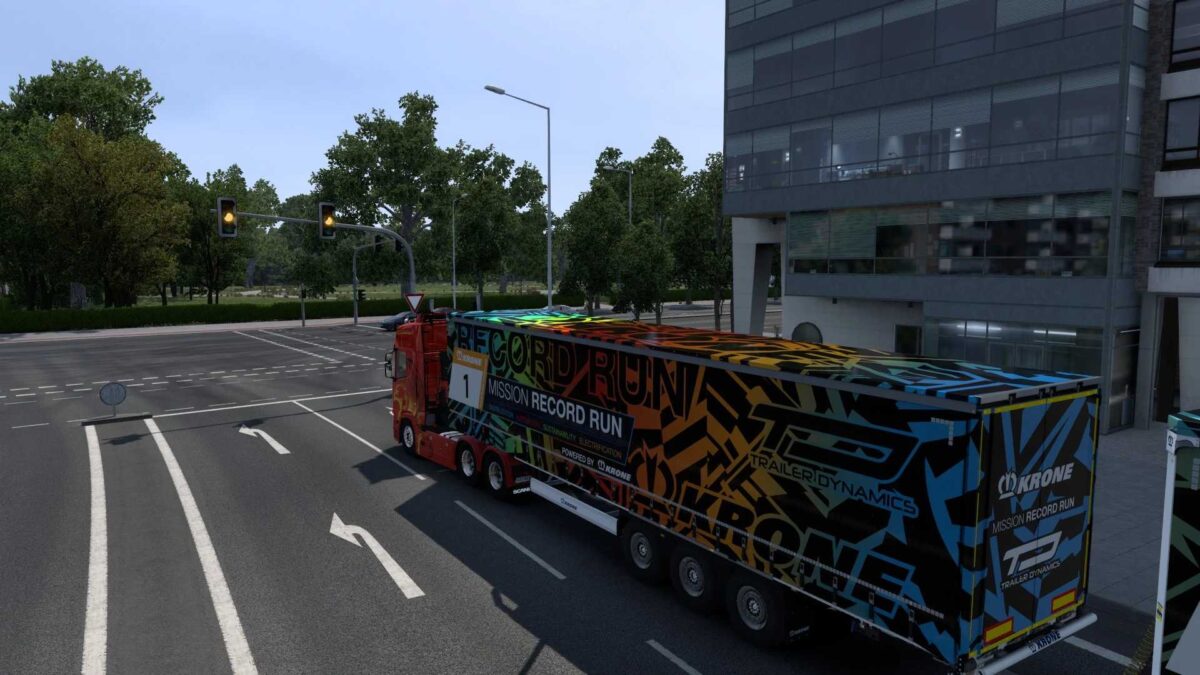
EXTENDED TRAFFIC LIGHT DURATION 07 09 2025 v1.0 1.50 1.56 ETS2
EXTENDED TRAFFIC LIGHTS FOR ETS2 BY RODONITCHO MODS 1.0 1.50 1.56 07 09 2025
GREEN 50 SECONDS
RED 10 SECONDS
YELLOW 5 SECONDS
GREEN 50 SECONDS
RED 25 SECONDS
YELLOW 5 SECONDS
ENHANCED TRAFFIC LIGHT TIMINGS FOR ETS2
VERDE 50 SEGUNDOS
VERMELHO 10 SEGUNDOS
AMARELO 5 SEGUNDOS
VERDE 50 SEGUNDOS
VERMELHO 25 SEGUNDOS
AMARELO 5 SEGUNDOS
Credits: RODONITCHO MODS
How to install ETS2 or ATS Mods
Installing mods in Euro Truck Simulator 2 is straightforward. Download the mod from the provided link, then copy/unzip the files into the “My Documents\Euro Truck Simulator 2\mod” folder. For American Truck Simulator, use the “My Documents\American Truck Simulator\mod” folder. You can use tools like WinRAR or 7zip to extract files. After that, activate the mods you want to use in-game.