Trailer Light v2.0 ETS2
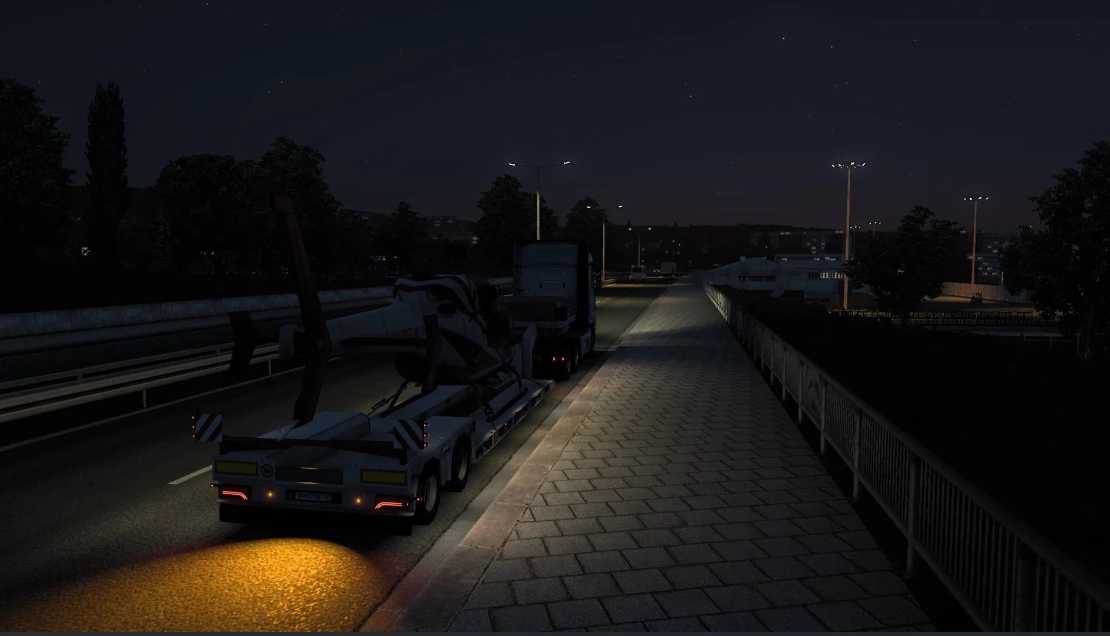
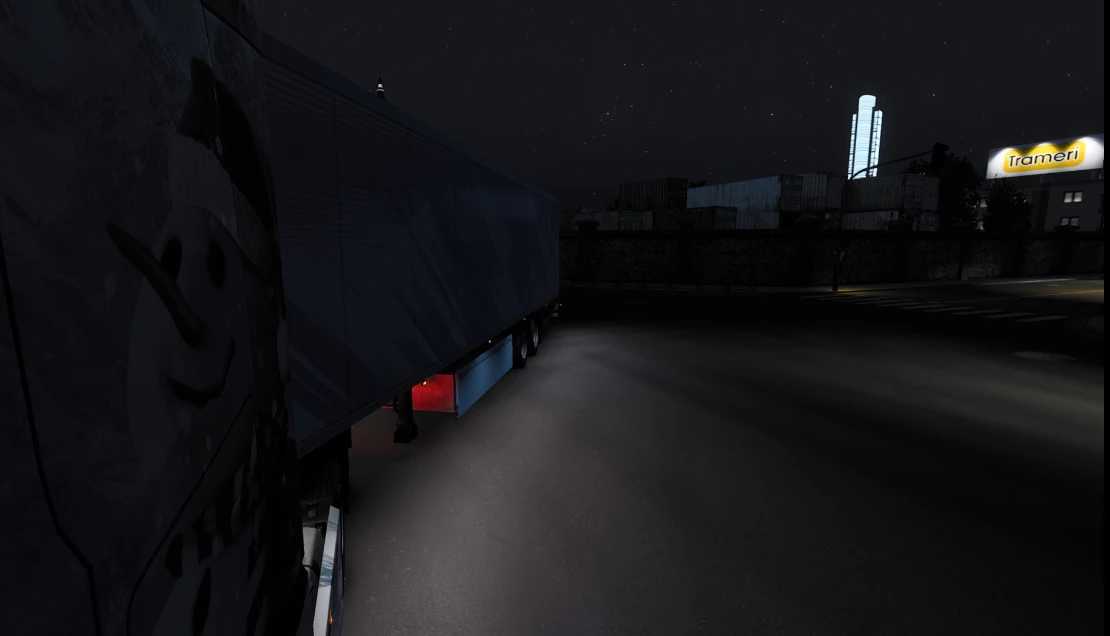
A modification for enhancing the side lighting of trailers and illuminating the surrounding road.
Available in two colors – warm and cool.
Activation and deactivation occurs by pressing a designated button to toggle a special signal.
Press ‘O’ on your keyboard to enable the flashing lights within the game.
Two new lighting options are available for box-type trailers: navigation illumination – lighting on the sides. Choose from two directions for backlighting – illuminating the rear doors of the trailer. Three different lighting positions can be selected.
Other trailer types feature a single tuning point situated at the center.
Supported Trailer Types:
– Standard.
– Box Type Box.
– Low-frame trailer.
– Low-bed trailer with a single file.
– On-board platforms: Wooden, Steel, and Container platforms.
– On-board platform without a crane.
– On-board platform with a crane.
DLC Support:
Schwmuller
– Schwmuller refer.
– Schwmuller lowloader.
Krone
– Krone coolliner.
– Krone dryliner.
– Krone profilinerbm.
– Krone profilinerhd.
Credits: ВилХомХод
Guide to Install ETS2 Mods or ATS Mods
Installing mods in Euro Truck Simulator 2 is straightforward. Simply download the mod from this page, and then copy/unzip the files into the “My Documents\Euro Truck Simulator 2\mod” folder. If playing ATS, place the mods in the “My Documents\American Truck Simulator\mod” folder. You can unzip files using WinRAR or 7zip. Once done, activate the mods you wish to use.