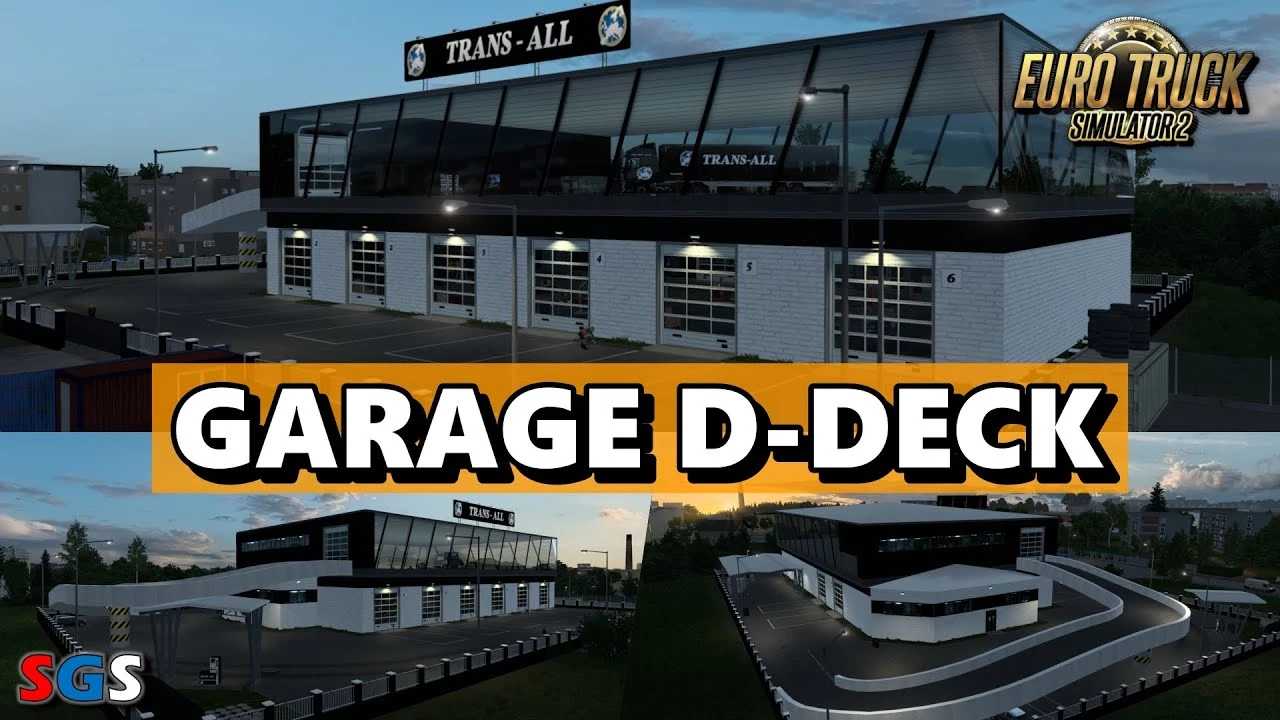
TRANS-ALL Garage D-Deck v2025.1 ETS2
Update: v2025.1 (ETS2 1.53)
– Consolidated into a Single Large Garage, D-Deck for all Large Garage Types
– Introduced DLC Greece Compatibility
Modified Garage Scandinavia D-Deck enhancements:
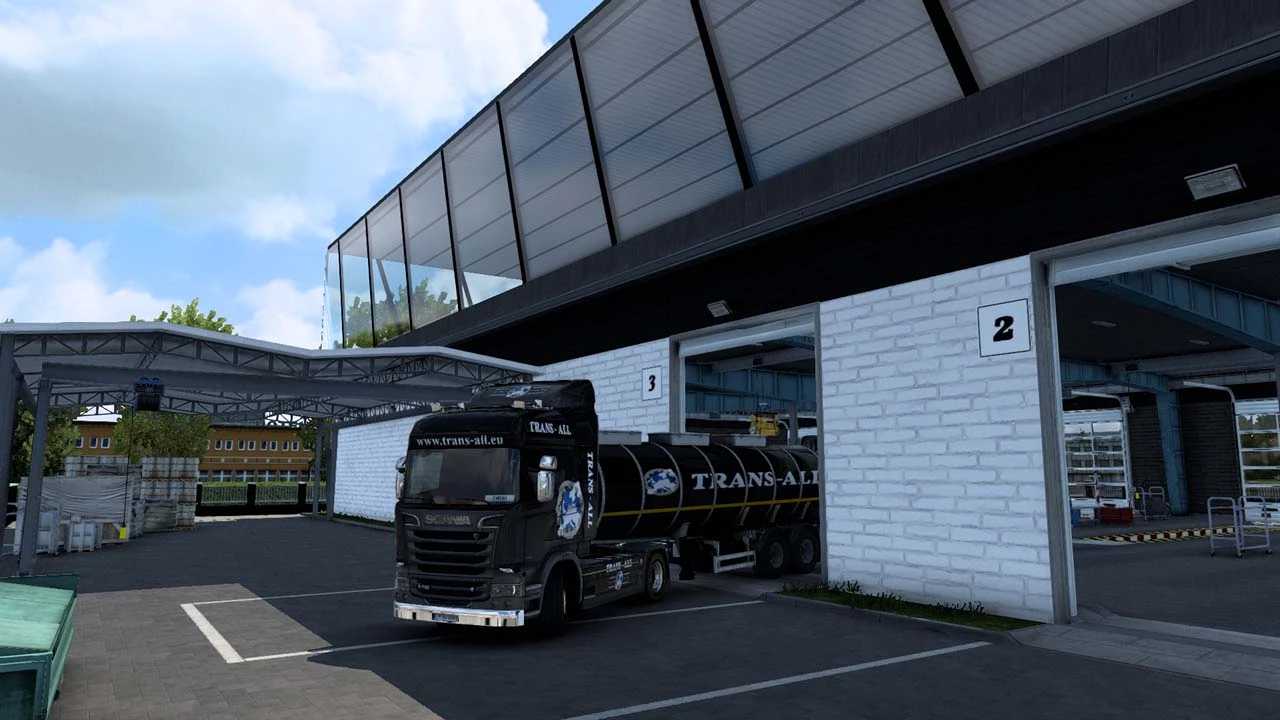
– Completely reimagined interior and exterior
– Fully accessible areas within and outside the garage
– Illuminated company signage
– 9 accessible gates for entry and exit
– Additional exit gate located at the rear of the hall
– Workshop features: 3 ramps, 2 openable, 2 with random truck assignments
– Workshop pit for repairs
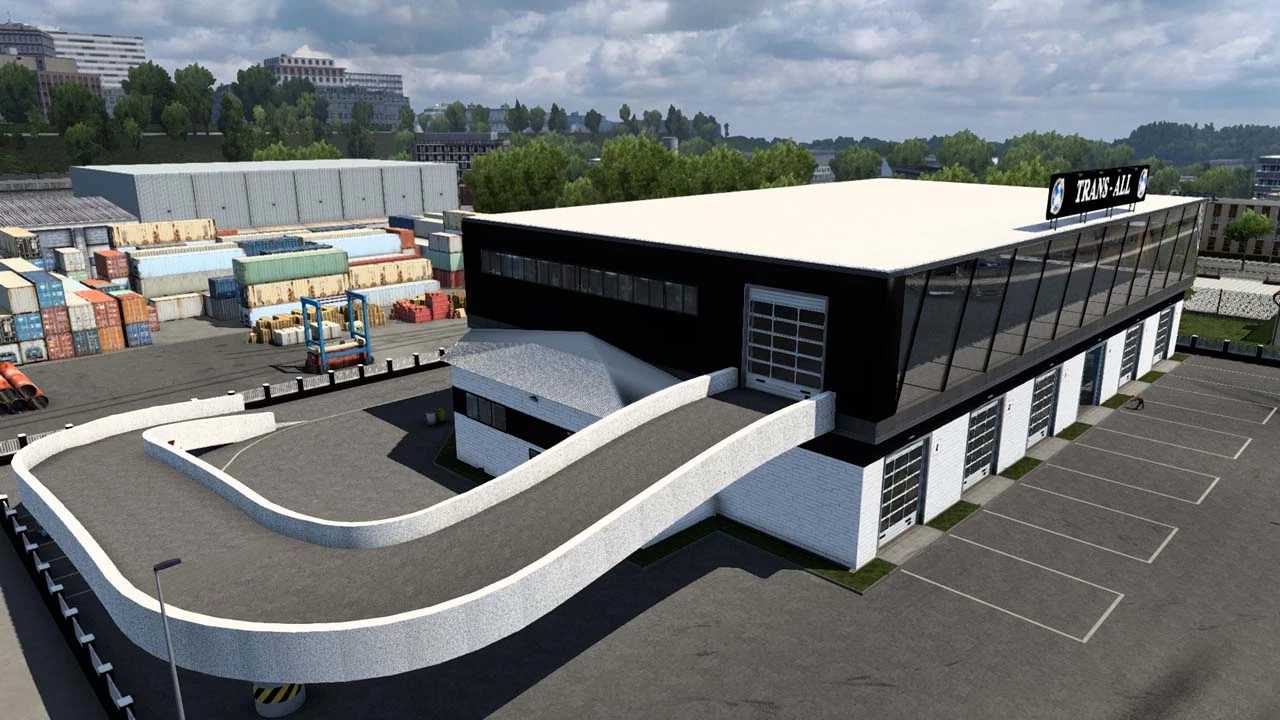
– Driveway leading to the second level
– 5 parking slots accommodating random vehicles
– Newly added fuel station
– Automatic roller shutters at the entrance/exit
– Animated personnel, including security and dogs
– Lounge area adorned with images and calendar
– Second floor inclusive of:
– Rolling gate for entry and exit
– Office space with staff and conference room
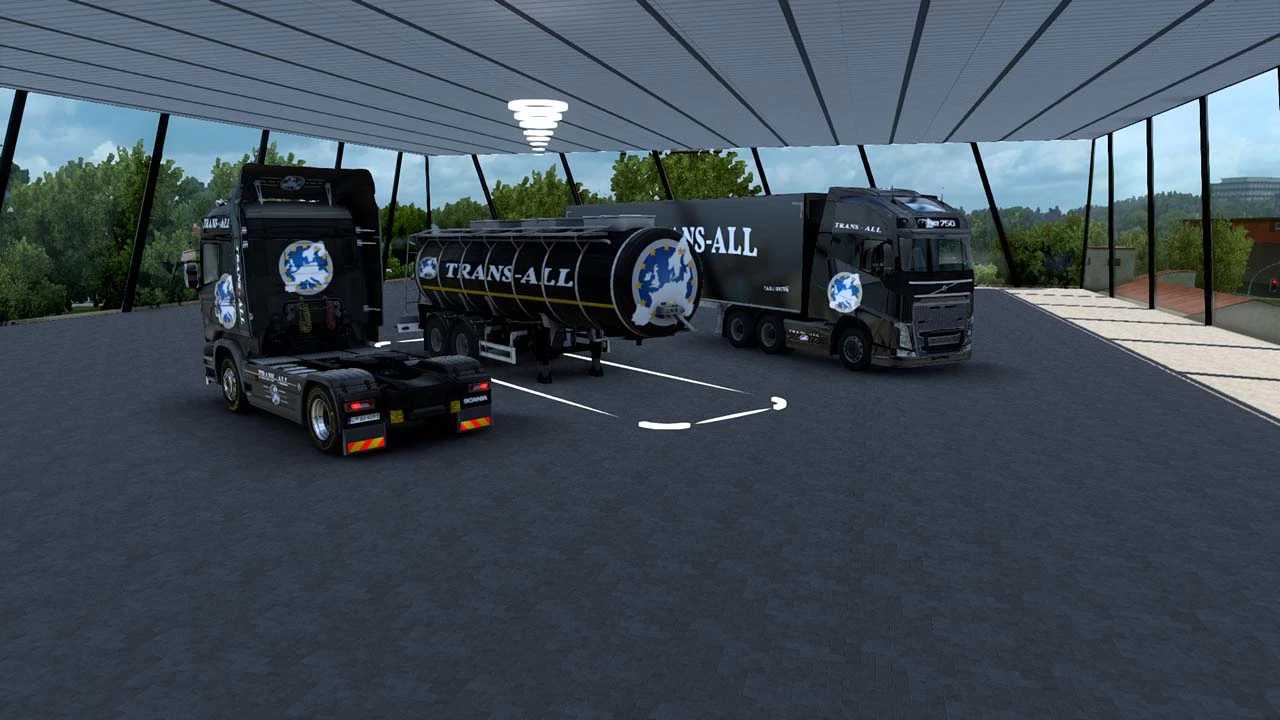
– Storage zone for trucks and trailers
– Panoramic city view
Credits: Swini
How to Install ETS2 or ATS Mods
Installing mods in Euro Truck Simulator 2 is straightforward. Download the mod from the provided link, copy or unzip the files into the “My Documents\Euro Truck Simulator 2\mod” directory. For American Truck Simulator, place the mods in “My Documents\American Truck Simulator\mod”. Use software like WinRAR or 7zip to unzip the files. Afterward, activate the desired mods for use.