TRANS-ALL Garage D-Deck v2025.2 1.53 ETS2
Update: v2025.2 (ETS2 1.53)
– Improved file organization
– Updated calendar
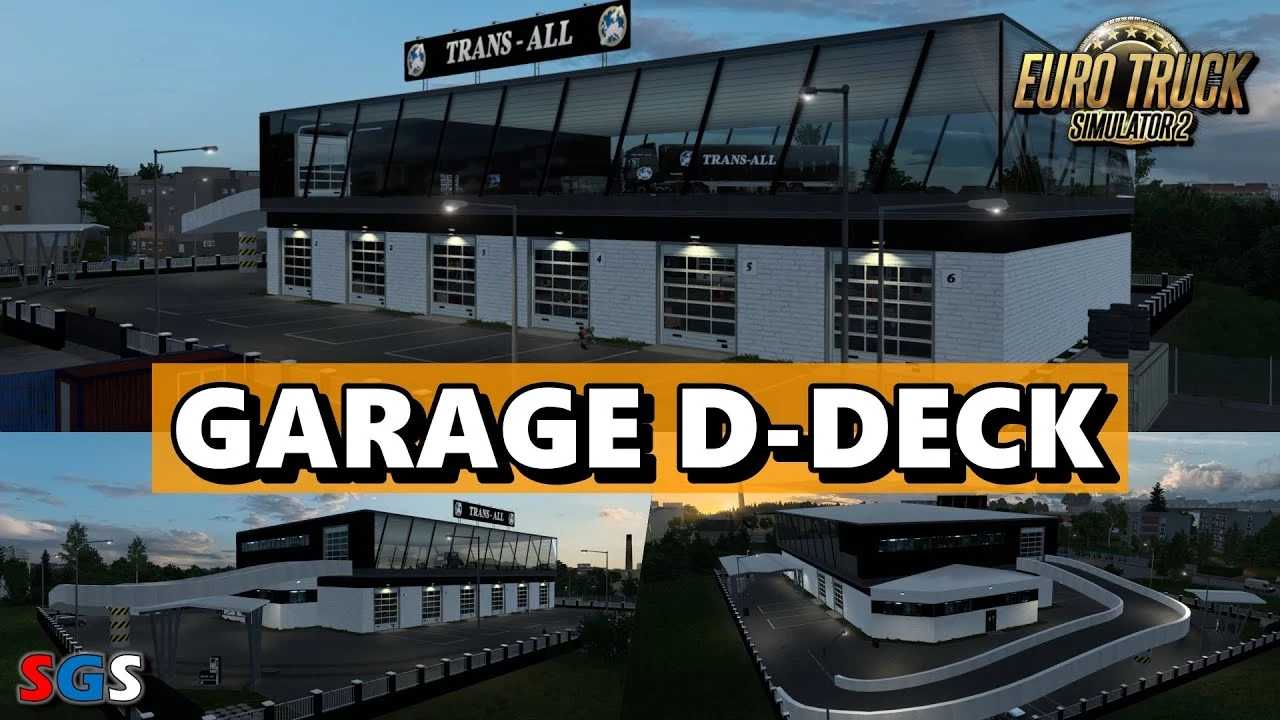
This expansive D-Deck garage in Scandinavia features major upgrades from the original:
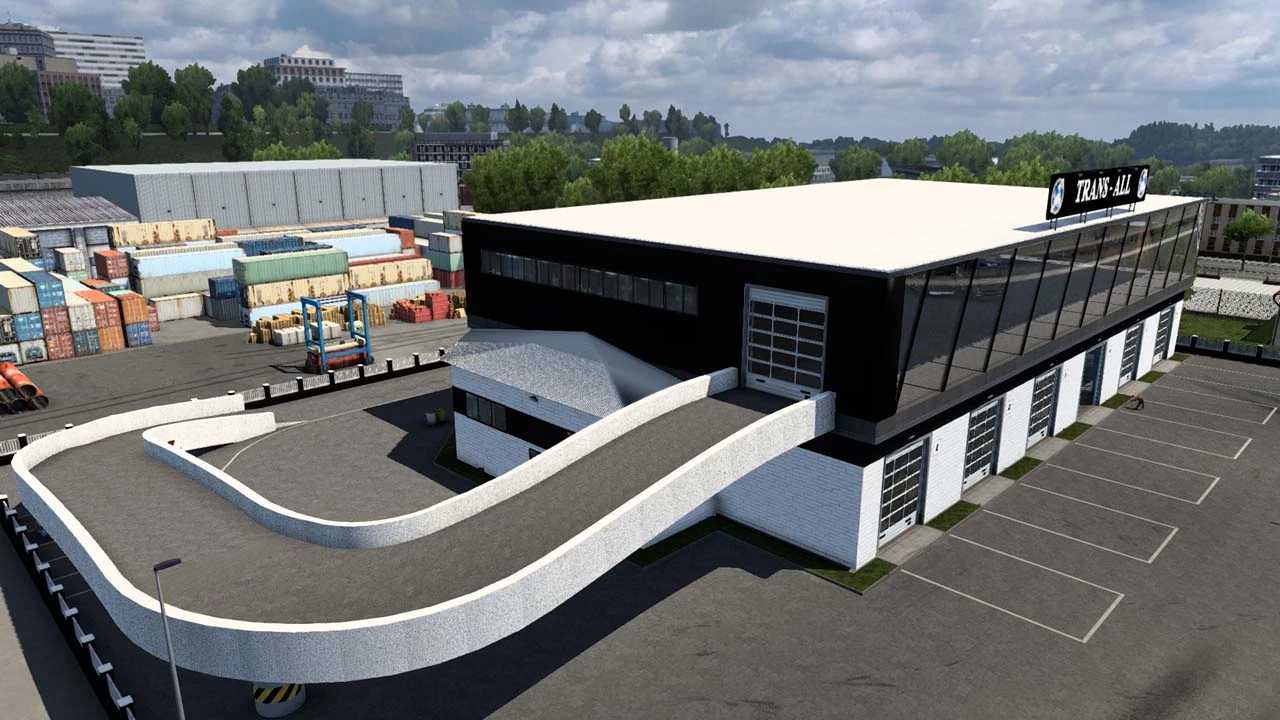
– Fully redesigned interior and exterior
– Entire area accessible from both inside and outside
– Illuminated company logo
– 9 operational gates for easy vehicle entry and exit
– Additional rear exit gate in the workshop’s back wall
– Workshop includes 3 ramps; 2 accessible and 2 with random truck assignments
– Added workshop pit
– Access way to the second level
– 5 parking spots featuring random vehicles
– Newly added gas station
– Automatic roller shutter at the site entry and exit
– Animated personnel, security guard, and dogs
– Relaxation area adorned with art and a calendar
– Second level includes:
– Rolling gate for entry and exit
– Office with personnel and conference room
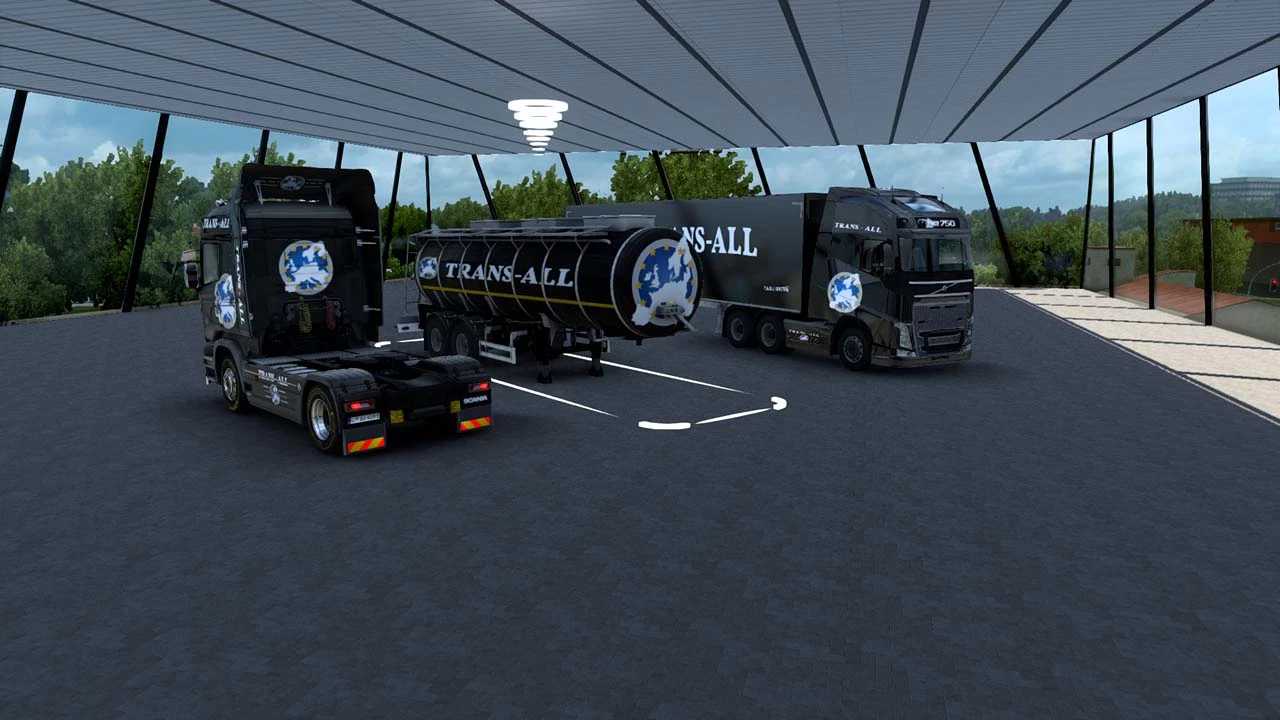
– Storage area for trucks and trailers
– Panoramic city views
Credits: Swini
Installing ETS2 or ATS Mods
Adding mods to Euro Truck Simulator 2 is straightforward. Simply download the mod from here and copy/unzip the files into: “My Documents\Euro Truck Simulator 2\mod” folder. For American Truck Simulator, place mods in: “My Documents\American Truck Simulator\mod” folder. You can use tools like WinRAR or 7zip to extract files. After extraction, activate the mods you want to use.