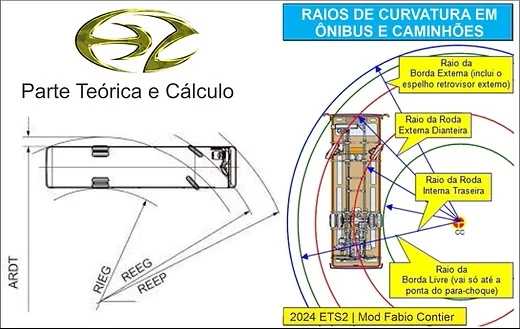
Turning Radius Bus and Truck v1.2 for ETS2 1.56
Features:
– Designed specifically for the Steering Technique: Truck and Bus Vehicle Dimensions.
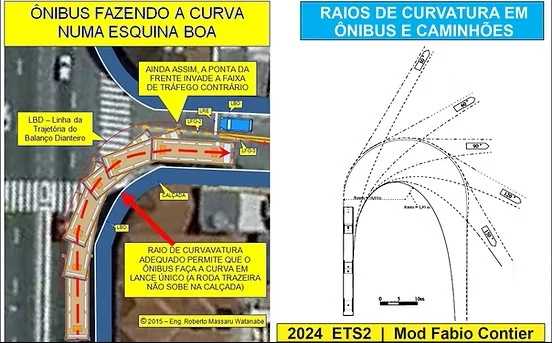
– Mimics realistic physics on winding paths, enabling precise maneuvers without excessively broadening curves or encroaching on adjacent lanes.
– Excellent for navigating confined areas like narrow streets, terminals, or urban zones with limited maneuverability.
– Compatible across all bus, truck, and vehicle types within the game.
Simple Installation Steps:
1. Place the mod in your Mod folder;
2. Activate it with priority in the mod manager.
That’s it! Experience more realistic curves and complete control in challenging scenarios.
Compatible with: 1.51.x | 1.52.x | 1.53.x | 1.54.x | 1.55.x | 1.56.x
Thoroughly tested and approved!
Credits: Fabio
How to Install ETS2 or ATS Mods
Installing mods in Euro Truck Simulator 2 is straightforward. Simply download the mod from here and copy/unzip the files into “My Documents\Euro Truck Simulator 2\mod” folder. For American Truck Simulator, place the mods in “My Documents\American Truck Simulator\mod” folder. You can use WinRAR or 7zip to unzip files. Afterward, enable the mods you wish to use.