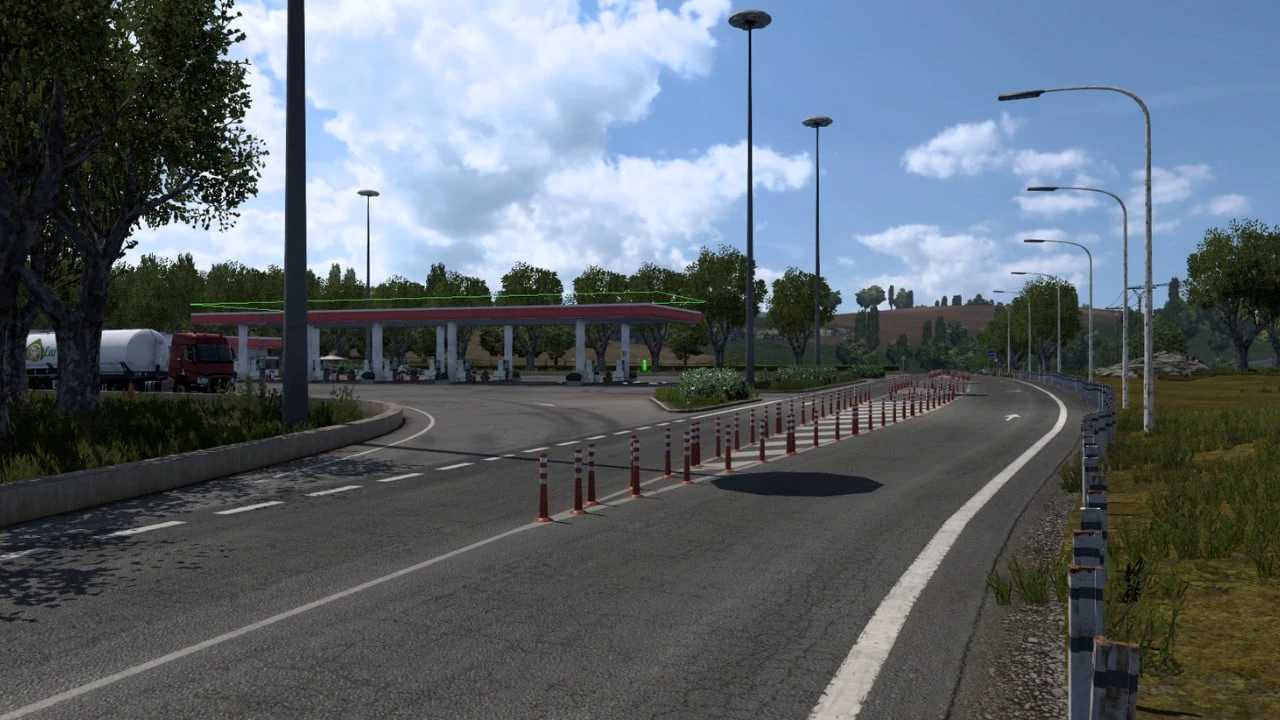
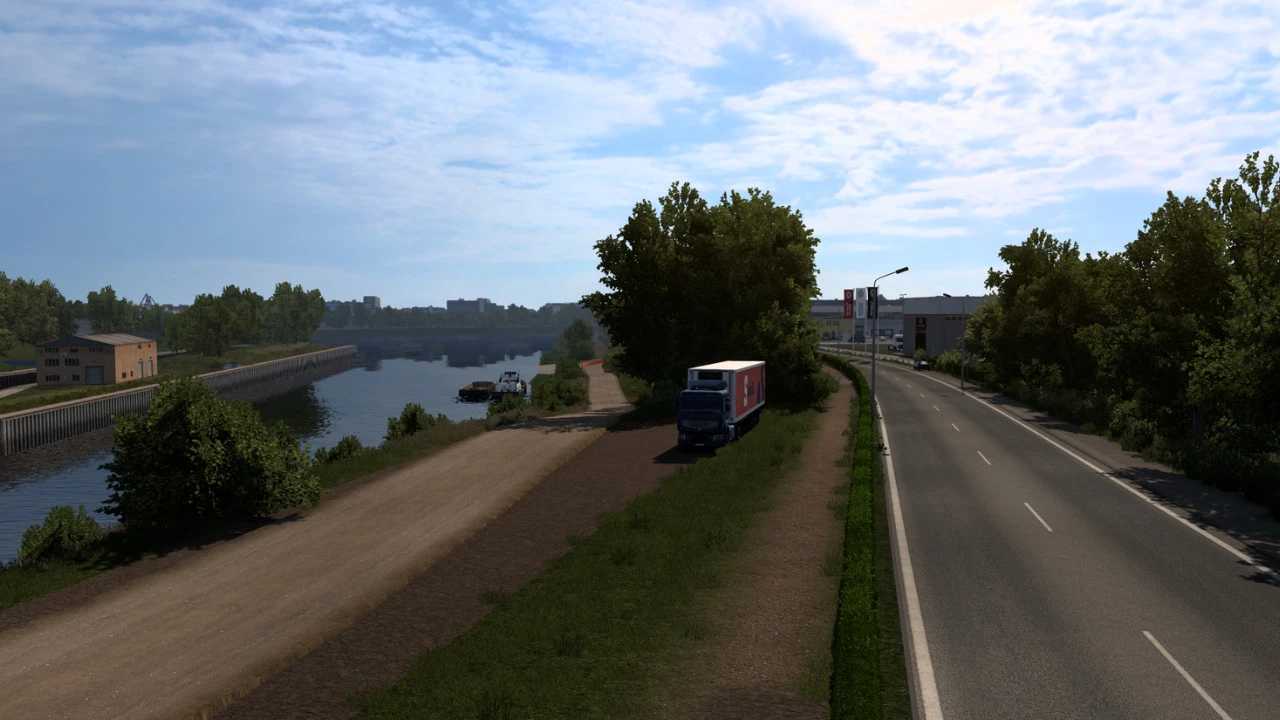
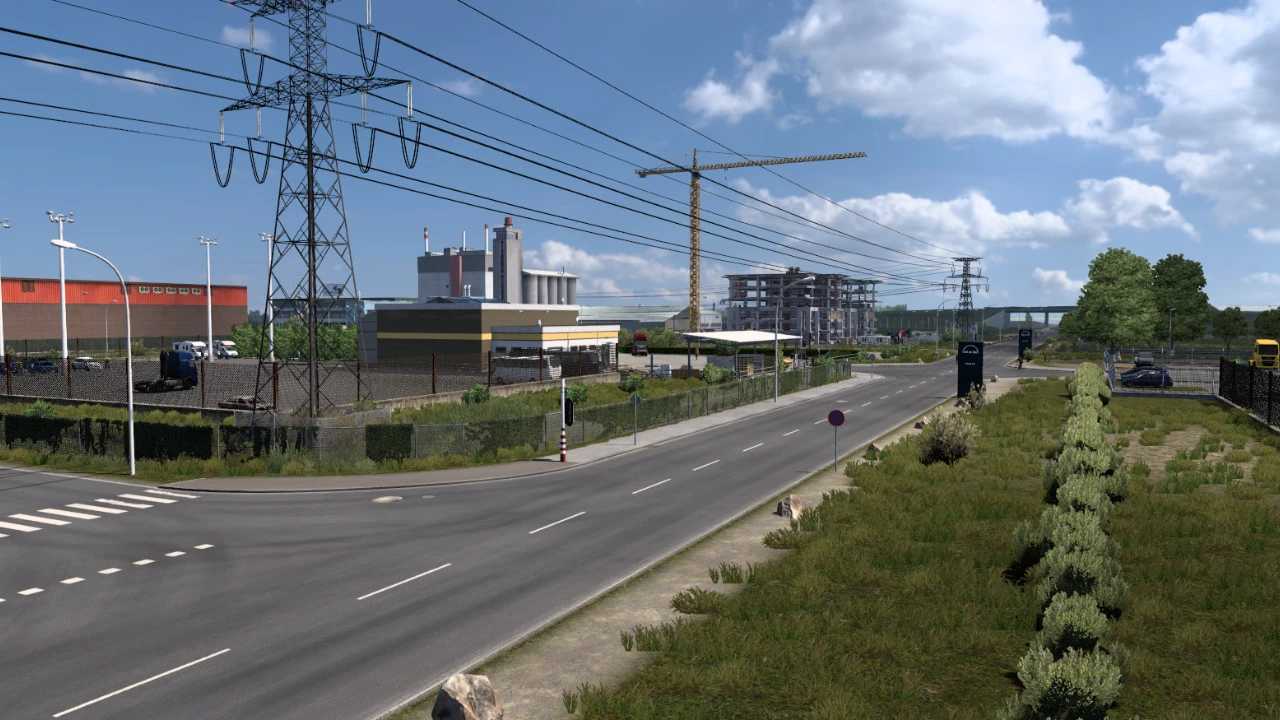
Modified Duisburg Calais Road v1.4 ETS2
– Added and updated new roads
– Revamped cities of Duisburg and Calais
– Introduced new locations and modifications
ALL MAP DLCs ARE REQUIRED
Credits: Sımorx
Instructions for Installing ETS2 or ATS Mods
Installing mods in Euro Truck Simulator 2 is straightforward. Download the mod from here, then copy/unzip the files into: “My Documents\Euro Truck Simulator 2\mod” folder. For American Truck Simulator, use the: “My Documents\American Truck Simulator\mod” folder. Use WinRAR or 7zip to unzip the files. Finally, activate the mods you wish to use.