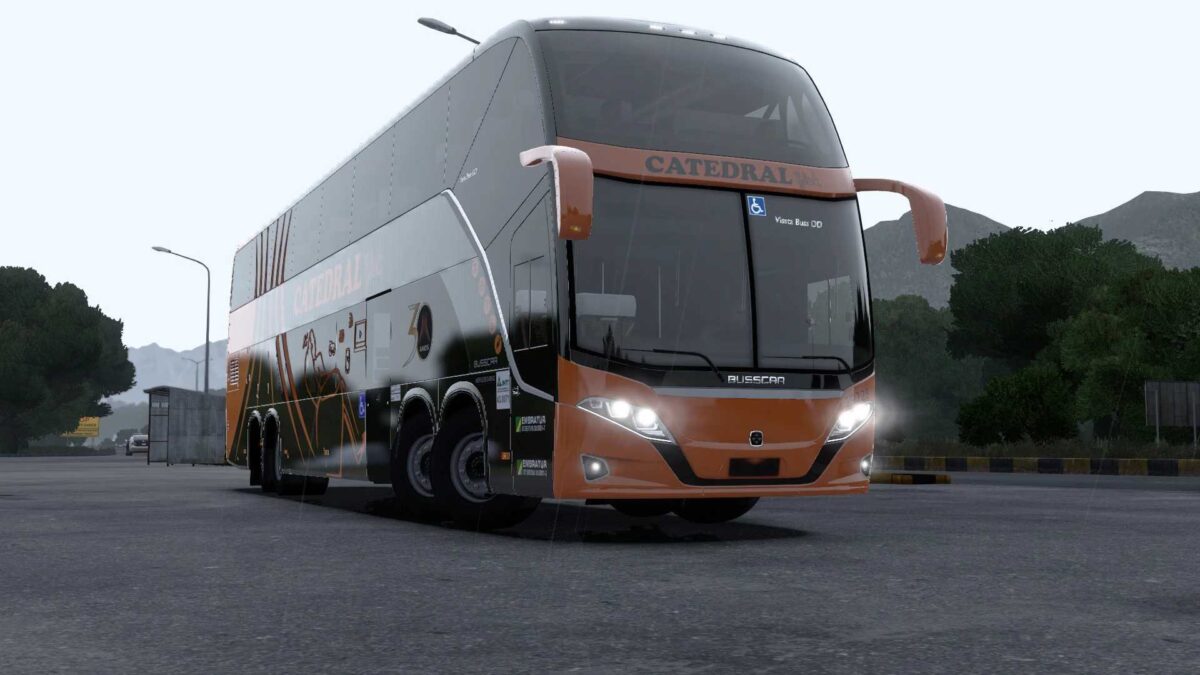
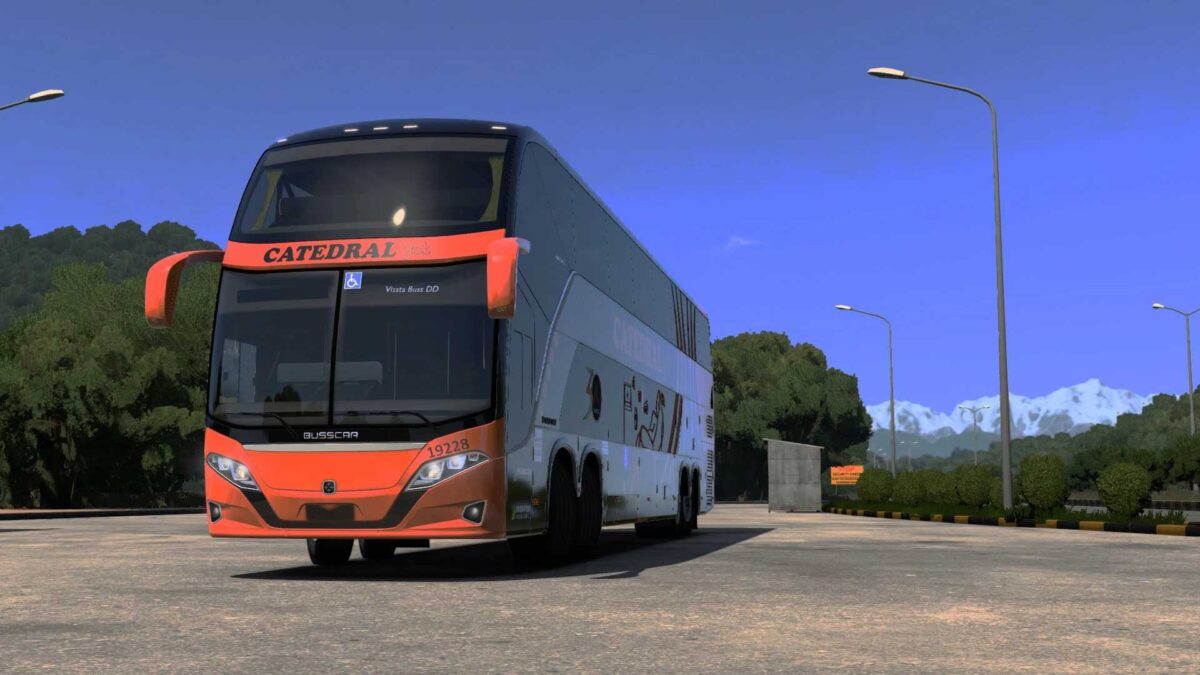
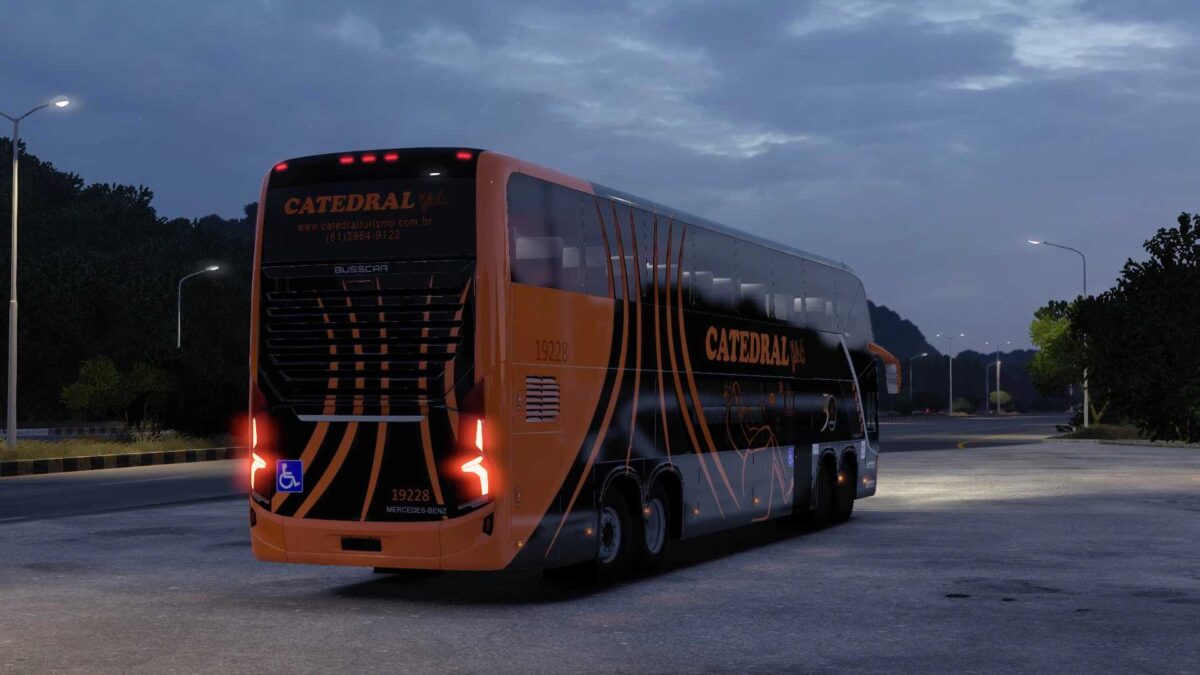
VISSTA BUSS DD 8×2 15M 1.55 1.56 ETS2
– 8×2 chassis – 15 meters
– Mercedes Benz
– Two options for rearview mirrors
– DRL system with sequential turn signals integrated into the body
– Highly realistic suspension for a comfortable driving experience
– Engine and transmission tailored to technical specifications
– Authentic sounds recorded from a real model
– New layout on the white base of the liveries to simplify skin creation
– Compatible with SCS cabin accessory DLC
– Customizable signs via digital panels
– Varied seat fabric options;
– Interior seats numbered
– Various curtain fabrics available
– Different smoke intensity options
– Fully detailed driver’s cabin, configured for optimal driving position
Credits: FAHIDMCG
How to install ETS2 mods or ATS Mods
Installing mods in Euro Truck Simulator 2 is straightforward. Simply download the mod from the provided link and copy/unzip the files into the “My Documents\Euro Truck Simulator 2\mod” folder. If you are playing ATS, the mods should go into the “My Documents\American Truck Simulator\mod” folder. You can use WinRAR or 7zip to extract the files. After that, activate the mods you wish to use.