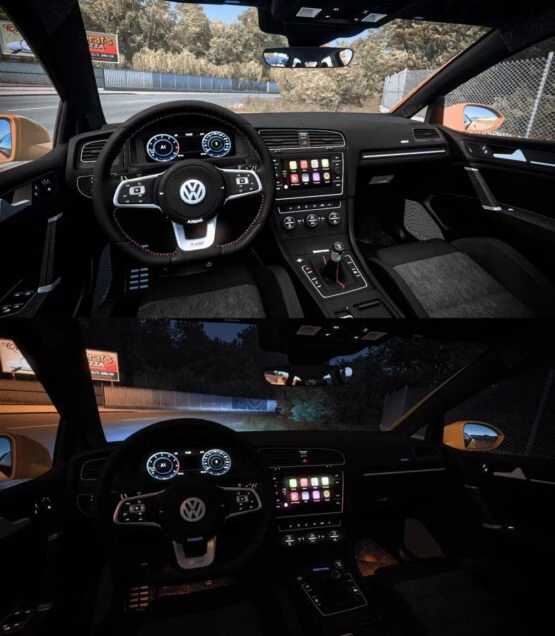
Volkswagen Golf R400 1.55 ETS2
Introducing the Volkswagen Golf R400 1.55
The vehicle is depicted above.
All functionalities are fully operational.
Credits: Faruk Aygun
Guide to Installing ETS2 or ATS Mods
Adding mods in Euro Truck Simulator 2 is a straightforward process. Simply download the mod from here and place the files (unzipped) into the “My Documents\Euro Truck Simulator 2\mod” directory. For American Truck Simulator (ATS) users, the mods should go into “My Documents\American Truck Simulator\mod”. You can utilize WinRAR or 7zip for unzipping the files. After this step, make sure to activate the mods that you wish to use.