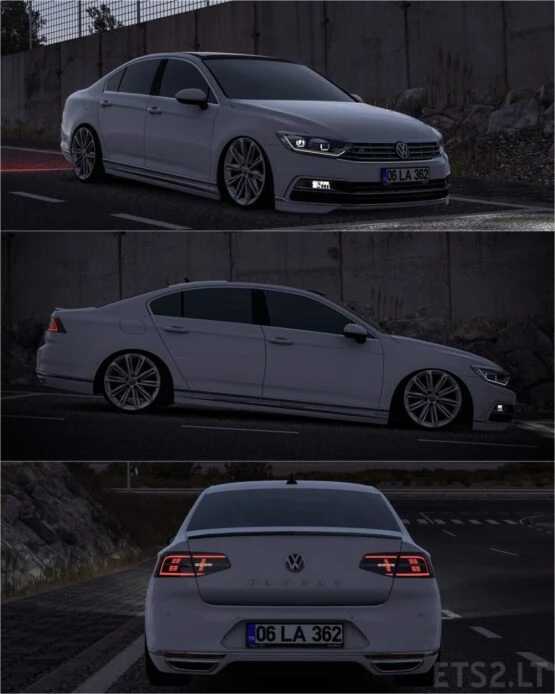
Volkswagen Passat B8 1.55 ETS2
Volkswagen Passat B8
Updated to version 1.55
Key Features
– High-quality model and textures
– Interactive glass animation and additional animations
– Three distinct wheel options
– Realistic light masks
– Accurate engine configurations
Credits: Berkay Pekesen
Installation Instructions for ETS2 or ATS Mods
Installing mods in Euro Truck Simulator 2 is straightforward. Simply download the mod, copy/unzip files into the “My Documents\Euro Truck Simulator 2\mod” folder. For American Truck Simulator, place mods in the “My Documents\American Truck Simulator\mod” location. To unzip files, you can use WinRAR or 7zip. After that, activate the mods you wish to use.