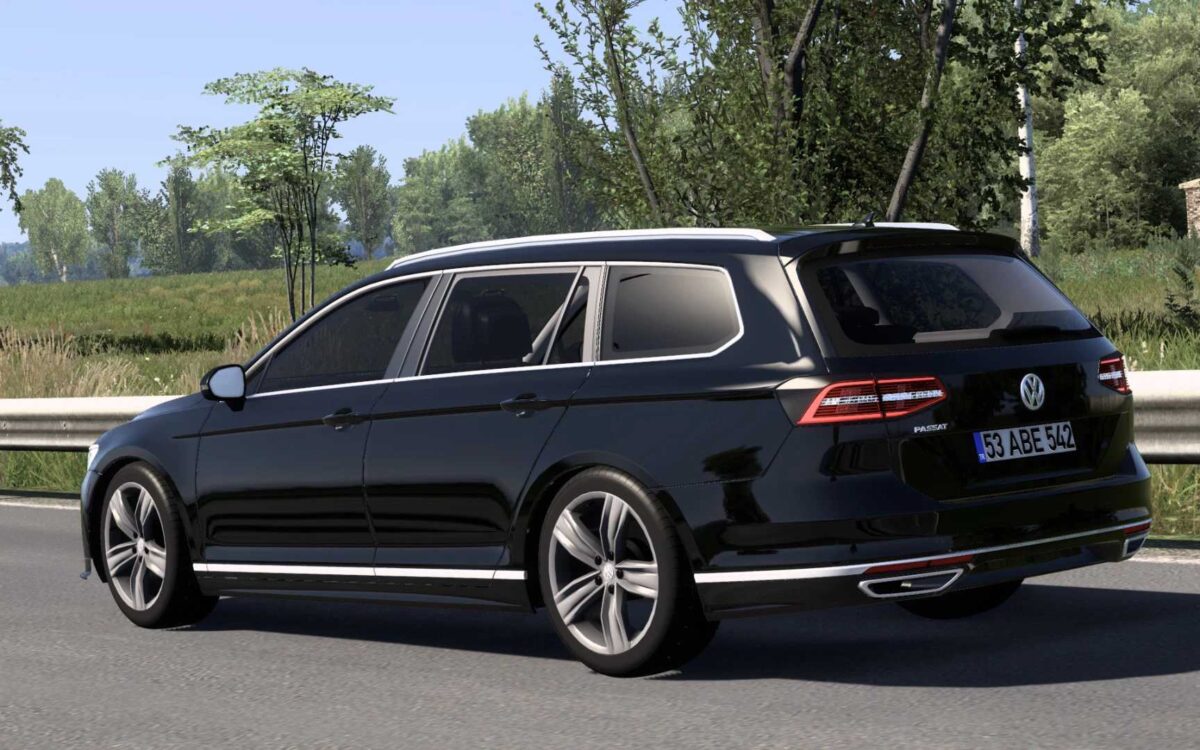
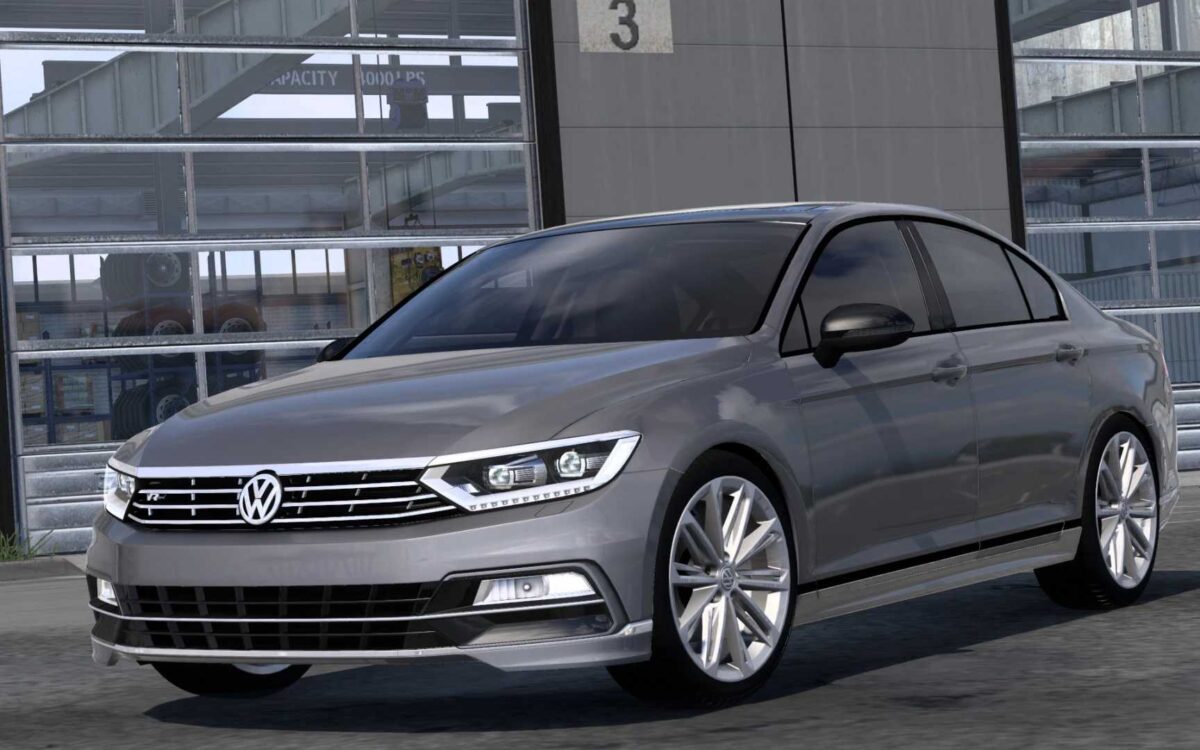
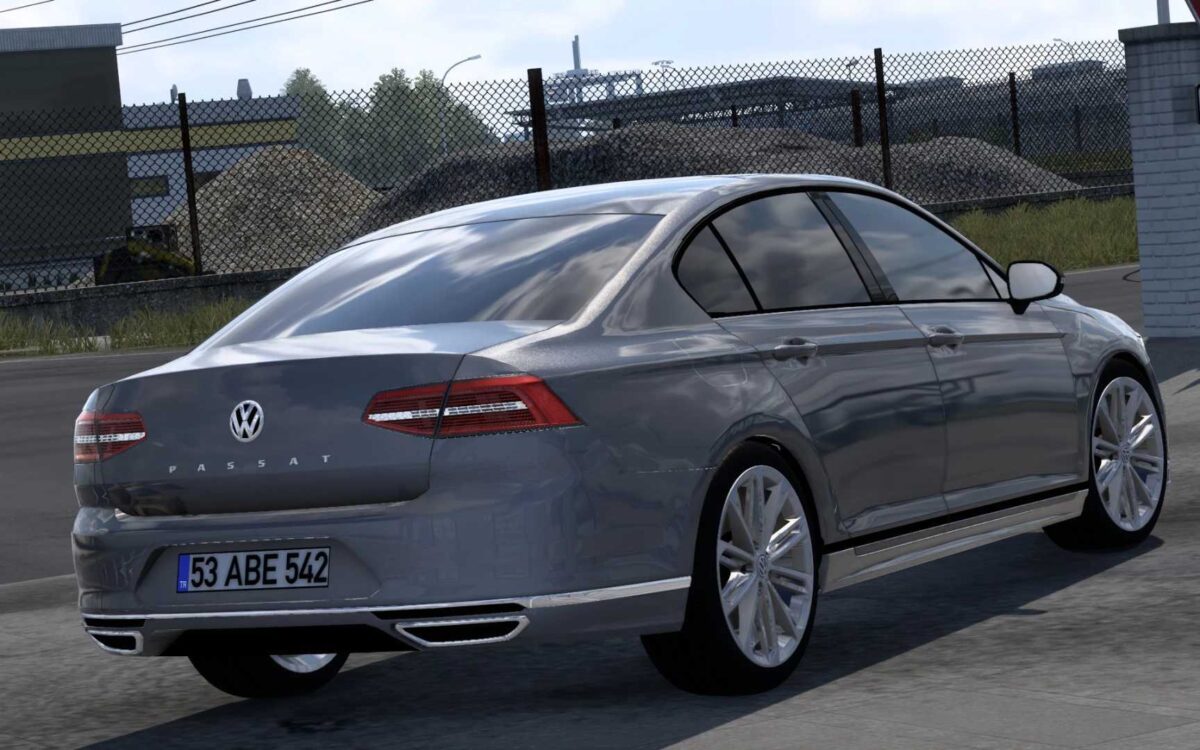
Volkswagen Passat B8 v2.0 1.55 ETS2
Sedan and its variants
Standard and lowered chassis options
3 types of headlights
5 front bumper designs
2 wheel options
2 rear light configurations for the sedan
3 interior color choices
2 types of indicators
Strobe light feature
Credits: Berat Afşin, Ziya Bergal, Hüseyin Ülken, Yelkant Modacı, Semih Köseoğlu, Buraktuna24
Installation Guide for ETS2 or ATS Mods
Installing mods for Euro Truck Simulator 2 is straightforward. Download the mod from the provided link and copy/unzip the files into the “My Documents\Euro Truck Simulator 2\mod” folder, or if you’re using ATS, place them in: “My Documents\American Truck Simulator\mod” folder. You can use WinRAR or 7zip to unzip the files. After that, activate the mods you wish to use.