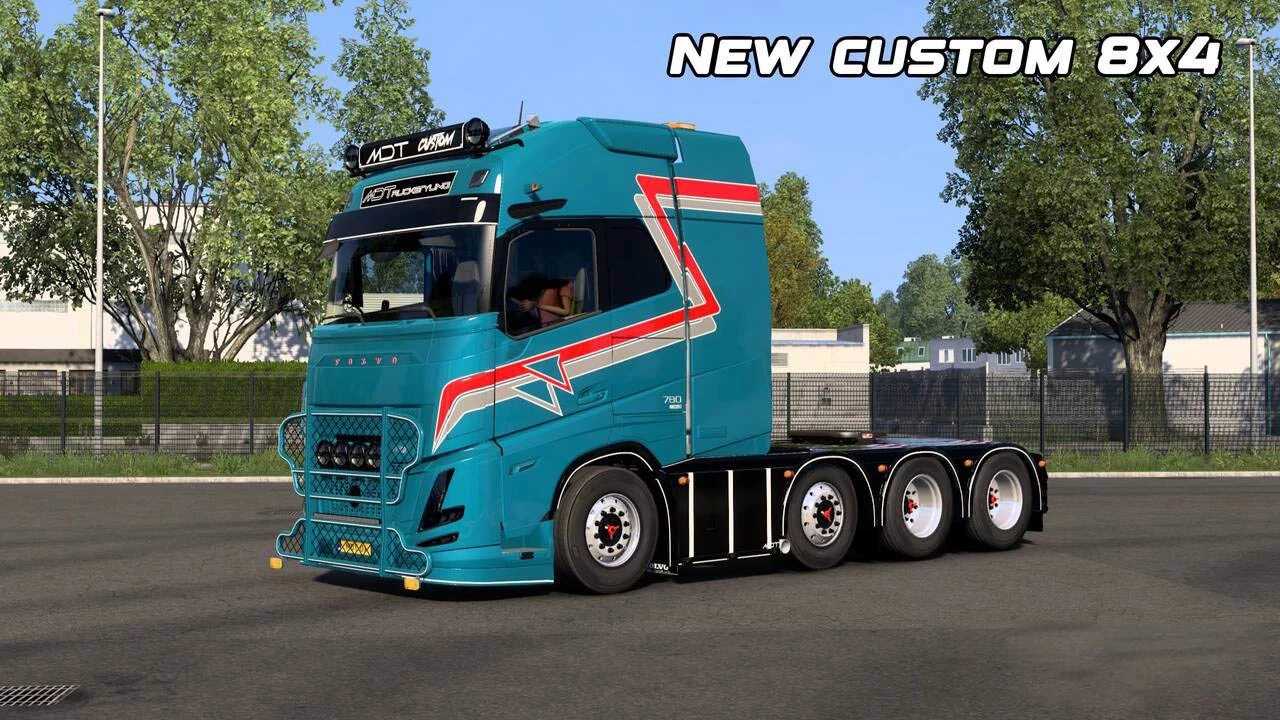
Volvo Aero Tuning Pack v5.0 for ETS2
– Updated headlights featuring white and orange DRL plus fog lights
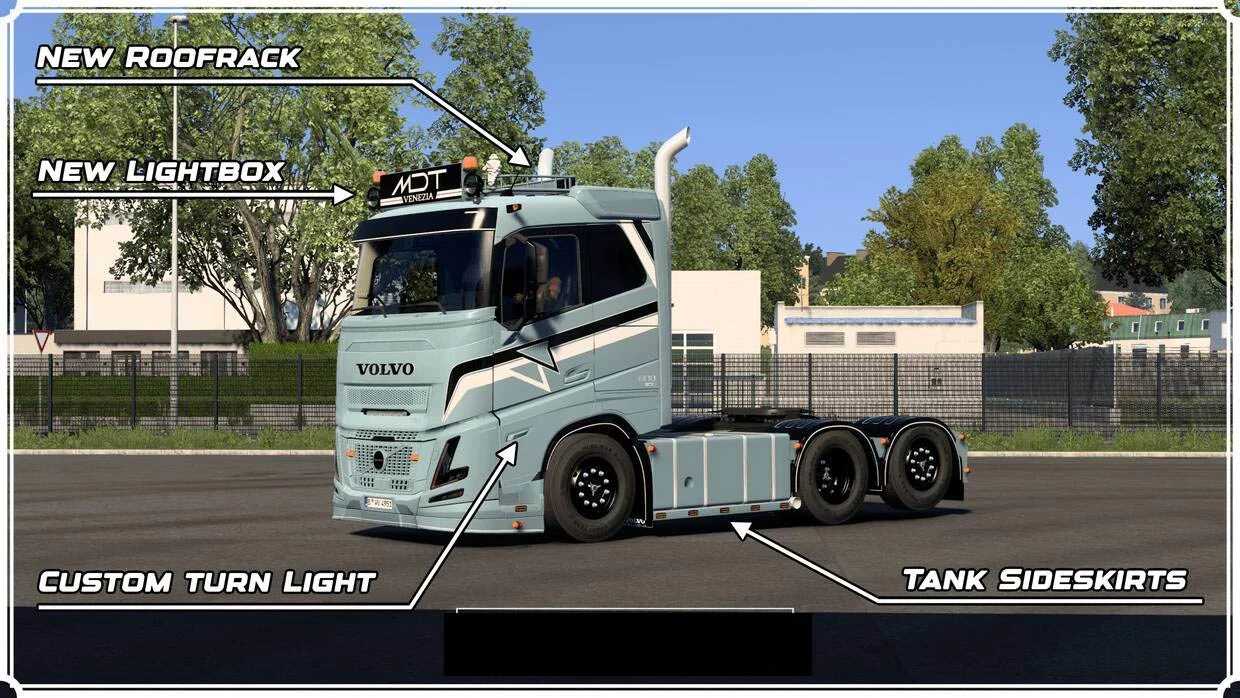
– New side turn signals equipped with orange LEDs
– Fresh painted front components
– New logos for the front panel, available in both regular and large sizes, illuminated with white/orange light
– Redesigned front bumper with slots
– Unique sunglasses with slots
– Custom stickers featuring white/orange light on the front
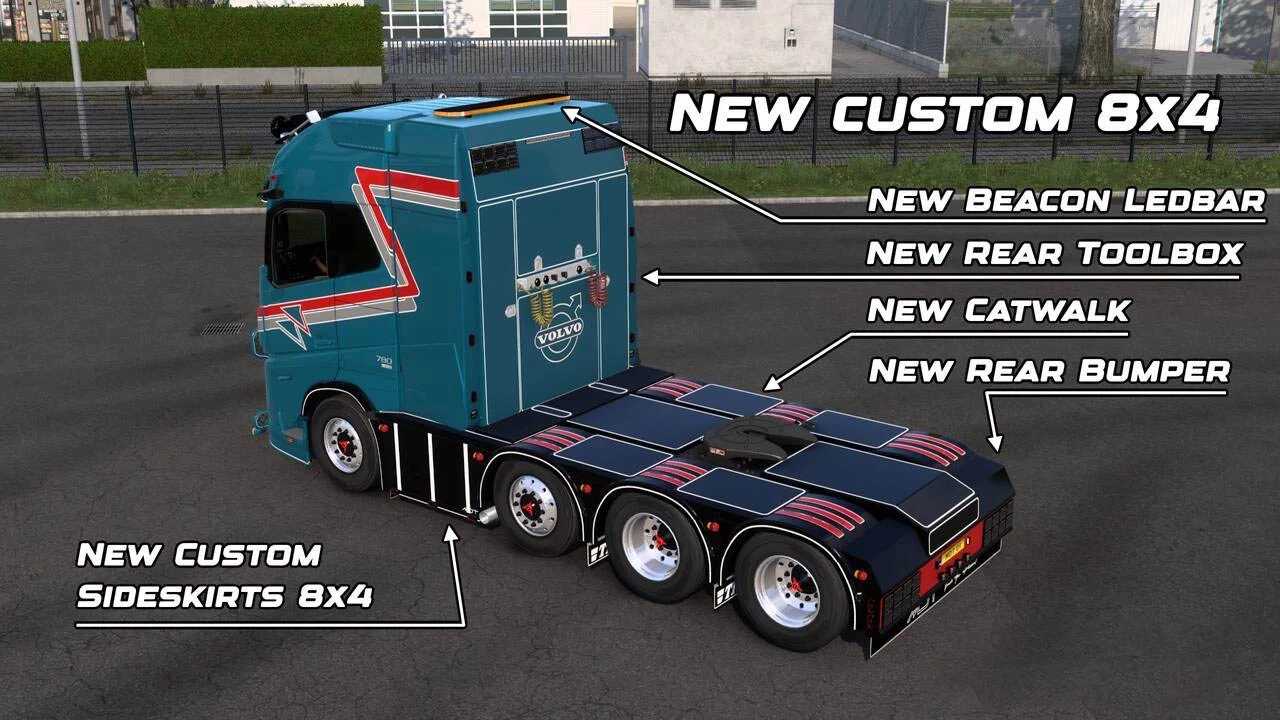
– New lightbox for all cabin variants with white/orange backlight
– New thresholds with slots
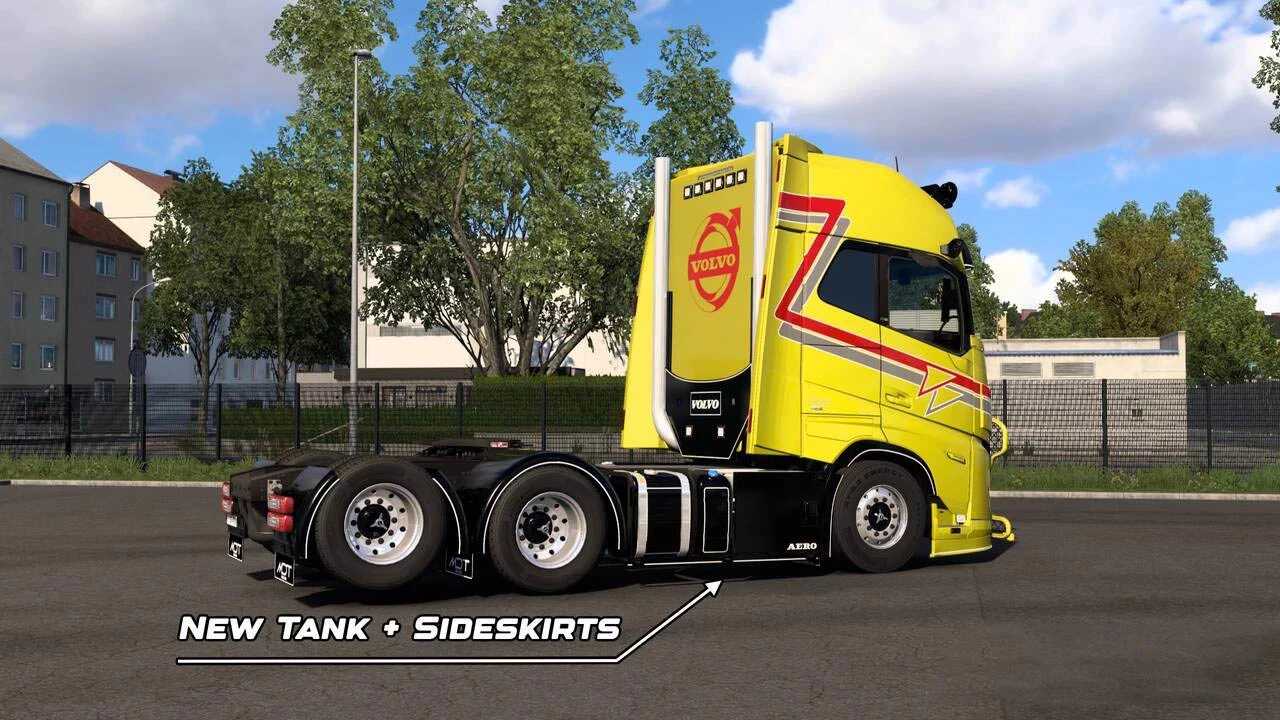
– Updated side skirts with slots
– Custom rear wall tailored for all cabins, complete with slots
– New animated cable panel with slots
– Fresh rear fenders
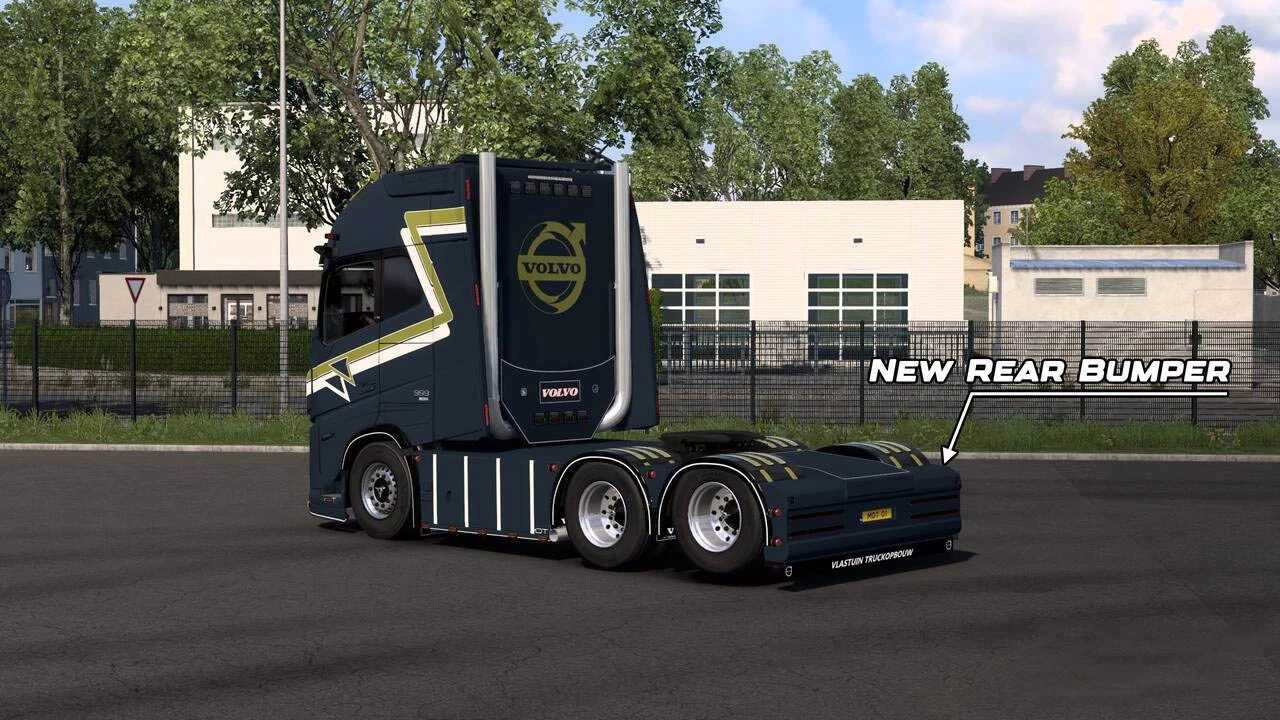
– Redesigned rear bumpers that include slots
– New rear mudguards illuminated by red LEDs
– Latest roof rack designed with slots
– Updated rear ladder for cabin access
– New black-painted logo on the front panel, enhanced with white and orange backlight
– Fresh Hypro rack designed with slots
– Special corner deflectors included
– Four skins available: changeable colors in glossy, matte, and metallic finishes
Compatible with version 1.56
Credits: MDT
Instructions for Installing ETS2 or ATS Mods
Installing mods for Euro Truck Simulator 2 is straightforward. Simply download the mod from here, then copy or unzip the files into the “My Documents\Euro Truck Simulator 2\mod” folder. For American Truck Simulator, the mods should be placed in “My Documents\American Truck Simulator\mod” folder. Use WinRAR or 7zip to unzip files if necessary. Once done, activate the mods you wish to use.