Volvo Aero Tuning Pack v5.0 1.56 ETS2
This modification features:
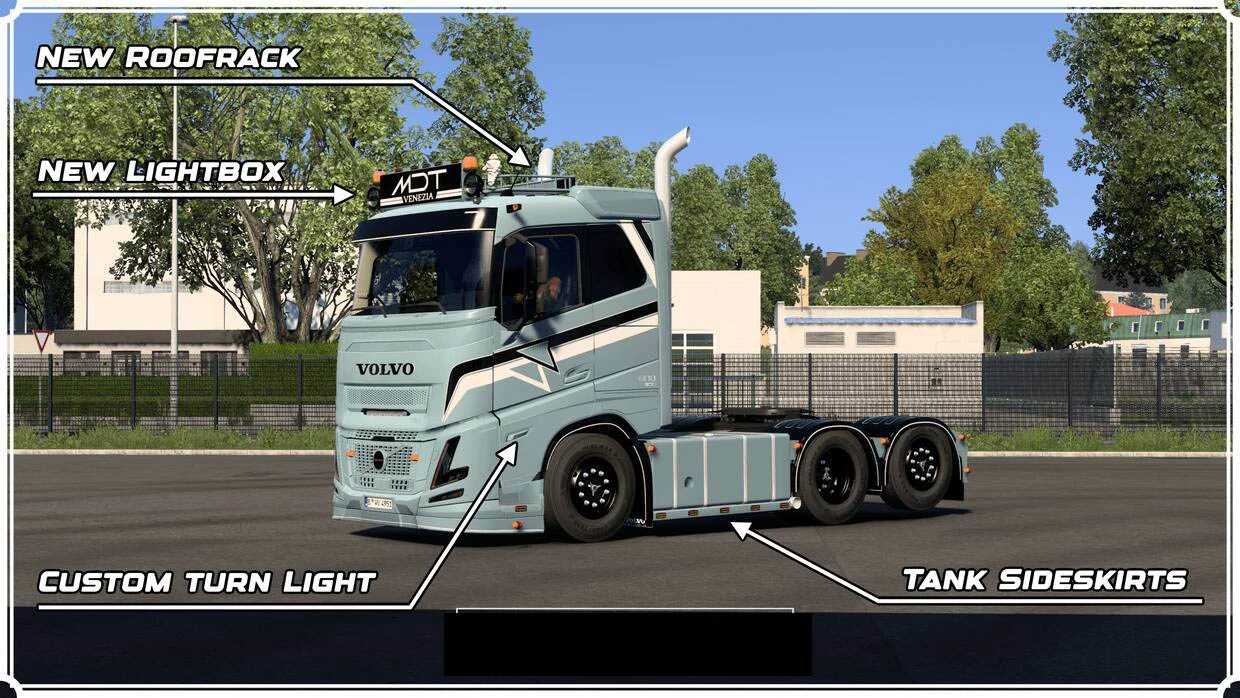
– custom headlights with white/orange DRL and fog lights
– custom lateral turn signals with orange LED
– newly designed front painted elements
– fresh front logos, both normal and oversized, illuminated with white/orange light
– a new custom front lip with slots
– unique sunshields featuring slots
– illuminated front decals with white/orange lighting
– a new lightbox available for all cab types, equipped with white/orange light
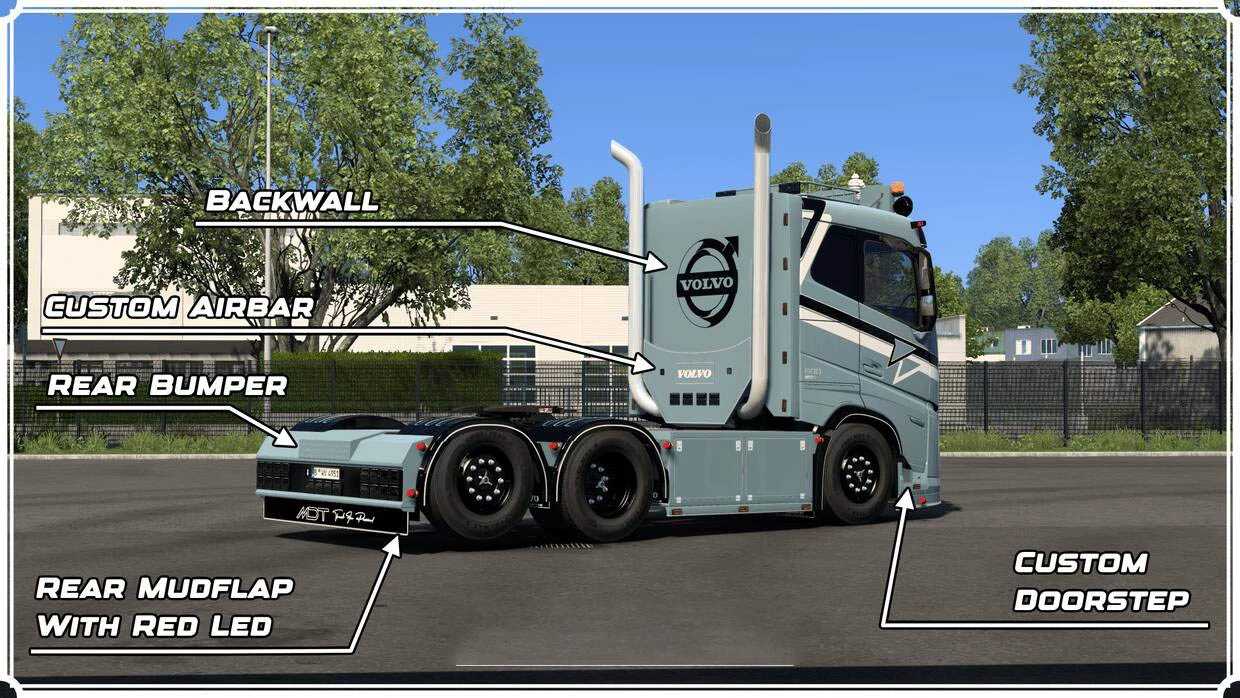
– a customized doorstep with slots
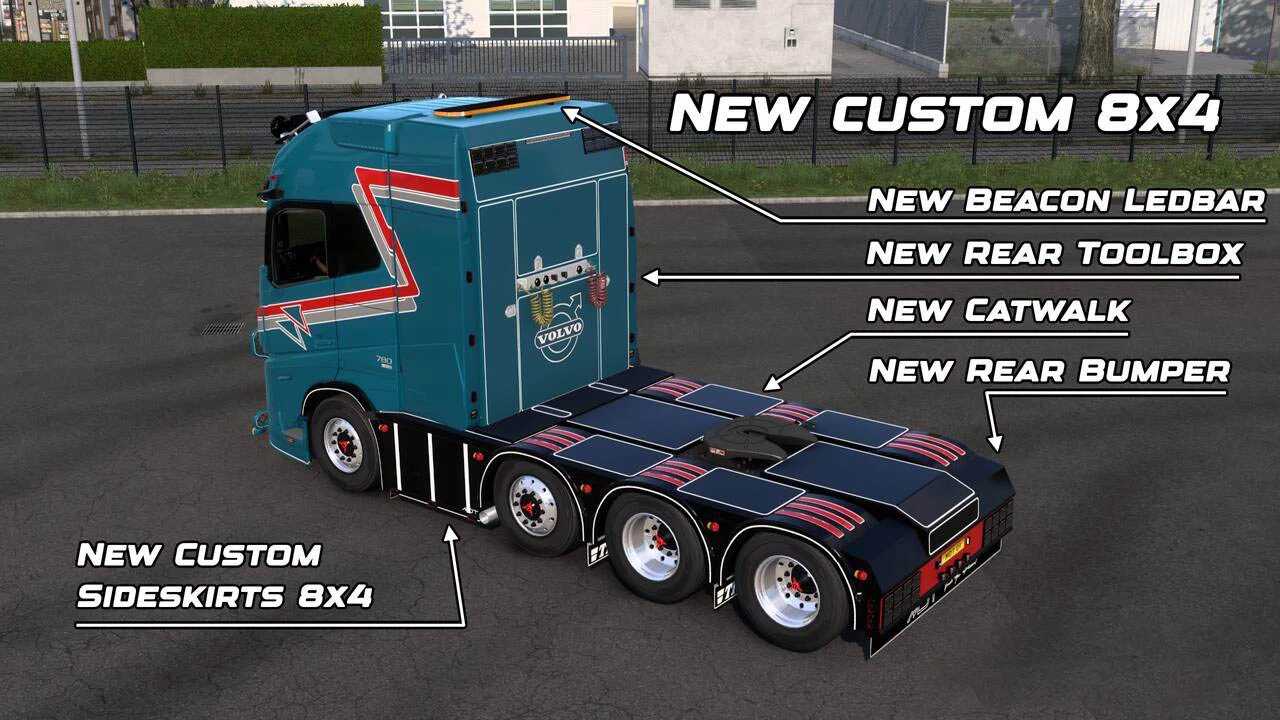
– tailored sideskirts with slots
– a custom catwalk
– newly designed backwall for all cabs with slots
– an airbar featuring cable animation and slots
– customized rear fenders
– new rear bumpers equipped with slots
– custom rear mudflaps with red LED lights
– a custom roof rack for the sleeper cab with slots
– a rear ladder custom designed for the sleeper cab
– new front logo options: painted, black, and illuminated with white/orange light
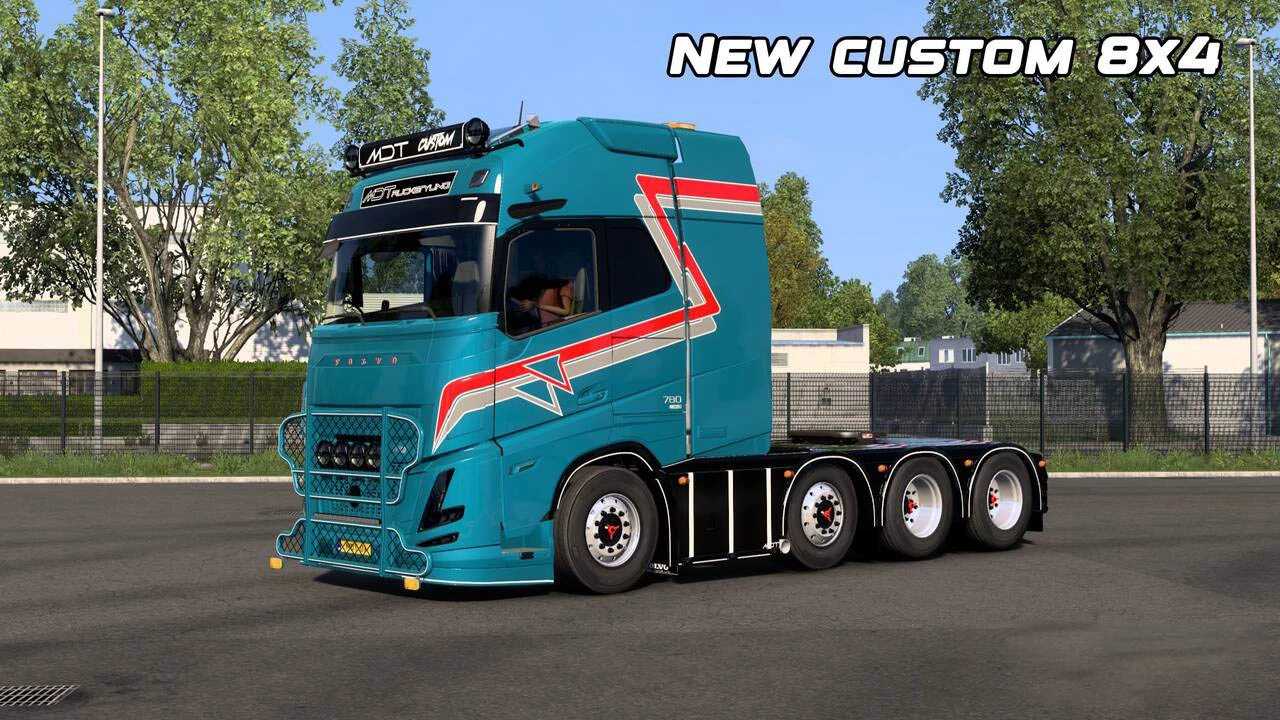
– Hypro bullbar designed with slots
– new corner deflectors
– 4 skins included: color change options (gloss, matte, metallic) along with a draw-ready template
– updated front cab and chassis fenders with integrated mudflaps
This mod has been tested on version 1.56 of the game.
Credits: MDT
Installation Instructions for ETS2 or ATS Mods
In Euro Truck Simulator 2, installing mods is straightforward. Simply download the mod from the link provided, then copy or unzip the files into the “My Documents\Euro Truck Simulator 2\mod” folder, or if using American Truck Simulator, place them in “My Documents\American Truck Simulator\mod”. For file extraction, you can use WinRAR or 7zip. After extraction, activate your desired mods to use them.