Volvo Aero Tuning Pack v3.0 ETS2
3.0 UPDATE:
– Mod updated for game version 1.54
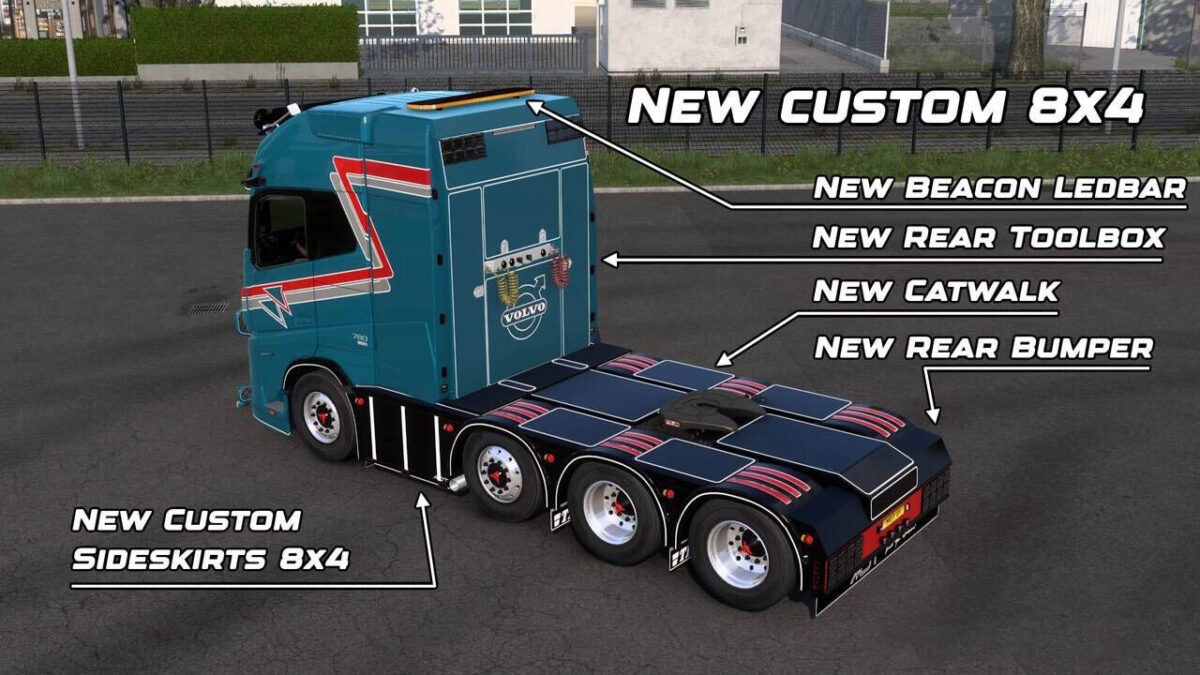
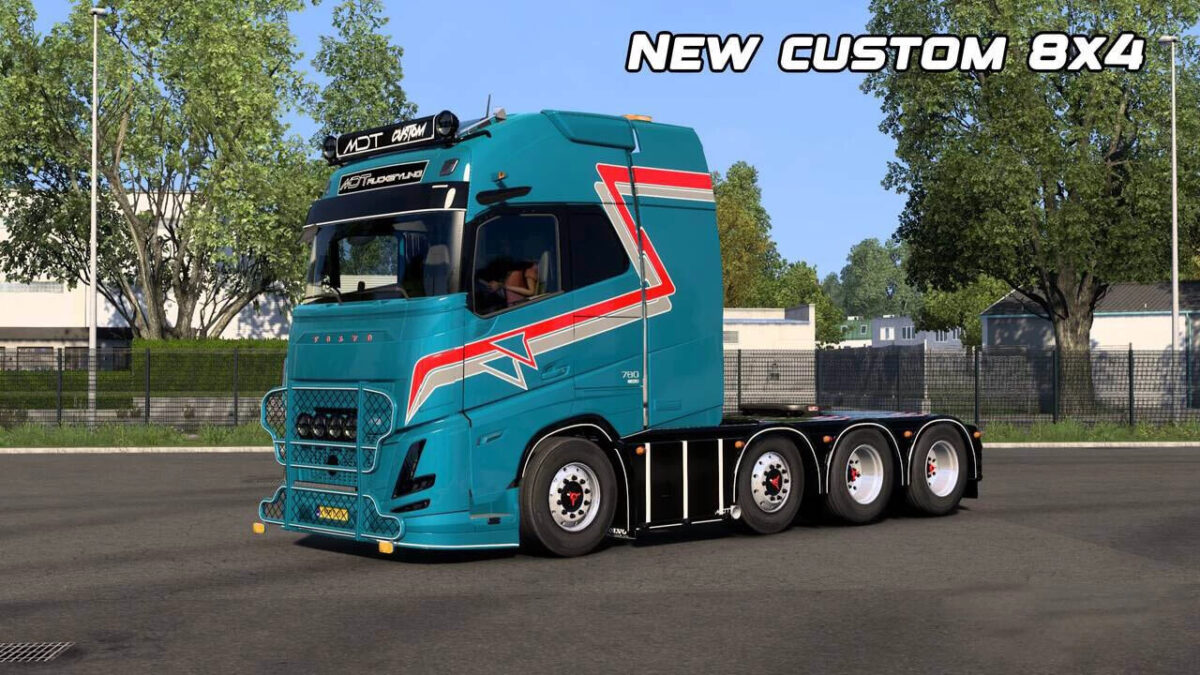
– Added new Custom 8×4 chassis
– New rear bumper, catwalk, sideskirts, and rear toolbox for 8×4 chassis
– New Beacon Ledbar for 8×4 chassis
– Customized “Vlastuin” rear bumper with fresh lighting
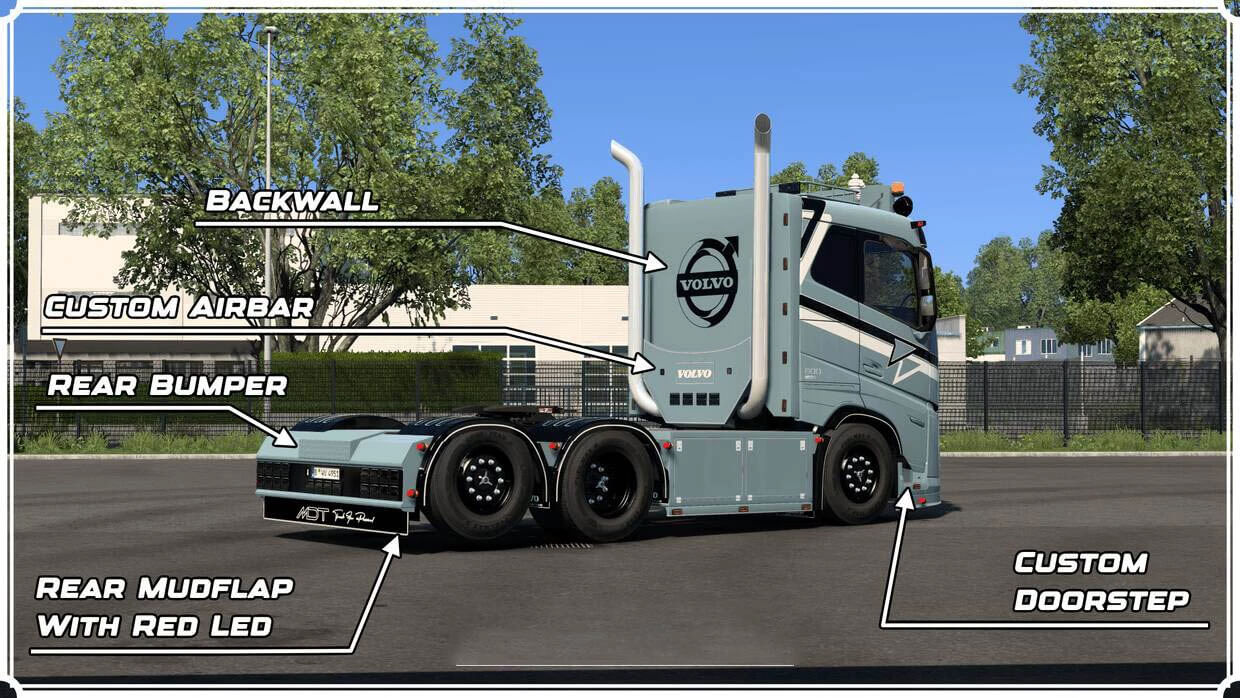
– New Doorstep featuring an illuminated logo
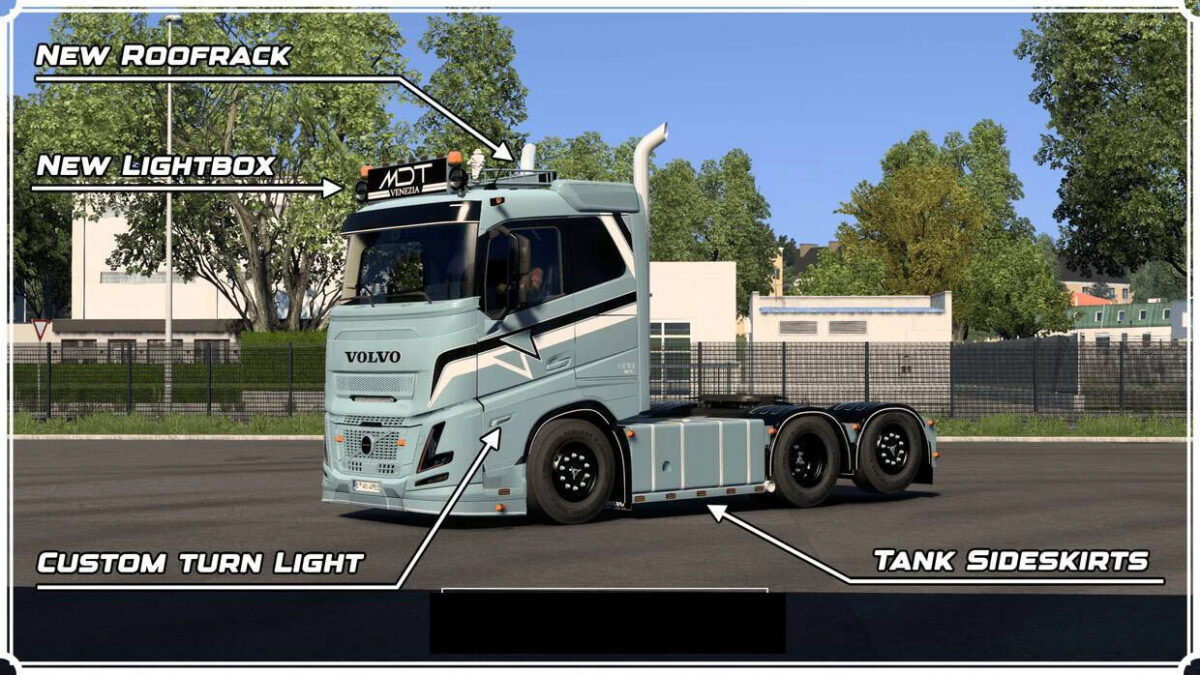
– Short sideskirts with a custom tank for 6×4 chassis
– New roofspoiler slots for Globe and XL Cabs
– New Lightbox incorporating a Beacon Ledbar for Globe and XL/XXL Cabs
– Innovative headlight design with orange strobe lights
– Added slots on the front lip
– All skins upgraded for new accessories
This mod features:
– New custom headlights with white/orange DRL and fog lights
– Lateral turn lights with custom orange LEDs
– Freshly painted front parts
– New front logos available in normal and large sizes with white/orange lights
– Custom front lip featuring slots
– New sunshields with slots
– Front illuminated decals with white/orange light
– Lightbox compatible with all cabs, emitting white/orange light
– Custom doorstep featuring slots
– New sideskirts with slots
– Custom catwalk design
– Backwall for all cabs featuring slots
– Airbar with animated cables and slots
– Custom rear fenders created
– New rear bumpers with slots
– Custom rear mudflaps equipped with red LED lights
– Roof rack for sleeper cab with slots
– Rear ladder designed for sleeper cab
– Painted front logo with back options and white/orange light
– Hypro bullbar with slots
– Custom corner deflectors
– Four skins included: color options in gloss, matte, and metallic with a template-ready skin to draw
– New front cab and chassis fenders with mudflap designs
Credits: Various
How to install ETS2 mods or ATS Mods
To install mods in Euro Truck Simulator 2 is straightforward. Simply download the mod, then copy/unzip the files into: “My Documents\Euro Truck Simulator 2\mod” folder. If you’re playing ATS, install mods in: “My Documents\American Truck Simulator\mod” folder. You can use WinRAR or 7-Zip to unzip files. Afterward, activate the mods you wish to use.