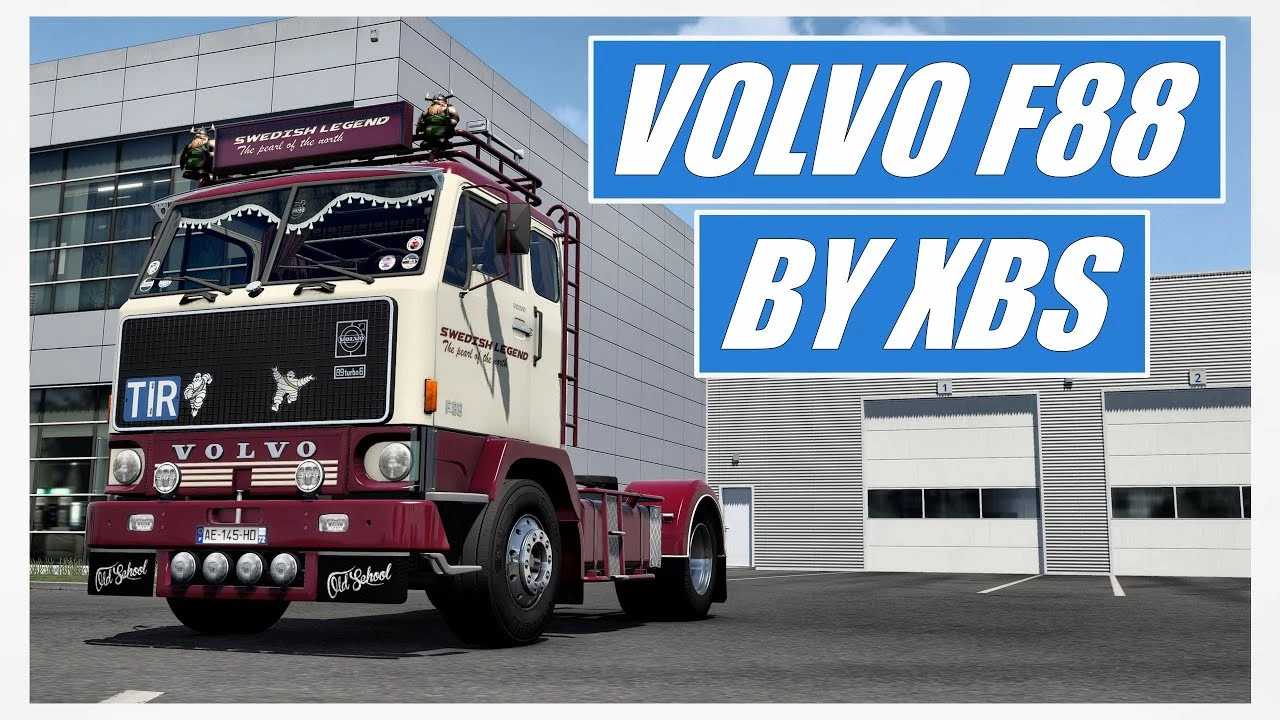
Volvo F88 by XBS v1.9 for ETS2
Changelog v1.9
– Models and materials have been updated.
– Definitions have been revised.
– Importation has been refreshed with the latest data.
– Compatible with version 1.54.
Features:
– Chassis options: 4×2, 6×2 lift axle, and 2 rigid chassis.
– Cabin styles: Long cab and short cab.
– Engine variants: D100b-200Hp, TD100a-260Hp, TD120a-330Hp.
– Transmission types: R60 (8-speed) and SR61 (16-speed).
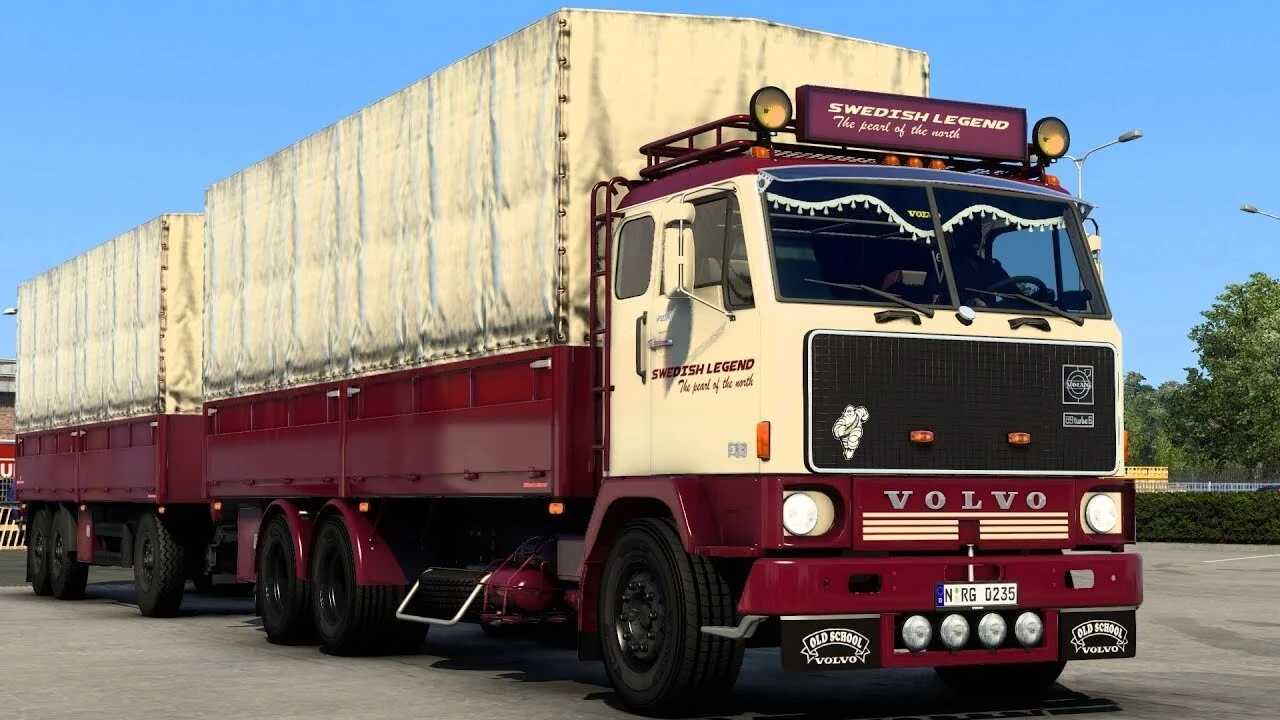
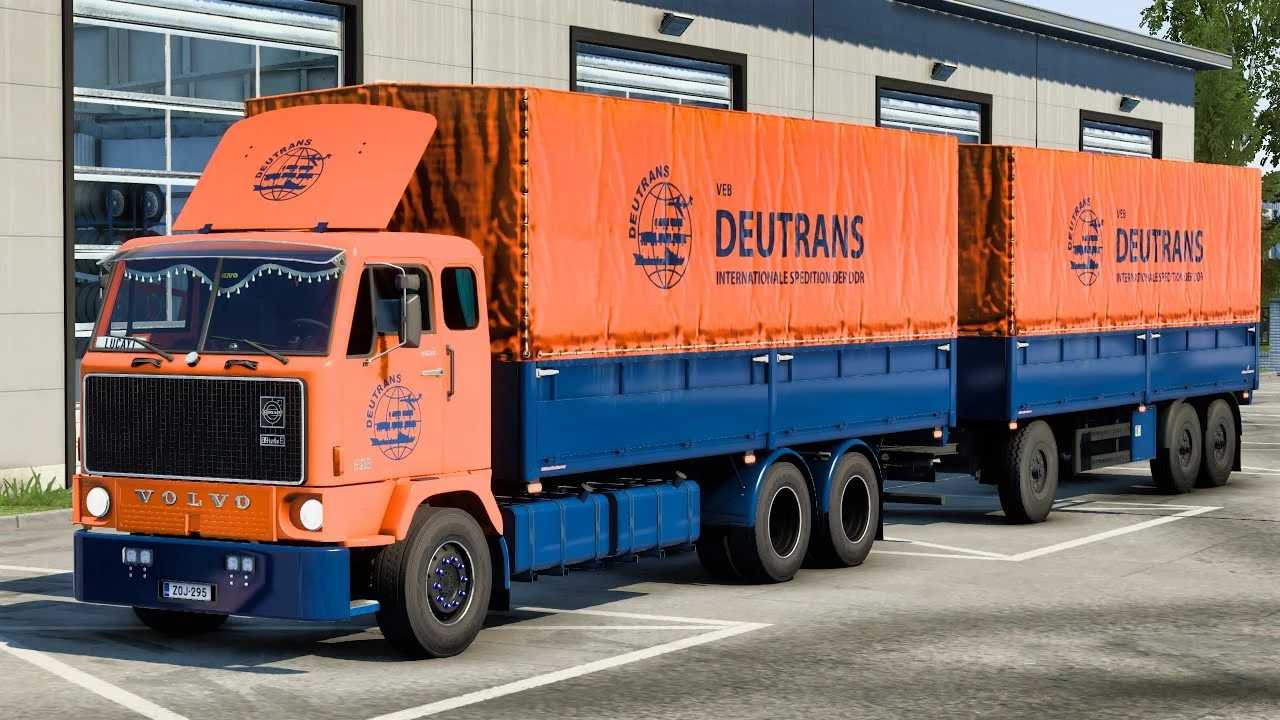
– Multiple skins available for trucks and trailers.
– Includes BDF trailer ownership.
– Chassis tremor functionality.
– Animated wipers.
– Rear fenders for 6×2 and 6×4 chassis.
– Tandem chassis options: 4×2 and 6×2.
– Custom tuning options.
– Available at the Volvo dealer shop.
Credits: XBS
Installation Guide for ETS2 or ATS Mods:
Installing mods in Euro Truck Simulator 2 is straightforward. Simply download the mod, then copy or unzip the files into: “My Documents\Euro Truck Simulator 2\mod” folder. For American Truck Simulator, place the mods in: “My Documents\American Truck Simulator\mod” folder. You may use WinRAR or 7zip to unzip files. Afterward, activate the mods you wish to use.