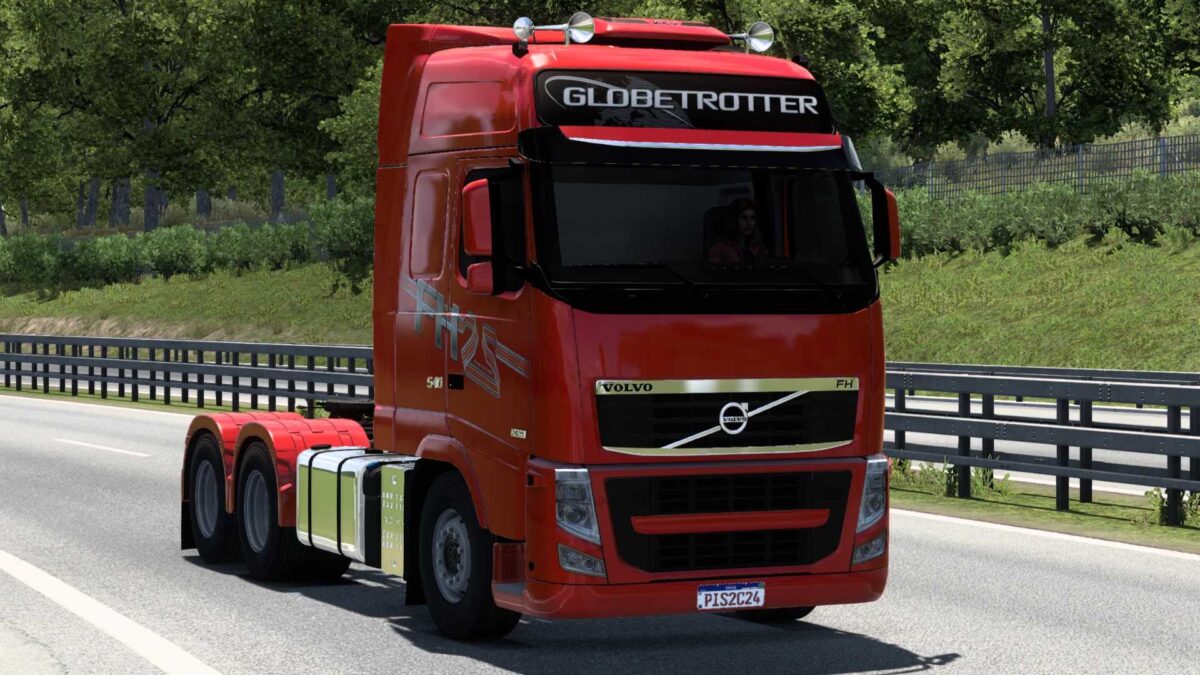
Volvo FH 2012 v1.0 for ETS2
– 2 Chassis Configurations
– 22 Engine Configurations
– 9 Transmission Configurations
– 5 Skin Designs
– Numerous Paintjob Options
– Multiple Tuning Configurations
– Compatible and tested for game version 1.53
Credits: Shop Pisc
Installation Guide for ETS2 or ATS Mods
Installing mods in Euro Truck Simulator 2 is straightforward. Simply download the mod from this site, and move/unzip the files into: “My Documents\Euro Truck Simulator 2\mod” folder. If you’re playing ATS, place the mods in: “My Documents\American Truck Simulator\mod” folder. You can use software like WinRAR or 7zip to unzip files. After that, you must activate the mods you intend to use.