Volvo FH5 Enhanced Dashboard v1.0 for ETS2
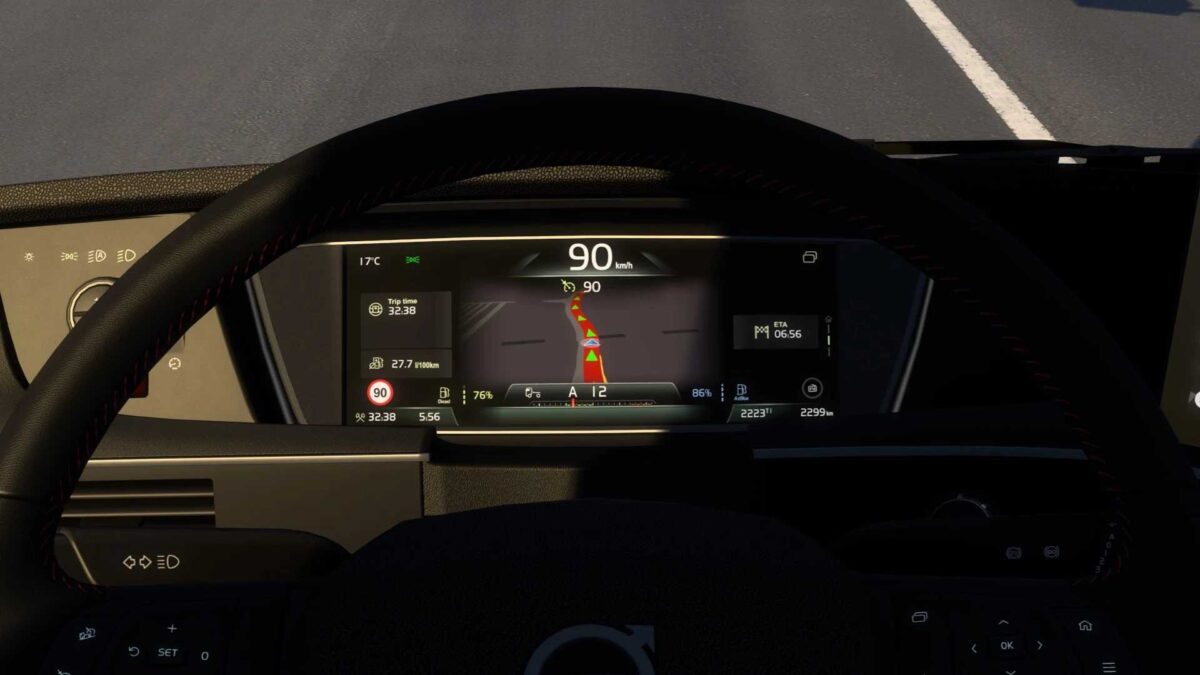
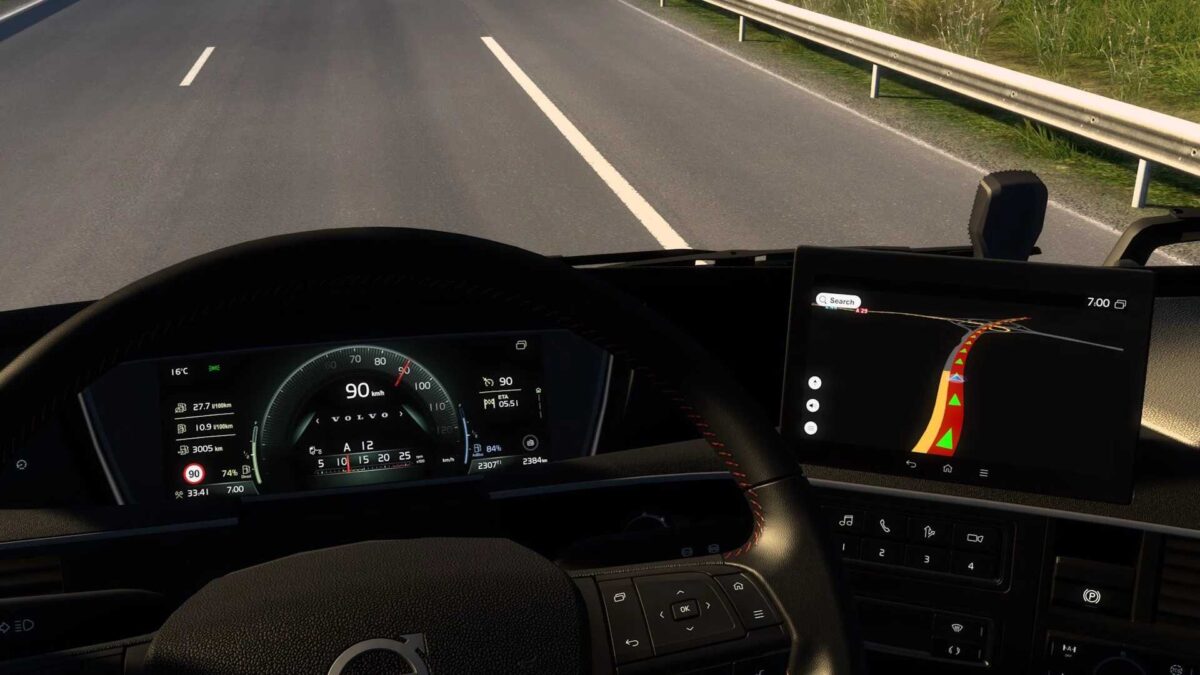
This mod upgrades the SCS Volvo FH5 dashboard:
– Included left/right blind spot indicators;
– Added a speed limit display on the GPS page;
– Current speed value indicator on all pages;
– “mph” version available for UK interiors;
– Logo featured on the home page;
– ETA displayed across all pages;
– Remaining fuel/Adblue percentage indicator on all pages;
– Rearranged dashboard pages;
– Updated background color on the GPS page;
– Revamped cruise control gauge;
– Corrected measurement units for non-Latin alphabet users;
– Additional fixes and enhancements.
Credits: KnightRider, AMYLECH
How to Install ETS2 or ATS Mods
Installing mods in Euro Truck Simulator 2 is straightforward. Simply download the mod from here, then copy/unzip the files into: “My Documents\Euro Truck Simulator 2\mod” folder. If you are playing ATS, place the mods in the: “My Documents\American Truck Simulator\mod” folder. You can use WinRAR or 7zip for unzipping files. After that, activate the mods you wish to use.