Volvo FH6 Aero Addons 1.56 ETS2
Updates:
– Adapted for version 1.56 of the game
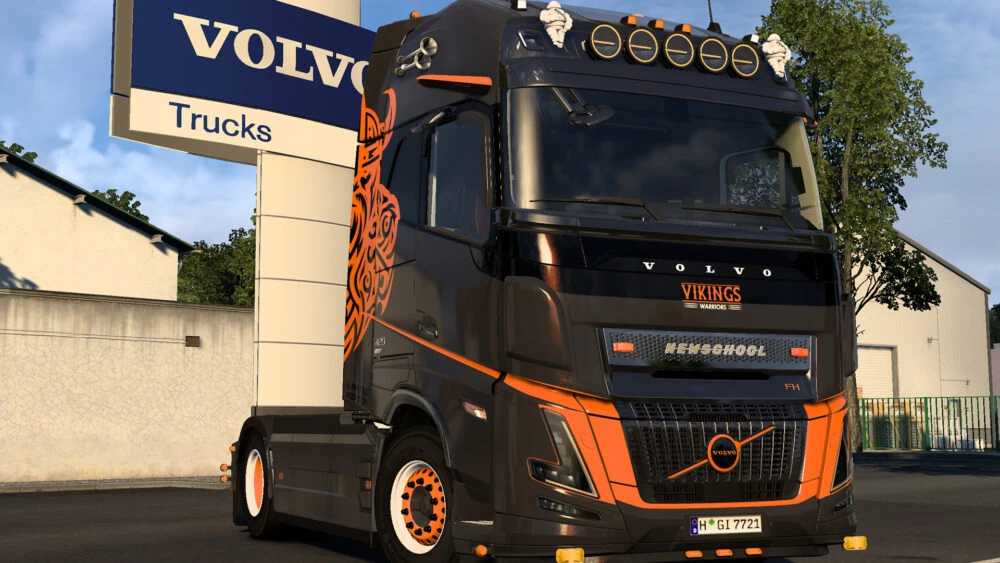
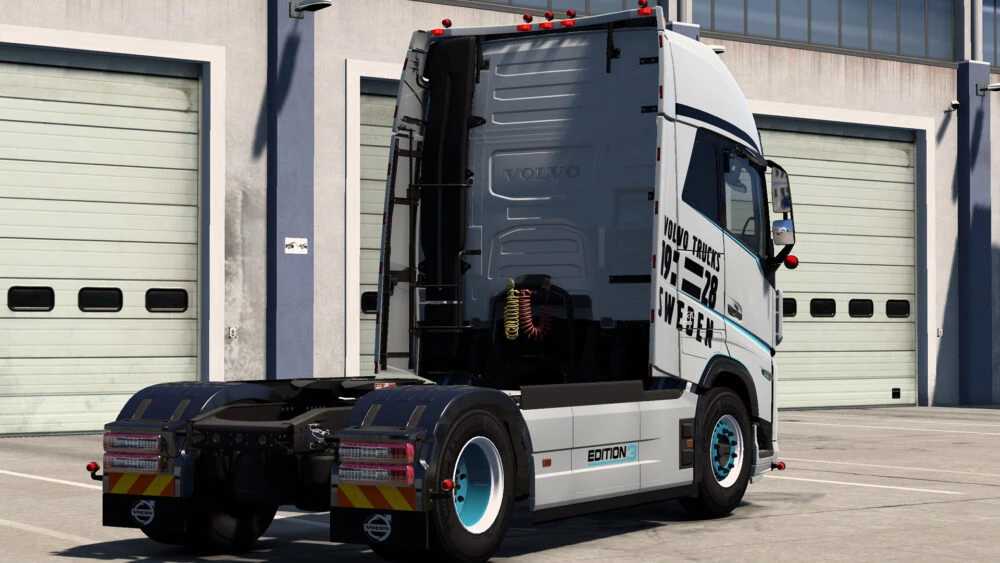
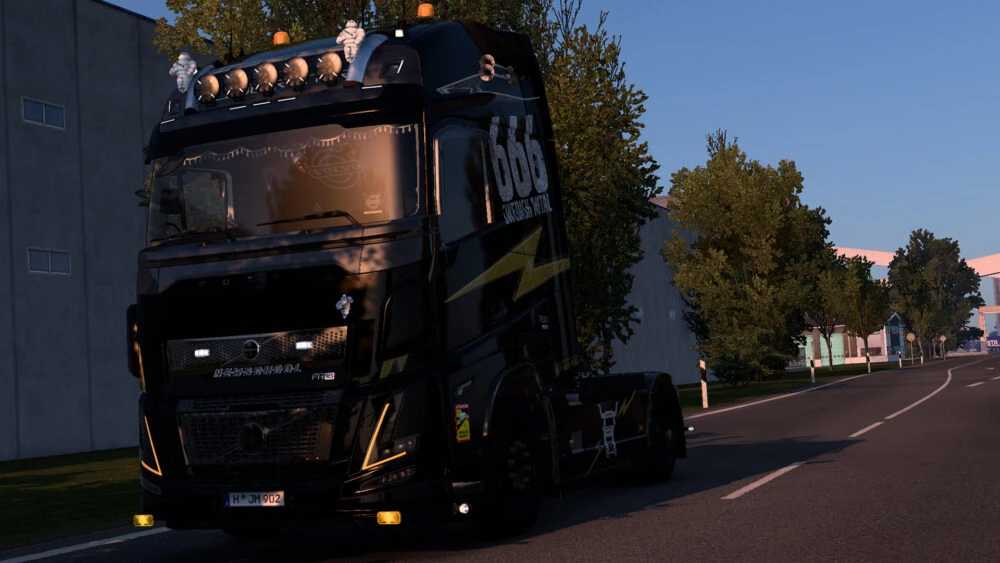
This modification enhances the Volvo FH6 Aero by adding various new customization options.
Certain components are compatible with FH4/5/6 Non Aero models.
Highlights:
– Additional tuning slots (including roof, spoilers – including kast’s spoilers, front bumper, mirrors)
– Custom skins
– New front and rear bumpers
– Roof grills
– Front lips
– Various styles for different components
– Window deflectors (available via l_flag)
– Corner deflectors
– New interior seat options
– Sunshields
– Rear bumper mudflaps
– Headlights & turn signals
– Badges for rear bumper and cab intake
Important Notes:
– Template is currently only available for corner deflectors
– Rear bumpers do not have templates as of now
– It is highly recommended to use it alongside the BC-Exterior Belka accessory pack
– A list of accessories is included in the archive
Credits: Umri20
How to Install ETS2 or ATS Mods
Installing mods in Euro Truck Simulator 2 is straightforward. Simply download the mod, and place/unzip files into the “My Documents\Euro Truck Simulator 2\mod” folder. For American Truck Simulator, place the mods in the “My Documents\American Truck Simulator\mod” folder. To unzip files, you can utilize either WinRAR or 7zip. Afterward, you need to activate the mods you wish to use.