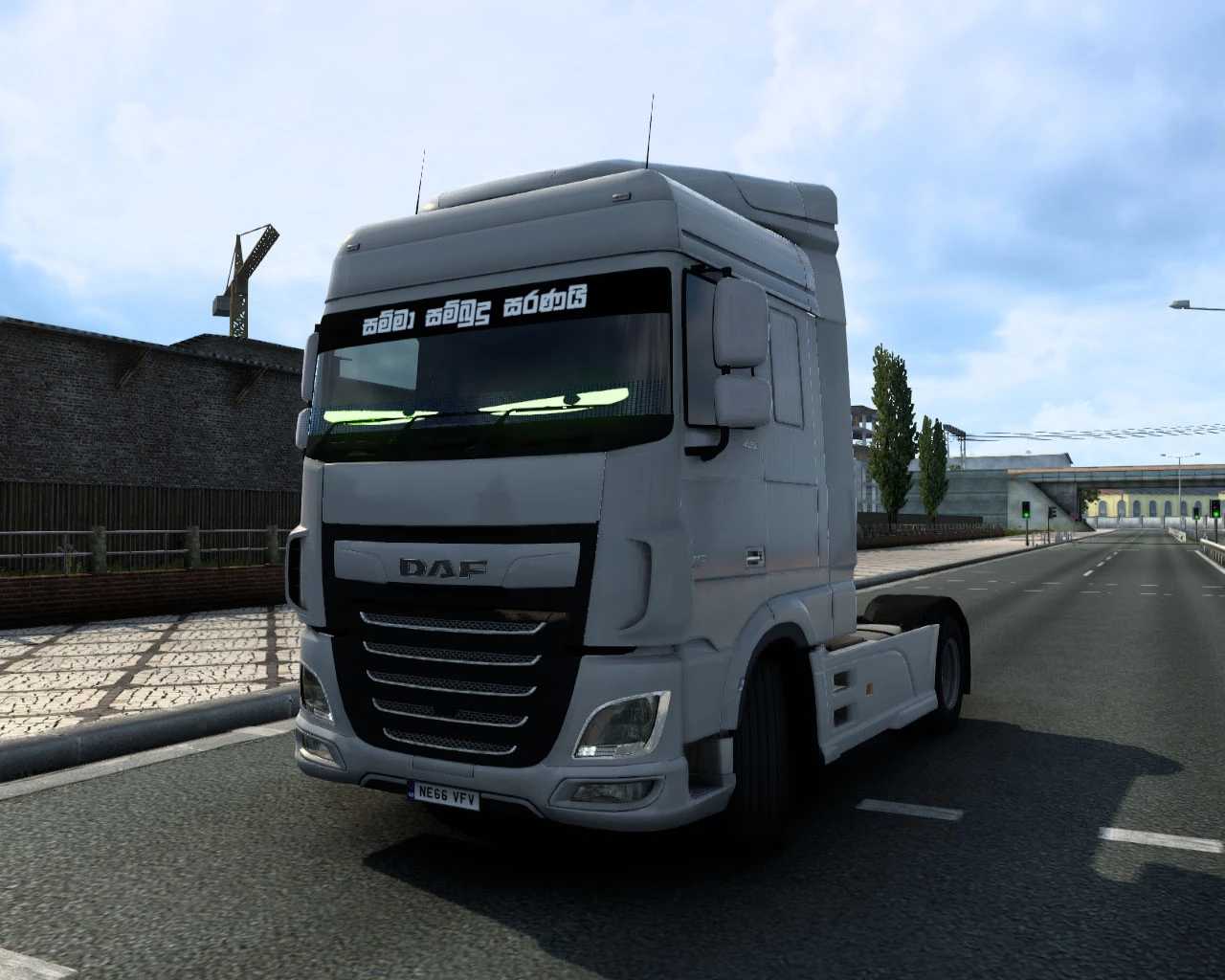
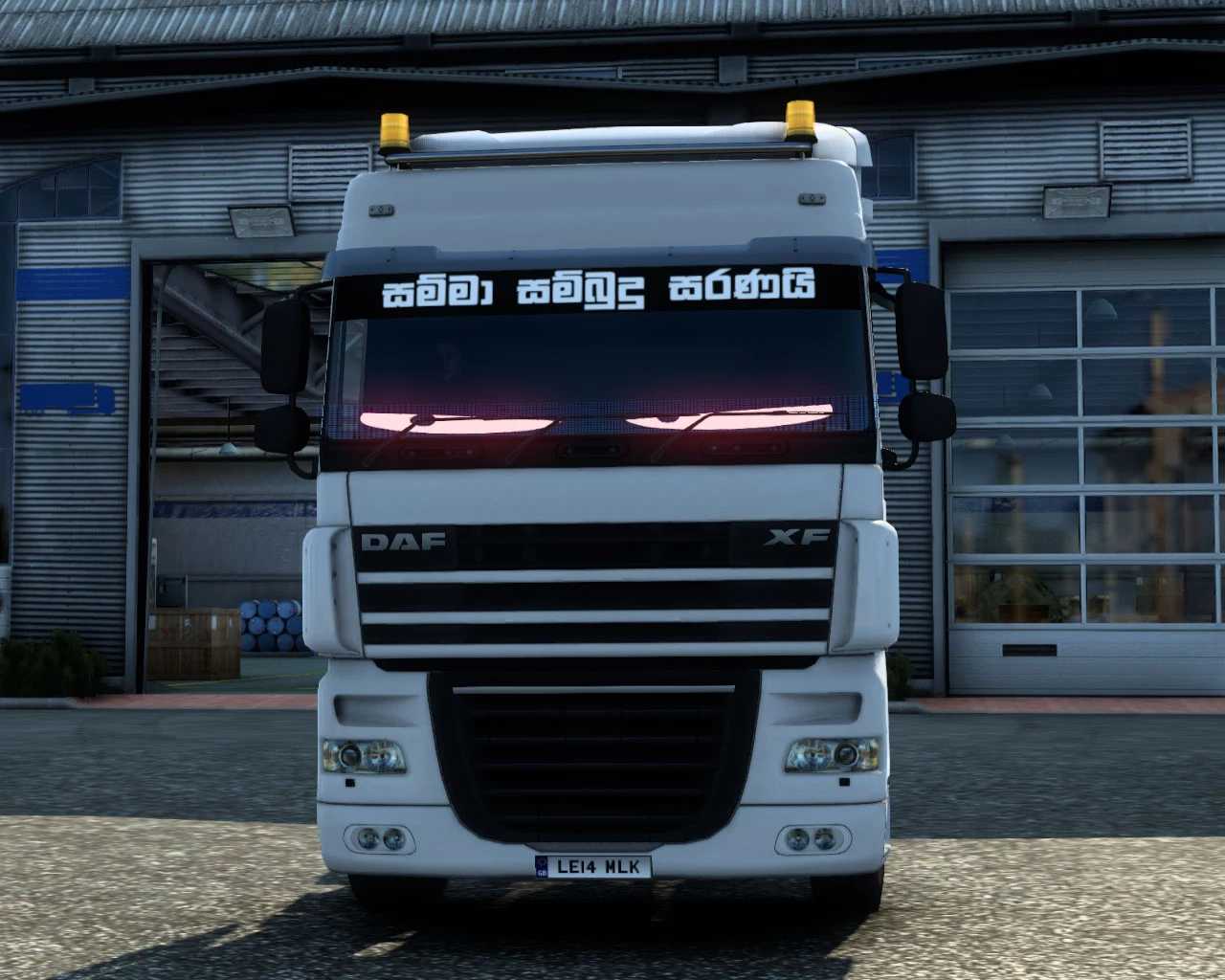
Windscreen Sticker v1.0 for ETS2
Compatible with:
– DAF XF 105
– DAF XF E6
Compatible Versions: 1.35 – 1.51
INSTALLATION INSTRUCTIONS FOR SKIN MOD:
01 ) COPY SCS FILE
02 ) PASTE INTO YOUR ETS2 MOD FOLDER
03 ) LAUNCH ETS2 AND ENABLE THE MOD
04 ) ENJOY
Credits: Ceylon Trucker
Instructions for Installing ETS2 or ATS Mods
Installing mods in Euro Truck Simulator 2 is straightforward. Simply download the mod from this site, then copy/unzip the files into the “My Documents\Euro Truck Simulator 2\mod” folder. For American Truck Simulator, place the mods in the “My Documents\American Truck Simulator\mod” folder. You can utilize WinRAR or 7zip to unzip the files. After that, be sure to activate the mods you wish to use.