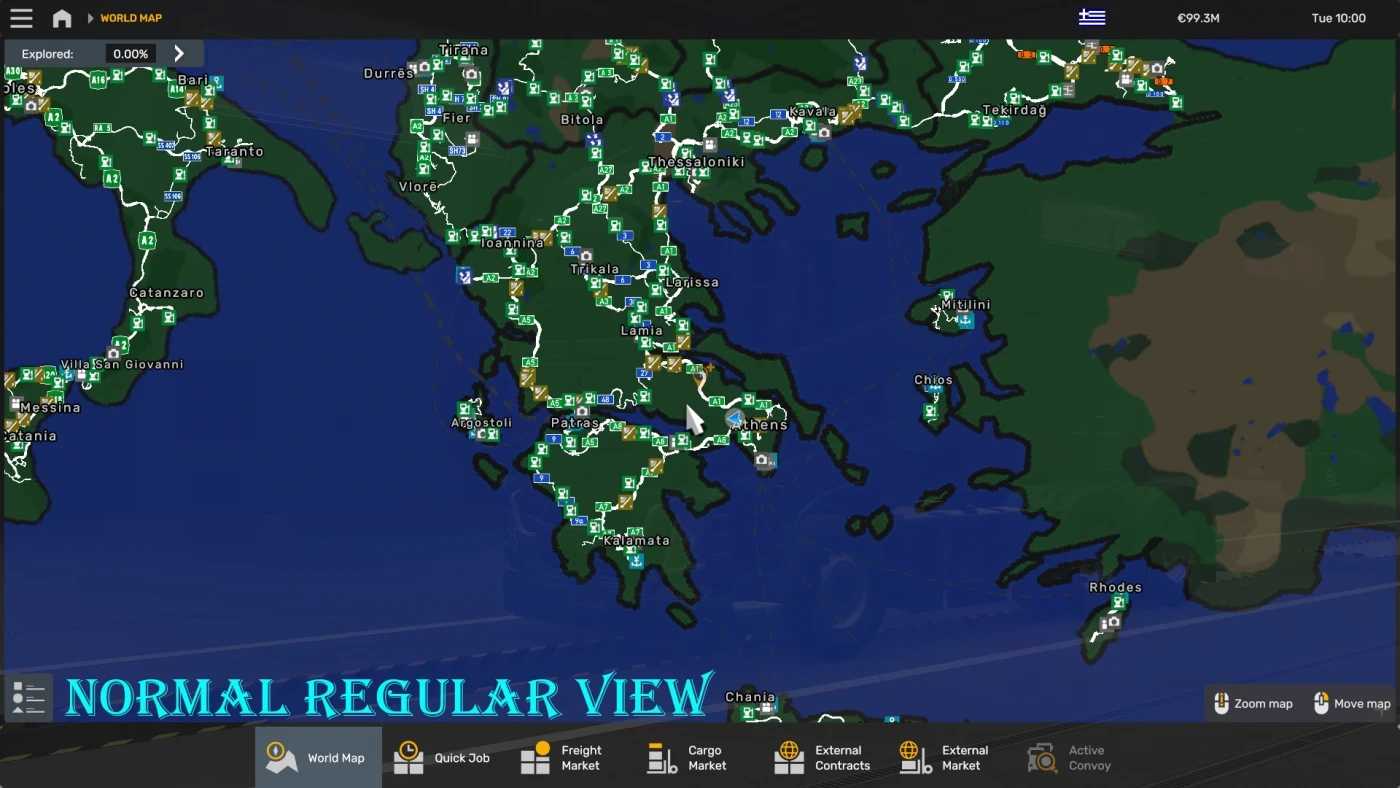
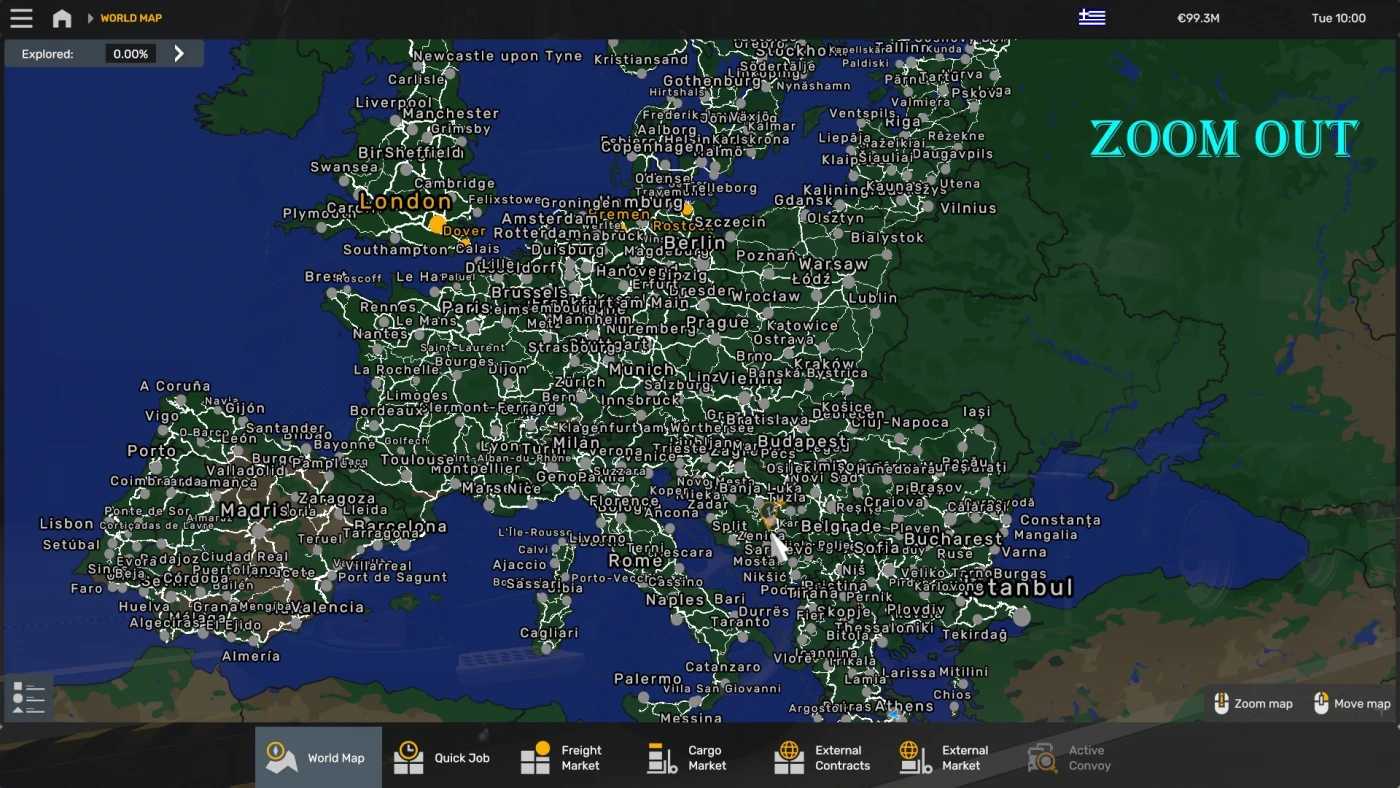
The World Background Map v1.54-1.0.0 ETS2
Changelog 1.54-1.0.0
– New Versioning System
– Minor Adjustments to borders
Description
– Extensive Coverage: This mod offers a broad assortment of supported maps, ideal for players seeking an expansive gaming experience.
– Improved Clarity: The adjusted brightness enhances usability, particularly for navigation purposes.
Note:
The DEF File is editable; you can modify the road colors and any other aspects as needed – the Base File is required.
The Base File is restricted and can be used independently of the DEF.
Credits: GMC
How to Install ETS2 Mods or ATS Mods
Installing mods in Euro Truck Simulator 2 is straightforward. Download the mod from here and copy/unzip the files into: “My Documents\Euro Truck Simulator 2\mod” folder. For American Truck Simulator, use the “My Documents\American Truck Simulator\mod” folder. Use WinRAR or 7zip to unzip files. After that, activate the mods you wish to use.