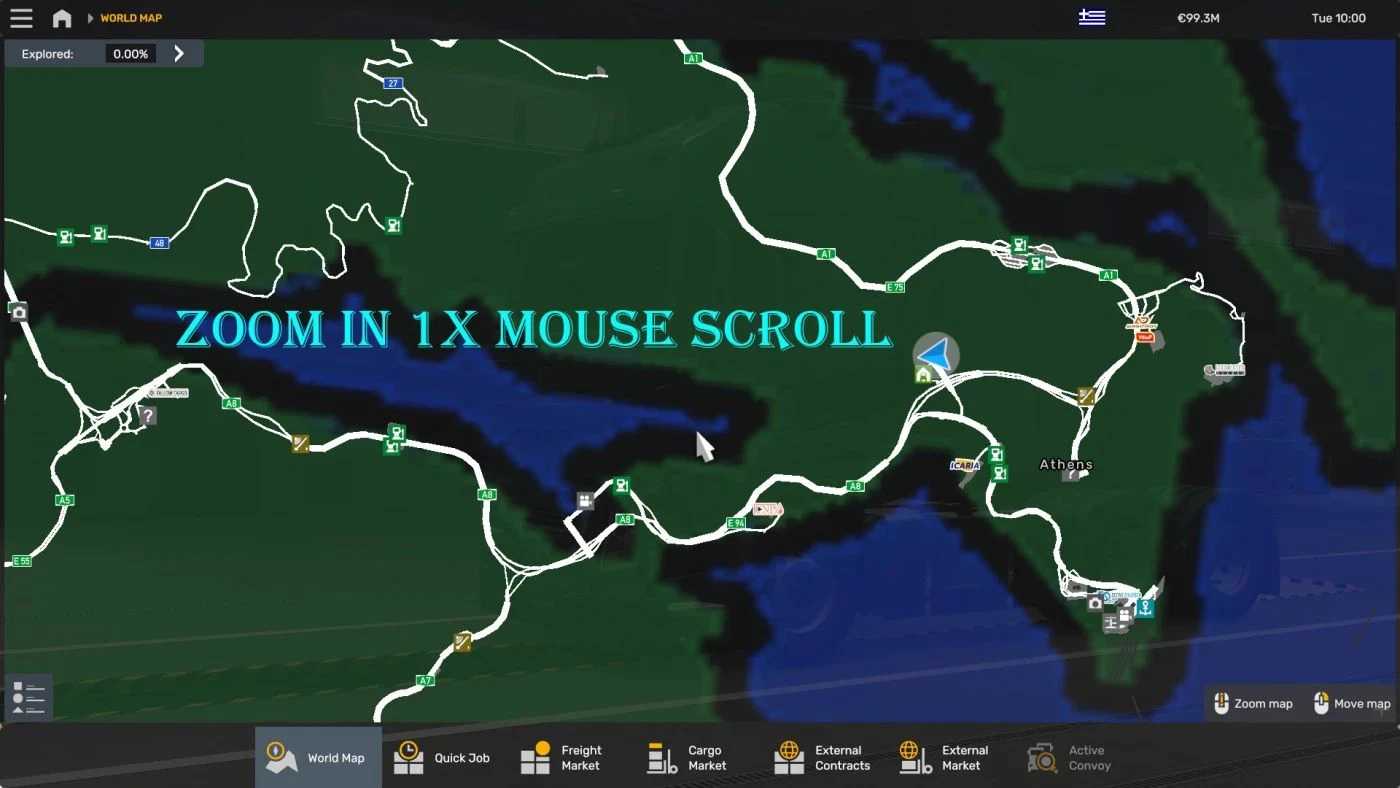
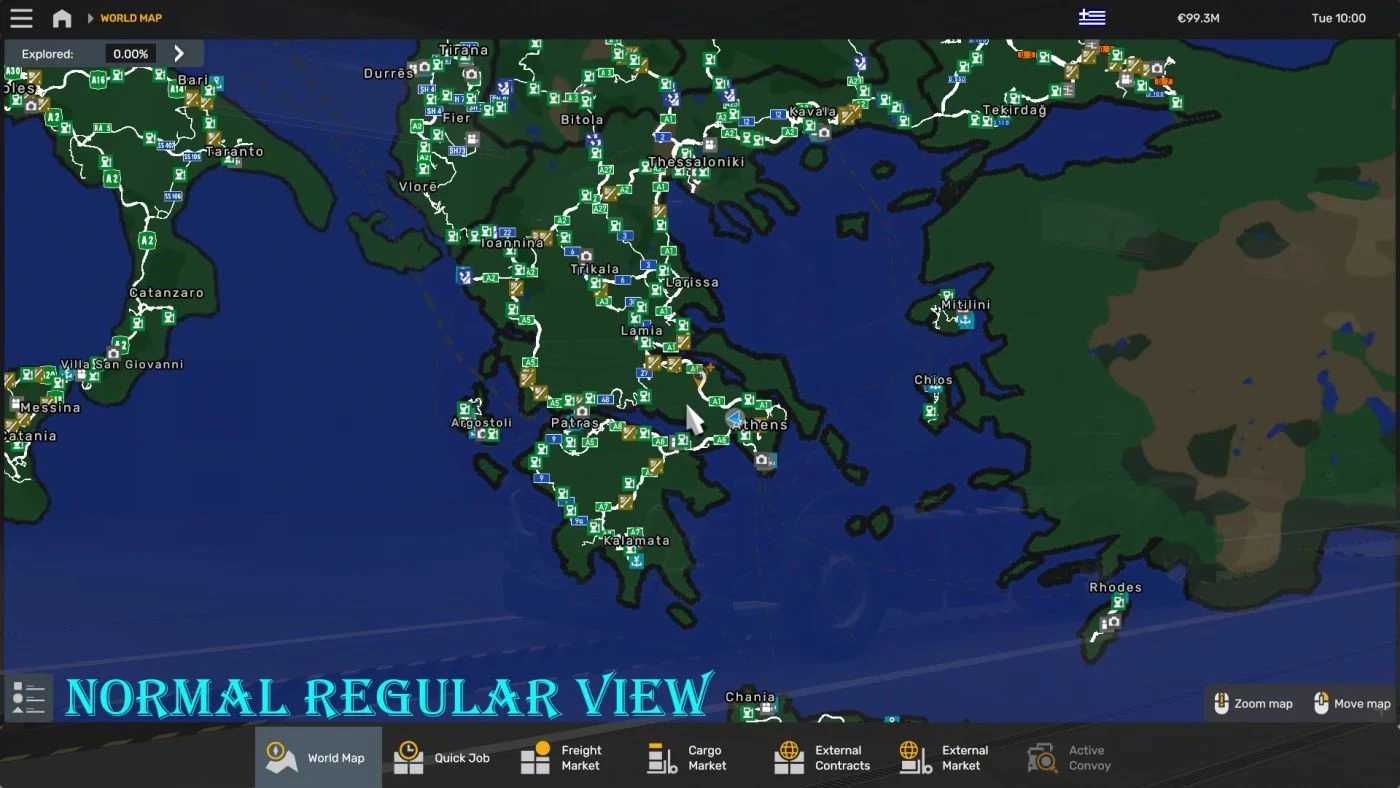
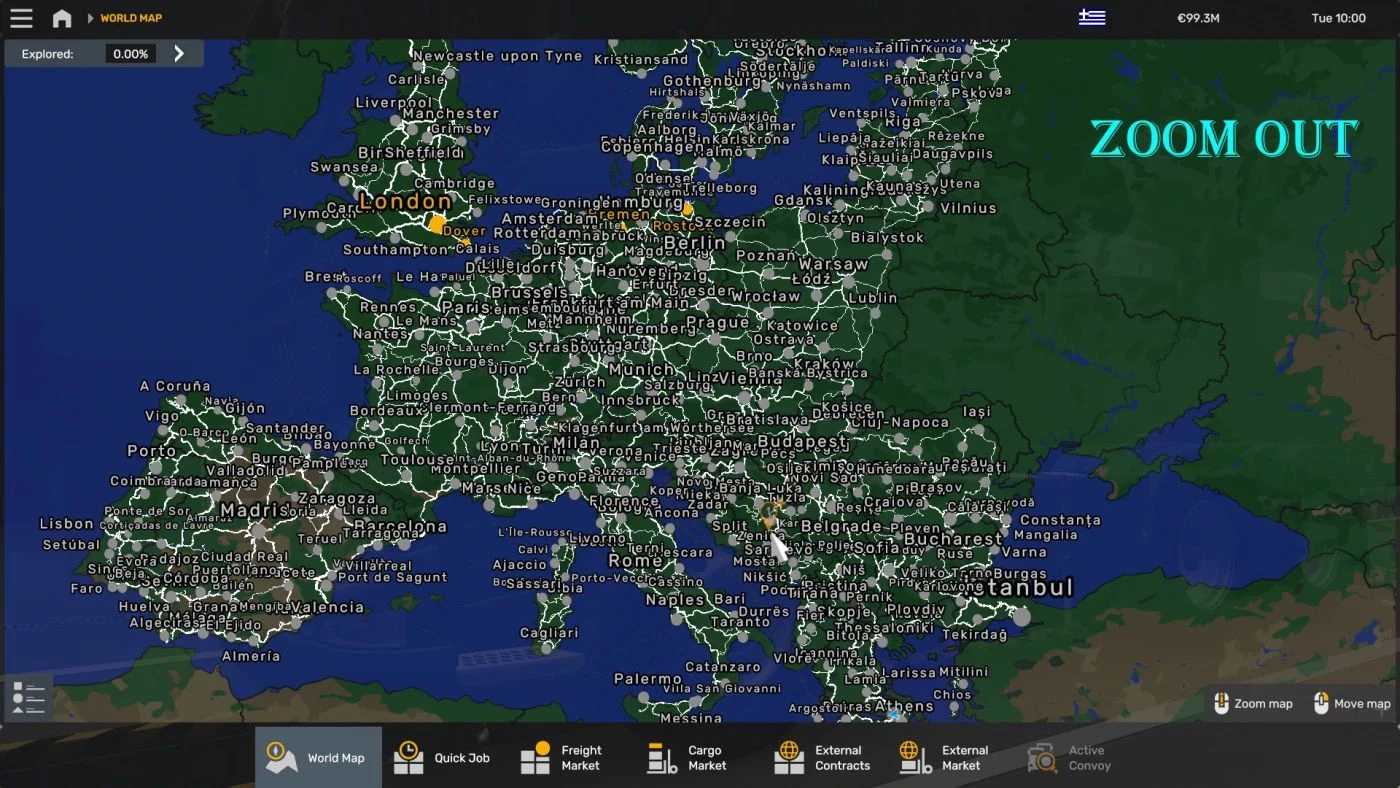
The World Background Map v1.54-1.0.2 for ETS2
1. Compatibility:
This map is compatible with ETS2 versions 1.53, 1.52, and likely supports others as well.
2. Integrated Fixes:
The map includes adjustments like shifts, scales, and other technical corrections, ensuring smooth gameplay.
3. Origins and Enhancements:
– Originally sourced from ProMods, it has been reworked by DOWL.
– Melphiz adapted it to better align the continents with the in-game world rather than real-world geography.
– Improvements have been made to enhance compatibility with all known mod maps.
– Brightness has been reduced for better visibility of country names on the cargo map.
4. Supported Maps:
The integration covers most mod maps, excluding Eastern Express, MarioMAP, and Standalone maps.
Advantages of Our Version:
– Comprehensive Coverage: This modification supports a wide array of maps, appealing to players seeking an expansive gaming experience.
– Enhanced Readability: The reduced brightness ensures better usability, particularly for navigation.
Greenland has been revised and corrected.
Credits: GMC Community
How to Install ETS2 or ATS Mods
Installing mods in Euro Truck Simulator 2 is straightforward. Simply download the mod from here and copy/unzip the files into the “My Documents\Euro Truck Simulator 2\mod” folder. For American Truck Simulator, place the mods in the “My Documents\American Truck Simulator\mod” folder. To unzip files, you can use WinRAR or 7zip. After that, you need to activate the mods you wish to use.